

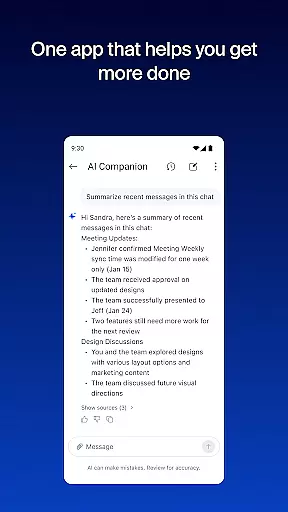




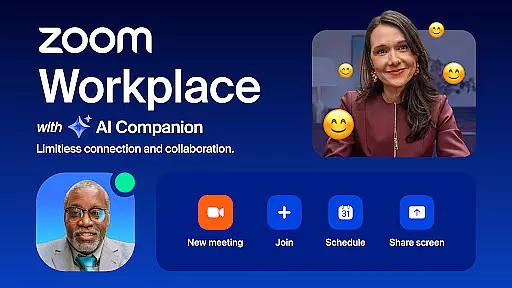
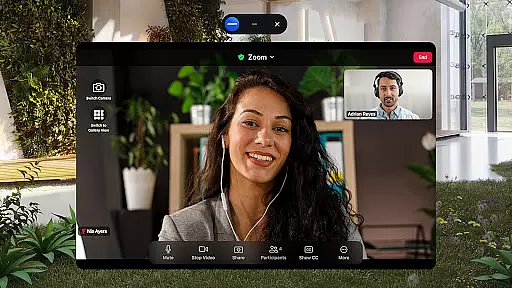
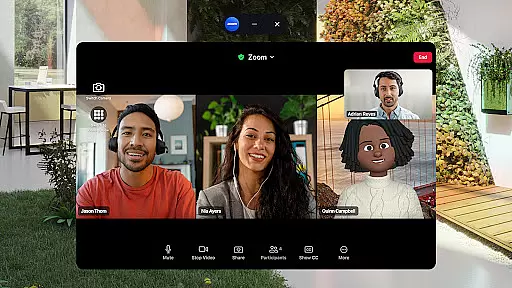
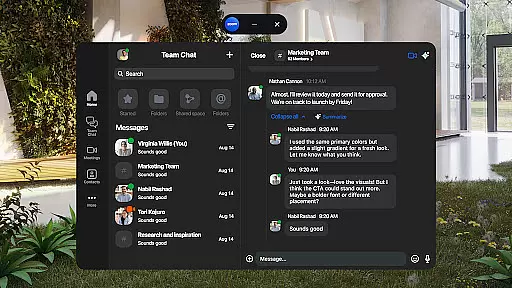
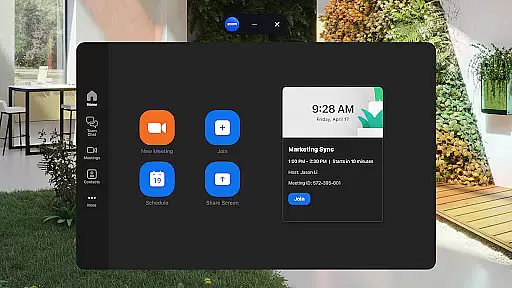
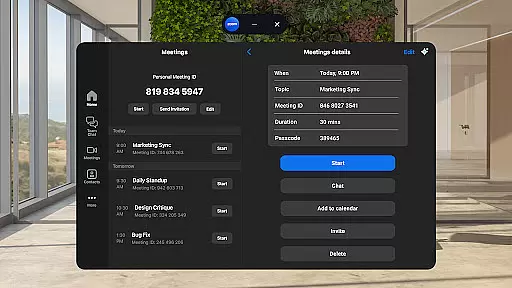
Zoom Workplace is an all-in-one business communication platform that integrates team chat, video meetings, phone calls, whiteboard, calendar, mail, and document collaboration. Designed for both free and paid Zoom users, it offers a unified solution for modern workplace needs. With AI Companion available for Pro or Business license holders, the app provides intelligent assistance such as summarizing unread messages and drafting content.
The platform is particularly beneficial for mobile professionals who need to stay productive on the go. Users can seamlessly transition between devices, schedule meetings with one tap, and access enterprise-grade security features. Whether you're managing internal teams or communicating with external partners, Zoom Workplace ensures efficient and secure collaboration across all touchpoints.
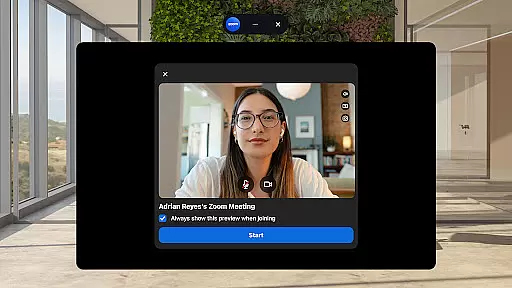
Zoom Workplace stands out with its comprehensive feature set tailored for business productivity. The AI Companion functionality helps users quickly prepare for meetings by generating summaries and drafting content. The app's seamless integration of communication tools allows users to schedule or join video meetings, place phone calls, and send SMS messages from a single interface.
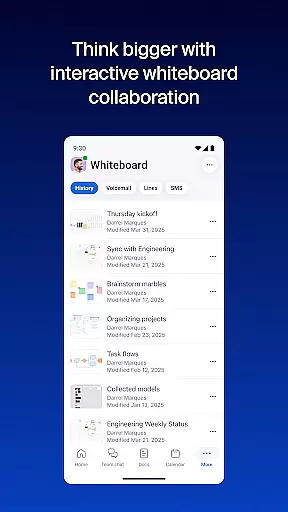
Productivity enhancements include automated meeting summaries, virtual whiteboards for brainstorming sessions, and Zoom Docs for organizing information. The platform also supports cross-device functionality, enabling users to move live meetings between devices effortlessly. Advanced security features like SSO and enterprise-grade encryption ensure data protection, while hands-free voice commands provide convenient operation.
Zoom Workplace revolutionizes collaborative work by integrating essential communication tools into a single platform. The application combines team chat, video meetings, phone capabilities, and collaborative whiteboards, all accessible from your mobile device.
One of the standout features is the seamless integration of AI Companion, which enhances productivity. This personal assistant summarizes unread messages, drafts new content, and keeps conversations focused. With a Pro or Business license, users can leverage AI to quickly prepare for meetings and generate first drafts of documents.
The platform also supports cross-device functionality, allowing users to move live meetings between devices with a single tap. This flexibility ensures that teams can collaborate effectively regardless of their physical location.
Enterprise-grade security measures, including SSO and hands-free voice commands, ensure safe and convenient collaboration. These features make Zoom Workplace an ideal solution for modern businesses looking to streamline their communication processes while maintaining high security standards.
Task management within Zoom Workplace is designed to improve overall productivity through smart organization tools. The platform offers integrated calendar and mail features that help users stay on top of their schedules and communications.
Zoom Docs provides a powerful solution for organizing and sharing information at scale. Users can create, edit, and collaborate on documents in real-time, ensuring that team members always have access to the most up-to-date information.
The application's AI capabilities extend to automated meeting summaries, which save valuable time for busy professionals. These summaries capture key discussion points and action items, making follow-up tasks more manageable.
Additionally, the platform supports virtual whiteboarding sessions for brainstorming and visual planning. This feature, combined with the ability to assign meeting co-hosts and schedulers, creates a comprehensive task management ecosystem that helps teams stay organized and efficient.
Comprehensive communication tools
AI-powered productivity features
Seamless cross-device functionality
Enterprise-grade security measures
User-friendly interface design
Paid features require subscription
AI Companion has regional limitations
Some features still in development
Free version has limited capabilities
Occasional connectivity issues

 4.70
4.70
Zoom built for Chrome OS
3.90
Formerly Facebook Ads Manager. Manage and create ads on the go.
4.20
The Penny Puss app with DG penny finder
4.10
Manage Your Shop
4.70
All your team communication in one place
4.70
Job search app that finds jobs for you! Takes the work out of looking for a job!
4.90
From Gone to Back Again — In Just a Few Taps
4.50
Roadie connects people with stuff to send with drivers already going that way.
3.50
GoTo Mobile is a simple & secure calling, messaging & meetings solution
4.80
The MyWalmart App is available for all associates in stores.
4.70
Your employer must have UKG Ready software configured for Mobile.
4.60
Finance, Investing, Stocks, Trading and Stock news
4.60
Find jobs near you and temp work in minutes, from your phone.
4.50
All Your Gig Work. One App.
4.30
All-in-one Mobile solutions for employees & managers to succeed at work
4.30
Scan Business Cards & Conference Badges - Capture Leads at Events & Tradeshows
4.20
Build a store in minutes with our full suite of AI tools. Start for free!
4.20
All document reader, pdf viewer app, read docs & excel files
3.80


User Reviews