
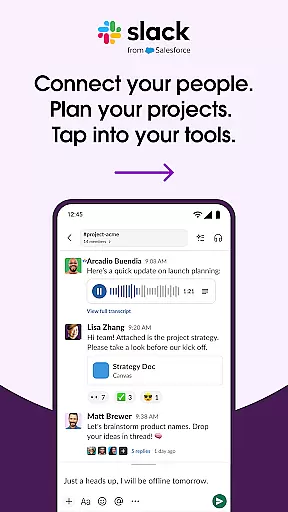
Slack is a leading business communication platform designed to transform chaotic workflows into streamlined collaboration. It serves as a centralized hub where teams can conduct meetings, share files, collaborate on documents, and integrate with essential workplace apps. Available across multiple devices, Slack ensures seamless connectivity whether you're working from the office or remotely.
The platform's strength lies in its channel-based messaging system, allowing teams to organize discussions by projects, departments, or topics. With additional features like video conferencing, screen sharing, and AI-powered search capabilities, Slack empowers businesses to maintain productivity and keep all necessary tools within reach. This cohesive environment is especially valuable for companies looking to scale while maintaining efficient internal communication.
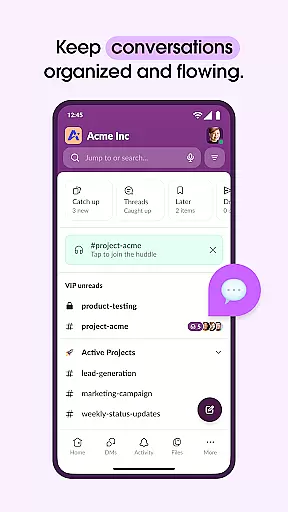
Slack stands out with its robust feature set tailored for modern business needs. The platform offers dedicated channels for every project, ensuring that conversations remain focused and accessible. Teams can hold voice and video calls directly within the app, facilitating real-time collaboration without switching between different software.
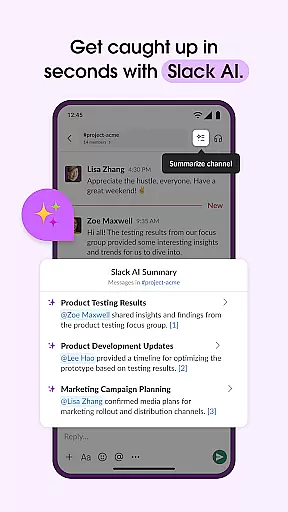
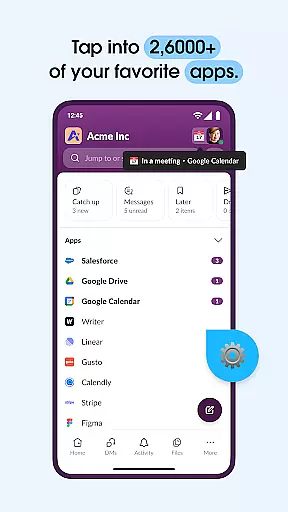
One of Slack's key innovations is its ability to integrate with over 2,600 third-party applications, including industry staples like Google Drive, Salesforce, and Dropbox. This flexibility allows users to consolidate their workflow into a single interface. Additionally, advanced functionalities such as AI-driven search and automated meeting notes help teams save time and stay organized. These features collectively enhance productivity and make Slack an indispensable tool for businesses aiming to optimize their operations.
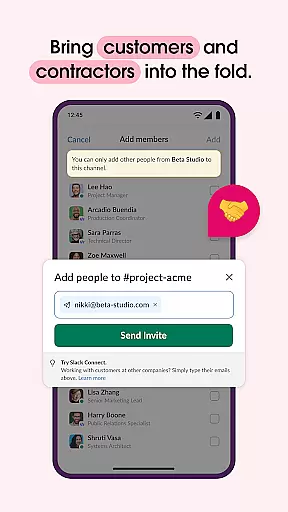
Collaborative work features are essential for modern businesses looking to enhance team productivity and communication. Slack excels in this area by providing a unified platform where teams can seamlessly interact and collaborate.
The application offers dedicated channels for every project, ensuring that discussions and files remain organized and accessible. With the ability to work alongside external partners, customers, and vendors, Slack breaks down communication barriers and fosters a cohesive work environment.
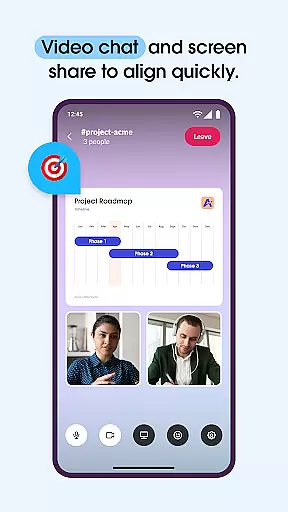
Moreover, Slack incorporates powerful tools such as video chat and screen sharing, allowing teams to conduct meetings and discuss projects in real-time. The option to send audio or video clips further enriches communication, making it easier to convey complex ideas without the need for lengthy text explanations.
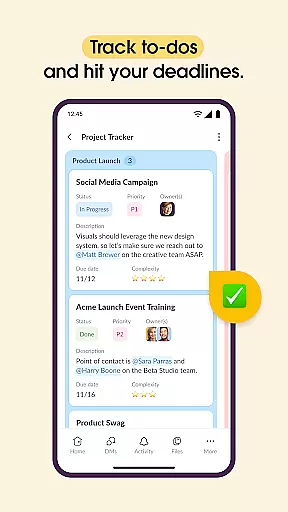
Effective task management is crucial for keeping projects on track and ensuring timely delivery. Slack addresses this need by integrating comprehensive project management tools within its platform.
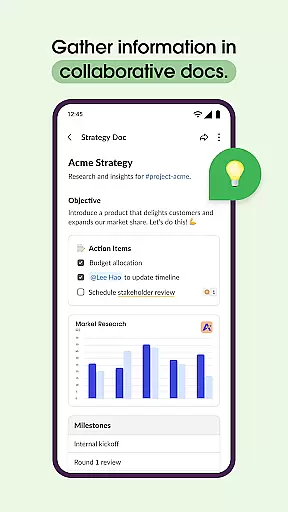
With features like pre-made and customizable templates, teams can quickly set up projects for success. Shared documents enable real-time collaboration on marketing plans, product specs, and more, streamlining workflows and enhancing productivity.
Additionally, Slack's task management capabilities include tracking to-dos, assigning tasks, and mapping out milestones. These tools help teams stay organized and focused, ultimately driving project success and business growth.
User-friendly interface
Robust integration options
Efficient team collaboration
AI-powered productivity tools
Cross-platform availability
Higher pricing tiers
Steep learning curve
Limited free version
Occasional sync issues
Resource-intensive

Ask Accio anything about business. Alibaba-backed, built by experts, not just AI
 4.60
4.60
The Penny Puss app with DG penny finder
4.10
The MyWalmart App is available for all associates in stores.
4.70
Find the right fit, faster.
4.70
Amazon A to Z is the place to manage your work-life at Amazon.
4.50
enjoy effortless PDF reading anytime, anywhere
3.90
Mobile POS for any business: sales, invoices, retail, restaurants & appointments
4.60
Find jobs near you and temp work in minutes, from your phone.
4.50
Smarter career moves start here. AI job alerts, insights & the right tools.
4.20
BuildCalc - the easiest AND the most advanced construction calculator app.
4.80
Recover what matters — quickly and easily.
4.70
Earn money with the driver & delivery partner app for Uber, UberEats & Postmates
4.60
All Your Gig Work. One App.
4.30
Find work, shifts and gigs near you. Jobs lasting a few hours to a few months.
4.30
Make money as a delivery driver with DoorDash and work when you want as a Dasher
4.30
FX Plus adds media, networking, and cloud capabilities to FX File Explorer.
4.10
Find flexible, hourly jobs hiring near you in restaurant, retail & hospitality!
4.00
On the go? Take FedEx with you.
4.00
All document reader, pdf viewer app, read docs & excel files
3.80


User Reviews