
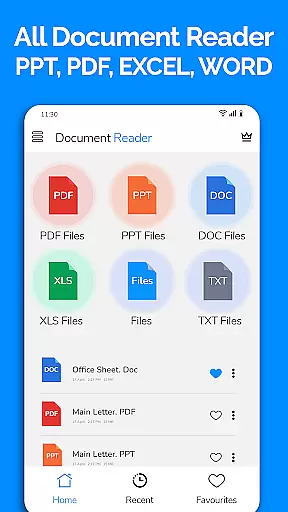
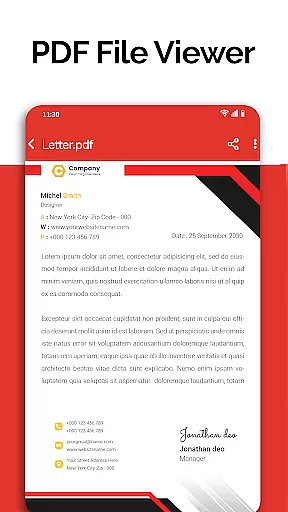
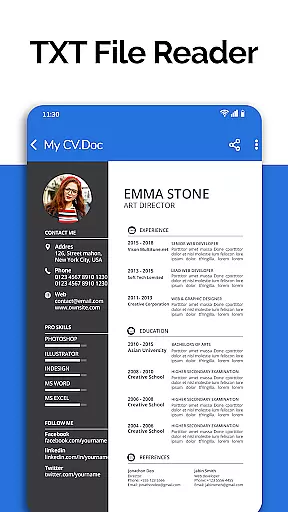
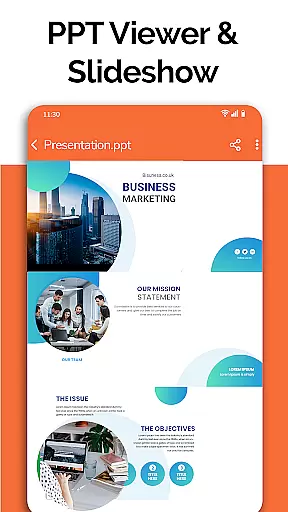
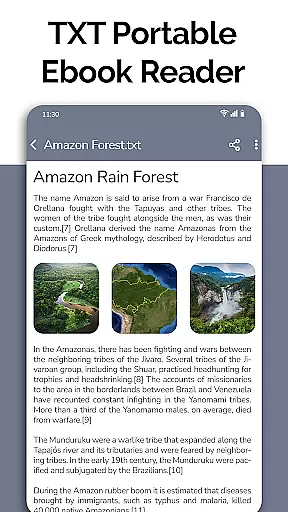
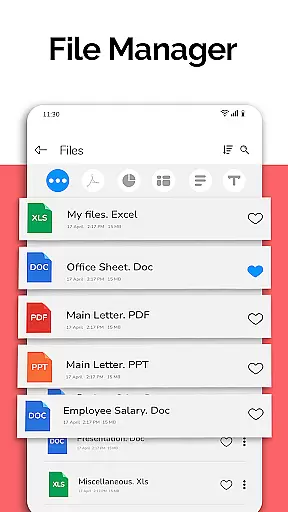
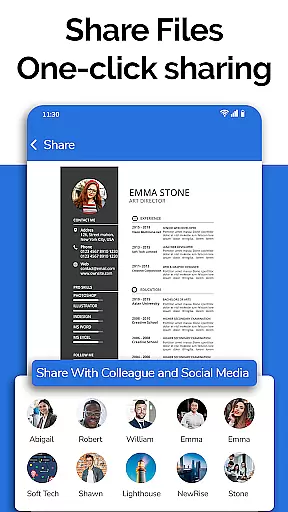
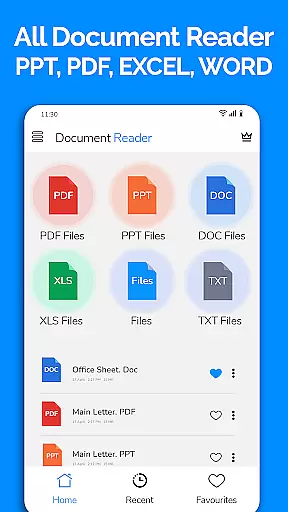
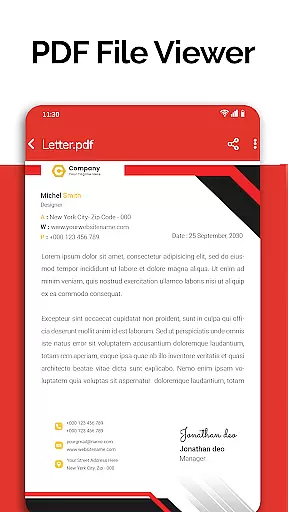
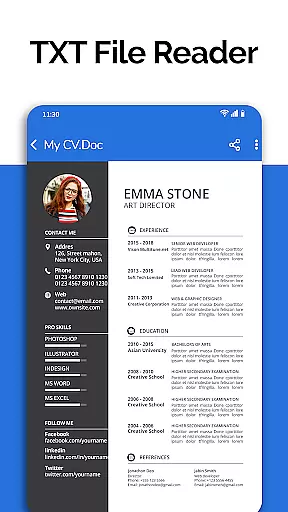
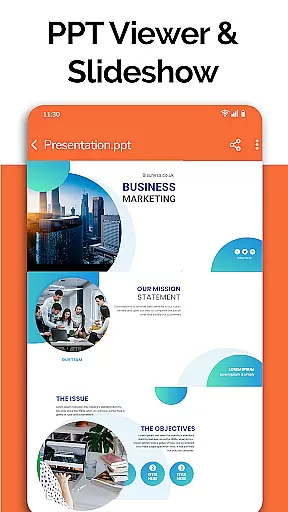
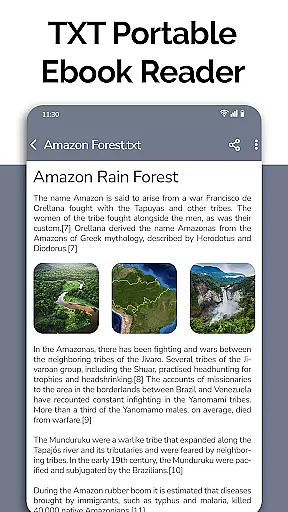
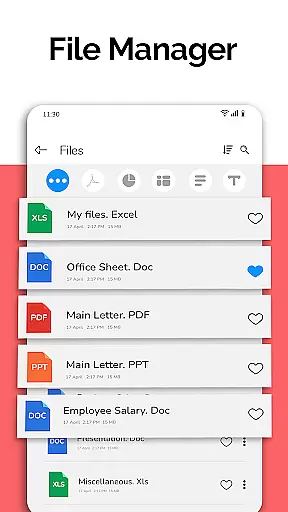
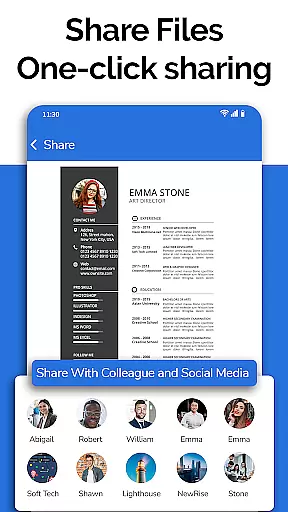
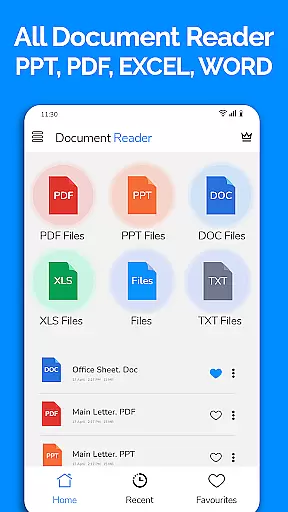
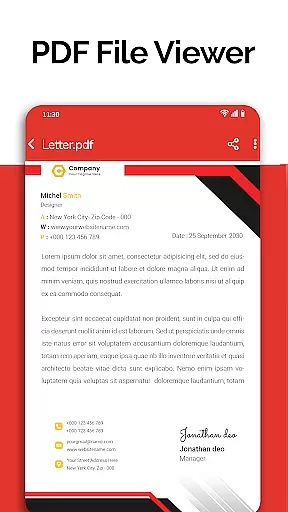
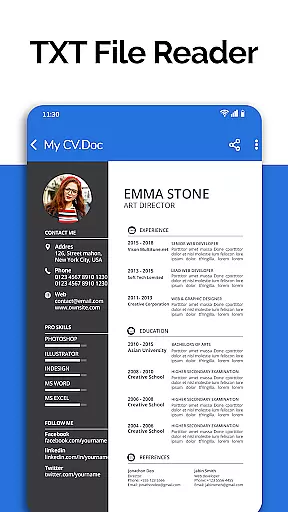
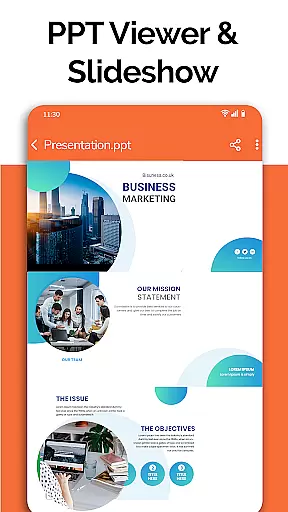
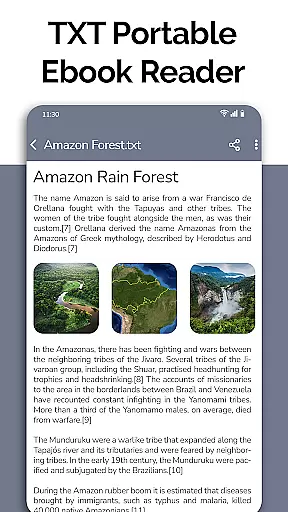
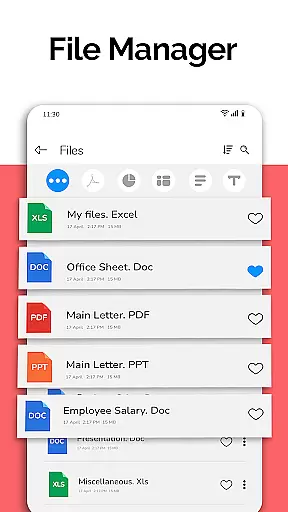
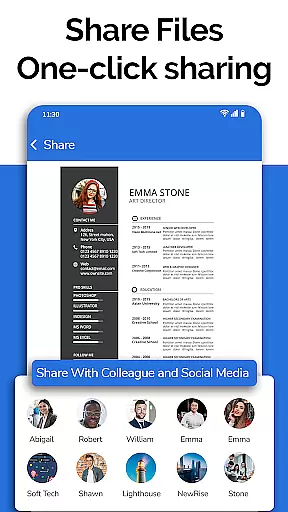
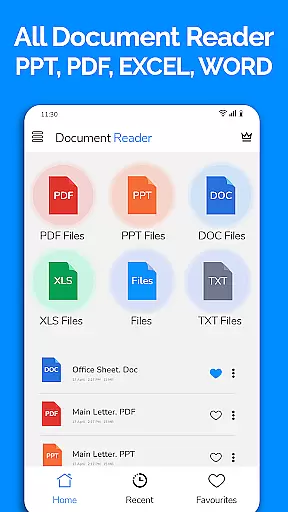
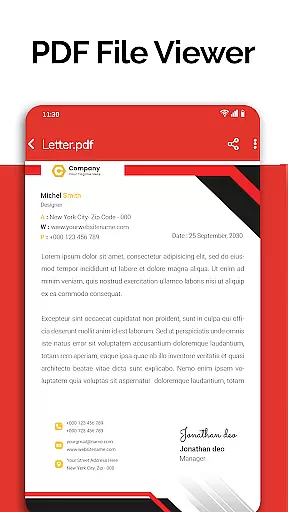
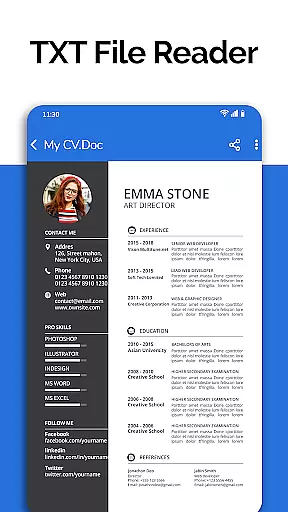
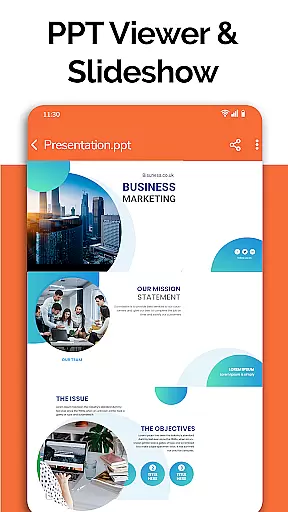
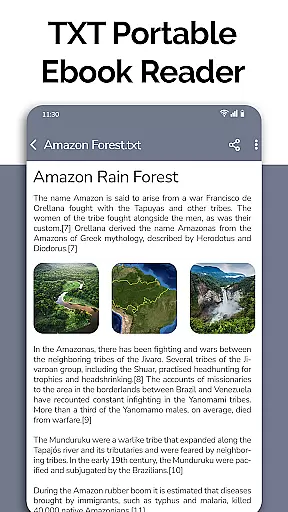
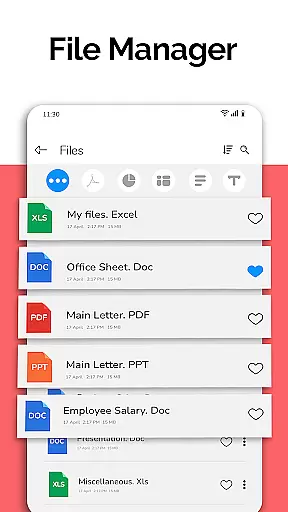
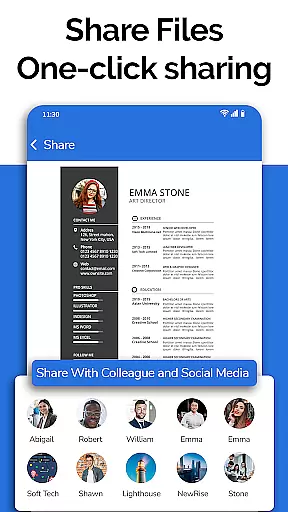
All Document Reader is a comprehensive document management solution that allows users to view, edit, and share various file formats directly from their mobile devices. This business-oriented app supports PDF, Word, Excel, PowerPoint, and TXT files, providing a complete office suite experience without the need for a computer. The intuitive file manager simplifies document organization and access, while the integrated document scanner enables on-the-go file creation and editing.
The application's robust PDF reader functionality makes it particularly valuable for professionals who need to handle invoices, tickets, and classroom notes. With features like automatic document sorting, easy navigation, and comprehensive file information display, users can efficiently manage their documents. The app's user-friendly interface ensures smooth operation across all its functions, making it suitable for both personal and professional use.
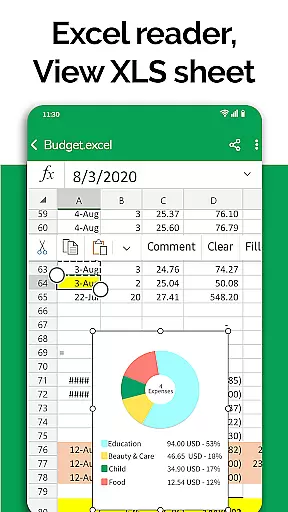
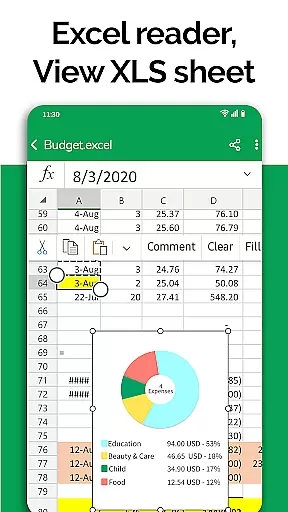
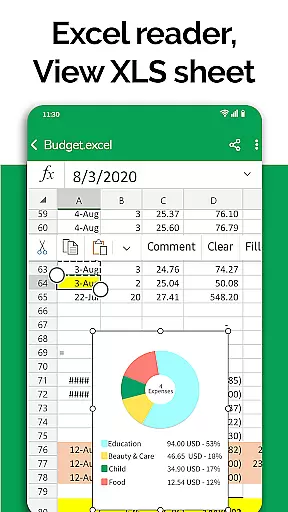
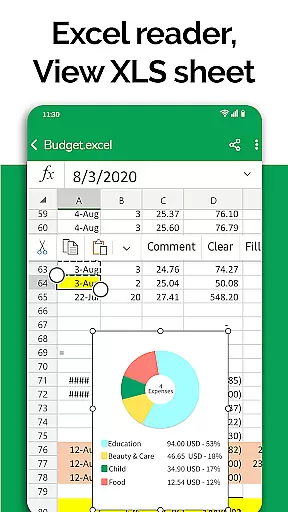
All Document Reader distinguishes itself through its extensive format support and specialized viewers for different document types. The app's PDF viewer offers advanced capabilities for reading newspapers, business documents, and educational materials. Its Excel spreadsheet viewer maintains high-quality rendering of charts and data tables, while the PowerPoint viewer enables presentation preparation directly from mobile devices.
What sets this business application apart is its comprehensive approach to document management. The built-in file manager provides detailed file information including size and modification dates, while the document editor allows users to delete, rename, and share files across multiple formats. Upcoming features such as dark mode, voice search, and image-to-PDF conversion demonstrate the developer's commitment to continuous improvement and innovation in document handling.
In today's fast-paced business environment, the ability to collaborate effectively is crucial. All Document Reader offers a comprehensive suite of tools that facilitate seamless teamwork. With its integrated file manager, teams can access, sort, and organize documents effortlessly, ensuring everyone is on the same page.
The application supports viewing, editing, and sharing of various document formats including XLSX, Docx, PPT, TXT, and PDF files. This versatility ensures that team members can make necessary updates and share them without compatibility issues, streamlining the collaborative process.
Moreover, the app provides complete file information such as file path, size, and last modification date. These details are essential for maintaining version control and tracking changes within a team setting. The simplicity and ease of use of All Document Reader enhance productivity and ensure that collaborative efforts are both efficient and effective.
Efficient task management is at the heart of any successful business operation. All Document Reader: PDF Viewer simplifies this by offering an intuitive platform where tasks related to document handling can be managed with ease. Users can delete, rename, and share documents, which is integral for maintaining an organized workflow.
One standout feature is the automatic sorting and organization of documents, which saves time and reduces the risk of errors. This functionality allows users to focus on more critical aspects of their work rather than getting bogged down by manual organization tasks.
Additionally, the upcoming features like dark mode, voice search, and image to PDF conversion promise to further enhance task management capabilities. These innovations will provide users with even more flexibility and control over their document-related tasks, making All Document Reader an indispensable tool for modern businesses.
User-friendly interface
Multi-format support
Integrated file manager
Automatic document sorting
Comprehensive PDF tools
Basic editing features
Occasional performance lag
Limited advanced options
No cloud integration
Ads in free version

AI-powered document scanner with auto enhance for perfect PDFs.
 4.60
4.60
BuildCalc - the easiest AND the most advanced construction calculator app.
4.80
Grow your business and connect with more people with Meta Business Suite.
4.60
Start earning fast. Apply Today.
4.80
Build a store in minutes with our full suite of AI tools. Start for free!
4.20
From Gone to Back Again — In Just a Few Taps
4.50
Ship, Track, Find a Location or Get a Quote with UPS. Anytime. Anywhere.
4.60
Earn money with the driver & delivery partner app for Uber, UberEats & Postmates
4.60
Make money as a delivery driver with DoorDash and work when you want as a Dasher
4.30
Collaborate seamlessly with Google Chat, part of Google Workspace
4.50
Amazon A to Z is the place to manage your work-life at Amazon.
4.50
The revolutionary flexible staffing platform
4.40
Earn crypto with secure cloud mining. Monitor, track & withdraw easily
4.40
One marketplace. Hundreds of services. Unlimited possibilities. All on Fiverr.
4.40
All Your Gig Work. One App.
4.30
Shop, deliver, and earn with the Spark Driver™ App
4.10
Simple, Fast & Lightweight
3.90
Find part-time earning opportunities near you that pay within days.
3.20
Convert Your Lovable.dev Website into a Mobile App Instantly!
4.3


User Reviews