
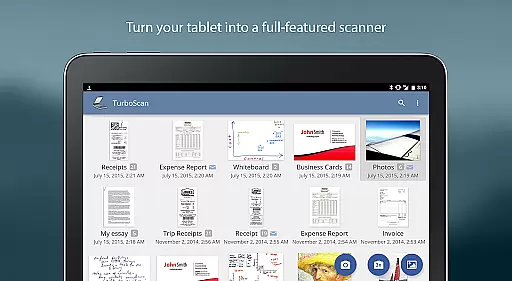
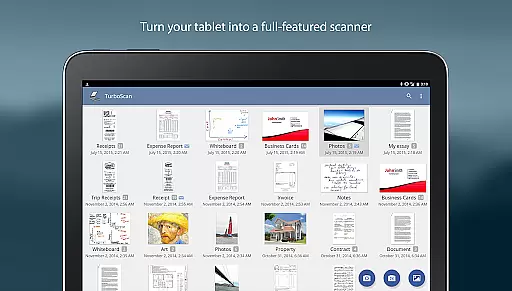
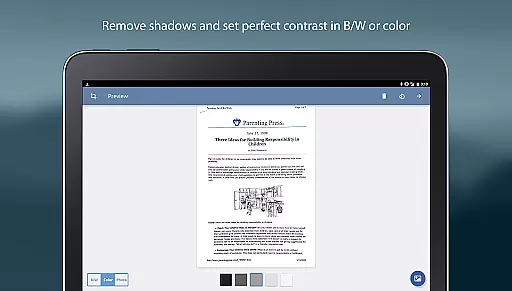
TurboScan Pro is a top-tier mobile scanning solution that transforms your smartphone into a versatile document scanner. Designed for business professionals and individuals alike, this app allows you to scan documents, receipts, notes, whiteboards, and photos with remarkable clarity. Utilizing advanced algorithms, TurboScan ensures precise edge detection, perspective correction, and optimal contrast for every scan.
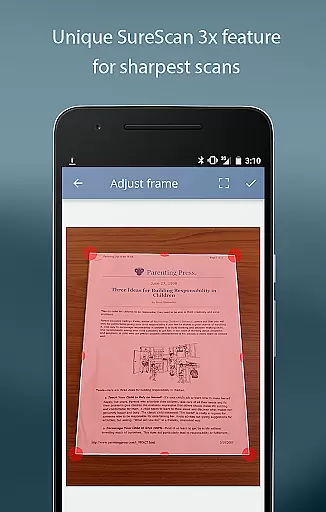
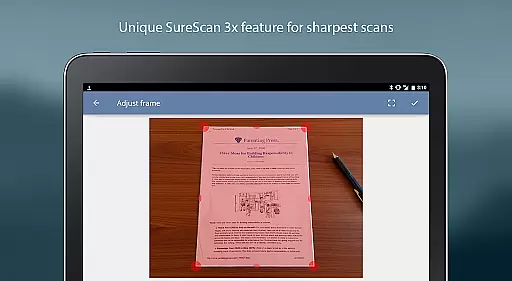
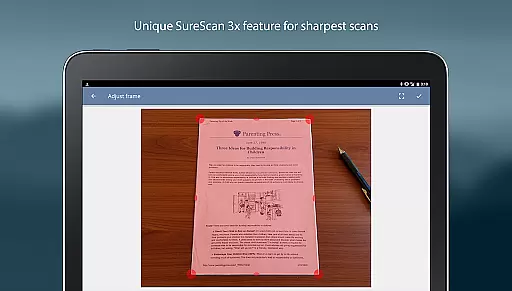
The app stands out with its SureScan mode, which captures sharper images even in low-light environments by taking three consecutive shots of the same document. With features like multipage PDF creation, instant brightness and color adjustments, and seamless integration with cloud services such as Evernote and Google Drive, TurboScan Pro delivers a complete scanning and document management experience directly on your device.
TurboScan Pro offers an impressive array of features tailored for efficiency and ease of use. The app's automatic edge detection and perspective correction tools ensure every scanned document is perfectly aligned and easy to read. Its proprietary SureScan technology enhances image sharpness, making it ideal for capturing detailed content under challenging lighting conditions.
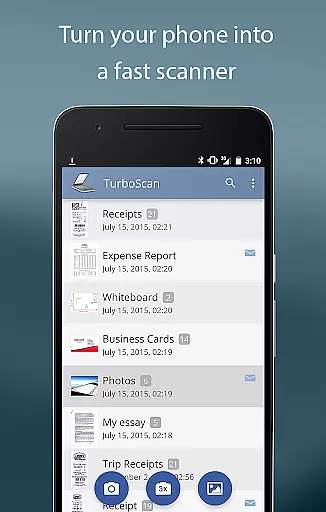
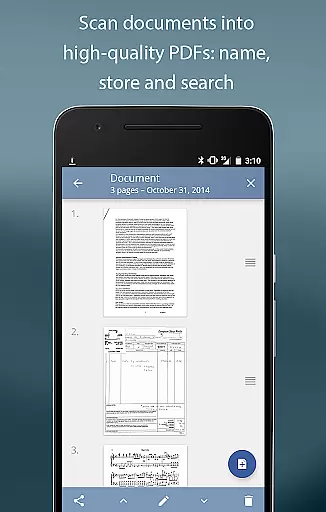
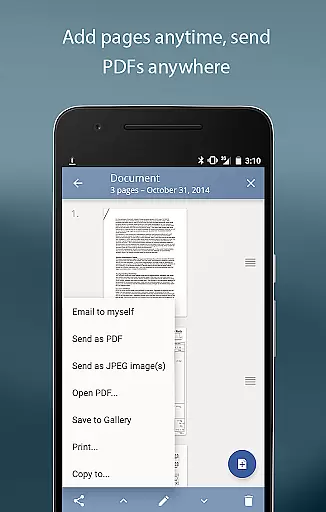
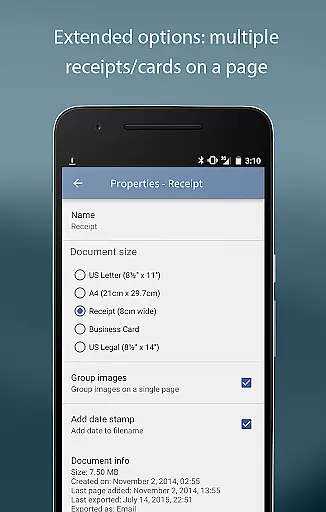
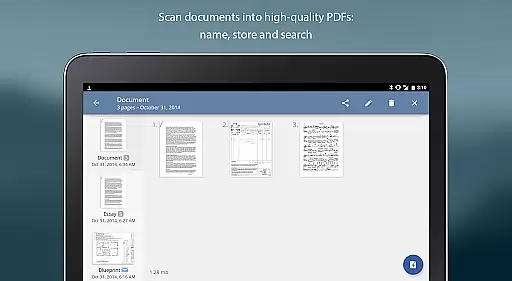
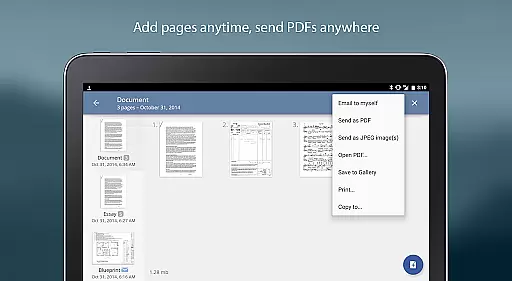
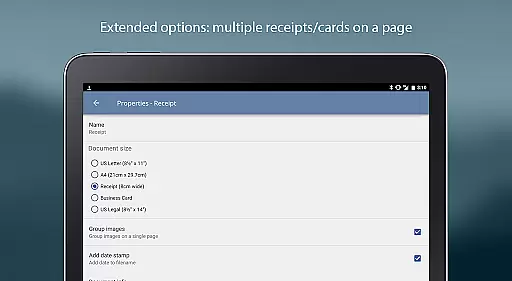
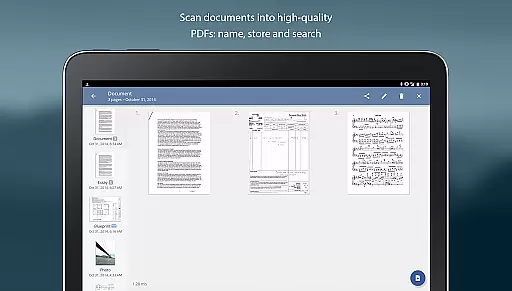
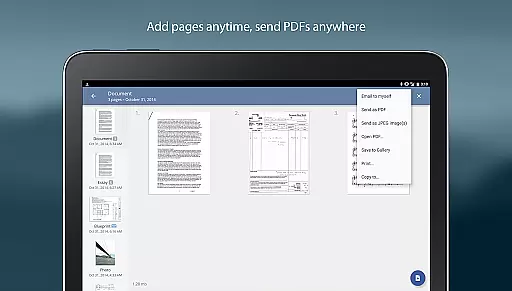
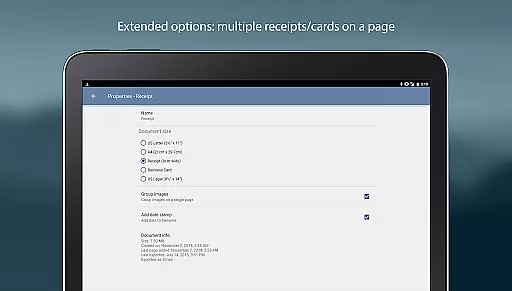
Users can organize their scans effortlessly with TurboScan's intuitive document naming, storage, and search functionalities. The app supports multipage editing, enabling users to add, reorder, or delete pages within a single file. Additionally, TurboScan provides flexible sharing options, allowing documents to be emailed as PDFs or JPEGs, saved to the camera roll, or opened in third-party apps like Dropbox and Evernote. All processing occurs locally on the device, ensuring data privacy without requiring an internet connection.
In today's fast-paced business environment, the ability to collaborate effectively is crucial. TurboScan Pro enhances team productivity by offering features that support collaborative work.
With TurboScan Pro, users can quickly scan documents and convert them into multipage PDF or JPEG files, making it easy to share important information with team members. The app's advanced algorithms ensure that scans are of high quality, with accurate edge detection, perspective correction, and optimal contrast.
The app also allows for document naming, storage within the app, and search functionalities, which streamline document management and retrieval. This ensures that teams can efficiently organize and access their shared resources.
Moreover, TurboScan Pro facilitates sending documents via email or uploading them to cloud services like Evernote with just a single tap. This ease of sharing promotes seamless communication and cooperation among team members, regardless of their location.
Efficient task management is essential for maintaining productivity in a business setting. TurboScan Pro offers robust tools that assist users in managing their tasks effectively.
One of the key features of TurboScan Pro is its multipage editing capability, which allows users to add, reorder, and delete pages within their scanned documents. This flexibility enables users to compile comprehensive reports or presentations without hassle.
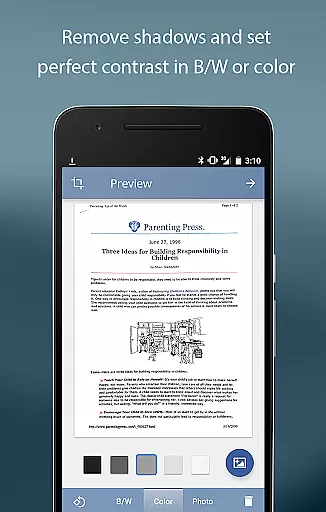
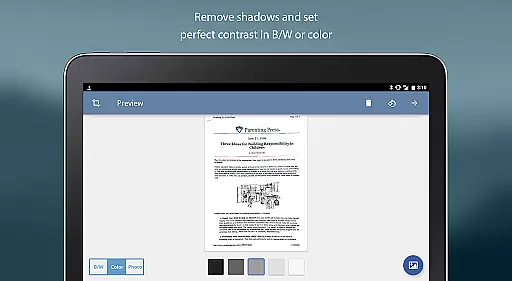
TurboScan Pro also provides instant one-tap brightness, rotation, and color controls, empowering users to adjust their scans quickly. These adjustments ensure that the final documents are clear and professional, enhancing the overall quality of task deliverables.
Additionally, the app supports various file formats such as PDF, JPEG, and PNG, giving users the freedom to choose the most suitable format for their specific tasks. With these capabilities, TurboScan Pro becomes an indispensable tool for efficient task management.
Fast and accurate scanning
Advanced edge detection
Excellent low-light performance
Easy-to-use interface
Secure offline processing
Premium version costs
Occasional flash issues
Limited free features
Requires manual updates
No OCR functionality

Earn free swag, G-Cards & food • Enter sweepstakes • Find stores • So much more.
 4.70
4.70
Manage Your Shop
4.70
Amazon A to Z is the place to manage your work-life at Amazon.
4.50
Delivery Track App - Tracking with Fedex, USPS, UPS, DHL. Monitor your Orders.
3.20
We are a dynamic team of creatives people of design, marketing, web & apps
3.00
Access All PDF Files
3.40
Make invoices, bills, receipts & estimates on the go with Invoice Generator.
4.70
All-in-one Mobile solutions for employees & managers to succeed at work
4.30
On the go? Take FedEx with you.
4.00
Get instant construction estimates: accurate home repair & material calculator.
4.70
Recover what matters — quickly and easily.
4.70
Ship, Track, Find a Location or Get a Quote with UPS. Anytime. Anywhere.
4.60
Earn crypto with secure cloud mining. Monitor, track & withdraw easily
4.40
One marketplace. Hundreds of services. Unlimited possibilities. All on Fiverr.
4.40
VSD Viewer - Visio Drawings Viewer for Android Preview VSD, VDX, VSDX drawings
4.10
Shop, deliver, and earn with the Spark Driver™ App
4.10
Work happy with AI Companion
4.10
Windows App allows you to connect to remote PCs and virtual apps.
3.70
view, manage, and share every PDF file you have
3.60


User Reviews