
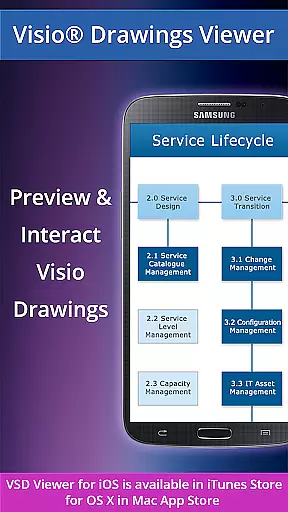
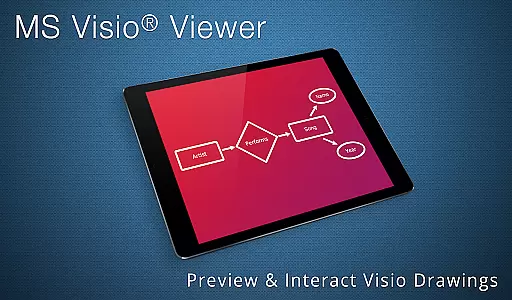
VSD Viewer is a specialized business application designed for professionals who need to view MS Visio drawings on their Android devices. This app supports various Visio file formats including VSD VDX and VSDX making it an essential tool for mobile professionals.
The viewer offers both basic and advanced functionalities. Users can open preview scroll zoom and navigate multi-page Visio documents. It also supports complex formatted objects and provides options to view hidden layers switch layer visibility and preview shape data. These features ensure that users can effectively review even the most intricate technical diagrams while on the go.
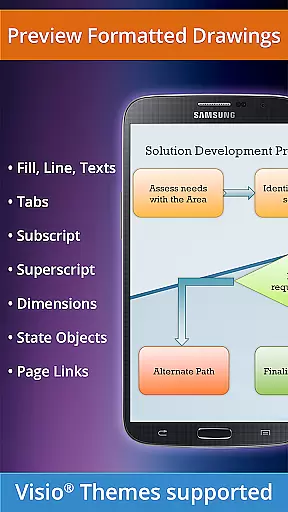
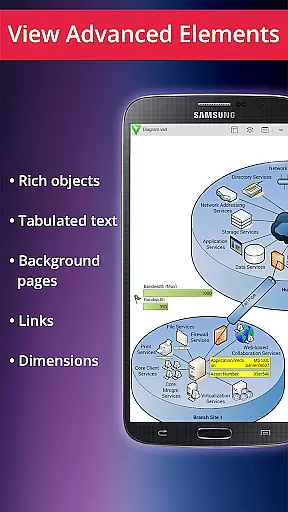
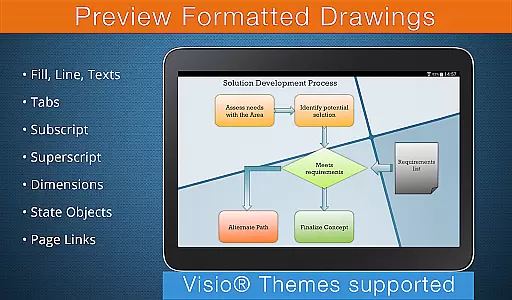
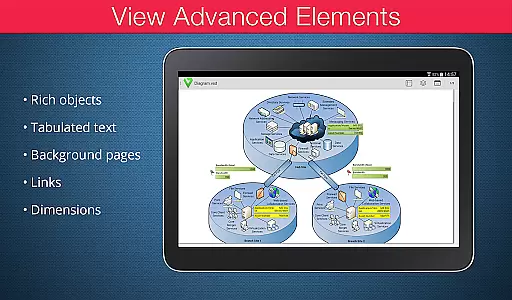
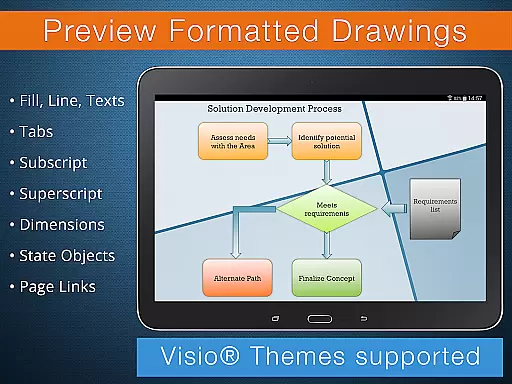
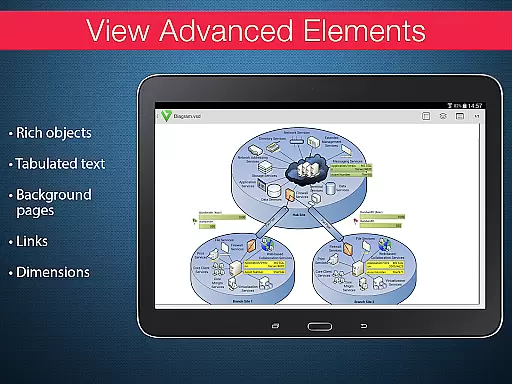
VSD Viewer stands out with its comprehensive feature set tailored for business users. The app supports all major Visio file formats from MS Visio 2000 to 2013 including VSDX files. Its rendering capabilities extend to complex formatted objects such as gradients subscripts superscripts and tabulated texts which are crucial for technical diagrams.
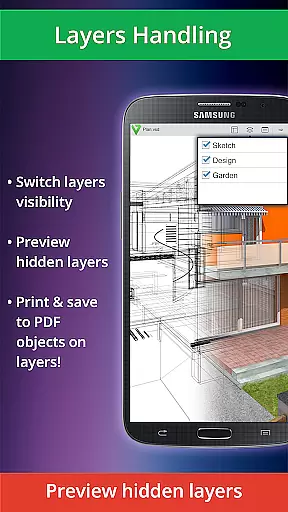
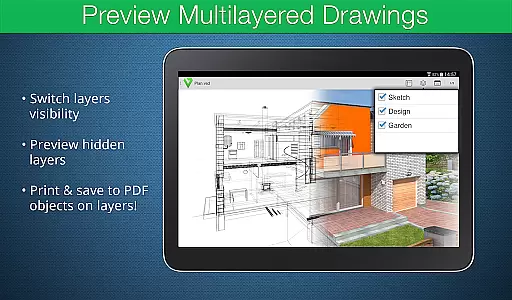
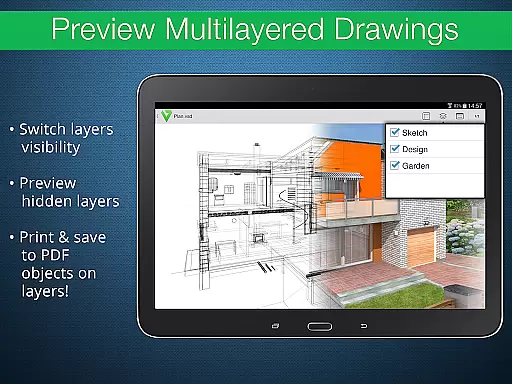
Advanced options include layer management features allowing users to preview hidden layers and toggle layer visibility. The app maintains original dimension units and supports page numbering and MS Visio 2013 themes. While processing large documents may take time and internet connection is required for built-in metafile rendering these limitations are outweighed by the app's robust functionality for mobile Visio viewing.
In today's interconnected work environments, the ability to collaborate effectively is crucial. VSD Viewer for Visio Drawings facilitates this by allowing teams to access and review MS Visio drawings on Android devices. This ensures that all team members, regardless of location, can stay informed and contribute to projects.
The application supports a variety of file formats including VSD, VDX, and VSDX, ensuring compatibility with different versions of Visio drawings from 2000-2013. With capabilities such as scrolling, zooming, and navigating through multipage documents, users can interact with complex diagrams seamlessly. These features are essential for collaborative settings where clarity and precision in communication are key.
Moreover, VSD Viewer enables users to copy drawing texts and view intricate formatted objects like lines, fills, colors, gradients, and text formatting. The option to switch document guides visibility and preview hidden layers adds another layer of depth to document collaboration. Such functionalities empower teams to dissect and understand every detail of technical diagrams.
By providing tools to view objects placed outside page boundaries and original dimension units, VSD Viewer ensures that no information is missed during collaborative reviews. This comprehensive approach to viewing Visio drawings makes it an invaluable tool for businesses looking to enhance their collaborative work processes.
Effective task management is pivotal for productivity, and VSD Viewer for Visio Drawings offers unique features that cater to this need. By enabling users to open and preview any MS Visio drawing, the app allows project managers and team members to keep track of project-related diagrams and schematics effortlessly.
One standout feature is the ability to scroll, zoom, and navigate through multipage documents. This functionality is particularly beneficial for task management as it allows users to focus on specific sections of complex diagrams, ensuring that tasks are understood and executed correctly. Additionally, the capability to copy drawing texts aids in extracting important information quickly, streamlining task assignments and updates.
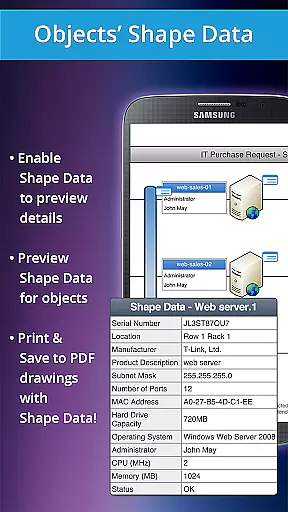
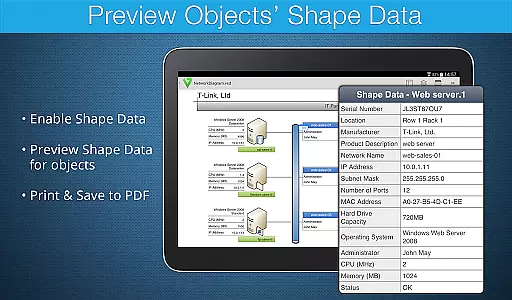
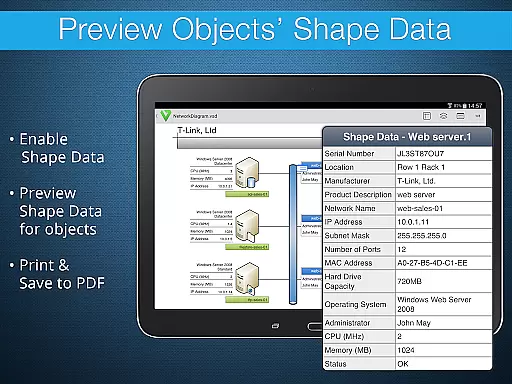
VSD Viewer also supports advanced options such as previewing hidden layers and switching layer visibility. These features provide a granular view of project tasks represented in technical diagrams, which is crucial for monitoring progress and making informed decisions. Viewing objects' shape data further enhances task tracking by offering detailed insights into project components.
While processing huge documents may take time and built-in metafiles rendering requires internet connection, these minor limitations do not detract from the overall value the app brings to task management. With its robust set of features, VSD Viewer significantly contributes to efficient task organization and execution within business environments.
Comprehensive Visio format support
Advanced layer management tools
Preserves complex formatting details
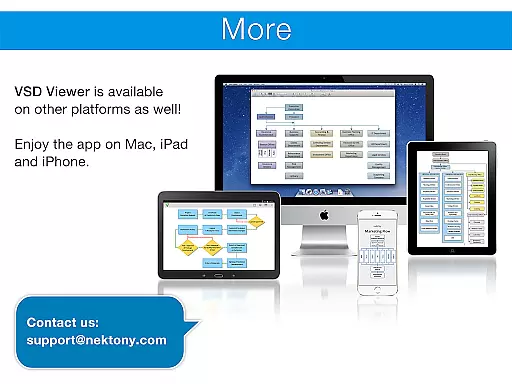
Multi-platform compatibility
Regular feature updates
Large files may load slowly
Internet needed for some features
Limited editing capabilities
Occasional rendering issues
Premium features require subscription

 4.70
4.70
Zoom built for Chrome OS
3.90
Find jobs and make money fast with JobStack.
4.60
Create curriculum vitae, a professional cover letter creator and resume designer
4.80
The MyWalmart App is available for all associates in stores.
4.70
Find the right fit, faster.
4.70
Delivery Track App - Tracking with Fedex, USPS, UPS, DHL. Monitor your Orders.
3.20
view, manage, and share every PDF file you have
3.60
Permission Guard is a security app that helps you manage app permissions.
4.80
Job search app that finds jobs for you! Takes the work out of looking for a job!
4.90
Paychex Flex - Save Time and Stay Connected
4.60
Grow your business and connect with more people with Meta Business Suite.
4.60
Drive and earn extra money
4.50
Master crypto trading with real-time simulations and exciting challenges!
4.50
From Gone to Back Again — In Just a Few Taps
4.50
The revolutionary flexible staffing platform
4.40
Measure distances, surfaces and draw plans in seconds with CamToPlan!
4.40
Build a store in minutes with our full suite of AI tools. Start for free!
4.20
Smarter career moves start here. AI job alerts, insights & the right tools.
4.20


User Reviews