
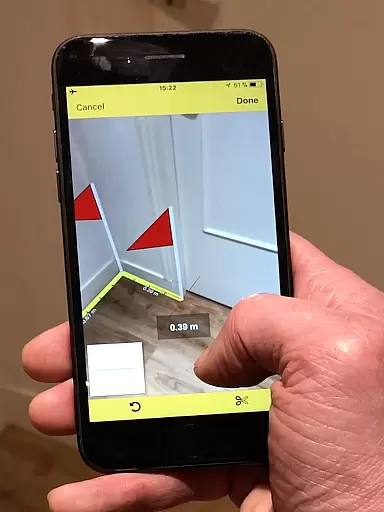
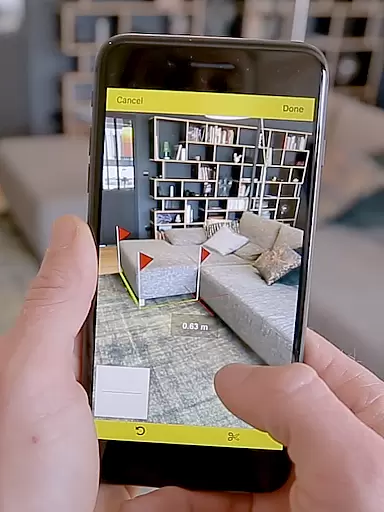
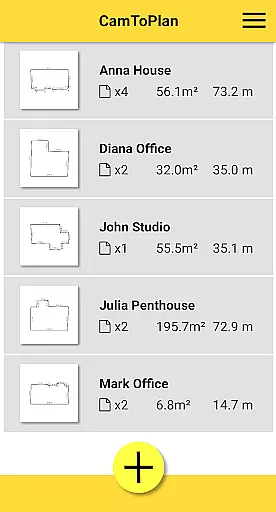
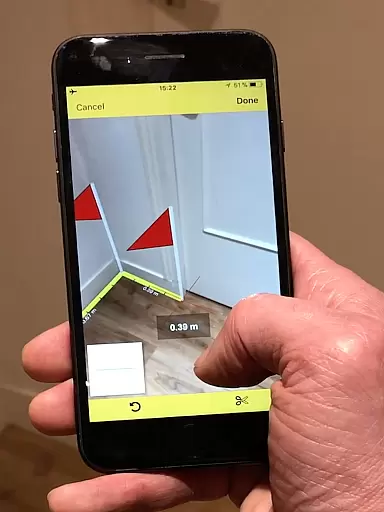
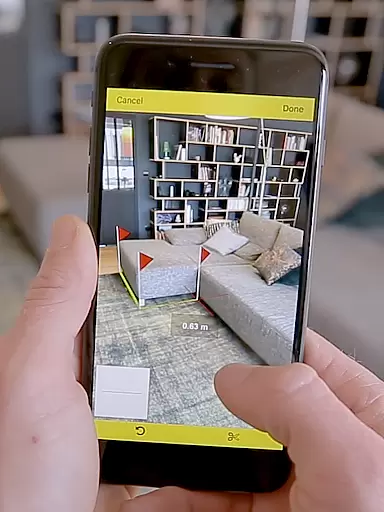
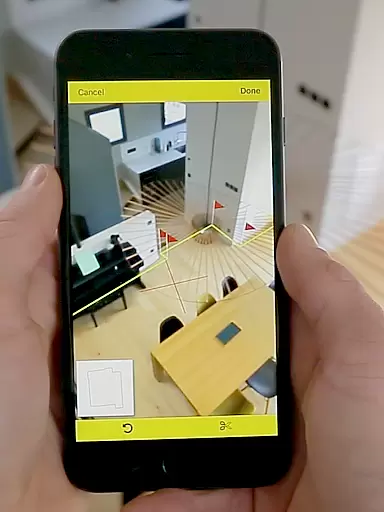
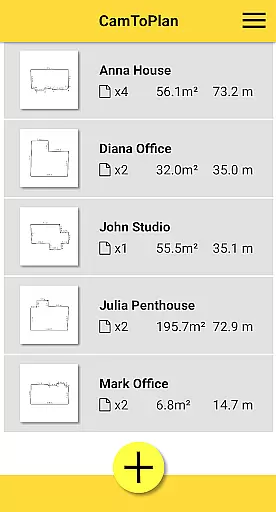
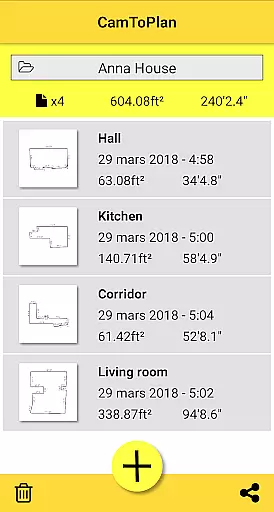
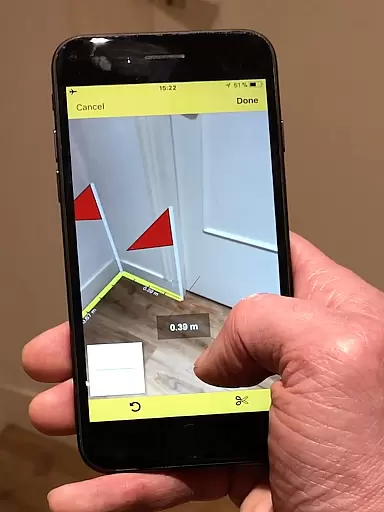
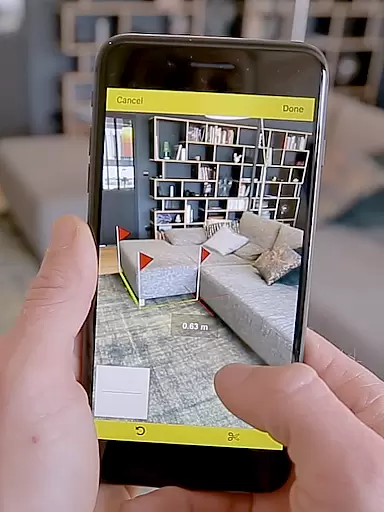
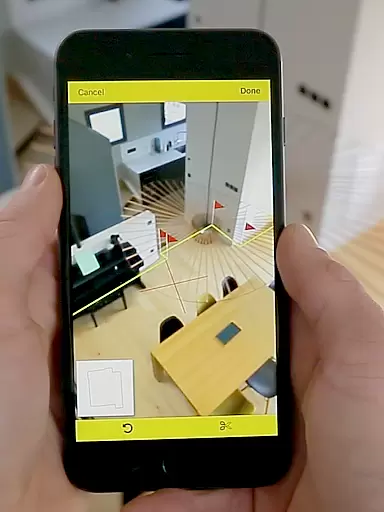
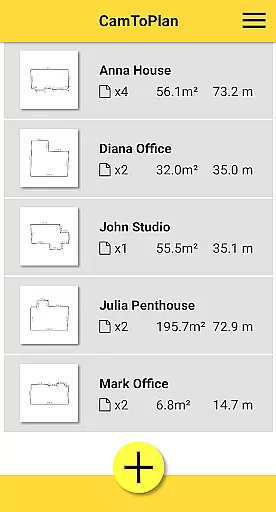
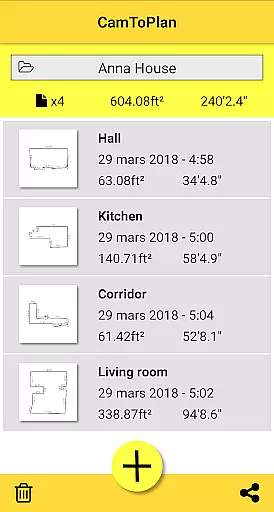
CamToPlan is a revolutionary business application that utilizes augmented reality to measure distances and surfaces with remarkable ease. The app allows users to draw plans in seconds, both horizontally and vertically, making it an essential tool for professionals such as architects and decorators, as well as for the handyman.
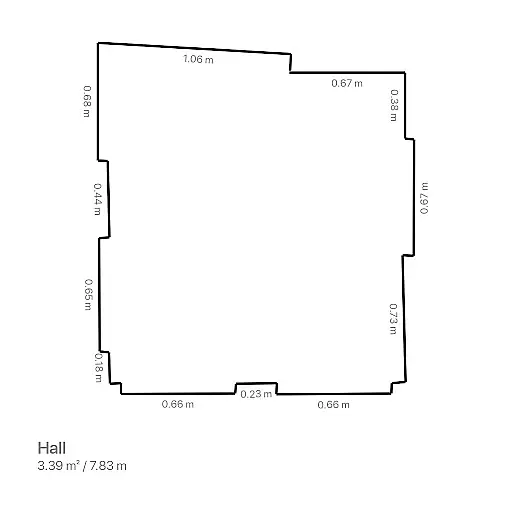
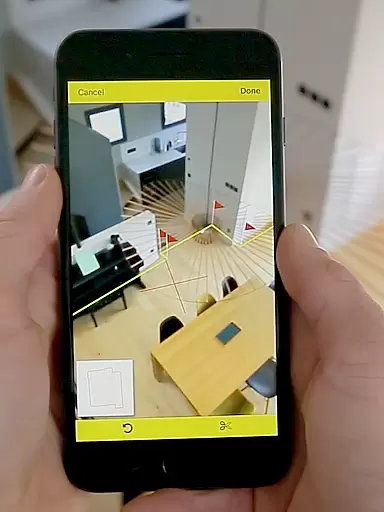
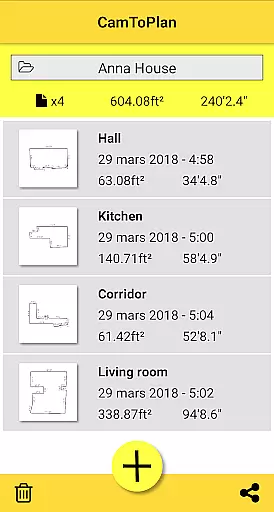
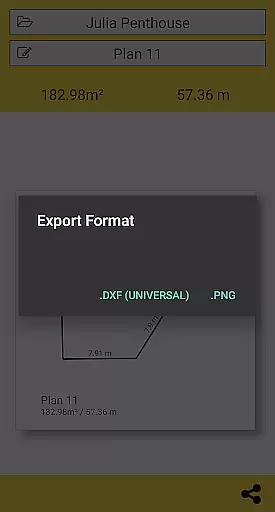
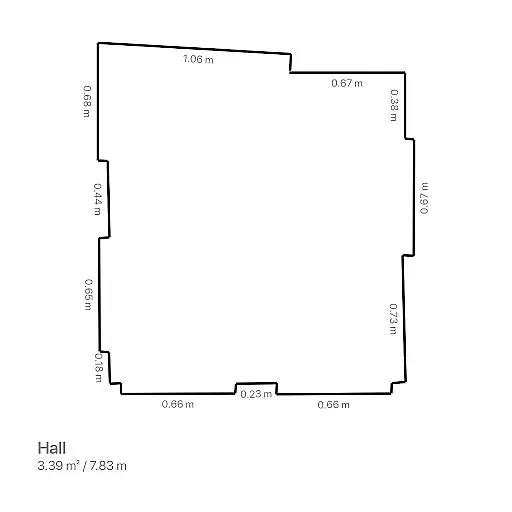
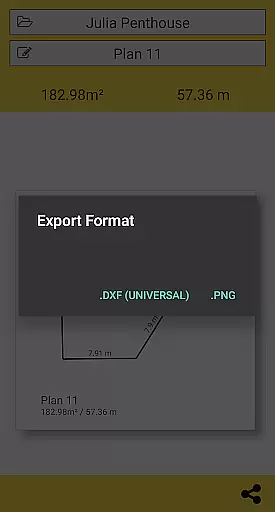
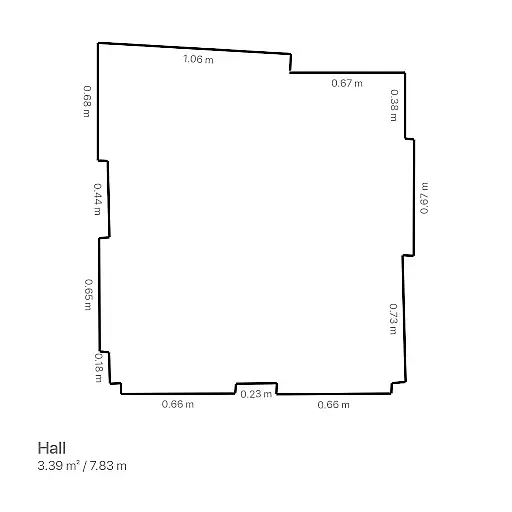
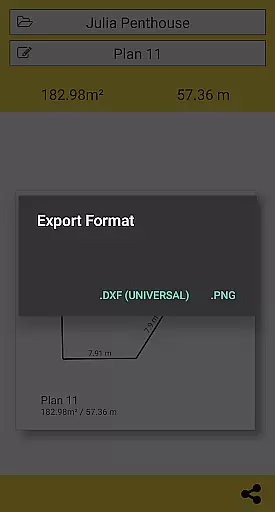
The standout feature of CamToPlan is its ability to hold a virtual tape measure on your screen as if it were real, in 3D. This innovative approach enables effortless measurements using the video on your device, eliminating the need to kneel on the ground or clear furniture from the room. The app instantly calculates area and draws room plans with all measured dimensions, which can be exported in PNG or DXF formats.
With CamToPlan, sharing plans is just a click away, whether by email, message, or social media. It's particularly useful in environments with good lighting and textured floors, although accuracy may vary depending on floor type and conditions. The app supports both Metric and Imperial units, catering to a global audience.
CamToPlan boasts a rich set of features designed to enhance productivity and precision in measurement tasks. One of its primary capabilities is measuring distances both horizontally and vertically, providing flexibility not found in traditional tools. The app automatically determines intersection points between the floor and target points, even if obscured by furniture, ensuring accurate measurements without the need for manual adjustments.
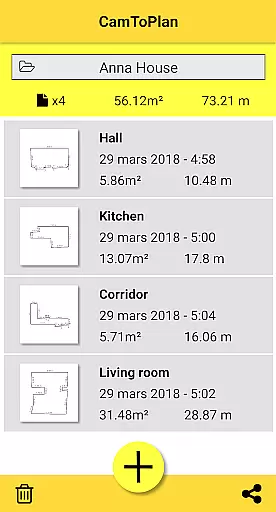
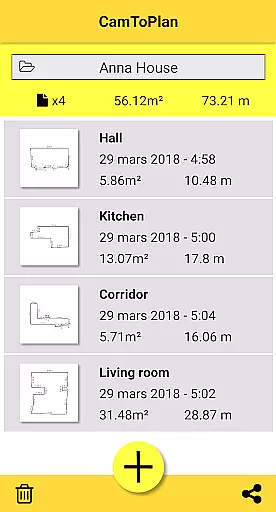
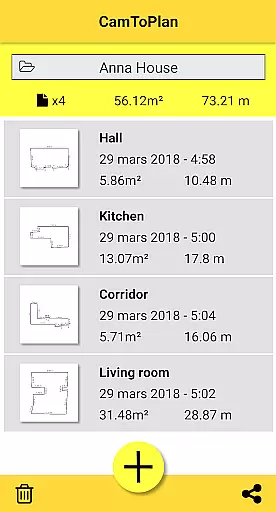
Another significant feature is the instant calculation of areas in square meters or feet, accompanied by the automatic drawing of room plans. This functionality streamlines workflows for professionals who require quick yet precise planning. Additionally, CamToPlan offers seamless data export options in PNG or DXF formats, allowing users to manage folders efficiently and integrate with other software tools.
The app's reliance on augmented reality sets it apart from conventional measurement methods. By analyzing video images and identifying visual details automatically, CamToPlan delivers a user experience that is both intuitive and efficient. However, it's important to note that while the app performs optimally under good lighting conditions and with textured floors, some floor types may present challenges. Users are encouraged to move closer to their target points for maximum precision when necessary.
CamToPlan revolutionizes collaborative work in the field of architecture and interior design by enabling effortless sharing of measurements and plans. The app allows users to export data in PNG or DXF formats, which are widely used in professional settings.
With just one click, you can share detailed room plans complete with all measured dimensions via email, messaging apps, or social media platforms. This instant sharing capability ensures that all team members have access to the most current project information.
The ability to measure both horizontally and vertically adds another layer of detail to collaborative projects. Team members can visualize spaces more accurately without being physically present on site.
This seamless integration of measurement, planning, and sharing features makes CamToPlan an essential tool for architects, decorators, and other professionals who require precise and up-to-date spatial information for their projects.
CamToPlan offers innovative task management features specifically designed for measurement and planning tasks. The app's intuitive interface allows users to effortlessly take measurements of baseboards, walls, and furniture dimensions without the need for traditional measuring tools.
One of the key advantages is its ability to automatically calculate areas in square meters or feet while drawing room plans with all measured dimensions. This dual functionality saves valuable time when working on complex projects.
The application's smart features include automatic determination of intersection points between floors and target points, even when obscured by furniture. This ensures accurate measurements regardless of room configuration.
For optimal results, users should operate in well-lit environments with textured floors. These task management capabilities, combined with the ability to safely move while taking measurements, make CamToPlan a powerful tool for both professionals and DIY enthusiasts.
User-friendly interface
Augmented reality integration
Instant plan generation
Flexible unit selection
Effortless sharing options
Accuracy depends on conditions
Limited to visual floor details
Requires good lighting
Potential issues with certain tiles
No guaranteed precision

Completed Course Lectures on how to use IBM Maximo in Maintenance issues
 4.5
4.5
Simple, Fast & Lightweight
3.90
Finance, Investing, Stocks, Trading and Stock news
4.60
Recover what matters — quickly and easily.
4.70
A secure, all-in-one team collaboration app
4.30
Deliver and earn money
4.30
Delivery Track App - Tracking with Fedex, USPS, UPS, DHL. Monitor your Orders.
3.20
We are a dynamic team of creatives people of design, marketing, web & apps
3.00
Make invoices, bills, receipts & estimates on the go with Invoice Generator.
4.70
TurboScan turns your phone into a full-featured PDF document scanner.
4.80
Employee Management Made Easy
4.80
Find jobs and make money fast with JobStack.
4.60
Drive and earn extra money
4.50
Master crypto trading with real-time simulations and exciting challenges!
4.50
Find jobs near you and temp work in minutes, from your phone.
4.50
The app that lets you deliver with Amazon.
4.50
ADP Mobile Solutions is an employee self service app
4.50
Find work, shifts and gigs near you. Jobs lasting a few hours to a few months.
4.30
VSD Viewer - Visio Drawings Viewer for Android Preview VSD, VDX, VSDX drawings
4.10


User Reviews