
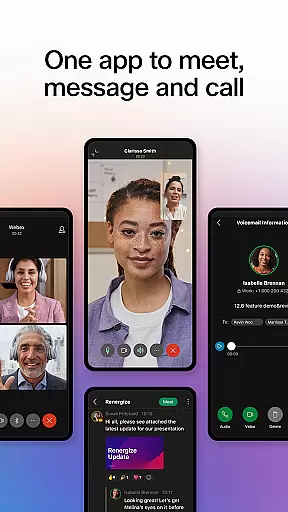


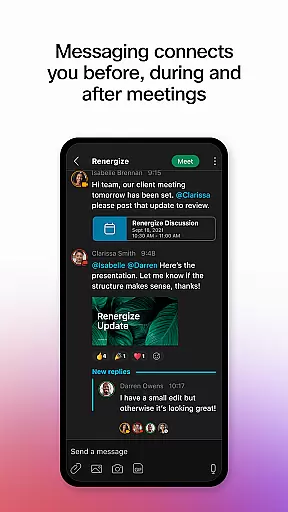

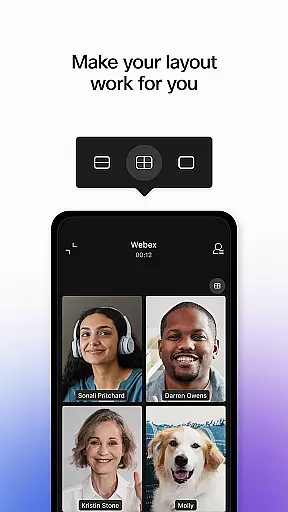
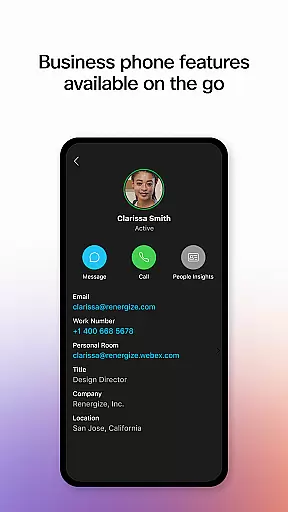
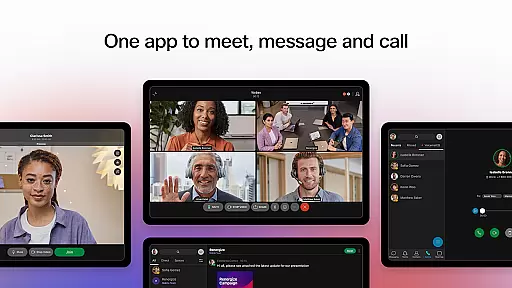
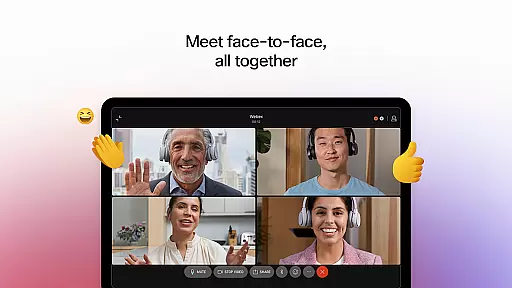

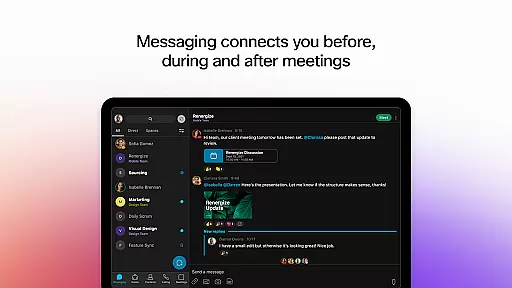

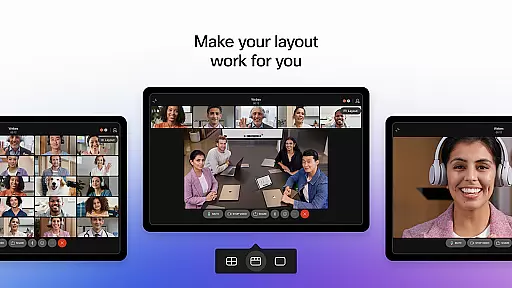
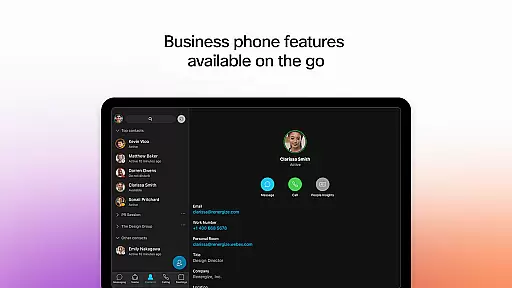
Webex is a comprehensive business communication app that unifies meetings, messaging, and calling into a single platform. Designed for seamless collaboration, it offers features like real-time language translation in over 100 languages, background noise removal, and personalized meeting layouts to ensure productive virtual interactions. The app also supports secure file sharing and integrates essential calling features, making it an ideal solution for businesses of all sizes looking to enhance team connectivity and efficiency.
With its intelligent and inclusive design, Webex ensures users can engage effectively whether they're working remotely or in-office. Its ability to facilitate clear communication through advanced audio and video capabilities, combined with intuitive messaging tools, positions it as a leading choice for modern workplaces aiming to streamline their operations while maintaining security and ease of use.
Webex stands out with its robust feature set tailored for today's dynamic work environments. The app provides real-time translation for more than 100 languages, enabling global teams to communicate effortlessly without language barriers. Personalized meeting layouts allow participants to customize their view according to their preferences, ensuring optimal engagement during virtual meetings.
In addition to these core functionalities, Webex incorporates AI-driven noise suppression technology that filters out unwanted sounds, allowing attendees to focus on the conversation at hand. Secure file sharing via email addresses simplifies collaboration across internal teams and external partners alike. Furthermore, integrated calling features such as visual voicemail empower users to manage their communications efficiently from anywhere, enhancing overall productivity.
Collaborative work features are essential for modern business applications, enabling teams to work together efficiently regardless of location. Webex excels in this area by providing a unified platform that combines meeting, messaging, and calling capabilities.
The application supports real-time translation in over 100 languages, ensuring global teams can communicate effectively. Its personalized meeting layouts and background noise removal create an inclusive environment where every participant feels engaged and heard.
Webex goes beyond basic communication by offering integrated file sharing and collaboration tools. Users can easily share files with both internal team members and external partners using just an email address, maintaining security while promoting seamless cooperation.
These collaborative features provide significant value to businesses by breaking down geographical barriers, enhancing productivity, and fostering stronger working relationships across distributed teams.
Effective task management is crucial for maintaining productivity and ensuring projects stay on track. While primarily known for its communication capabilities, Webex incorporates several features that support efficient task coordination and workflow management.
The application's real-time messaging system serves as a central hub for task-related communication. Team members can create dedicated channels for specific projects, where they can assign tasks, share updates, and track progress through persistent conversation threads.
Webex enhances task management through its integration of calling features and visual voicemail, allowing for immediate clarification of assignments and quick resolution of questions. The ability to initiate impromptu conversations helps teams address urgent matters promptly.
These combined features create a dynamic environment where task management becomes more fluid and responsive, ultimately leading to improved project outcomes and better team coordination.
User-friendly interface
Advanced security protocols
Comprehensive collaboration tools
Global accessibility
Integrated communication options
Occasional connectivity issues
Limited free version capabilities
Requires stable internet connection
Subscription costs may be high
Complex setup for beginners

 4.70
4.70
The Penny Puss app with DG penny finder
4.10
FaxCover - Create fax cover pages. Works with any app or fax machine.
4.90
Manage work life on the go
4.50
Finance, Investing, Stocks, Trading and Stock news
4.60
Use Generative Summary to understand your rental or insurance docs in seconds.
4.70
Access to Paylocity, empowering employees with information they need 24/7.
4.70
Job search app that finds jobs for you! Takes the work out of looking for a job!
4.90
Shop, deliver, and earn with the Spark Driver™ App
4.10
Employee Management Made Easy
4.80
All your team communication in one place
4.70
Your employer must have UKG Ready software configured for Mobile.
4.60
Paychex Flex - Save Time and Stay Connected
4.60
No more passwords, easier sign-in, and greater protection for your accounts.
4.60
Find jobs near you and temp work in minutes, from your phone.
4.50
Smarter career moves start here. AI job alerts, insights & the right tools.
4.20
Zoom built for Chrome OS
3.90
Roadie connects people with stuff to send with drivers already going that way.
3.50
We are a dynamic team of creatives people of design, marketing, web & apps
3.00


User Reviews