
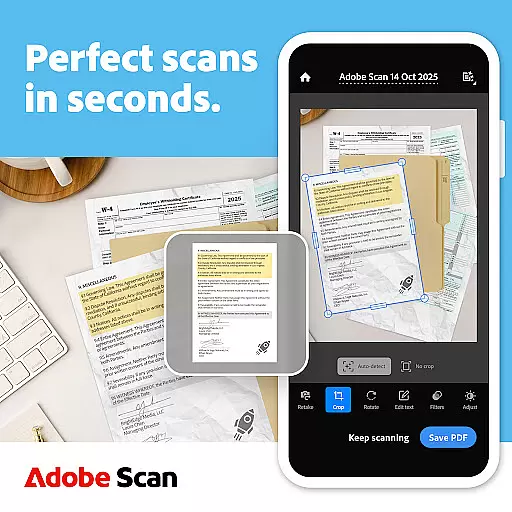
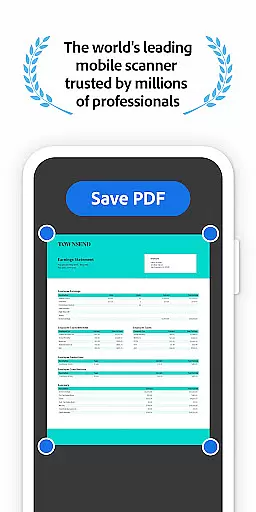
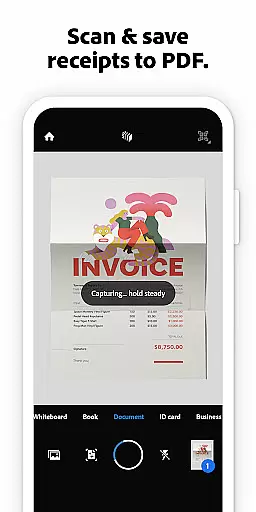



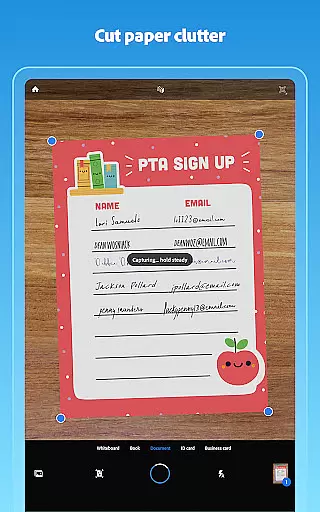
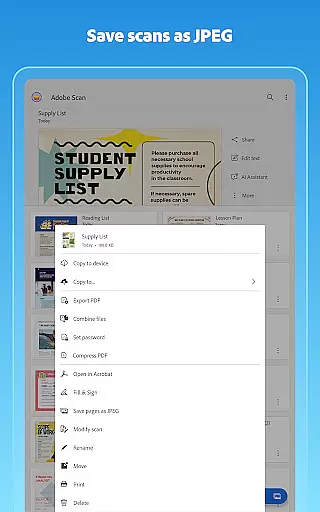
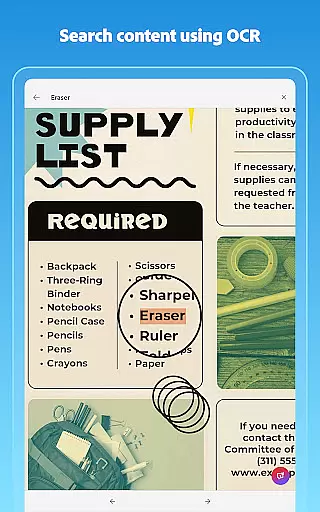
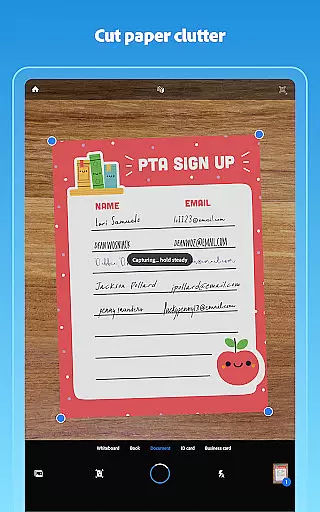
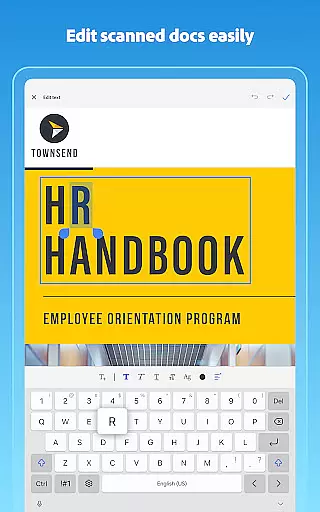
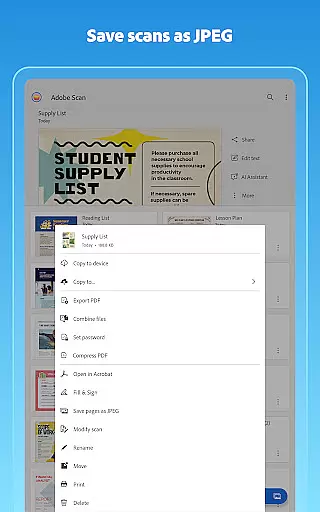
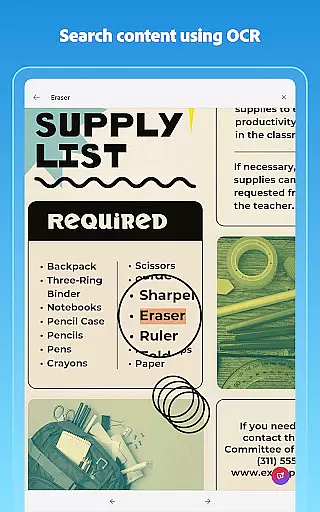
Adobe Scan AI PDF Scanner is a versatile mobile application that transforms your device into a powerful document scanner. It allows users to scan various types of documents, including receipts, notes, and business cards, converting them into high-quality PDFs or JPEGs. The app's advanced OCR technology makes scanned text searchable and editable, enhancing productivity.
The app offers features like automatic border detection, image enhancement, and the ability to reorder pages. With its AI Assistant and Generative Summary tools, Adobe Scan simplifies document management by extracting key points and enabling easy sharing across devices. Whether for personal or professional use, this app streamlines the digitization process, making it an essential tool for anyone looking to organize their paperwork efficiently.
Adobe Scan AI PDF Scanner stands out with its comprehensive feature set tailored for document management. One of its core functionalities is the High-speed scan, which allows bulk scanning of documents, turning stacks of paper into PDFs within seconds. This feature saves time and increases efficiency, especially in fast-paced work environments.
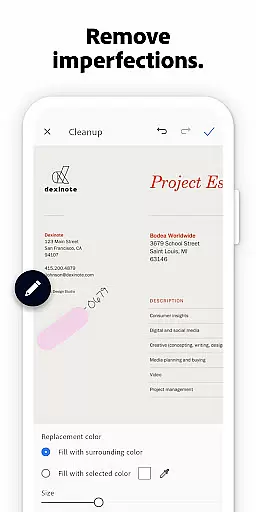
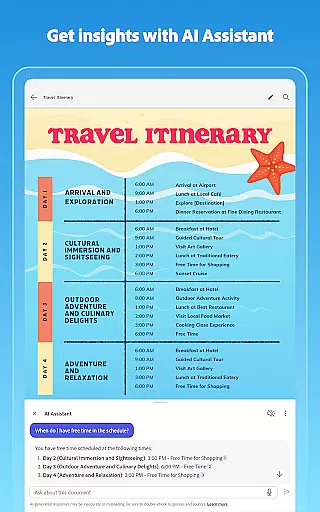
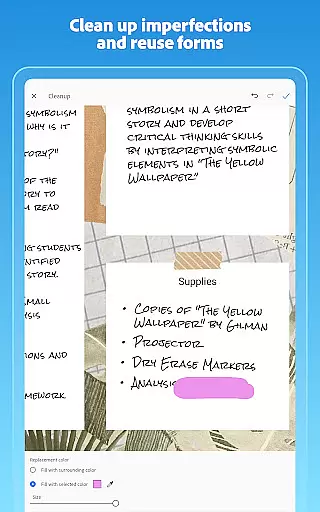
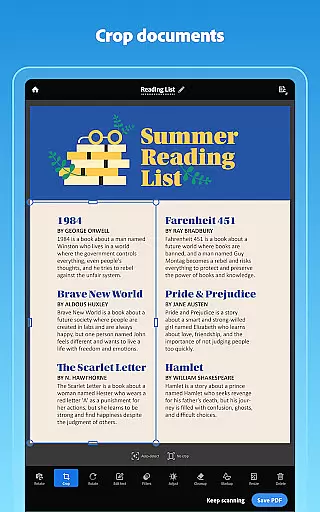
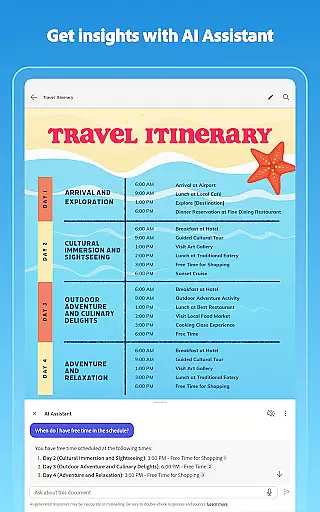
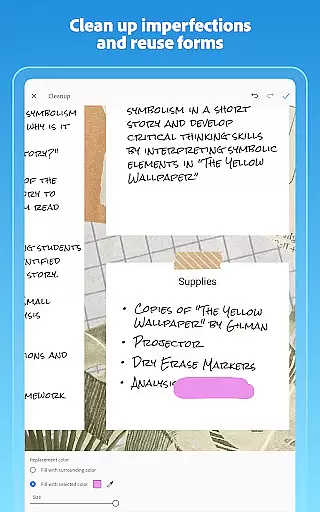
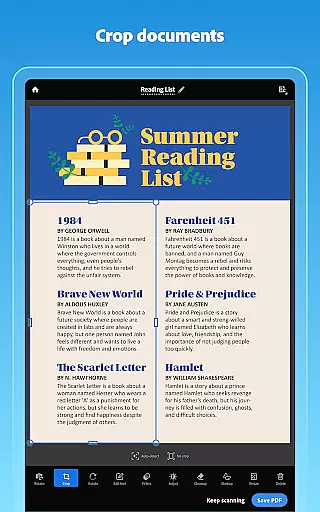
In addition to basic scanning, the app includes advanced editing tools such as Modify, Cleanup, and Reorder Pages. These tools ensure that every scan looks professional by allowing users to crop, rotate, adjust colors, and remove imperfections. Furthermore, the AI-powered capabilities like Generative Summary and Ask AI Assistant provide intelligent insights from scans, making information retrieval straightforward and enhancing user experience through smart automation.
Adobe Scan AI PDF Scanner offers robust collaborative work features that are essential for modern business environments. The app allows users to create, save, and organize digital files from paper documents, making it easier to share important information with colleagues.
The document scanner supports the conversion of paper documents or printed images into PDFs or JPEGs, which can be shared across teams seamlessly. This ensures that all team members have access to the same set of documents, promoting transparency and efficiency in collaborative projects.
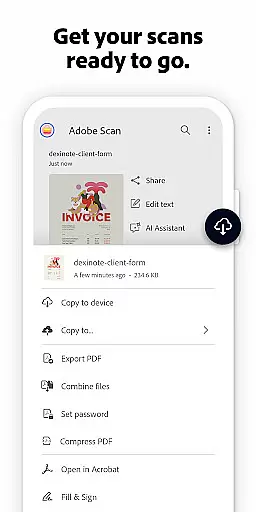
Additionally, scans are automatically saved to Adobe Document Cloud, providing instant access and sharing capabilities. This cloud integration means that team members can access documents from any device, at any time, ensuring that everyone is on the same page regardless of their location.
With the ability to export scans to Word, Excel, or PowerPoint, Adobe Scan facilitates further collaboration by allowing users to edit and reuse content in multiple formats. This versatility enhances productivity and ensures that documents can be repurposed as needed for different collaborative tasks.
Effective task management is a cornerstone of productivity, and Adobe Scan AI PDF Scanner excels in this area by offering tools that streamline document handling processes. Users can scan paperwork and create custom folders for different types of documents such as work files, personal records, or school forms.
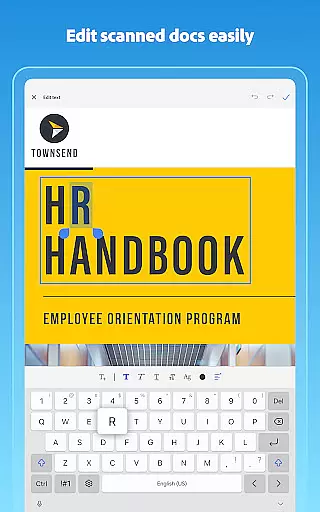
The app's advanced image to text technology detects borders, sharpens content, and makes scans editable and searchable. This feature not only saves time but also helps users manage their tasks more efficiently by allowing quick retrieval of necessary information through search functionalities.
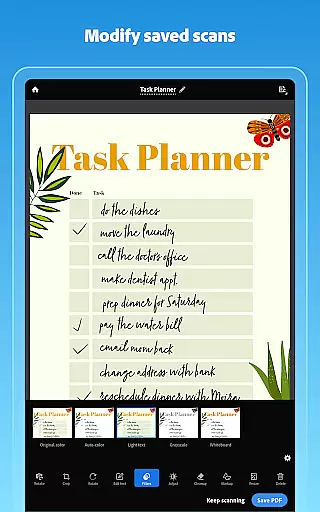
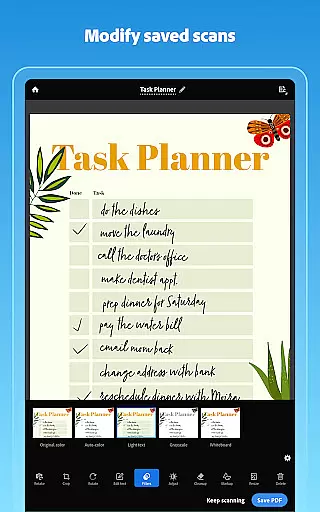
Moreover, the Modify tool within Adobe Scan enables users to crop, rotate, resize, and adjust colors in their scans. These editing capabilities ensure that documents are presented professionally, which is crucial for task management where presentation can impact perception and outcomes.
Finally, the ability to reorder pages and preview before saving adds another layer of control over document management tasks. Users can ensure that their documents are organized logically before finalizing them, thus maintaining a structured approach to managing various tasks related to documentation.
User-friendly interface
Advanced OCR technology
AI-powered document insights
Seamless cloud integration
Versatile file export options
Limited free OCR pages
Premium features require subscription
Occasional scanning inaccuracies
High storage usage for large files
Some features locked behind paywall

The Penny Puss app with DG penny finder
 4.10
4.10
Windows App allows you to connect to remote PCs and virtual apps.
3.70
Finance, Investing, Stocks, Trading and Stock news
4.60
All your team communication in one place
4.70
Start earning fast. Apply Today.
4.80
Master crypto trading with real-time simulations and exciting challenges!
4.50
USPS Mobile®Access USPS.com’s most popular tools on-the-go.
4.70
Collaborate seamlessly with Google Chat, part of Google Workspace
4.50
All-in-one Mobile solutions for employees & managers to succeed at work
4.30
The MyWalmart App is available for all associates in stores.
4.70
Earn free swag, G-Cards & food • Enter sweepstakes • Find stores • So much more.
4.70
Paychex Flex - Save Time and Stay Connected
4.60
Earn money with the driver & delivery partner app for Uber, UberEats & Postmates
4.60
enjoy effortless PDF reading anytime, anywhere
3.90
Quickly open and manage PDF files on your device.
3.80
All document reader, pdf viewer app, read docs & excel files
3.80
Take the stress out of storage with the all-in-one app to manage your space.
3.70
viewing and sharing of PDFs
3.60
Roadie connects people with stuff to send with drivers already going that way.
3.50


User Reviews