
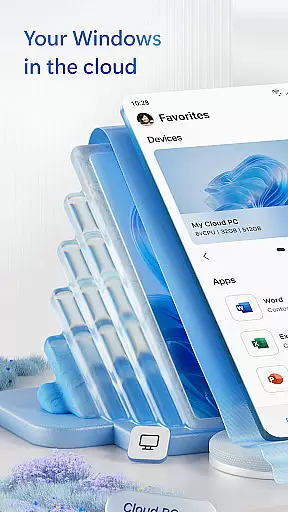
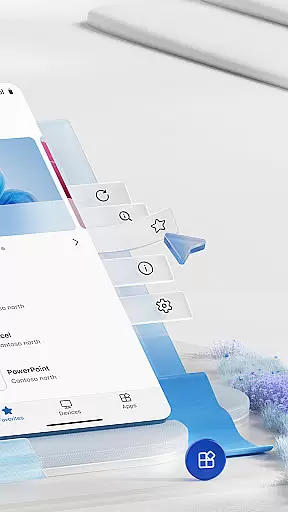
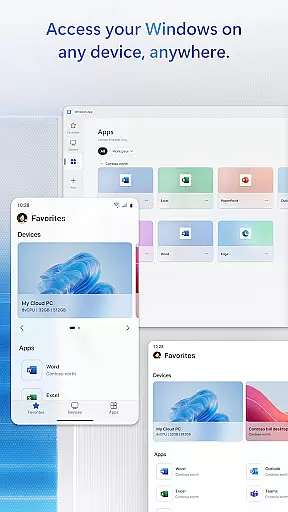
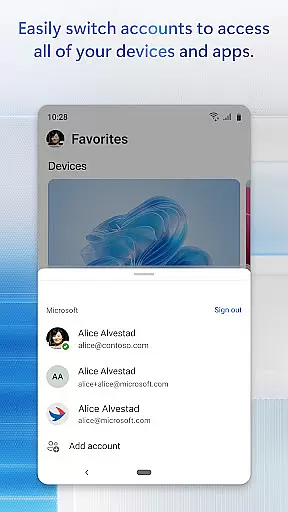
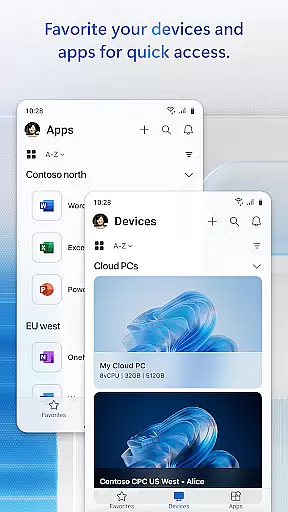
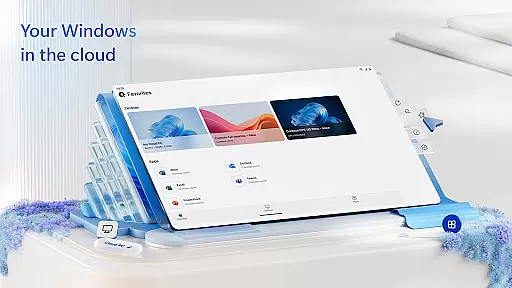
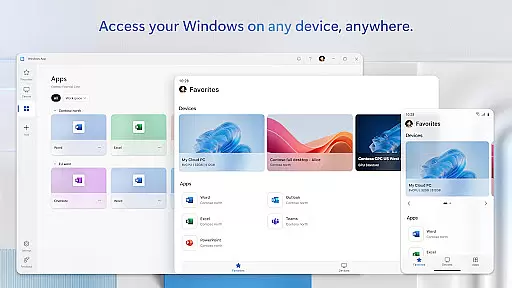
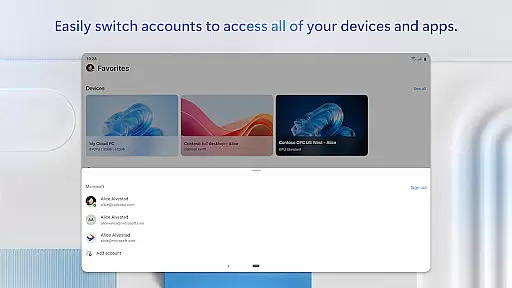
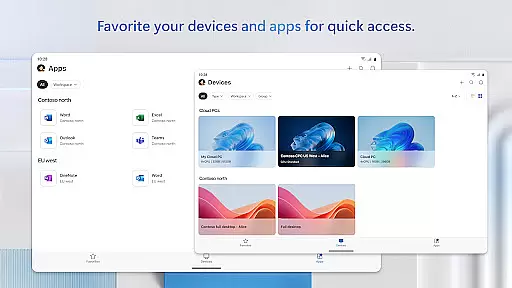
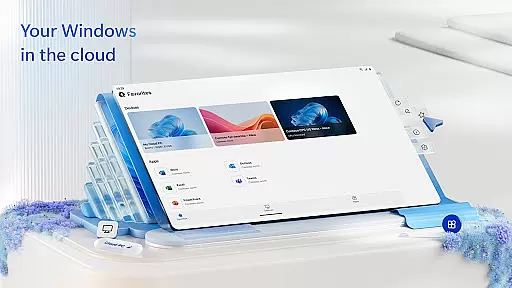
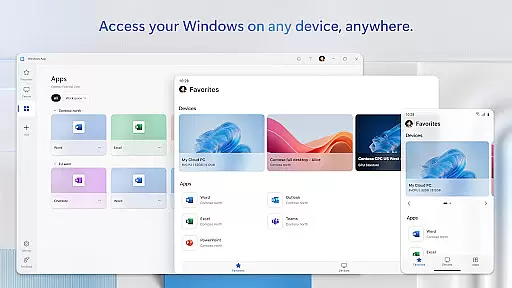
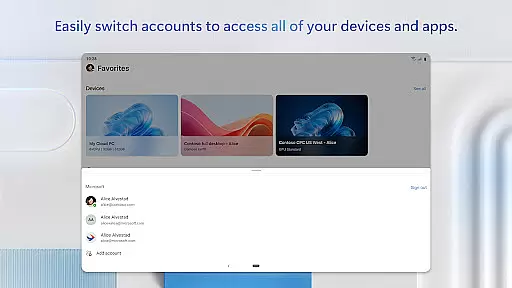
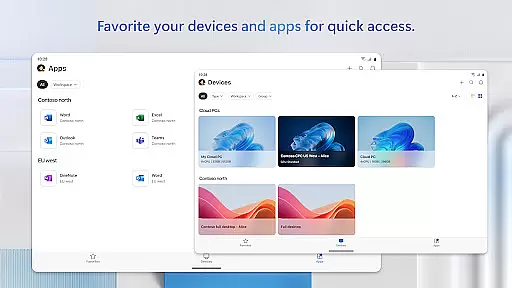
Windows App is a powerful business tool that enables secure remote connections to various Windows environments. These include Azure Virtual Desktop, Windows 365, Microsoft Dev Box, Remote Desktop Services, and remote PCs. Designed for productivity, the app ensures users can access their desktops and apps from anywhere.
The application supports all Android devices running Android 11 and above, including tablets, smartphones, VR headsets, and Chromebooks with Play Store support. This makes it versatile for different business needs and user preferences. With its robust connectivity features, Windows App provides a seamless experience for professionals on the go.
By using Windows App, businesses can enhance their operational efficiency and ensure employees have reliable access to necessary tools and data. The app's ability to connect to multiple remote services makes it an essential utility for modern work environments.
Windows App offers a comprehensive set of features tailored for business use. One of its standout capabilities is the secure connection to various remote desktop services, ensuring data integrity and privacy. Users can connect to Azure Virtual Desktop, Windows 365, and other services effortlessly.
The app is optimized for Android devices running Android 11 and above, providing broad compatibility across tablets, smartphones, VR headsets, and Chromebooks. This wide device support allows businesses to implement flexible work solutions. Additionally, the app includes advanced security protocols to protect sensitive information during remote sessions.
Another notable feature is the intuitive user interface, which simplifies navigation and enhances user experience. By integrating seamlessly with Microsoft's ecosystem, Windows App ensures that users can efficiently manage their remote desktops and applications. This results in increased productivity and streamlined workflows for business users.
Collaborative work features are essential for modern business applications, enabling teams to work together efficiently regardless of physical location. Windows App excels in this area by providing secure connections to various remote Windows environments.
The application supports multiple remote services including Azure Virtual Desktop, Windows 365, and Microsoft Dev Box. This versatility allows teams to access their workspaces from Android devices, ensuring productivity is not limited by device type or location.
Real-time collaboration is made possible through seamless integration with remote desktop services. Users can connect to their PCs and workspaces with minimal latency, allowing for smooth interactions during virtual meetings or collaborative sessions.
By supporting a wide range of Android devices running Android 11 and above, Windows App ensures that tablets, smartphones, and even VR headsets can be used effectively for business purposes. This broad compatibility enhances team flexibility and responsiveness.
Effective task management is crucial for maintaining productivity in a business environment. Windows App offers robust solutions for managing tasks across different platforms and devices.
With the ability to connect to various remote Windows services, users can organize and prioritize their workloads efficiently. The app provides quick access to essential tools and resources needed for task completion.
Android device compatibility ensures that professionals can manage their tasks on-the-go. Whether using a smartphone during commute or a tablet at home, the app maintains consistent performance and accessibility.
Furthermore, regular updates and feature enhancements, detailed at aka.ms/WindowsApp, demonstrate Microsoft's commitment to improving task management capabilities. This dedication helps businesses stay ahead in an ever-evolving digital landscape.
Secure remote access
Broad device compatibility
Seamless integration with Microsoft services
User-friendly interface
Advanced security protocols
Limited to Android 11+
Requires stable internet
No iOS version available
Some features may need subscription
Occasional connectivity issues

The revolutionary flexible staffing platform
 4.40
4.40
The Penny Puss app with DG penny finder
4.10
VSD Viewer - Visio Drawings Viewer for Android Preview VSD, VDX, VSDX drawings
4.10
The All-in-One File Manager for Phone, TV, Watch, Cars, XR / VR, Chromebook
4.10
Manage work life on the go
4.50
viewing and sharing PDFs and other files—anytime, anywhere!
4.1
Amazon A to Z is the place to manage your work-life at Amazon.
4.50
Recover what matters — quickly and easily.
4.70
Deliver and earn money
4.30
FaxCover - Create fax cover pages. Works with any app or fax machine.
4.90
Permission Guard is a security app that helps you manage app permissions.
4.80
Manage Your Shop
4.70
Access to Paylocity, empowering employees with information they need 24/7.
4.70
ANDROID'S TOP MOBILE OFFICE - Word, Excel, PowerPoint and PDF at your fingertips
4.50
All Your Gig Work. One App.
4.30
Build a store in minutes with our full suite of AI tools. Start for free!
4.20
FX Plus adds media, networking, and cloud capabilities to FX File Explorer.
4.10
Take the stress out of storage with the all-in-one app to manage your space.
3.70
Delivery Track App - Tracking with Fedex, USPS, UPS, DHL. Monitor your Orders.
3.20


User Reviews