
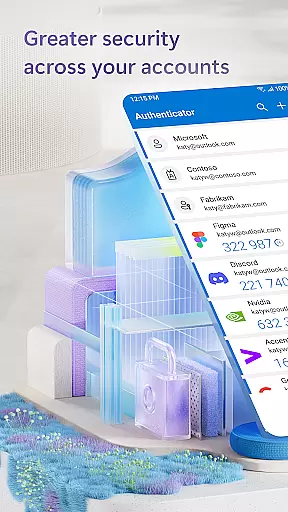
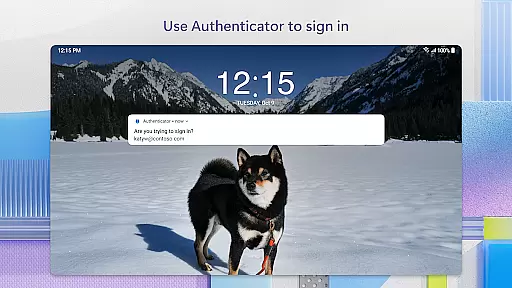
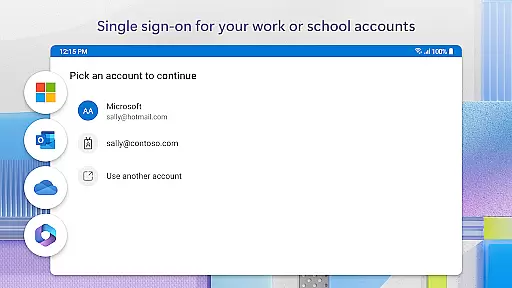
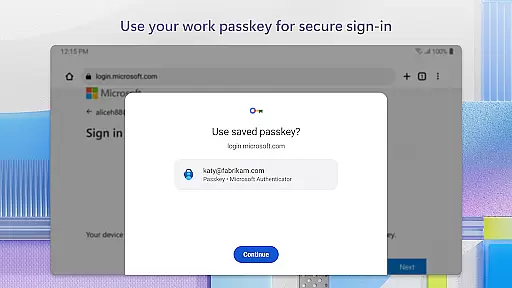
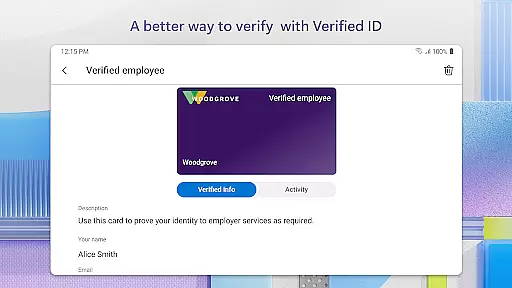
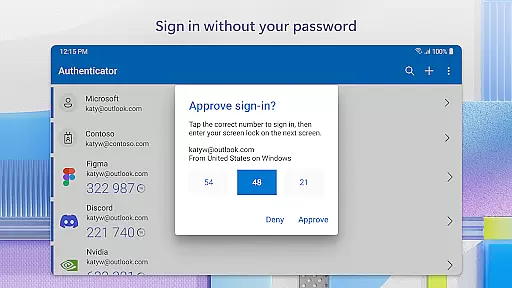
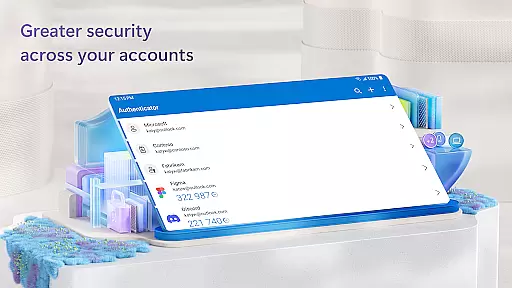
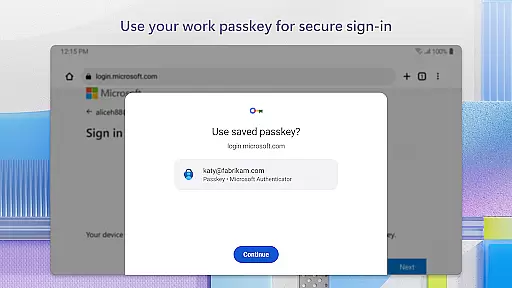
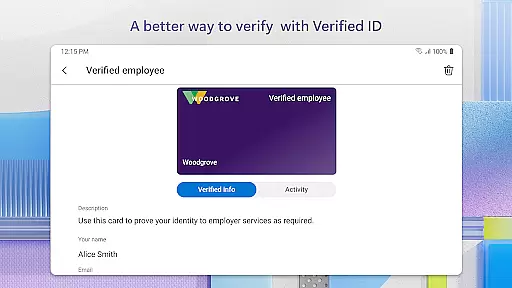
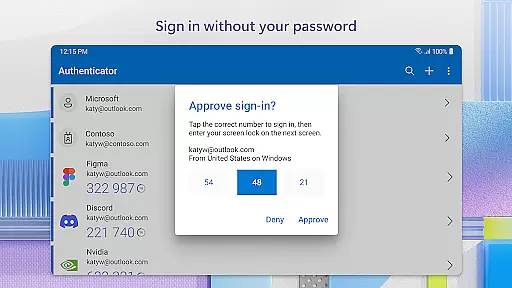
Microsoft Authenticator is a business-focused authentication app that provides secure, streamlined access to online accounts through multi-factor authentication (MFA), passwordless login, and single sign-on capabilities. The app supports both Microsoft and non-Microsoft accounts, including popular services like Facebook, Amazon, and Google.
With MFA, users verify their identity using a one-time password (OTP) or by approving push notifications. Passwordless login allows users to authenticate using biometrics or PINs, eliminating the need for traditional passwords. Additionally, the app integrates with work or school accounts, enabling secure access to corporate resources while supporting cert-based authentication for trusted devices.
This app is ideal for businesses seeking enhanced security protocols and simplified account management. Its features ensure compliance with organizational policies while offering users a convenient way to access multiple services without compromising security.
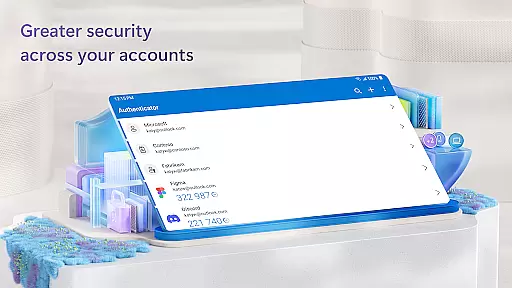
Microsoft Authenticator offers several key features that enhance security and usability. First, it supports multi-factor authentication (MFA) with time-based one-time passwords (TOTP) that refresh every 30 seconds, ensuring secure access even without an internet connection. Users can also approve login requests via push notifications, adding convenience to the verification process.
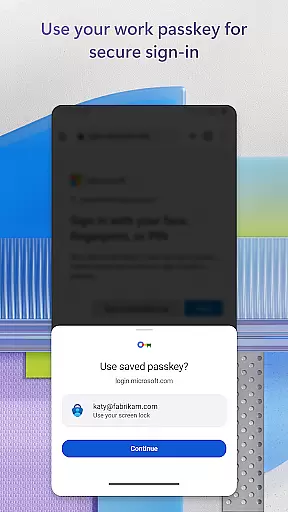
The app's passwordless login functionality leverages device-specific security measures such as fingerprint scanning, face recognition, or PIN entry. This eliminates the risks associated with traditional passwords while maintaining robust protection. Furthermore, the app supports QR code scanning for easy account setup and includes optional permissions like location tracking and camera access to meet specific organizational requirements.
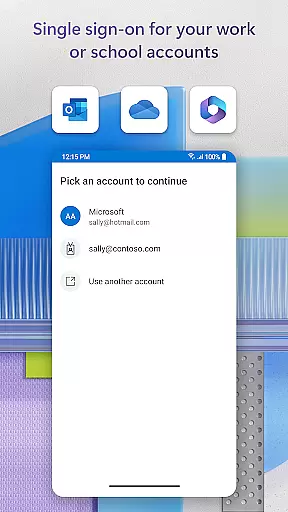
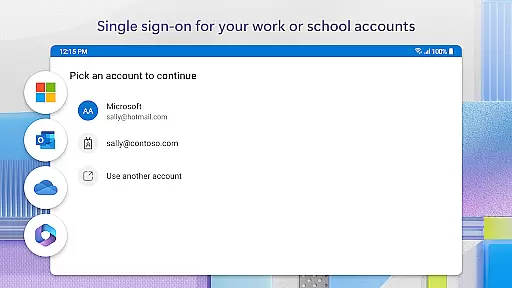
For enterprise users, Microsoft Authenticator enables seamless integration with work or school accounts, supporting single sign-on (SSO) across Microsoft services. Cert-based authentication ensures that only trusted devices can access sensitive resources, enhancing overall security. These features collectively provide a comprehensive solution for modern authentication needs.
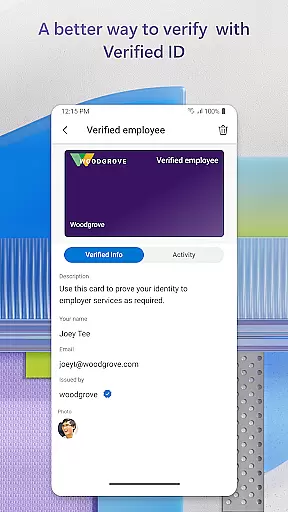
Microsoft Authenticator enhances collaborative work by providing secure access to essential business tools. The app supports cert-based authentication, which issues a certificate on your device, ensuring that sign-in requests come from trusted devices. This feature allows organizations to verify the identity of their employees seamlessly.
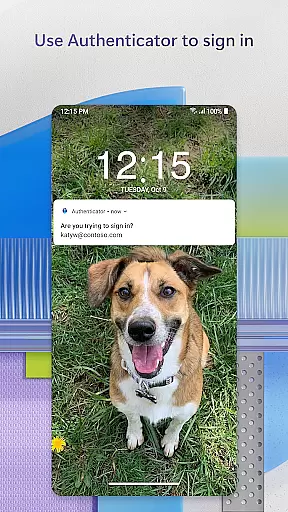
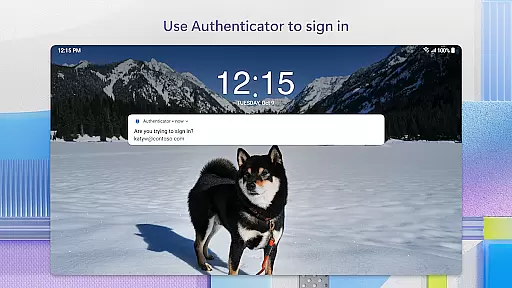
By enabling two-factor authentication (2FA) and multi-factor authentication (MFA), the app adds an extra layer of security when accessing company resources. Users can approve login notifications sent directly to their phones, using biometrics like fingerprint or face ID as a second verification step. This process not only secures individual accounts but also protects shared workspaces and documents.
The integration with Microsoft products such as Outlook, OneDrive, and Office ensures that once users authenticate, they gain access to all necessary services without repeated logins. This single sign-on capability streamlines workflows and boosts productivity by reducing time spent on authentication processes.
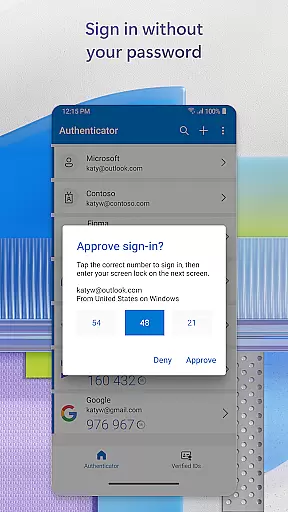
Task management within Microsoft Authenticator revolves around simplifying and securing the login process for various accounts. By supporting passwordless logins, the app allows users to sign in with just their username and a mobile notification approval, eliminating the need to remember complex passwords.
For environments requiring stricter security protocols, the app generates one-time passwords (OTP) that refresh every 30 seconds. These OTP codes ensure that each login attempt uses a unique passcode, enhancing security without burdening the user's memory. Additionally, OTP functionality works offline, making it reliable even without network connectivity.
Users can manage multiple accounts efficiently, including non-Microsoft ones like Facebook, Amazon, and Google. This versatility makes task management smoother, as employees can handle different account credentials from one centralized application, thus maintaining high-security standards across various platforms.
Enhanced security
Easy account setup
Supports multiple platforms
Offline OTP generation
Single sign-on capability
Requires device trust
Limited customization
Dependent on network
QR code dependency
Permissions required

AI-powered document scanner with auto enhance for perfect PDFs.
 4.60
4.60
Find jobs and make money fast with JobStack.
4.60
ANDROID'S TOP MOBILE OFFICE - Word, Excel, PowerPoint and PDF at your fingertips
4.50
Simple, Fast & Lightweight
3.90
Finance, Investing, Stocks, Trading and Stock news
4.60
Find work, shifts and gigs near you. Jobs lasting a few hours to a few months.
4.30
Deliver and earn money
4.30
Find part-time earning opportunities near you that pay within days.
3.20
The app that lets you deliver with Amazon.
4.50
Create curriculum vitae, a professional cover letter creator and resume designer
4.80
Employee Management Made Easy
4.80
Start earning fast. Apply Today.
4.80
Ask Accio anything about business. Alibaba-backed, built by experts, not just AI
4.60
Manage work life on the go
4.50
The revolutionary flexible staffing platform
4.40
All-in-one Mobile solutions for employees & managers to succeed at work
4.30
Smarter career moves start here. AI job alerts, insights & the right tools.
4.20
The All-in-One File Manager for Phone, TV, Watch, Cars, XR / VR, Chromebook
4.10
Shop, deliver, and earn with the Spark Driver™ App
4.10


User Reviews