


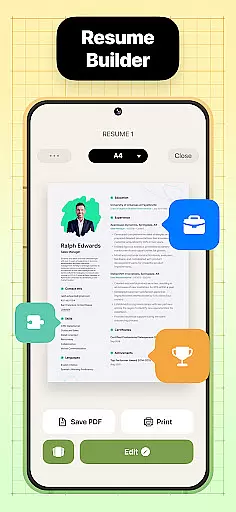
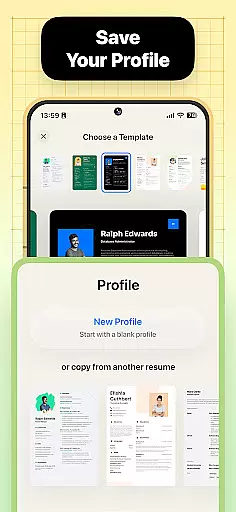

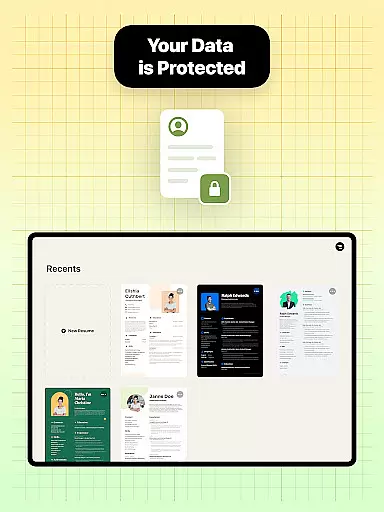

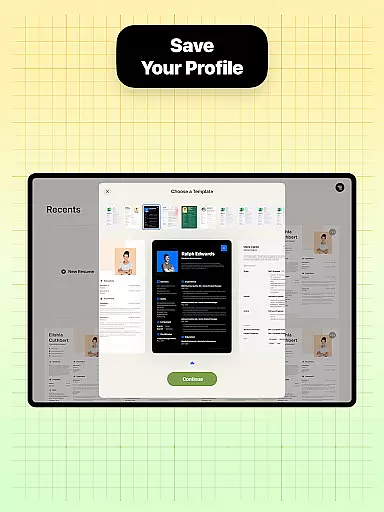
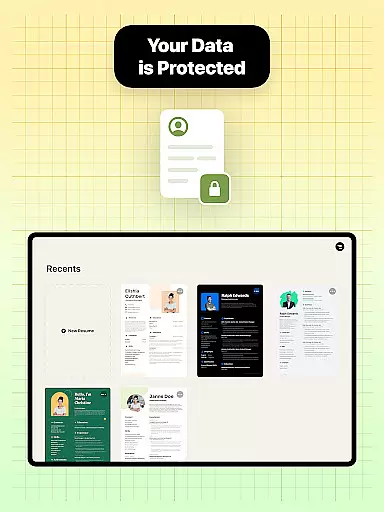
Resume Builder is a powerful business application designed to help users create professional and visually appealing resumes in PDF format. The app offers an intuitive step-by-step guidance system that simplifies the resume creation process, making it accessible for both recent graduates and seasoned professionals. With its wide range of customizable resume templates, users can choose the perfect design that aligns with their career stage and personal style.
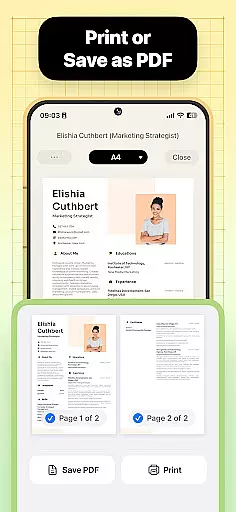
The app's standout feature is its exceptional flexibility and user-friendly interface. Resume Builder provides various customization options, allowing users to tailor each section of their resume while ensuring proper formatting and structure. Users can easily personalize their resumes by adding creative elements or maintaining a clean professional look, ensuring their unique personality stands out to potential employers. The ability to export resumes in PDF format and share them directly with employers makes this app an essential tool for job applications.
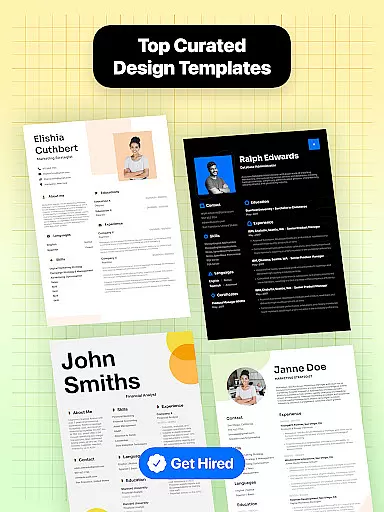
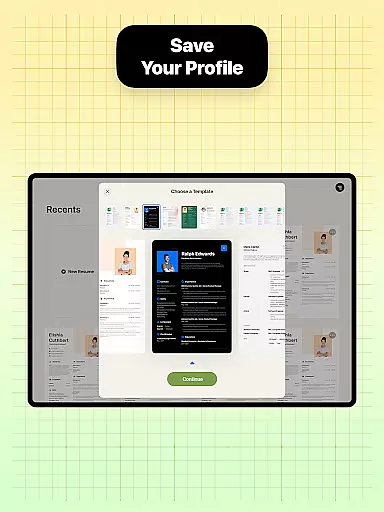
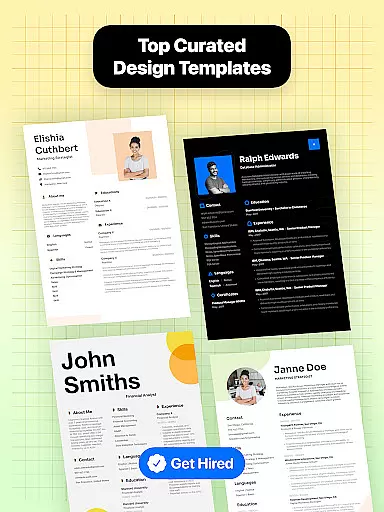
Resume Builder distinguishes itself through its comprehensive features tailored for efficient resume creation. The app offers a diverse selection of professionally designed resume templates suitable for different career stages and industries. Each template comes with customizable sections, enabling users to modify content while maintaining optimal formatting. This ensures that every resume created is not only visually appealing but also structured to capture the attention of hiring managers.
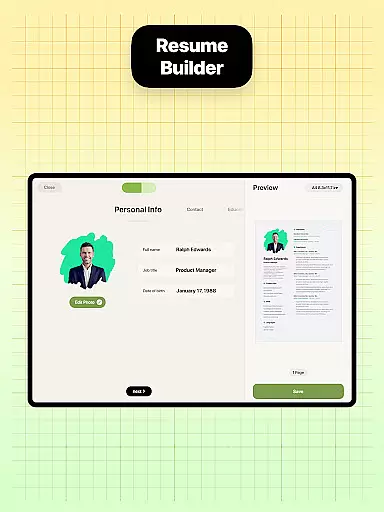
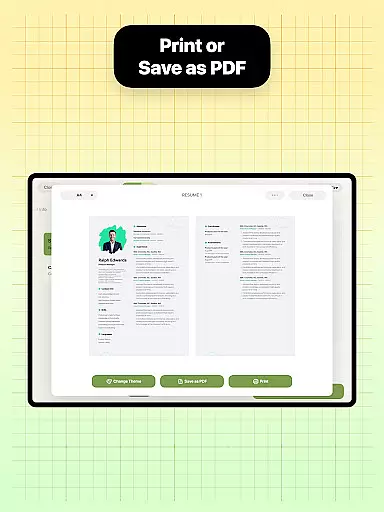
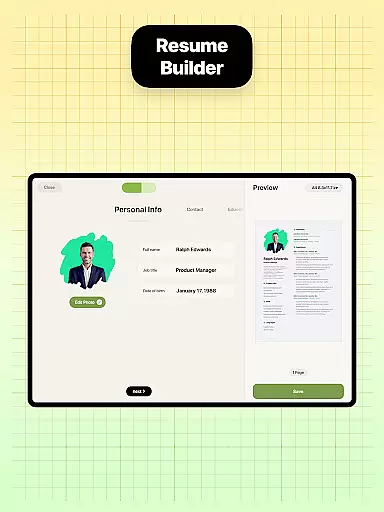
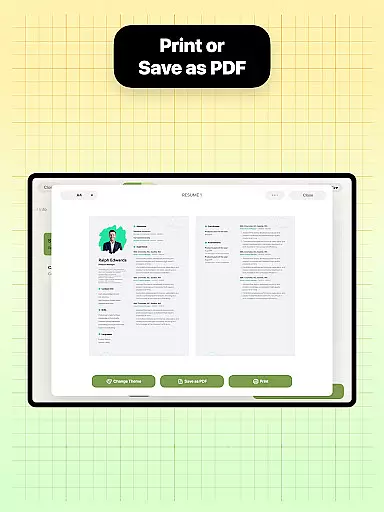
A key feature is the app's step-by-step guidance system, which simplifies the entire resume-building process. Users are seamlessly guided through each section, from entering professional experience to adding qualifications. The built-in real-time preview functionality allows users to see their progress as they make edits. Additionally, the app supports direct PDF exporting and sharing capabilities, empowering users to distribute their resumes quickly and efficiently across various platforms.
Collaborative work features are essential for modern business applications, enabling teams to work together efficiently regardless of location. Resume Builder incorporates these features by allowing users to share their resumes easily with peers or mentors for feedback and refinement.
The app's built-in sharing functionality supports collaborative efforts by enabling direct sharing of resumes in PDF format. This ensures that the document's formatting remains intact, preserving the professional appearance while it is reviewed or edited by others.
Users benefit from real-time updates and seamless communication as they refine their resumes. The ability to quickly export and share a resume enhances teamwork, especially when seeking advice on improving oneu2019s curriculum vitae.
By integrating collaborative tools within its platform, Resume Builder not only simplifies resume creation but also fosters an environment where constructive feedback can be exchanged effortlessly, ensuring candidates present their best possible selves to potential employers.
Task management is crucial for organizing and tracking progress in any business application. Resume Builder excels in this area by providing a structured process that guides users through each step of creating their resume, ensuring no important detail is overlooked.
The app offers step-by-step guidance with resume templates, helping users manage the task of resume creation effectively. Each section of the resume can be customized and updated easily, allowing users to track their progress in real-time as they add professional experience and qualifications.
This systematic approach ensures that users can focus on inputting quality content without worrying about missing critical components. With intuitive navigation and user-friendly interface design, managing tasks related to building a comprehensive resume becomes straightforward and efficient.
Ultimately, Resume Builder empowers users with robust task management capabilities, making it simpler than ever to produce an impressive and professional resume tailored to specific job applications, thus enhancing career advancement opportunities.
User-friendly interface
Wide template selection
Real-time editing
PDF export option
Customizable designs
Limited free templates
Premium feature costs
Occasional bugs
Ads in free version
Basic mobile-only

Ask Accio anything about business. Alibaba-backed, built by experts, not just AI
 4.60
4.60
The All-in-One File Manager for Phone, TV, Watch, Cars, XR / VR, Chromebook
4.10
BuildCalc - the easiest AND the most advanced construction calculator app.
4.80
Find the right fit, faster.
4.70
viewing and sharing PDFs and other files—anytime, anywhere!
4.2
Recover what matters — quickly and easily.
4.70
Mobile POS for any business: sales, invoices, retail, restaurants & appointments
4.60
Find jobs near you and temp work in minutes, from your phone.
4.50
From Gone to Back Again — In Just a Few Taps
4.50
Job search app that finds jobs for you! Takes the work out of looking for a job!
4.90
Employee Management Made Easy
4.80
Get instant construction estimates: accurate home repair & material calculator.
4.70
ADP Mobile Solutions is an employee self service app
4.50
Smarter career moves start here. AI job alerts, insights & the right tools.
4.20
Zoom built for Chrome OS
3.90
Take the stress out of storage with the all-in-one app to manage your space.
3.70
viewing and sharing of PDFs
3.60
Delivery Track App - Tracking with Fedex, USPS, UPS, DHL. Monitor your Orders.
3.20
Find part-time earning opportunities near you that pay within days.
3.20


User Reviews