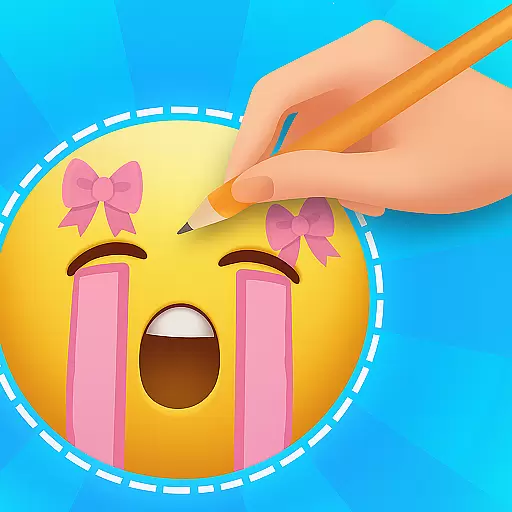
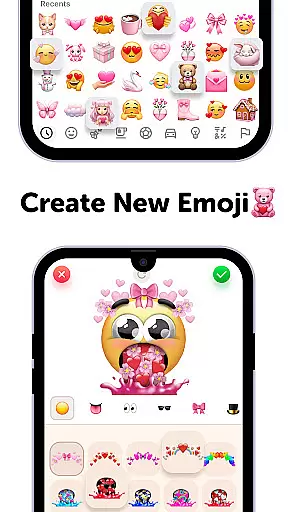
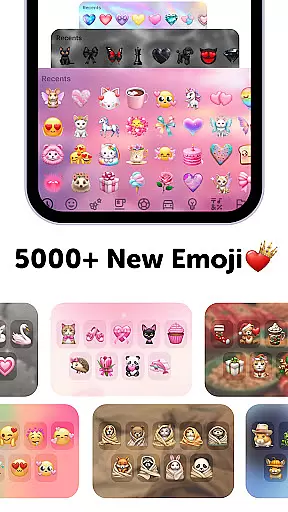
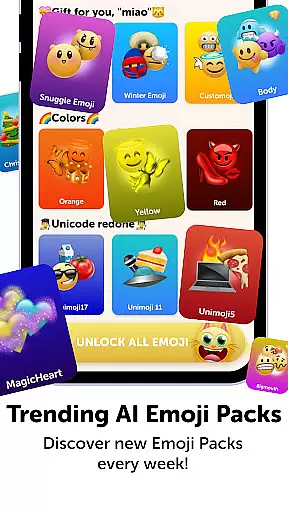
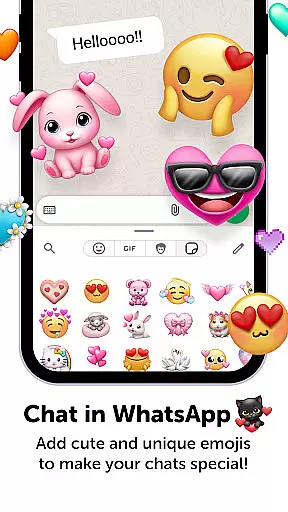
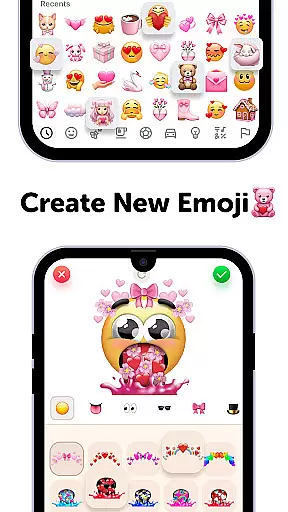
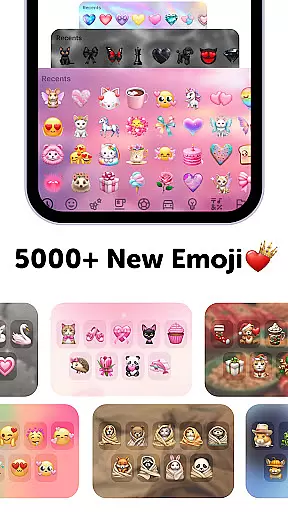
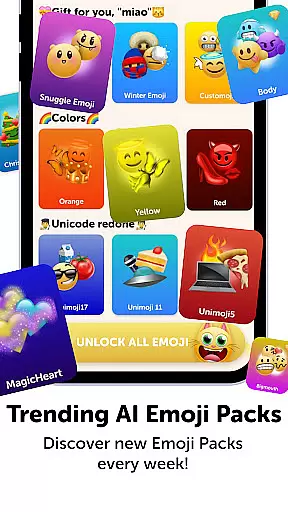
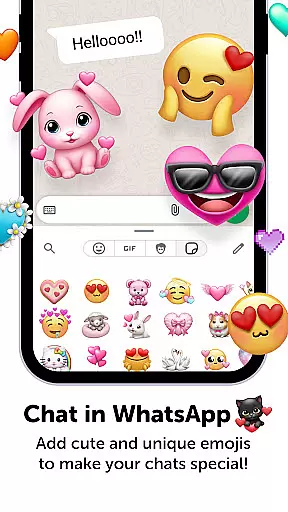
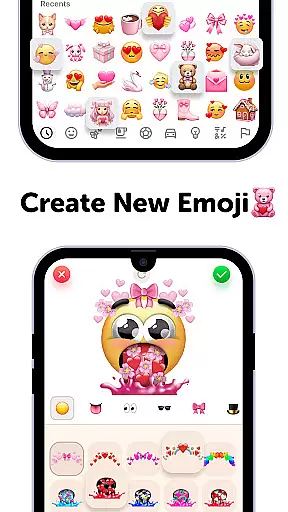
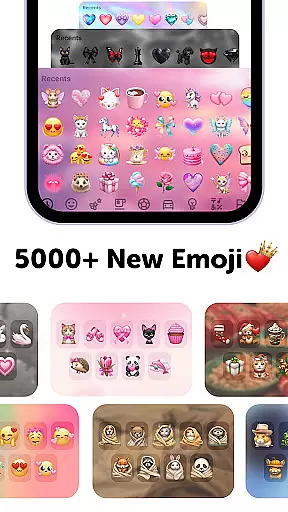
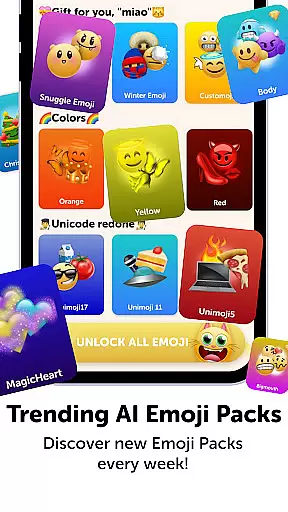
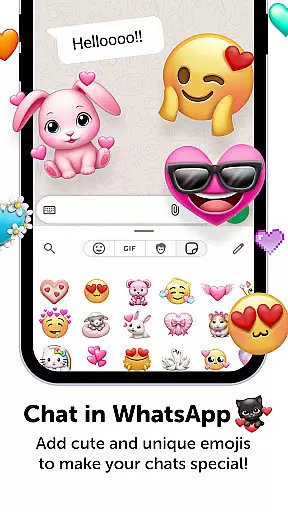
Emoji Up is a creative emoji maker app that allows users to design custom emojis and stickers. With an extensive range of customization options, users can mix various emoji bases, eyes, mouths, and more to create unique designs. The app also features 'Emoji Puzzle Blitz Game', an engaging IQ game where players match 3 emojis to collect 'Mystery Emoji Packs' containing cute emojis, stickers, and themes.
This personalization app is perfect for those looking to add a personal touch to their digital communications. Users can export their creations and use them on popular social networks like TikTok, Instagram, and WhatsApp. Whether you're an emoji enthusiast or a casual user, Emoji Up offers a fun way to express individuality through custom emojis.
Emoji Up stands out with its comprehensive emoji creation tools. Users can draw and paint emojis, giving them the freedom to become true emoji artists. The app provides a wide array of customization options, comparable to an emoji kitchen where new emojis can be whipped up effortlessly.
Besides the creative aspect, Emoji Up includes the 'Emoji Puzzle Blitz Game', which adds an element of fun and challenge. By completing emoji puzzle levels, users earn 'Mystery Emoji Packs', enhancing their collection with unique items. This combination of creativity and gaming elements makes the app both engaging and entertaining.
The ability to export and share emojis on social media platforms like TikTok, Instagram, and WhatsApp adds practical value. Users can showcase their emoji artistry and personalize their online interactions, making Emoji Up a versatile tool for digital expression.
Customization is at the heart of Emoji Up, offering users a rich palette to express their creativity. The app provides an extensive range of options for creating emojis that are as unique as your fingerprint.
With features like mixing emoji bases, eyes, mouths, and more, you can craft custom emojis and stickers that stand out. This flexibility ensures that whether you're in the mood for something cute or cool, the power is in your hands.
The true value lies in the freedom it gives users to become true emoji artists. Whether you're looking to create something whimsical or professional, Emoji Up's customization tools ensure your creations are anything but ordinary.
Theme compatibility in Emoji Up ensures that all your creative designs integrate seamlessly across various platforms. This feature allows your custom emojis and stickers to maintain their quality and style, regardless of where they're used.
Whether you're sharing on TikTok, Instagram, or WhatsApp, Emoji Up guarantees that your emojis will look just as impressive. This compatibility extends to different device types and operating systems, ensuring a consistent experience for all users.
By supporting diverse themes and formats, Emoji Up enhances user engagement and satisfaction. The ability to export and use your creations across favorite social networks not only showcases your artistry but also strengthens your digital presence.
User-friendly interface
Extensive customization
Engaging puzzle game
Social media integration
Creative freedom
In-app purchases required
Limited free content
Ads may interrupt
Subscription needed
Complex for beginners

Wear Os Watch Face - Seasonal - Animated Snow Effect - 9 Animals
 4.20
4.20
Turn your lock screen into fun with smile live wallpapers & animated wallpapers!
2.50
Customizable screen pets that play, climb, and keep you company.
4.50
Customize glowing edges, wallpapers, and caller screen with EdgeAura.
3.50
Adaptive Dot Style IconPack with Light & Dark Theme.
3.70
Organize and manage your photos and videos effortlessly with Photo Gallery
4.20
Your home screen, just the way you like it.
4.30
Enjoy a variety of amazing live wallpapers and colorful EDGE lighting borders!
4.80
Magic fluids wallpaper 4D: Relax with stunning fluid simulation wallpaper app
4.20
Ultra realistic high quality analog watch face for Wear OS.
4.60
Unique Android Launcher
4.60
Bring adorable pets to life on your screen. Playful, interactive and full of fun
4.60
Embrace the Night. Unleash the power of darkness with Raven Dark Icon Pack
4.60
300+ widgets inspired by Material You and Material 3 expressive design.
4.60
Ninja Turtles Cowabunga SE watch face for Wear OS
4.50 4.50
4.50
App Icon Changer & Shortcut Creator. Customize your icons without any watermarks
4.30
More than 3000+ themes and 9000+ wallpapers for everybody!
4.10
Transform your phone with stunning video wallpapers and a unique, personal touch
3.80


User Reviews