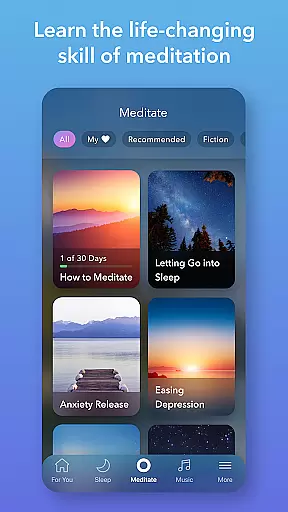
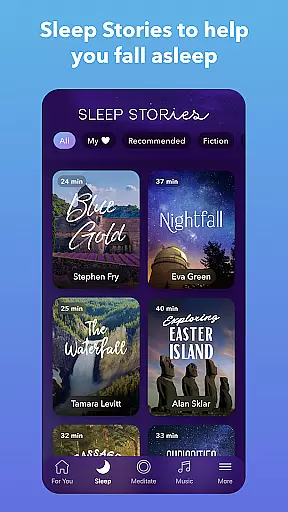
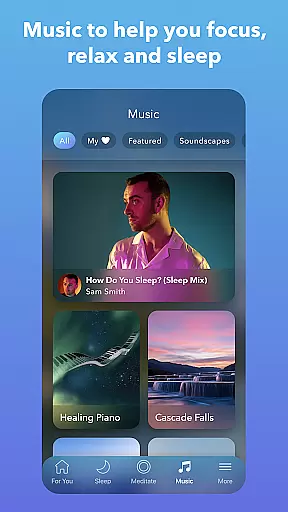
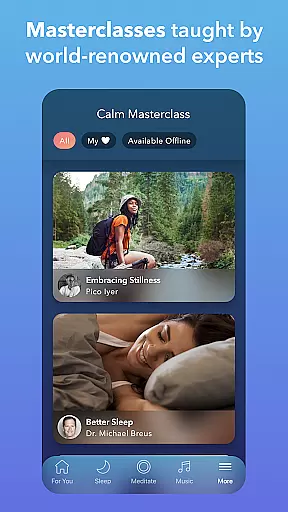
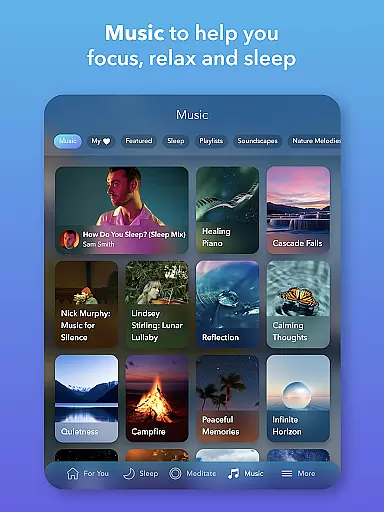
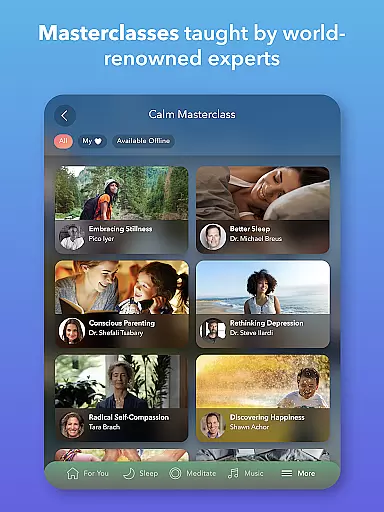
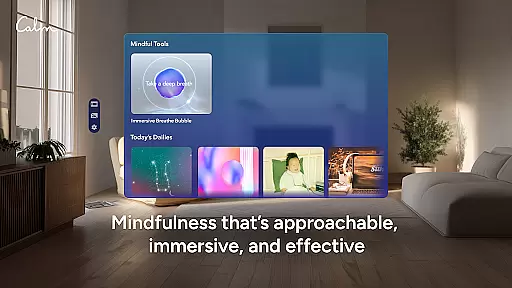
Calm is the leading application for sleep enhancement, meditation, and relaxation, designed to help users manage stress, stabilize moods, improve sleep quality, and refocus attention. The app offers a rich library filled with guided meditations, Sleep Stories, soundscapes, breathwork, and stretching exercises. Whether you're new to meditation or an experienced practitioner, Calm provides tools for self-care and mindfulness that fit into any schedule.
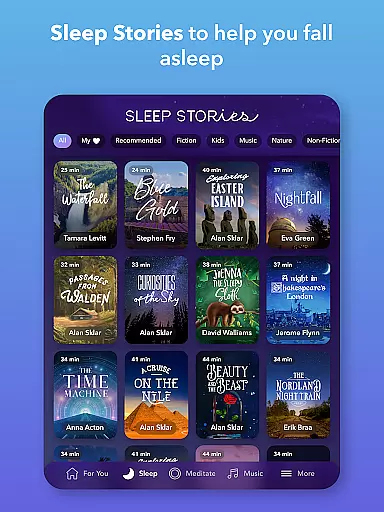
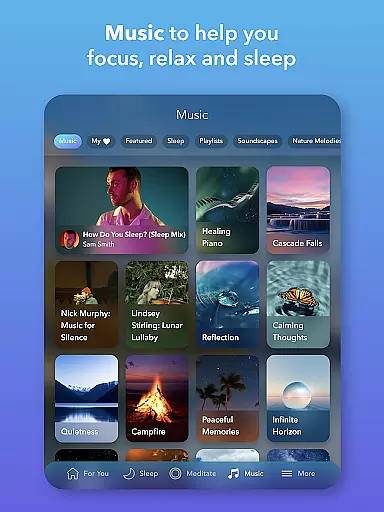
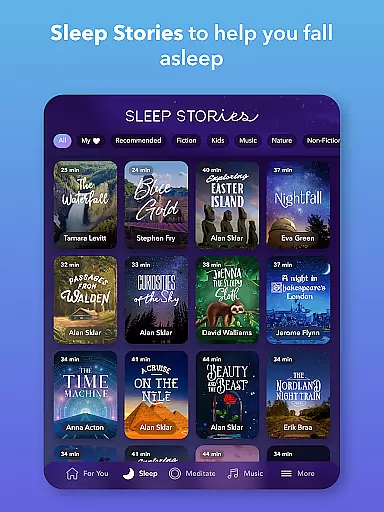
One of the standout features of Calm is its Sleep Stories—bedtime stories for adults and children alike, narrated by well-known voices such as Cillian Murphy and Rosé. These stories are crafted to lull listeners into restful slumber. Additionally, the app includes calming music and sounds that aid in meditation, focus, and achieving deep sleep. With content updated weekly, users can continually discover new ways to relax and rejuvenate.
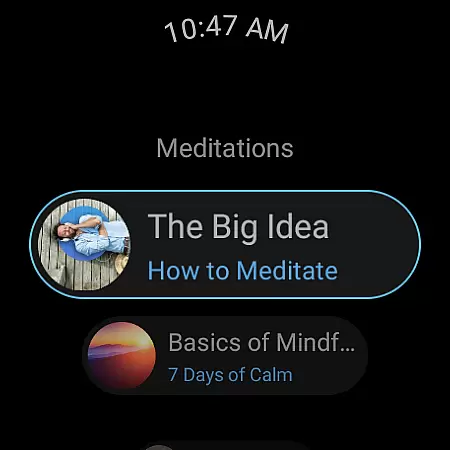
The app's comprehensive approach to mental health also includes daily anxiety relief programs, mindful movement exercises, and emotional health tracking. By integrating these practices into daily routines, users can experience significant improvements in their overall well-being. Calm is accessible on Android Wear, making it easy to start breathing exercises or track meditation sessions directly from your smartwatch.
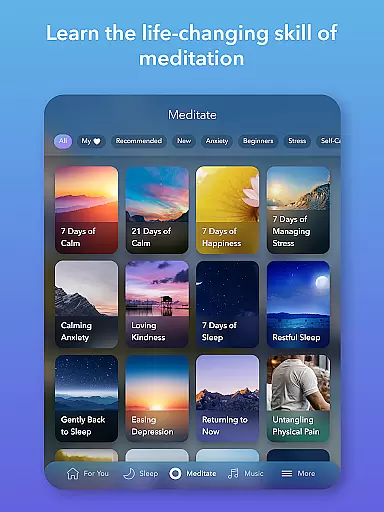
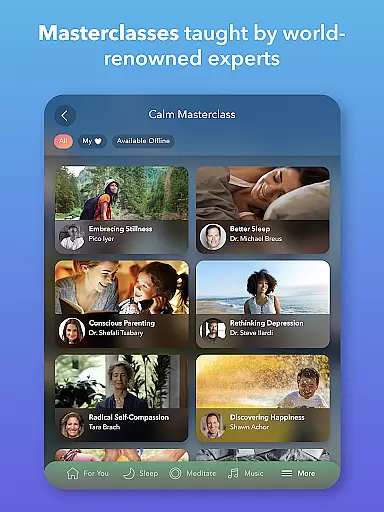
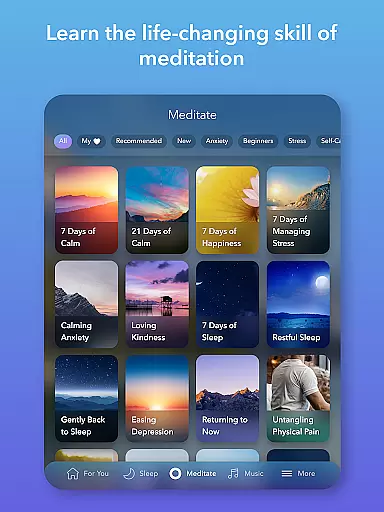
Calm distinguishes itself through a variety of innovative features tailored to enhance mental wellness. One of the core functionalities is its meditation and mindfulness section, where users can engage in guided sessions led by seasoned experts. Topics range from deep sleep and anxiety reduction to focus enhancement and habit-breaking, catering to both beginners and advanced practitioners.
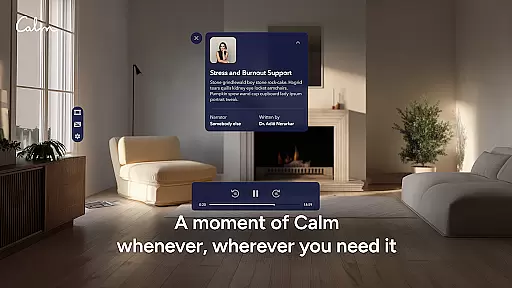
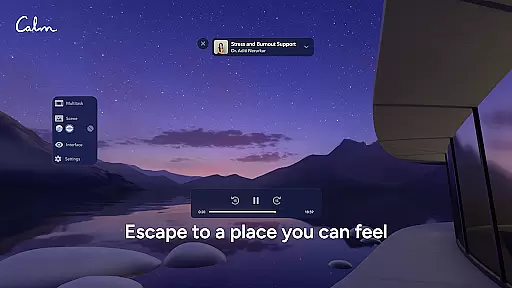
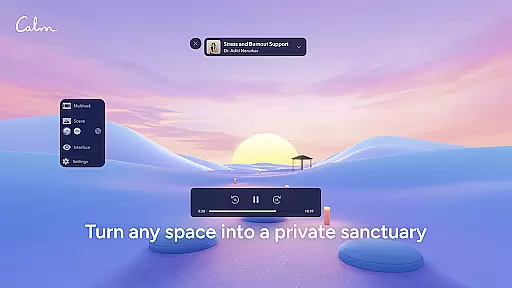
Another remarkable feature is the extensive collection of Sleep Stories, relaxing music, and soundscapes. These audio experiences are designed to help users fall asleep faster and enjoy more restorative rest. The app regularly updates its music library with contributions from top artists, ensuring fresh content is always available. Furthermore, the integration of nature sounds and scenes offers immersive environments that soothe the mind and body.
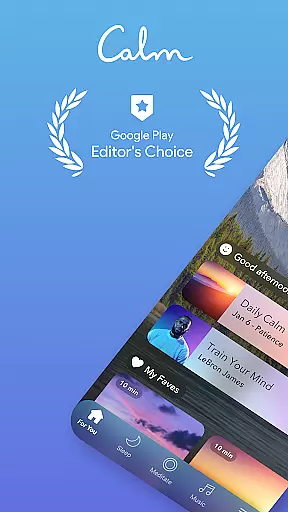
Calm also excels in providing structured programs for anxiety relief and relaxation. Daily 10-minute sessions like the Daily Calm and Daily Trip offer consistent support for managing stress and fostering personal growth. Users can track their progress with streaks and mindful minutes, while breathing exercises and mindful movement routines provide additional tools for maintaining balance throughout the day. This holistic suite of features makes Calm a versatile companion for anyone seeking to improve their mental health.
Companion app integration is essential for users who want a seamless experience between their mobile devices and wearable technology. Calm ensures that its Android Wear app works in harmony with its main application, providing users with uninterrupted access to mindfulness exercises, sleep stories, and meditation sessions.
The Calm Wear OS app features tiles that allow users to quickly start breathing exercises, ensuring that stress relief is always just a tap away. This immediate access to essential features means that whether you're at work or on the go, maintaining your mental well-being has never been easier.
Furthermore, complications within the Wear OS app help track meditation streaks and mindful minutes, giving users an overview of their progress directly from their watch face. This tracking encourages consistent use and helps build a sustainable mindfulness practice.
By focusing on these integrative features, Calm delivers a comprehensive solution for managing stress and enhancing relaxation across multiple devices, making it simpler for users to incorporate mindfulness into every aspect of their daily lives.
Device compatibility is crucial when selecting a wearable app, as it ensures the software functions correctly with your specific hardware. Calm's Wear OS app is designed to be compatible with a wide range of devices, allowing users to enjoy its features without worrying about technical limitations.
Calm leverages the capabilities of Wear OS to provide users with a smooth and responsive experience. Whether you're using a smartwatch during workouts or while commuting, the app maintains high performance standards, adapting to various screen sizes and device specifications.
In addition to supporting different devices, Calm also focuses on system compatibility. The app receives regular updates to align with the latest Wear OS versions, ensuring ongoing functionality and security. This commitment to compatibility demonstrates Calm's dedication to delivering a reliable tool for mindfulness and relaxation.
Ultimately, by prioritizing Wear OS and device compatibility, Calm enables users to focus on what truly mattersu2014achieving peace of mind and improving overall well-being through accessible technology.
User-friendly interface
Extensive library of content
High-quality narration
Daily motivational programs
Compatibility with wearables
Premium subscription required
Limited free content
Occasional app glitches
High cost for full access
Internet connection needed

Christmas - Festive - Christmas Village - Winter - Christmas lights
 5.00
5.00
Be an elegant and classy secret agent, with this carefully detailed watch face
4.70
Let's celebrate Thanksgiving - Wear Os watch face
4.20
Find EV charging stations
4.30
Stay in touch with your friends and family using LINE!
3.40
Bold weather Digital watchface with forecast & optional animated background
4.40
A modern hybrid informative watch face for Wear OS designed by BALLOZI
4.80
A realistic hybrid watch face with many customization options.
4.60
Track airplanes and follow flights with our real-time flight tracker
4.50
Beautiful, colorful and practical watch face. For Wear OS devices.
5.00
To-Do List: daily schedule planner, task organizer, to do reminder app, calendar
4.60
Ideal for surviving in the wasteland left after nuclear fallout
4.50
Stylish, Energizing and Modern Watch Face crafted by Dominus Mathias.
4.50
Current temperature, weather hourly, weather radar by the weather forecast app
4.40
Premium hybrid watch face with many customizations for Wear OS devices.
4.40
Viewer for Wyze/Yi/Eufy/Arlo/ONVIF/RTSP/P2P IP cams w/ adv. features & DIY DVR
4.00
Get helpful reminders, take progress photos and find answers to your questions.
3.90
Analog watch face with 8 complications and expedition styling
4.4
3 Complications. All shadow on/off. 30 Themes color palette...
4.4


User Reviews