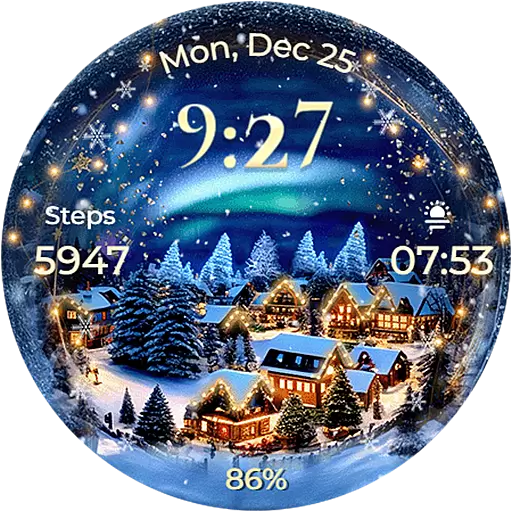
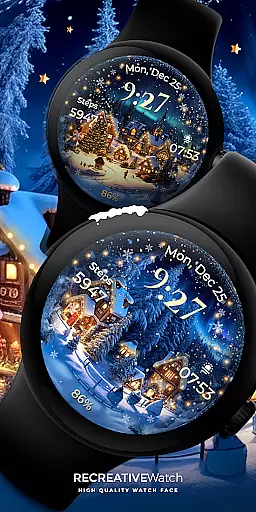
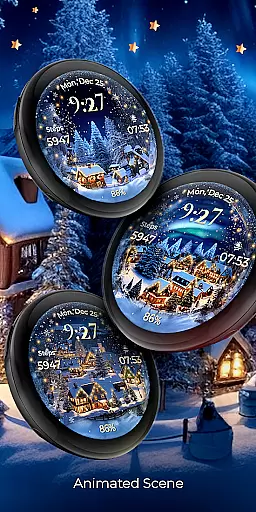
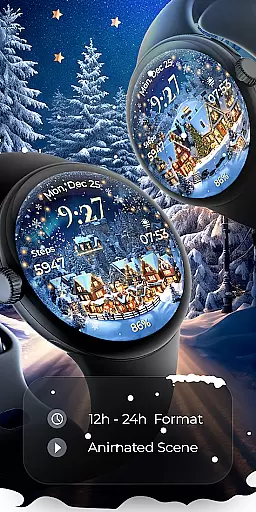
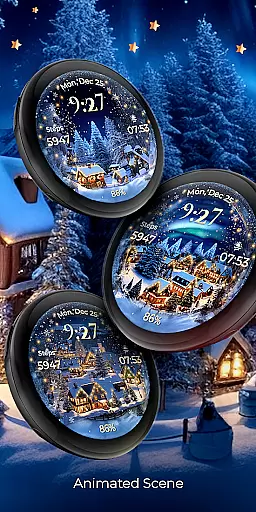
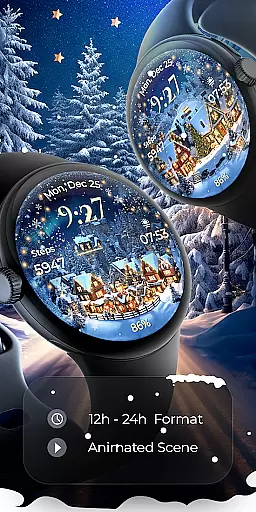
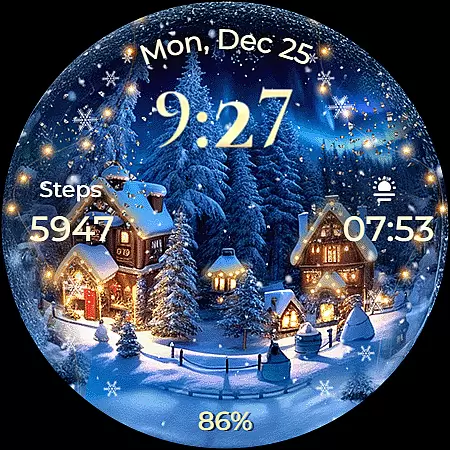
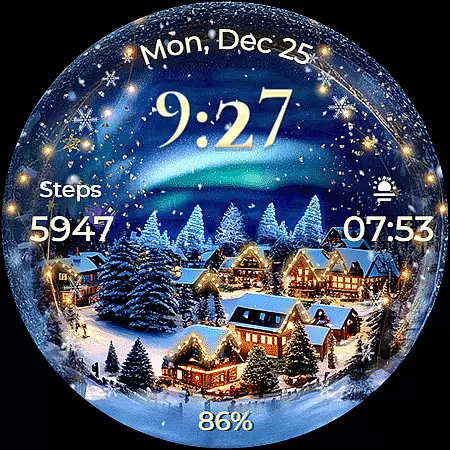
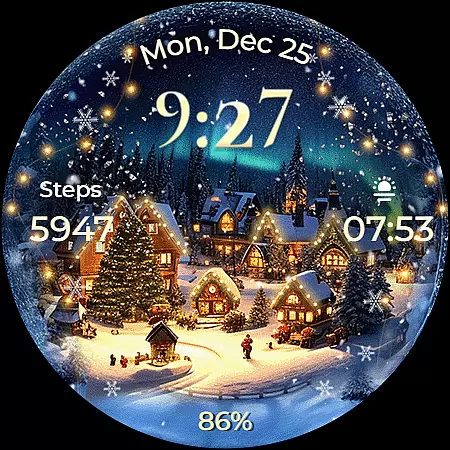
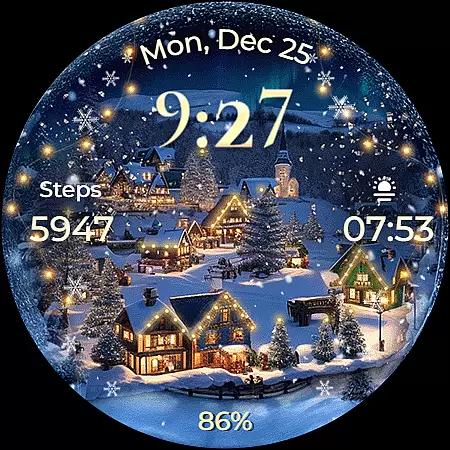
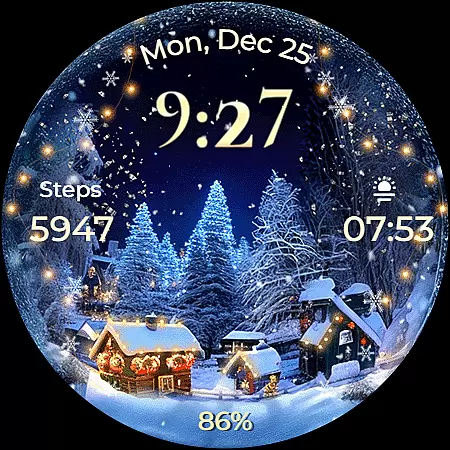
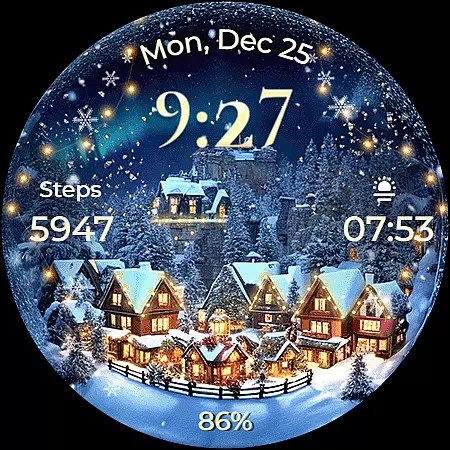
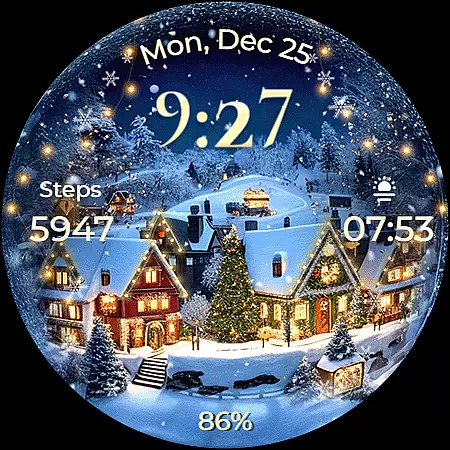
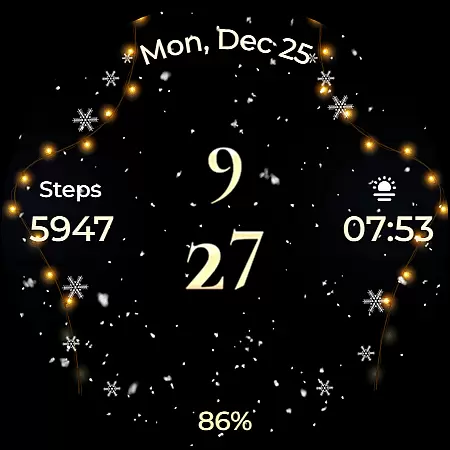
Animated North Pole Christmas is a festive Wear OS watch face that brings the magic of the holiday season to your wrist. Featuring animated snowfall and a magical sparkle, this app captures the essence of winter cheer with Santa's journey through snowy landscapes.
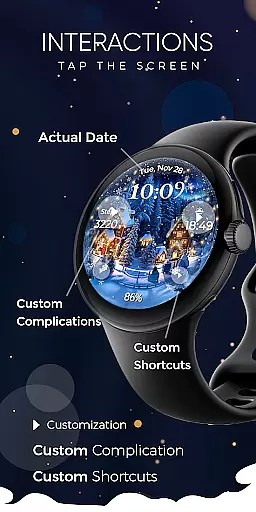
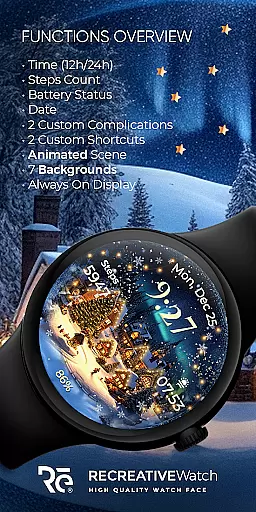
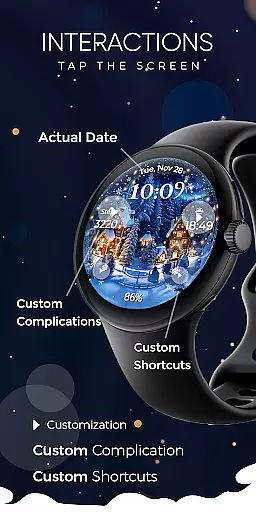
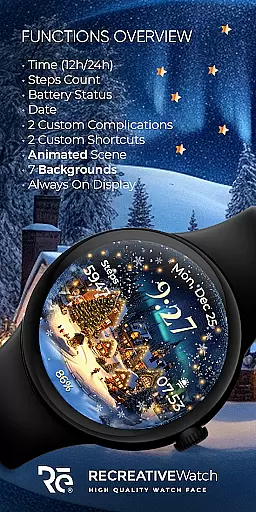
The watch face displays essential information such as 12/24h digital time, date, battery status, and step count. It also offers customization options including two complications and shortcuts, seven different backgrounds, and an Always ON Display mode with changeable colors and modes. Compatible with API level 33+ devices like Google Pixel and Galaxy Watch series, it ensures a delightful and functional experience for users who want to embrace the holiday spirit.
This Wear OS watch face stands out with its unique Christmas theme, complete with animated snow and a magical sparkle effect. The design not only evokes the joyous atmosphere of the holidays but also provides practical utility with features like 12/24h digital time display, date, battery indicator, and step counter.
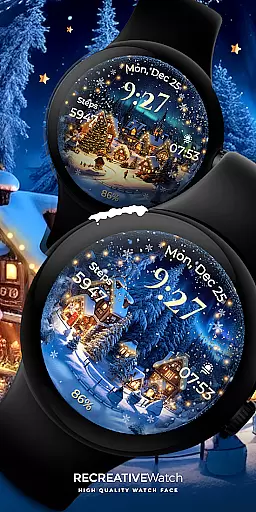
Customization is key with this app, allowing users to personalize their watch faces with two customizable complications and shortcuts. With seven beautiful backgrounds to choose from, wearers can switch up their look while enjoying the functionality of an Always ON Display that supports various color and mode changes. This combination of aesthetic appeal and user-friendly features makes Animated North Pole Christmas a standout choice for those seeking a festive yet practical smartwatch experience.
Companion app integration is essential for ensuring seamless functionality between a Wear OS watch face and its paired mobile application. Animated North Pole Christmas offers a companion app that simplifies the installation process and helps users locate the watch face on their Wear OS devices.
The phone app acts as a facilitator, providing an easy way to manage the watch face while ensuring that all features are readily accessible. This strategic design choice ensures that users can enjoy the full experience of the animated snowfall and magical sparkle without unnecessary complications.
By separating the companion app from the watch face itself, the developers have ensured that only the mobile app contains ads, preserving the immersive holiday experience on the wearable device. This thoughtful approach enhances user satisfaction by keeping the watch interface ad-free and focused on delivering festive cheer directly to the wrist.
Ensuring broad device compatibility is crucial for any Wear OS application. Animated North Pole Christmas is designed to work seamlessly with API level 33+ devices, including popular models like Google Pixel and Galaxy Watch series (4, 5, 6), along with other Wear OS compatible watches.
This extensive compatibility ensures that users across various modern devices can enjoy the winter magic of the North Pole with a Christmas vibe right on their wrists. The watch face brings animated snowfall and a magical sparkle, capturing the essence of Santa's journey through snowy towns regardless of the specific Wear OS device being used.
For optimal battery performance, especially when using the Always ON Display feature, users are encouraged to customize settings according to their preferences. This flexibility in supporting changeable colors and modes while maintaining cross-device functionality demonstrates the thoughtful engineering behind this festive watch face.
Holiday-themed design
Customizable features
Animated effects
Always ON Display
Compatible with multiple devices
Battery consumption may be high
Limited to Wear OS
No automatic application
Requires manual setup
Ads in mobile app

Embrace the holiday spirit with this magical animated watch face!
 4.40
4.40
A full-featured Amazon Alexa voice assistant that can show you things.
3.70
Wear Os Watch Face - Animated Snow Effect & Magic Spark - 6 Scenes
4.10
Bold, Modern Hybrid Watch Face for Wear OS. 10 Colors, Rich Info Display.
4.30
Digital watch face with big numbers and many customization for Wear OS devices
4.40
Real-time results, stats, schedules and player profiles for all leagues
4.60
Viewer for Wyze/Yi/Eufy/Arlo/ONVIF/RTSP/P2P IP cams w/ adv. features & DIY DVR
4.00
Want to take charge of your health? Let Google Fit help you reach your goals.
3.50
Back up your contacts & access them anywhere
4.30
Real-time weather radar with temperatures, warnings, hurricanes, and widgets
4.80
A modern premium sporty hybrid watch face for Wear OS by Ballozi
4.70
Your second brain for organizing your life: to-do, calendar, reminder.
4.70
To-Do List: daily schedule planner, task organizer, to do reminder app, calendar
4.60
Calming & relaxing sounds for sleeping and stress relief. Stay focused all day!
4.20
Daily Weather forecast with 15 weather images for Day & Night plus Big Bold time
4.10
Hyper-Realistic Airplane Dashboard Watch Face With 10 Skins and Custom AOD
4.00
Structured watch face with seven complications and modular UI elements
3.90
Stay in touch with your friends and family using LINE!
3.40
Analog watch face with 8 complications and expedition styling
4.4


User Reviews