
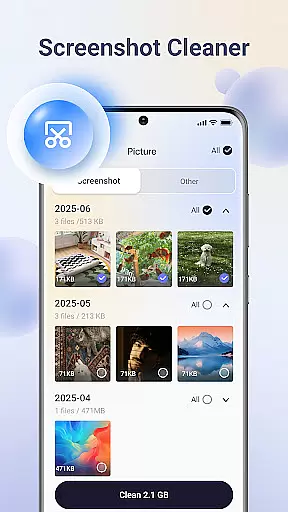
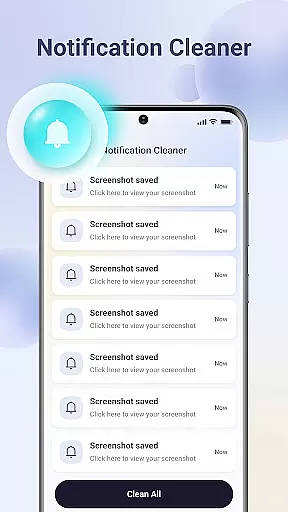
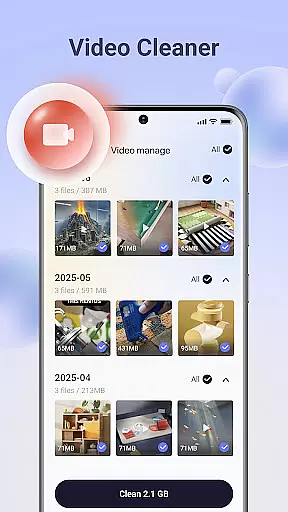
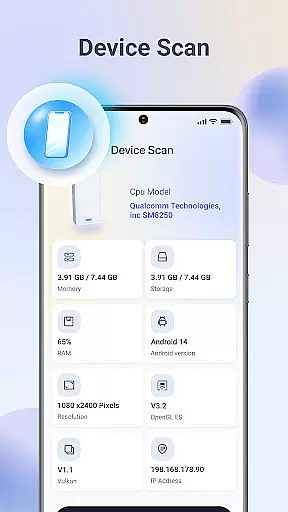
Ace Cleaner is a comprehensive file management and device optimization tool designed to help users efficiently manage their phone's storage. The app focuses on cleaning junk files, organizing apps, and managing media files while ensuring complete user control over personal data.
Key features include junk file cleaning, app management, photo and video organization, and large file identification. These tools work together to provide a streamlined solution for maintaining optimal device performance. Whether you're looking to free up space or organize your digital content, Ace Cleaner offers an intuitive interface that makes storage management both simple and secure.
The app is especially useful for users who want to maintain an organized device without compromising their privacy. By handling all operations locally, Ace Cleaner ensures that your personal files remain private while providing the tools needed to keep your device running smoothly.
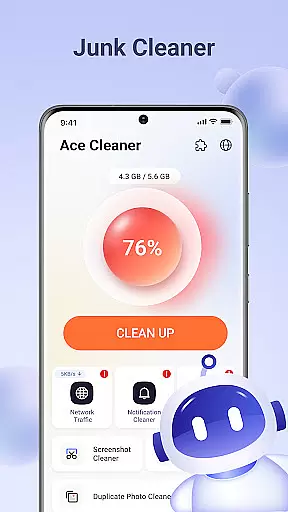
Ace Cleaner stands out with its diverse set of features tailored for effective device management. One of its core functionalities is the ability to scan and clean junk files and cache, which helps improve device performance by removing unnecessary temporary files.
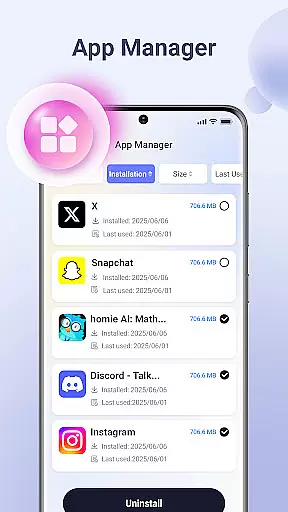
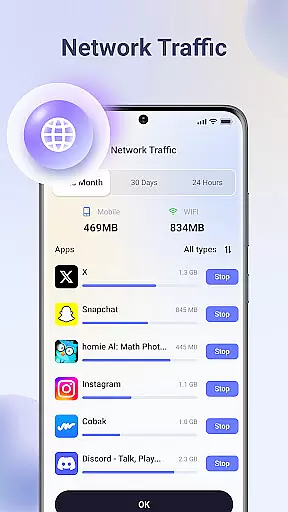
The App Organizer provides detailed insights into installed applications, allowing users to monitor storage usage and manage apps more effectively. This feature simplifies the process of identifying and uninstalling unused apps. Additionally, the Photo & Video Tidy-Up tool assists in decluttering media libraries by helping users identify duplicates and unwanted files.
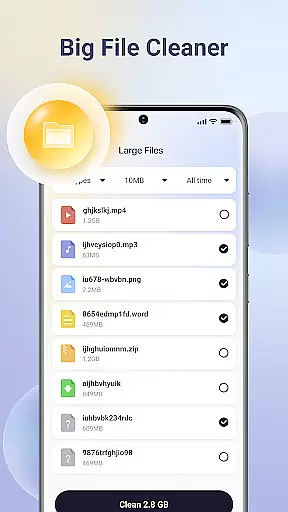
Another notable feature is the Large File Finder, which scans the device for sizable files that may be occupying significant storage space. Users can then decide whether to keep or delete these files. All these features are backed by on-device privacy protection, ensuring that no personal data is uploaded or shared during the cleaning process.
Ace Cleaner excels in delivering precise and effective core functions that users expect from a utility tool. Its junk file cleaning feature thoroughly scans the device to identify temporary files, cached data, and other unnecessary items that accumulate over time. This ensures that users can reclaim valuable storage space without affecting important files.
The App Organizer provides clear insights into app storage usage, empowering users to make informed decisions about which apps to keep or remove. Similarly, the Photo & Video Tidy-Up function allows users to review and manage their media files with ease, ensuring that only the desired content remains on the device.
With its Large File Finder, Ace Cleaner helps users pinpoint the biggest files occupying significant space. The tool's intuitive interface makes it simple to decide what to keep or delete, enhancing the overall user experience while maintaining full control over personal data.
Ace Cleaner boasts an intuitive and user-friendly interface that simplifies file management tasks for users of all technical backgrounds. The design emphasizes clarity and ease of use, allowing users to navigate effortlessly through various features such as junk cleaning, app organization, and file management.
Each function is presented with straightforward options, making it easy to understand and execute tasks. Whether reviewing installed apps, managing photos and videos, or identifying large files, users can perform these actions without any learning curve.
The transparent actions and clear choices provided by Ace Cleaner ensure that users feel confident in managing their device storage. By combining essential tools into one platform, Ace Cleaner delivers a seamless experience focused on privacy, security, and efficient storage control.
User-friendly interface
Comprehensive cleaning tools
On-device data processing
Effective storage management
Privacy-focused design
Limited advanced options
No cloud backup feature
Basic photo editing tools
Occasional slow scanning
Ads in free version

Unlock your Essential Key. Create custom shortcuts to your favorite apps!
 4.2
4.2
Enjoy smooth gameplay with Game Booster
4.90
card-reader app
2.20
Best leveling tool for your Android device. Hang paintings like a pro.
4.90
MS-DOS in your pocket. Play old DOS games anywhere you are ;)
4.10
Game Booster, GFX Tool is now compatible with newer game update
4.50
Pro Emulator is an easy to use game console emulator for a range of consoles.
4.40
Protect your device with antivirus, storage cleanup, and system monitoring
4.70
Clean up your phone, find files, play media, and share files offline
4.50
Remote Play with FSR upscaling, low latency & full controller support
4.80
The Ultimate Flex Drivers Utility App - Convenient Tapping & Block Filters
4.70 4.50
4.50
Head tracking for PC sim games such as MSFS 2024 or Elite:Dangerous. No headset!
4.50
With videos, electrical calculators, and built-in ebook, Ugly’s has your answer.
4.50
Use your phone as a webcam on your computer over WiFi or USB.
4.40
Quickly check the frequency of the Earth
4.30
Signal Strength, Mobile, Wifi, Speed Test, Bad Signals, Cellular, 5G, LTE, 4G
4.20
A simple app to back up and restore SMS & MMS messages and call logs.
4.10
Create your own live wallpaper or check out thousands already made presets
3.90


User Reviews