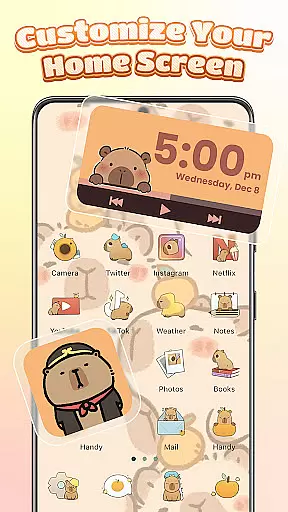
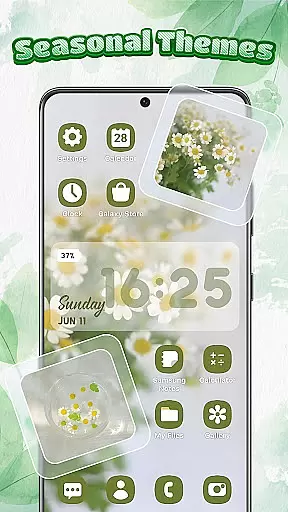
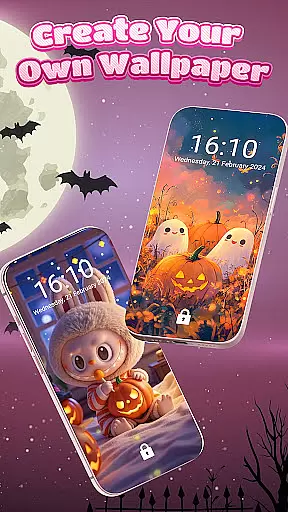
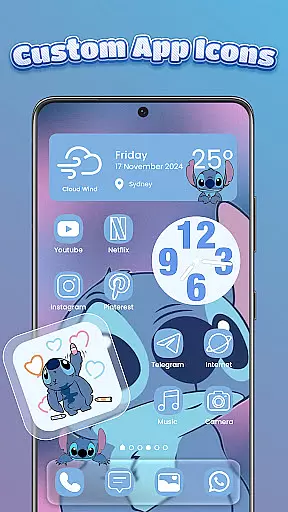
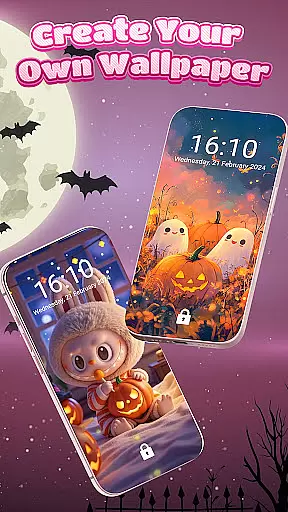
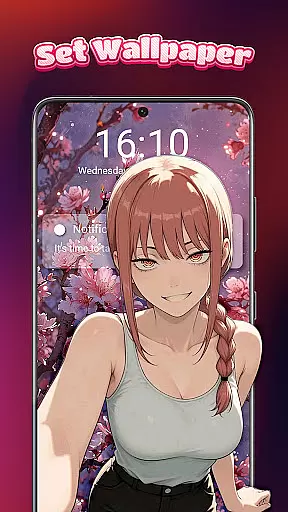
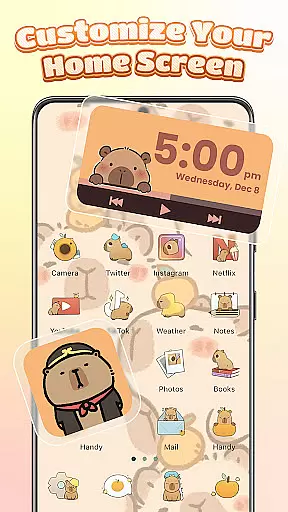
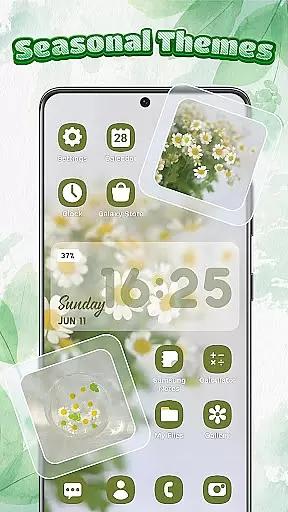
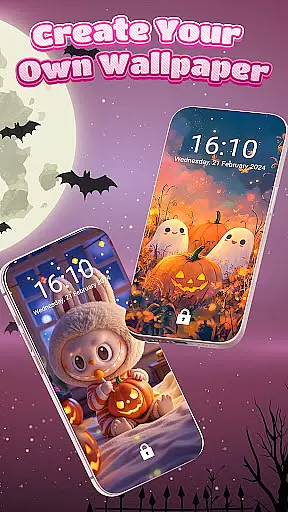
Themebox is a comprehensive personalization app that allows users to fully customize their smartphone's appearance. With over 1000 beautifully designed themes, the app provides an extensive range of aesthetic options including wallpapers, color widgets, and custom icons. Whether you prefer pastel tones, dark mode elegance, or anime-inspired minimalism, Themebox caters to diverse style preferences.
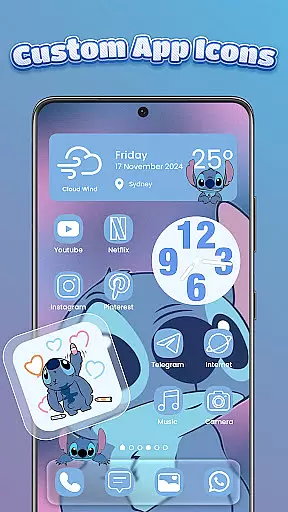
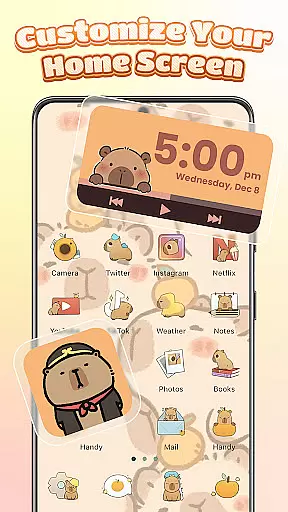
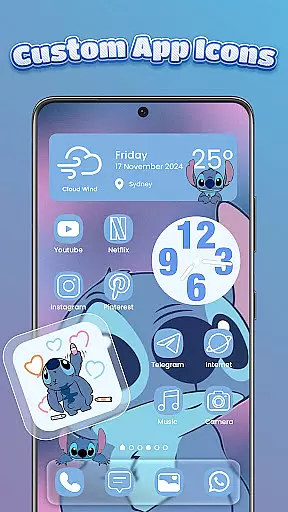
The app's standout feature is its powerful icon changer functionality. Users can easily modify app icons with various styles, fonts, colors, and transparency settings. This creative freedom extends to designing cohesive home screen layouts using matching widgets and wallpapers. The inclusion of a smart control center further enhances usability by providing quick access to essential system settings through an attractive floating panel interface.
Themebox is particularly valuable for Android users seeking to create unique, personalized device experiences. Its combination of aesthetic customization options and practical utility features makes it an ideal choice for those who value both form and function in their mobile experience.
Themebox distinguishes itself through several innovative features that enhance user experience. The app's icon changer stands out with its one-tap application process and extensive customization options. Users can modify not only visual elements like colors and transparency but also functional aspects such as icon names, allowing for truly unique combinations that reflect personal style.
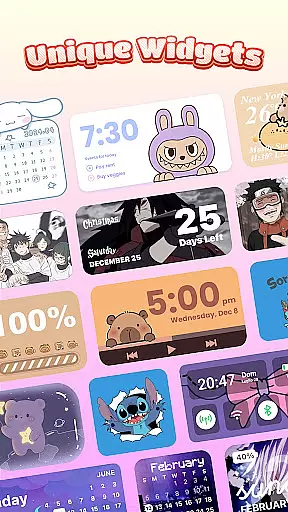
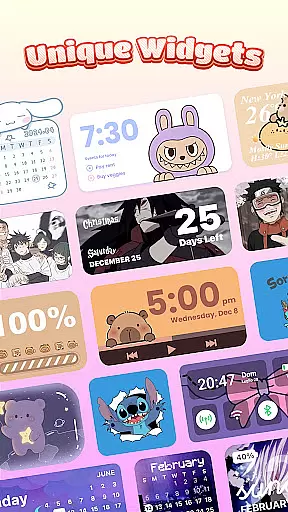
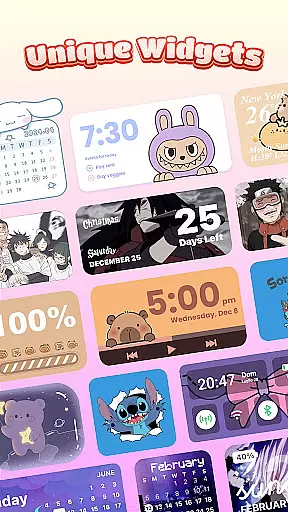
A key differentiator is the app's collection of interactive color widgets. These widgets go beyond basic functionality by offering customizable battery status indicators, weather updates, calendar views, and even image widgets populated from personal galleries. Each widget can be fine-tuned to match the overall theme, creating a seamless visual experience across the home screen.
The smart control center represents another significant advantage. Unlike traditional launchers, Themebox integrates this floating panel directly into the home screen experience, enabling efficient management of system settings without navigating through multiple menus. The app's lightweight architecture ensures smooth performance while delivering these advanced customization capabilities.
Themebox stands out in the personalisation category by offering an extensive range of customization options that cater to every user's unique style and preferences. With over 1000 beautifully designed themes, the app allows users to transform their home screens into personalized works of art.
The app icon changer feature is particularly noteworthy, providing a vast selection of icon packs that vary from cute and colorful to sleek and modern designs. Users can mix and match styles, adjust transparency, change fonts, and even alter backgrounds, ensuring that each app icon perfectly matches their desired aesthetic.
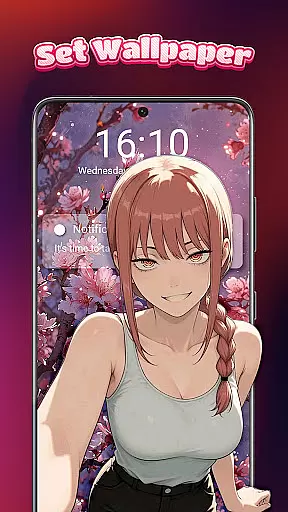
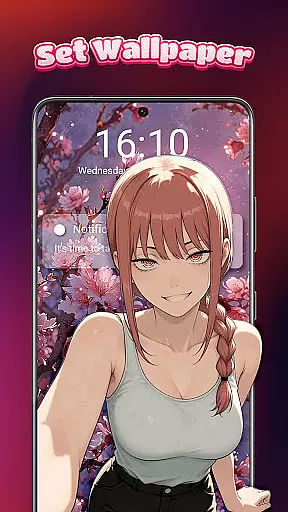
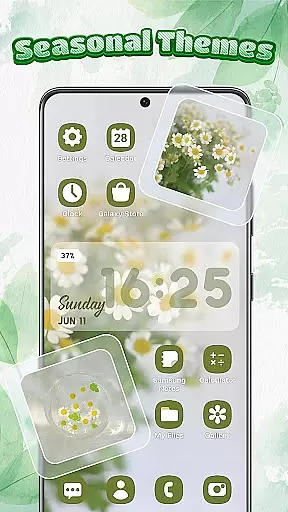
In addition to icons, Themebox offers color widgets and wallpapers that further enhance the customization experience. These elements can be tailored to fit seamlessly with the chosen theme, creating a cohesive and visually appealing home screen that truly reflects the user's personality.
By empowering users with such diverse customization capabilities, Themebox not only enhances the visual appeal of devices but also improves usability and personal connection to technology, making daily interactions more enjoyable and engaging.
Theme compatibility is a crucial aspect of any personalisation app, and Themebox excels in this area by ensuring that all its themes, widgets, and icons work harmoniously together. This compatibility allows for a smooth and frustration-free customization process, where users can apply changes with just one tap.
The app provides a wide array of themes ranging from anime, neon, minimalist, pastel, to vintage styles, each designed to maintain visual consistency across different device models and operating systems. Such attention to detail ensures that whether you're using an Android phone or tablet, the selected theme will look as intended without any distortions or inconsistencies.
Moreover, Themebox regularly updates its theme library, adding new and exclusive releases that keep up with current design trends. This commitment to freshness means users always have access to the latest aesthetics, keeping their devices looking modern and stylish.
Ultimately, Themebox's dedication to theme compatibility results in a reliable and satisfying user experience, allowing individuals to express themselves freely through their devices while enjoying optimal performance and visual integrity.
Extensive theme library
Easy-to-use interface
Regular content updates
Lightweight performance
Comprehensive customization
Limited iOS support
Premium features locked
Occasional bugs
Ads present
Learning curve

Classic analogue watch face. For wear os devices.
 4.60
4.60
Beautiful realistic hybrid watch face with numerous customization options.
4.50
Customizable screen pets that play, climb, and keep you company.
4.50
100+ Stylish Fonts, Emojis, Symbols keyboard for Instagram & TikTok!
4.80
Transfer your live wallpapers from Windows to Android using Wallpaper Engine!
4.00
App Icon Changer & Shortcut Creator. Customize your icons without any watermarks
4.30
Icons made of colorful linear lines
4.60
Choose your keyboard with RGB colors effect, themes, fonts, emojis.
4.60
set a new experience for the Android mobile phone
4.20
Enjoy a variety of amazing live wallpapers and colorful EDGE lighting borders!
4.80
A retro cartoon style watch face and a punch right in the face of the copyright
4.60
Unique Android Launcher
4.60
300+ Beautifully crafted widgets inspired by OneUI.
4.60
AI-powered Copilot. Personalized keyboard with gifs, stickers & themes
4.40
Romantic Kiss Stickers App. Start romantic messaging now!
4.30
Organize and manage your photos and videos effortlessly with Photo Gallery
4.20
Adaptive Dot Style IconPack with Light & Dark Theme.
3.70
Interactive Miniature Painting Catalogue
3.30
Capture moments that pass like a storm, second by second.
4.3


User Reviews