
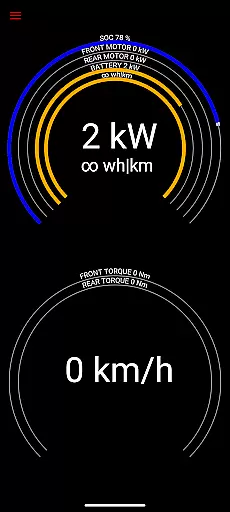
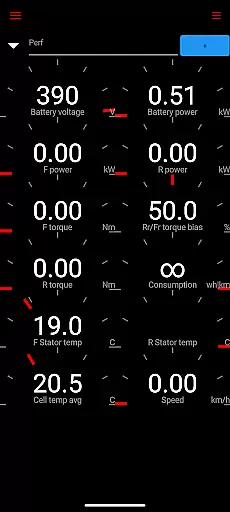
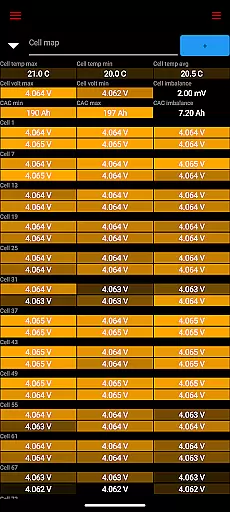
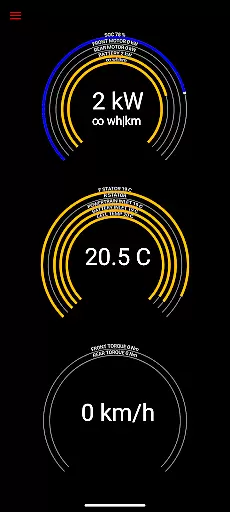
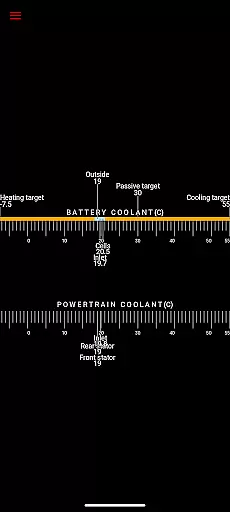
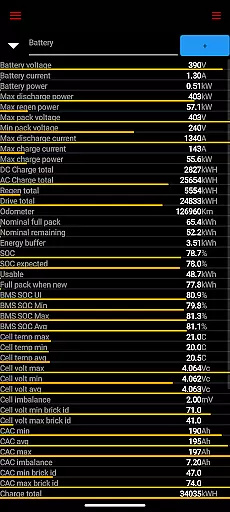
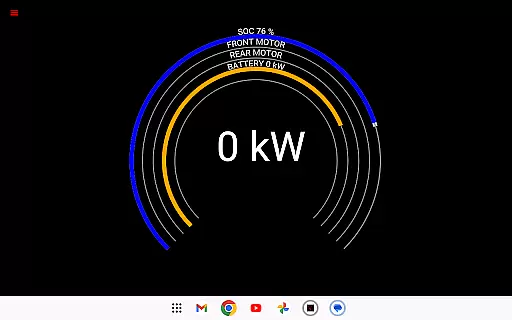
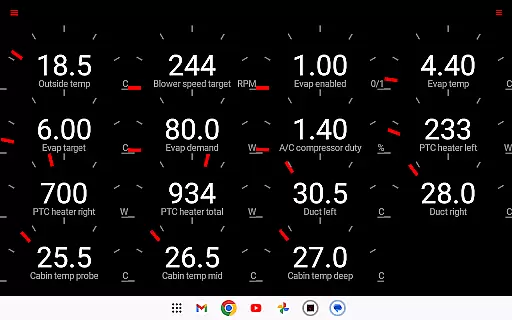
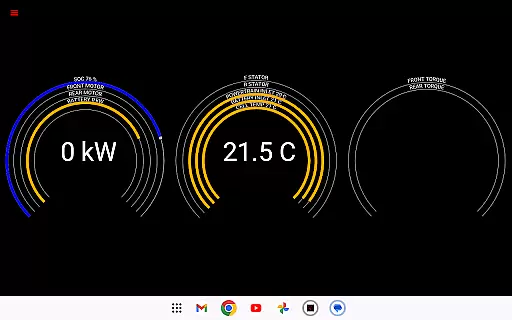
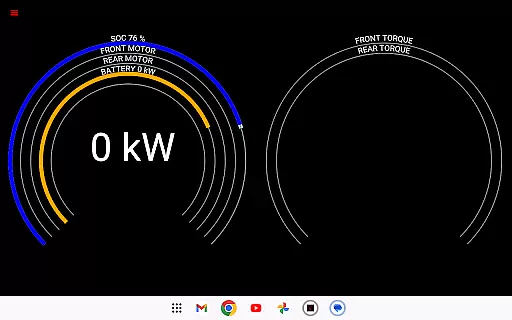
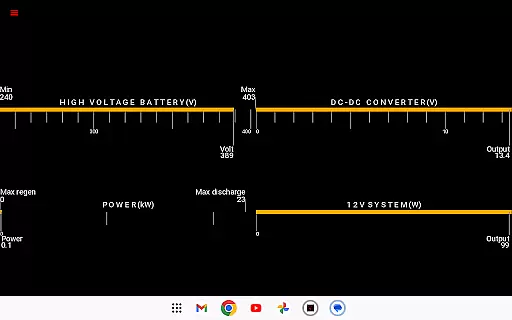
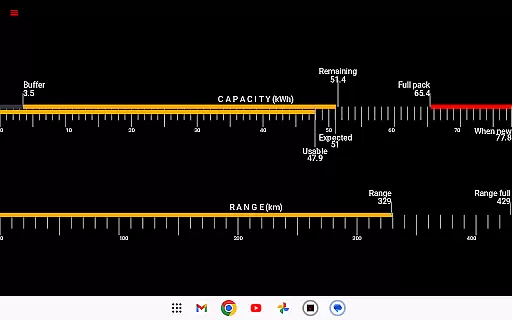
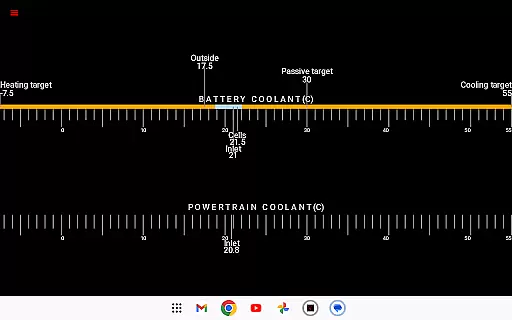
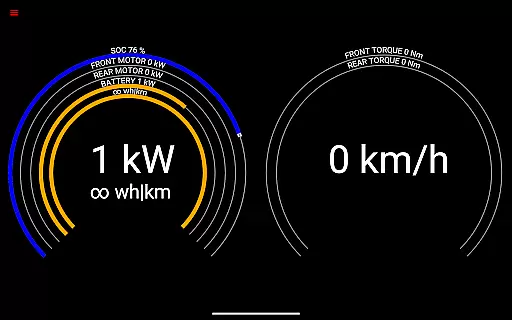
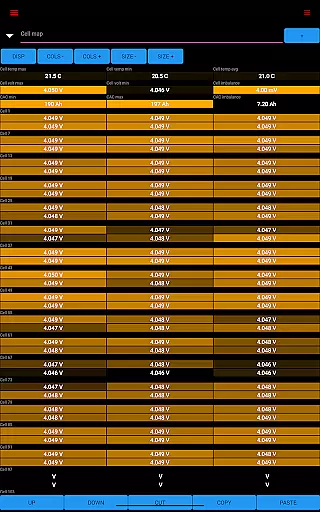
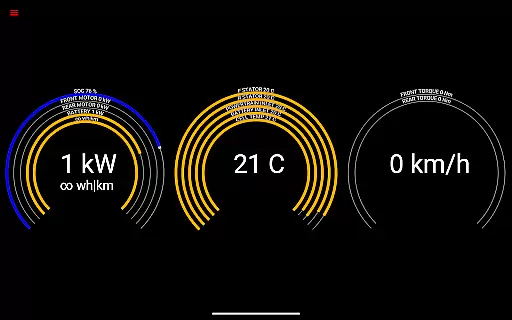
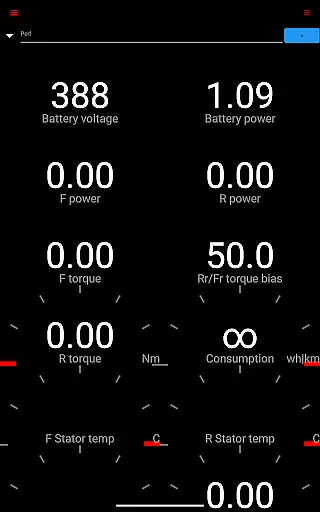
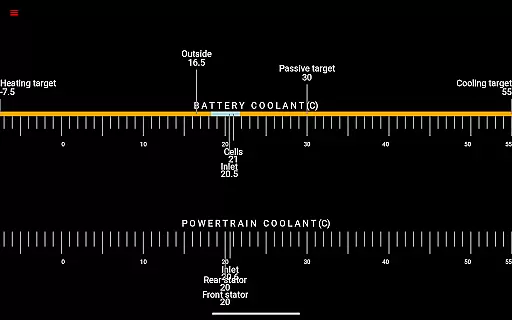
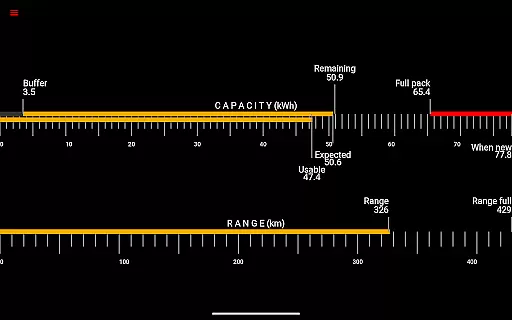
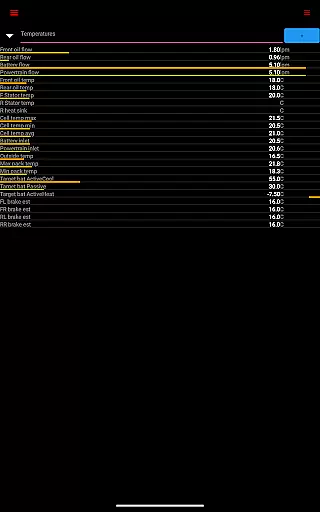
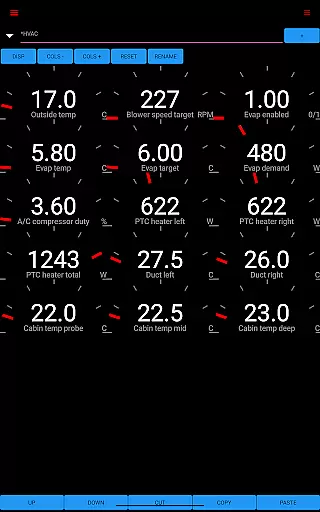
Scan My Tesla is a specialized diagnostic application designed for Tesla Model S, 3, X, and Y owners. This app provides real-time readings from the vehicle's diagnostics port, offering users valuable insights into their car's performance. By connecting through an adapter cable and specific OBD2 adapter, it enables drivers to monitor live statistics such as battery power, voltage, current, and temperatures.
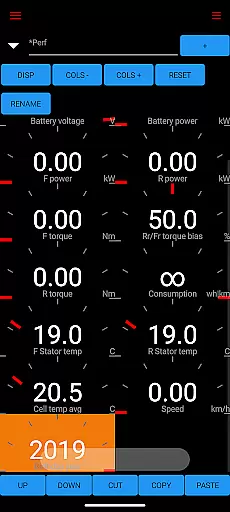
In addition to battery metrics, Scan My Tesla also tracks Drive Unit electric power, torque, RPM, and temperatures. The app includes trip recording features that log regenerated and charged energy, providing comprehensive data for analysis. With its detailed monitoring capabilities, this app serves as an essential tool for Tesla owners who want to understand their vehicle's health and optimize its performance.
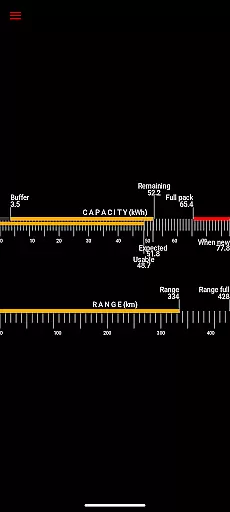
Scan My Tesla stands out with its extensive range of features tailored specifically for Tesla vehicles. The app decodes numerous CANBUS packets, presenting users with critical information about their car's systems. It offers battery lifetime stats, capacity estimates, mileage tracking, and even monitors the 12V system's current, voltage, and temperature.
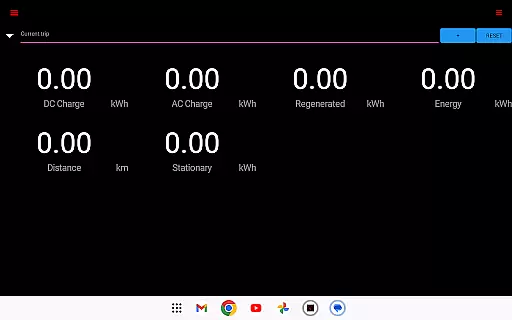
One of the key innovations is the trip recording system, allowing users to capture detailed driving statistics. These include energy regeneration and charging metrics, which are crucial for understanding efficiency. Additionally, the app incorporates contributions from notable developers like Jason Hughes and Jack Rickard, ensuring accurate decoding of complex data. This collaborative effort results in a robust diagnostic tool that empowers Tesla owners with unprecedented access to their vehicle's internal workings.
Scan My Tesla provides comprehensive real-time data from your Tesla Model S, 3, or X diagnostics port. This includes crucial metrics such as battery power, voltage, current, and temperatures, offering deep insights into your vehicle's health.
The app also delivers live statistics on the drive unit's electric power, torque, RPM, and temperature readings. These details allow users to monitor their vehicle's performance closely and understand its efficiency under different driving conditions.
Beyond live data, Scan My Tesla offers battery lifetime stats, capacity estimates, and mileage tracking. Such features are essential for Tesla owners who wish to maintain optimal battery health and plan for future maintenance or upgrades.
Additionally, the app tracks the 12V system's current, voltage, and temperature, ensuring that all electrical systems are functioning correctly. With trip recording capabilities, users can analyze energy regeneration and charging patterns, making it an invaluable tool for managing their Tesla's energy consumption.
While Scan My Tesla itself is a powerful diagnostic tool, it requires specific hardware to function, which impacts overall cost transparency. Users need to purchase an adapter cable and a compatible OBD2 adapter, clearly outlined on their info pages, to access the app's full capabilities.
The app provides detailed insights into energy usage, including regenerated and charged energy during trips. This level of detail helps users understand their vehicle's energy economics, contributing to more informed decisions about driving habits and charging practices.
Although the app offers extensive diagnostic features, certain advanced functionalities like horsepower monitoring are currently unavailable for Model 3 owners. This limitation is openly communicated, ensuring users have clear expectations about the app's capabilities across different Tesla models.
By decoding CANBUS packets and collaborating with the Tesla community, Scan My Tesla maintains transparency about data sources and development contributions. This openness extends to acknowledging the work of various developers and community efforts in decoding Tesla's diagnostic information, reinforcing trust in the app's accuracy and reliability.
User-friendly interface
Comprehensive diagnostic data
Real-time vehicle monitoring
Detailed trip statistics
Active community support
Requires additional hardware
Model 3 limitations
Complex setup process
Potential compatibility issues
No official Tesla endorsement

Take Control of Your Car
 4.80
4.80
Wonder how much horsepower and torque your car/truck makes? Look no further.
3.40
Play what you want through Android Auto
4.90
AlfaOBD software for Fiat Group cars native diagnostic
3.70
The ExtraMile App allows you to pay for fuel from the comfort of your car!
4.70
Car Sounds Engine Sounds app welcomes Auto Lovers to feel Car Simulator Sound
4.20
Mobile Phone Parking - So easy to park
3.70
Your Path to Driving Licensing Success Begins Here! Develop your driving skills.
4.40
1M+ high-quality auto parts at your fingertips. Fitment guaranteed.
4.70
Lexus app currently supports 2010 or newer vehicles (2018 or newer for Hawaii).
4.80
Shop cars & see your financing
4.60
Find Fast EV Chargers | Charge Your Vehicle at 1,100+ Fast Car Charging Stations
4.60
Digital Car Key/Launcher, Screen Mirror, Android Dashboard, Remote Wireless Link
4.40
Ultimate OBD2 Car Scanner: Diagnostics, Service and Modification Tool
4.30
OBD2 car scanner and diagnostics: read Check Engine, DTC, economy....
4.30
A full featured, real-time transit locator system
4.30
ODB2 based monitoring application for the Chevy Bolt (2017-2021)
4.00
Boost profits and hit your goals faster with GigU's amazing tools for gigworkers
4.00
App Mirroring for Tesla Car's Browser
2.80


User Reviews