
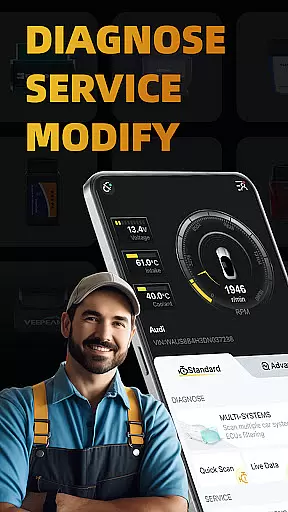
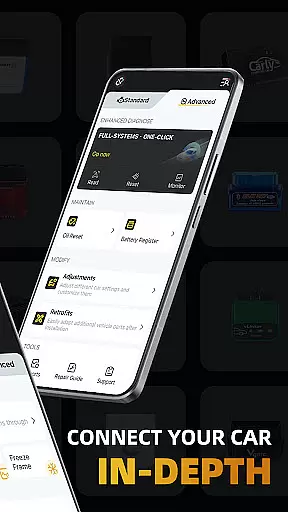
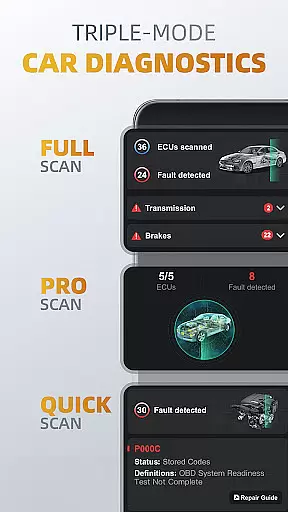
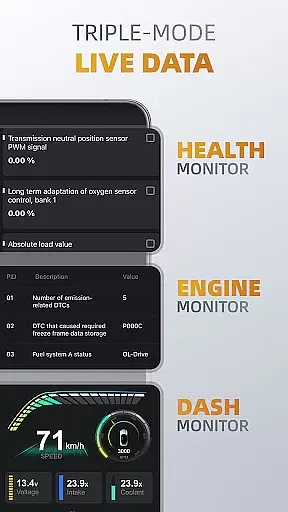
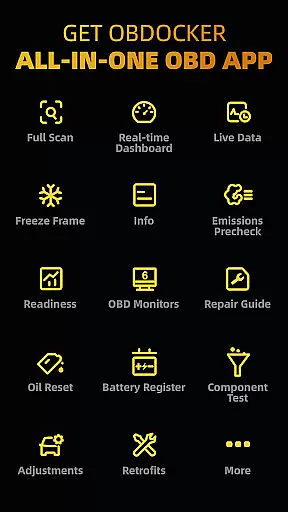
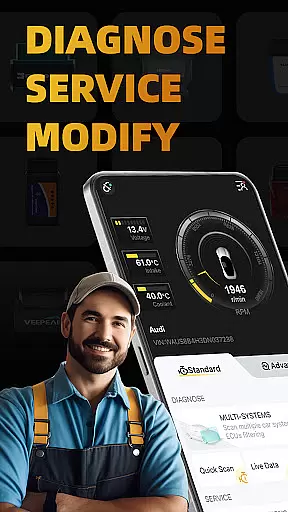
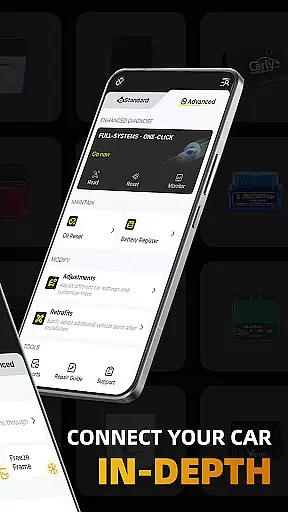
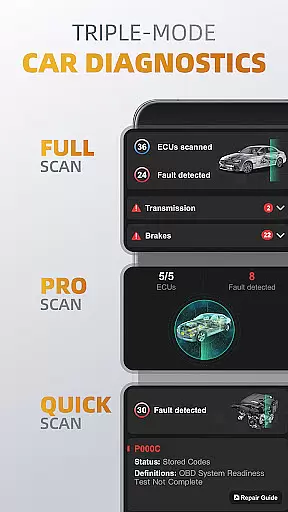
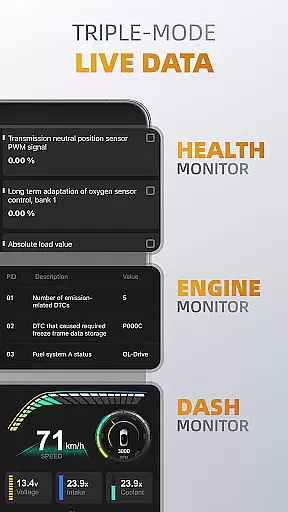
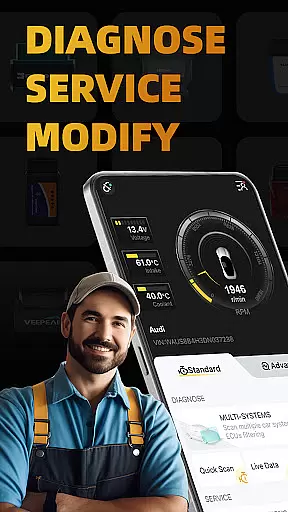
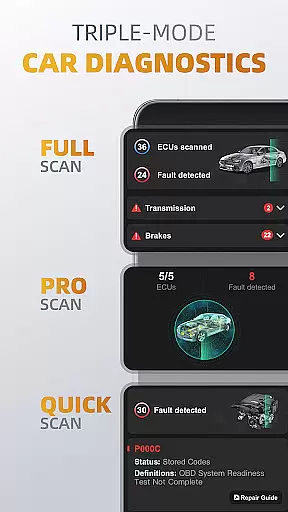
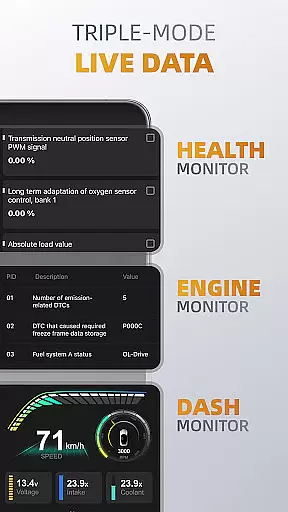
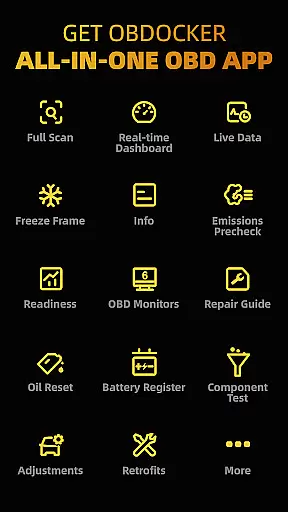
OBDocker is a professional OBD2 car scanner app designed for vehicle diagnostics and customization. It offers triple-mode diagnostics including full-systems, multi-systems, and quick scans, allowing users to efficiently identify and resolve vehicle issues. The app also provides real-time monitoring of vehicle performance through its triple-mode live data feature.
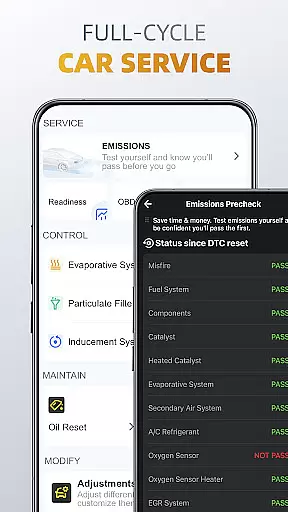
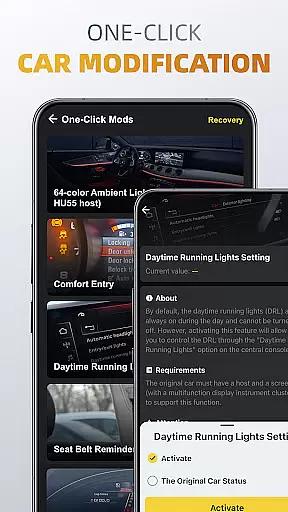
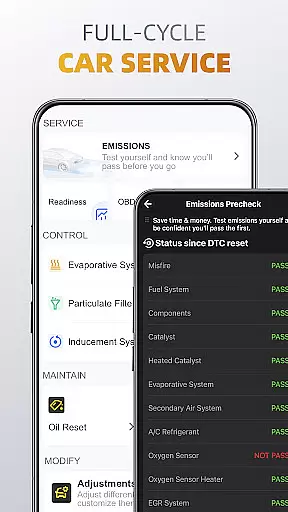
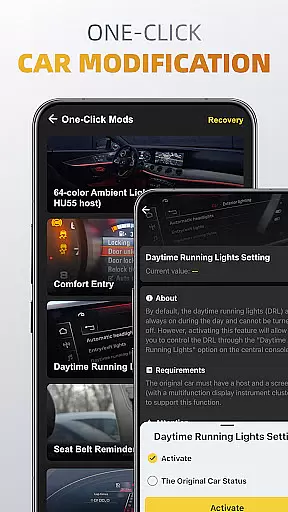
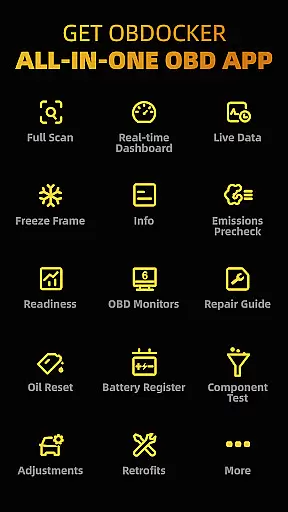
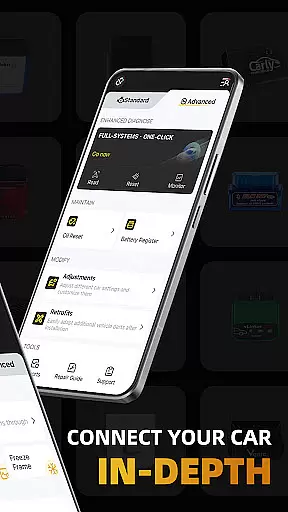
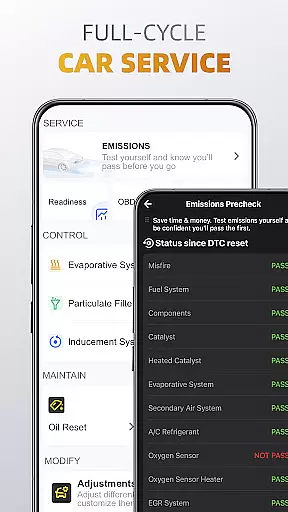
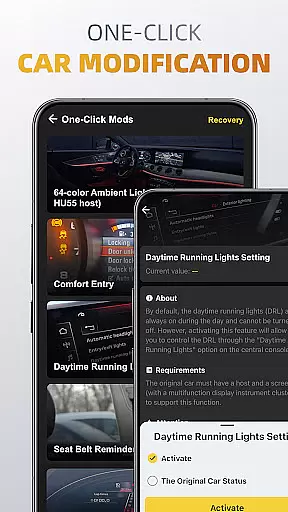
In addition to diagnostics, OBDocker supports a full-cycle service suite that includes emissions pre-checks, control tests, oil reset, and battery registration. With one-click modification features, users can easily adjust car settings and retrofit additional parts. This comprehensive functionality makes the app suitable for both personal and professional automotive maintenance.
OBDocker stands out with its advanced diagnostic capabilities. The triple-mode diagnostics allow users to perform OE-level full-system scans, target specific ECUs like ABS or TCM, and quickly clear engine fault codes. These features ensure thorough vehicle analysis and problem resolution.
The app's triple-mode live data feature provides detailed insights into vehicle health. Users can monitor engine parameters, visualize metrics through dashboards, and track overall system performance in real time. Additionally, the full-cycle service options enable essential maintenance tasks such as EVAP leak tests, DPF reinitialization, and resetting service lights.
OBDocker requires a compatible OBD adapter for optimal performance. Recommended adapters include high-performance models like Vlinker and OBDLink series, as well as mid-range options compatible with ELM327/ELM329 protocols. The app supports a wide range of vehicles, from universal OBD2 compatibility to advanced modes for specific brands like Toyota, BMW, and Mercedes-Benz.
Accessing detailed vehicle information is crucial for effective car maintenance and diagnostics. OBDocker provides comprehensive data across multiple systems, enabling users to understand their vehicle's condition in depth.
The app's triple-mode diagnostics feature allows users to perform full-system scans, multi-system checks through ECU filtering, and quick engine fault code readings. This ensures that every critical component, from the transmission management system (TMS) to the supplemental restraint system (SRS), is thoroughly examined.
With real-time parameter tracking in its triple-mode live data feature, users can monitor engine performance, track system health, and visualize metrics dynamically. This level of detail empowers car owners and mechanics to make informed decisions about necessary repairs or adjustments.
By offering such extensive diagnostic capabilities, OBDocker ensures that users have all the essential information needed to maintain optimal vehicle performance and address potential issues proactively.
Price transparency in automotive services helps users make informed financial decisions regarding their vehicle maintenance. OBDocker addresses this by providing clear information on available plans and subscription options.
The app offers a free trial period that grants full access to its features, allowing users to evaluate its benefits before committing financially. For extended use, OBDocker presents two subscription tiers: Pro and Pro Max, each clearly outlined to show the value they provide.
This transparent pricing model enables users to choose a plan that best fits their diagnostic needs without unexpected costs. Additionally, knowing the expenses involved in using advanced diagnostic tools can help budget for regular vehicle upkeep.
By ensuring price transparency, OBDocker builds trust with its users, assuring them that they are paying for a well-defined service that delivers professional-grade diagnostics and customization options.
User-friendly interface
Comprehensive diagnostic tools
Real-time vehicle monitoring
Wide vehicle compatibility
One-click modifications
Requires separate OBD adapter
Premium features need subscription
Some cars have limited sensor support
Complex for beginners
Performance varies by adapter quality

Take Control of Your Car
 4.80
4.80
OBD2 car scanner and diagnostics: read Check Engine, DTC, economy....
4.30
OBD diagnostics, Live Data, DPF regeneration for BMW
4.00
Theme for Car Launcher
4.2
Listings of Tesla's with FSD - Included package
4.60
AlfaOBD software for Fiat Group cars native diagnostic
3.70
Club Car Wash Mobile App—the fast lane to managing your wash membership.
3.30
Shop cars & see your financing
4.60
Browse millions of cars, track vehicle listings or sell your car today
4.70
Practice the drills within MotoJitsu Master Riding Program Volume 1 & 2!
4.80
Get more out of your AAWireless adapter with this companion app | aawireless.io
4.80
7-Day Returns on All Cars
4.80
Oil change service & coupons for car maintenance at Valvoline Instant Oil Change
4.70
DMV practice test 2025: Driver License permit test & written test for all states
4.70
Find Your Local Store or Shop Online for the Car, Truck, or SUV Parts You Need
4.70
Boost profits and hit your goals faster with GigU's amazing tools for gigworkers
4.00
PayByPhone: A quick and easy way to pay for parking.
3.80
Monitor specific TOYOTA parameters by adding this plugin to Torque Pro.
2.00
Ferrari inspired analog & digital watch face with quick access and premium style
4.3


User Reviews