
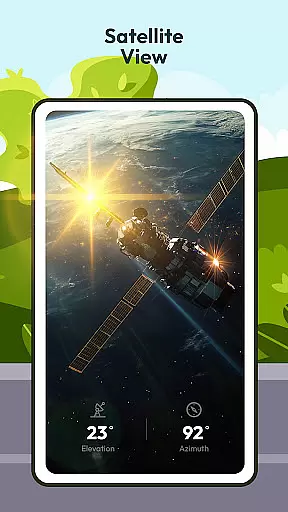
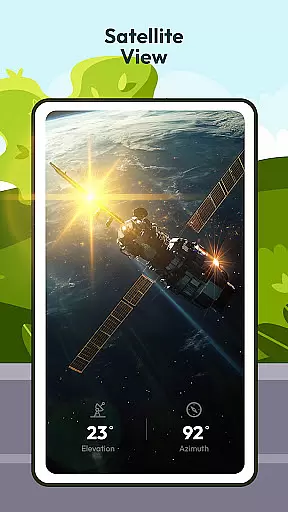
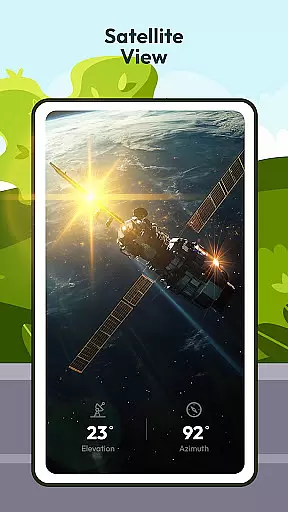
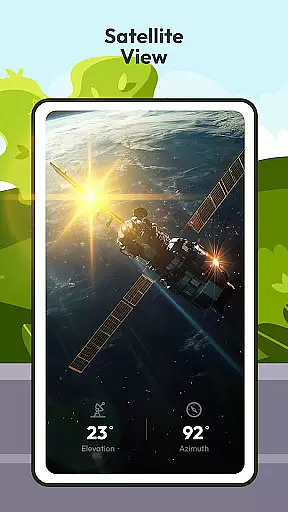
Driving Instructor-Theory Test is a comprehensive traffic app designed to enhance driving skills and ensure safe road practices. The app offers an extensive range of features tailored for both new and experienced drivers, making it an essential tool for mastering driving theory and practical application.
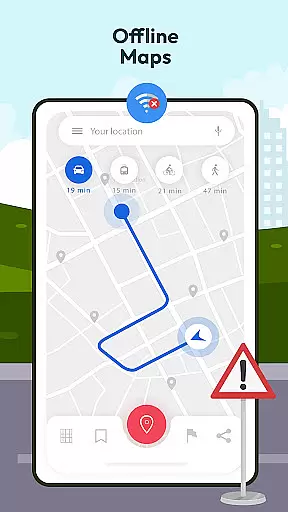
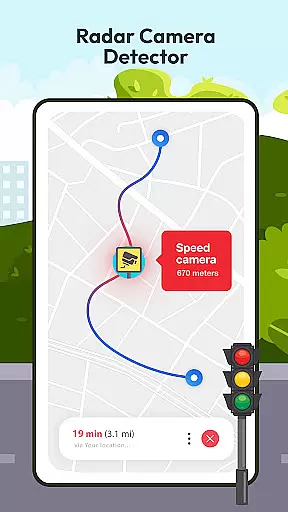
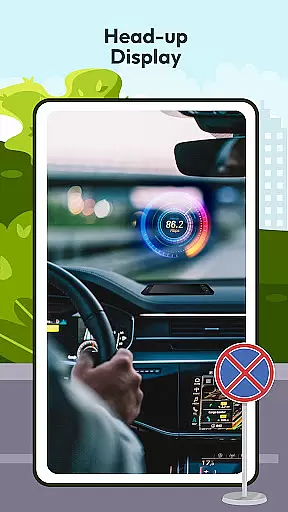
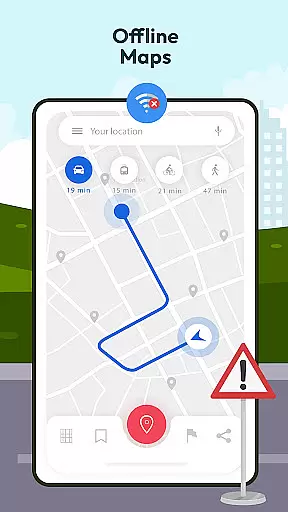
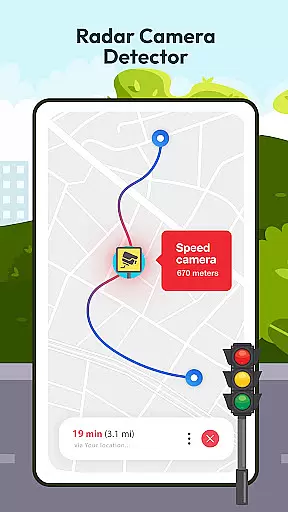
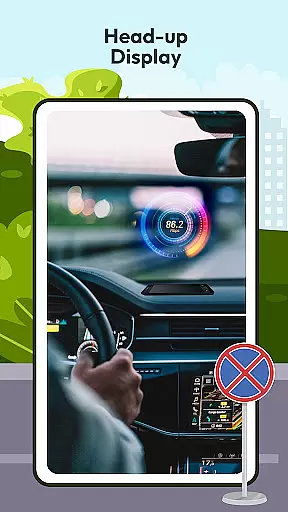
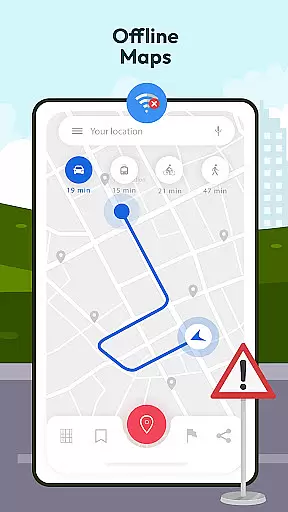
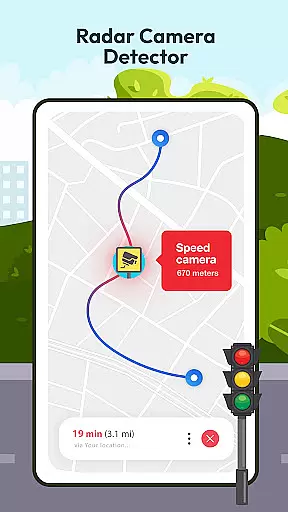
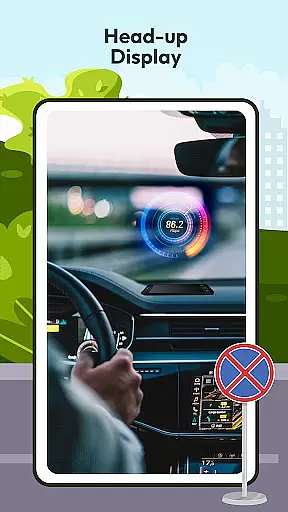
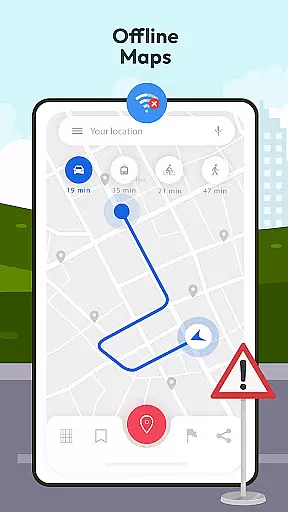
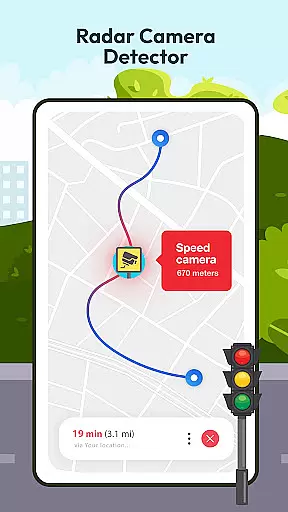
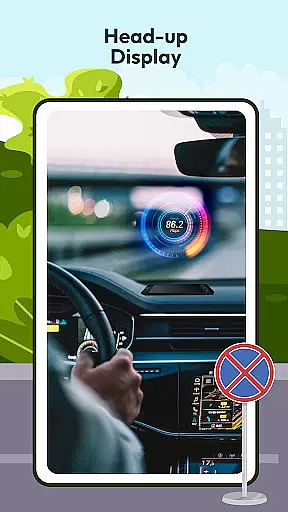
Key functionalities include test drive questions that cover critical driving areas, preparing users not only for their driving exams but also for real-world scenarios. Additionally, the app provides advanced tools such as radar and speed camera detectors, HUD (Head Up Display) for projecting vital information onto the windshield, and offline maps with GPS support for reliable navigation without internet connectivity.
This app proves invaluable in various driving conditions, offering knowledge on international traffic signs, car controls, and speed monitoring. It ensures drivers are well-equipped with the necessary skills and information to navigate roads safely and confidently.
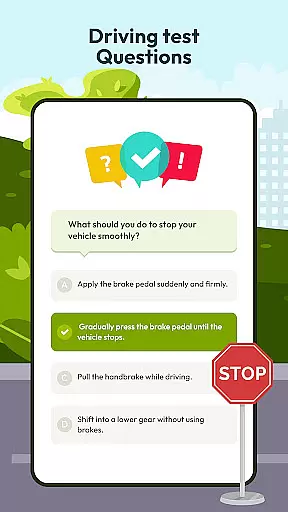
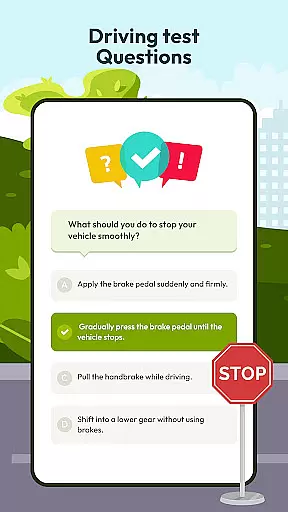
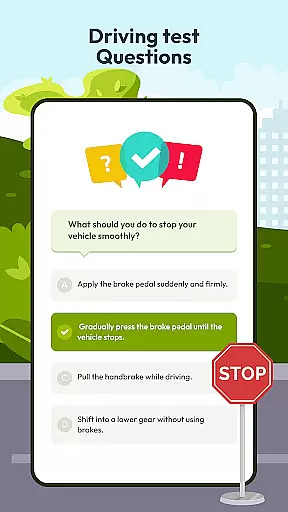
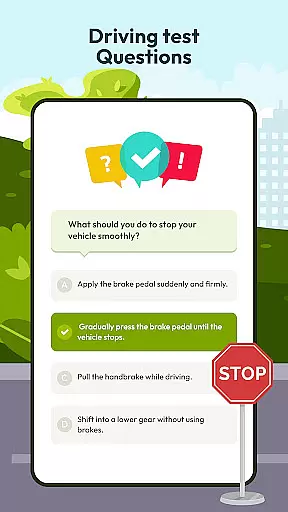
The Driving Instructor-Theory Test app boasts a variety of sophisticated features aimed at improving driving proficiency. One standout feature is the extensive selection of test drive questions that comprehensively cover all crucial aspects of driving, ensuring thorough preparation for both theoretical exams and practical challenges.
Another remarkable aspect is the inclusion of radar, speed, camera, and detector functionalities. These tools assist drivers in adhering to speed limits and avoiding penalties by keeping them informed about their surroundings. The HUD (Head Up Display) feature further enhances safety by projecting essential driving information directly onto the windshield, allowing drivers to maintain focus on the road.
Additionally, the app offers offline map and GPS capabilities, providing reliable navigation without the need for an internet connection. This feature is particularly beneficial when traveling through areas with limited connectivity. Coupled with detailed insights into traffic signs and vehicle controls, the app equips users with a holistic understanding of driving dynamics, making every journey safer and more predictable.
Understanding your vehicle's specifications and operational parameters is crucial for safe driving. The Driving Instructor App provides comprehensive details about various car controls, speed monitoring, and essential traffic signs. This feature ensures that drivers can familiarize themselves with their vehicle's mechanisms, which is fundamental to maintaining control and making informed decisions on the road.
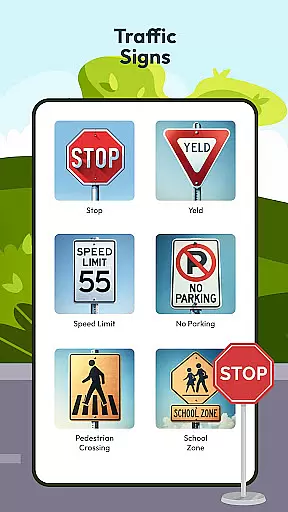
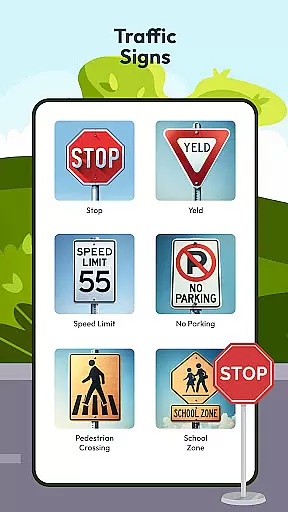
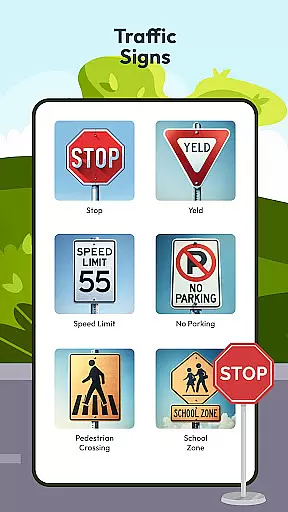
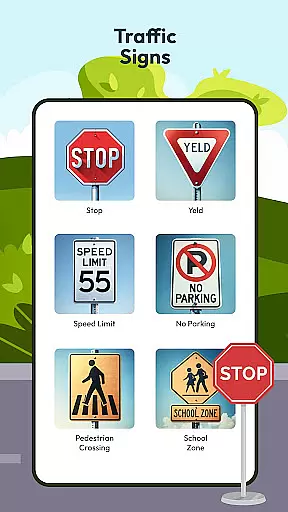
The app includes an integrated speedometer and detailed guides on international traffic signs. These elements help users accurately monitor their speed and understand regulatory symbols they may encounter while driving. By having access to this critical vehicle information, drivers can better anticipate road conditions and adjust their driving accordingly.
Moreover, the application offers extensive resources on handling different driving scenarios through its test drive questions and guideline features. Users can fine-tune their knowledge by practicing with questions that cover all vital areas of driving. This preparation not only boosts confidence but also enhances real-world driving skills, ensuring drivers are well-equipped to handle diverse situations safely and effectively.
Price transparency in automotive apps ensures users are fully aware of any potential costs associated with using the app's features. The Driving Instructor App excels in this area by providing clear information about its offerings without hidden fees or unexpected charges. This openness allows users to make informed decisions regarding which functionalities best suit their needs without worrying about unforeseen expenses.
In addition to detailing available features like radar detection, HUD, offline maps, and GPS navigation, the app clearly outlines what each function entails and how it benefits the user. For instance, advanced tools such as radar and speed camera detectors help drivers adhere to speed limits and avoid penalties u2013 a cost-saving benefit made explicit within the appu2019s descriptions.
Furthermore, the app emphasizes accessibility by offering valuable content such as traffic sign meanings, vehicle directions, and guidelines for safe driving practices at no extra charge. By ensuring that all essential information is readily available and comprehensible, the Driving Instructor App fosters trust among its users who can confidently utilize its resources knowing exactly what they are getting u2013 and at what price point u2013 every step of the way.
User-friendly interface
Comprehensive test preparation
Advanced safety features
Offline navigation support
International traffic sign knowledge
Limited vehicle compatibility
Occasional GPS inaccuracies
Subscription fees for full access
Complex HUD setup process
Inconsistent update frequency

OBDII - ELM327 Terminal tool for 96-00 Volvos
 4.50
4.50
Listings of Tesla's with FSD - Included package
4.60
AlfaOBD software for Fiat Group cars native diagnostic
3.70
AI Powered - Automotive Mechanic Assistant
4.30
Car Sounds Engine Sounds app welcomes Auto Lovers to feel Car Simulator Sound
4.20
Mobile Phone Parking - So easy to park
3.70
Trip computer+car diagnostic tool with widest variety of features and dashboard!
4.70
Autotrader is your online solution for buying and selling new and used cars.
4.40
A smarter way to park and reserve your spot ahead of time.
4.40
Buy and sell your boat
4.70
1M+ high-quality auto parts at your fingertips. Fitment guaranteed.
4.70
DMV practice test 2025: Driver License permit test & written test for all states
4.70
Browse millions of cars, track vehicle listings or sell your car today
4.70
Easy connect & control your cars from afar. Remote Lock & unlock car and carplay
4.60
Find, search, and browse 40,000+ used cars, SUVs, and trucks.
4.50
Get your personalized financing options and shop for used cars today!
4.20
Better fuel to help keep you on the road
3.20
O'Reilly Pro will streamline your parts lookup and ordering process!
3.20
Easily notify car owners in urgent situations, safe, fast, multilingual.
4.2


User Reviews