
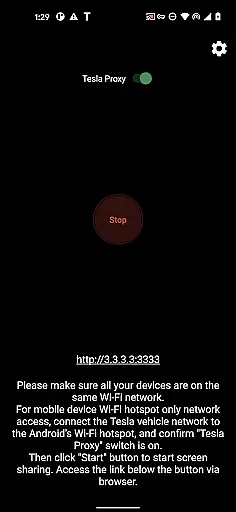
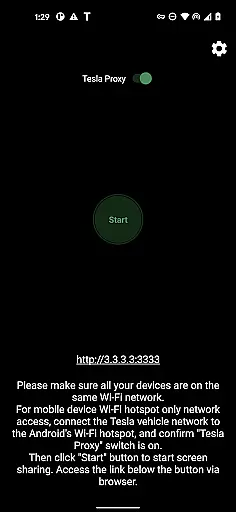
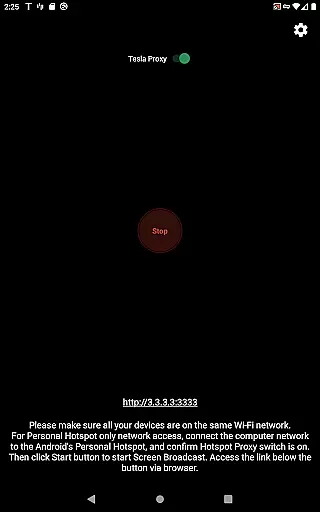
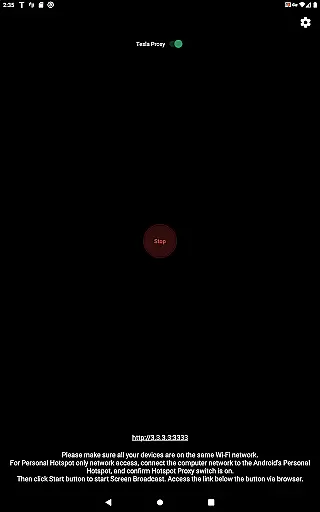
TeslaMirror is an innovative application that allows users to mirror their Android device screens directly onto Tesla vehicle displays. This app supports Tesla models with MCU2/3 hardware, including Model 3, Model Y, and newer versions of Model S and X. With a 144-hour free trial available upon purchase through Google Play, it offers users the chance to experience seamless integration between mobile devices and in-car entertainment systems.
One of the standout features of TeslaMirror is its ability to stream content at high resolutions, supporting both H.264 and H.265 codecs depending on the vehicle's hardware capabilities. Users can enjoy lossless audio quality when connected via H.264/H.265 modes, enhancing the multimedia experience within the vehicle. Additionally, the remote control functionality enables users to interact with their phones using the Tesla touchscreen or a mouse, providing unparalleled convenience while parked.
TeslaMirror boasts several advanced features tailored for Tesla owners seeking enhanced connectivity options. The app facilitates screen mirroring by utilizing a virtual IP address and VPN tunnel, ensuring secure communication between the user's Android device and the Tesla infotainment system. This method bypasses typical network restrictions imposed by Tesla browsers, allowing uninterrupted streaming without exposing data to external servers.
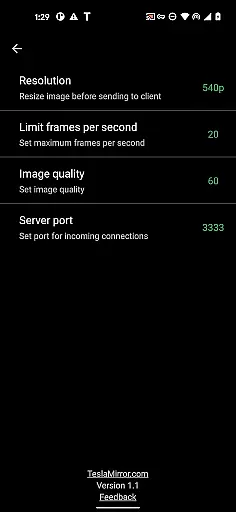
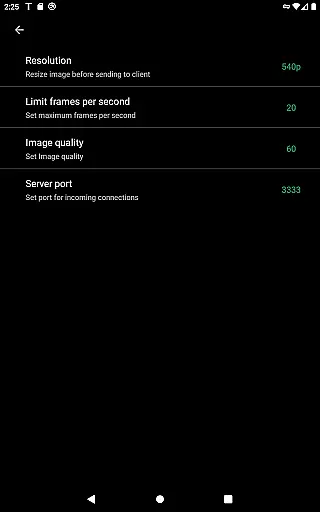
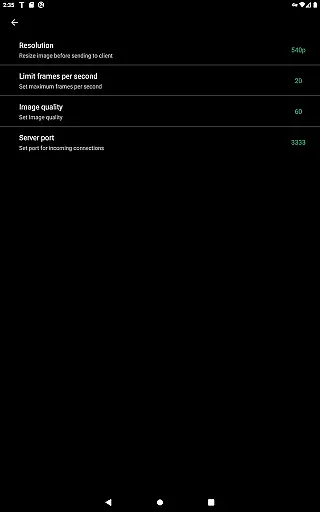
For optimal performance, TeslaMirror recommends specific settings based on the vehicle’s hardware version. For instance, MCU3-equipped vehicles benefit from H.265 encoding at 720p@60fps, whereas MCU2 models perform best with H.264 at 540p@30fps. Furthermore, the inclusion of MJPEG mode caters to scenarios where audio transmission isn't necessary, relying instead on Bluetooth for sound output. These technical specifications ensure compatibility across various Tesla models while maintaining superior video quality.
TeslaMirror provides comprehensive access to your Tesla vehicle's infotainment system, ensuring you have detailed information at your fingertips. The app supports Tesla models with MCU2/3 hardware, including Model 3, Model Y, and newer versions of Model X and S. This compatibility ensures that users can view essential vehicle data such as speed, battery status, and navigation directly on their Android device.
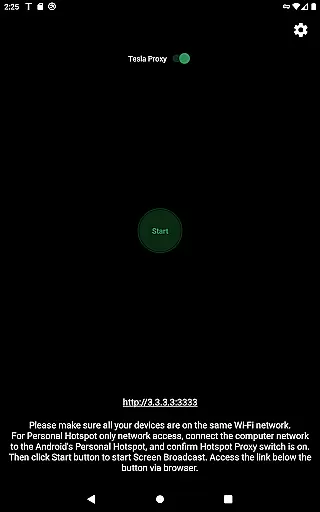
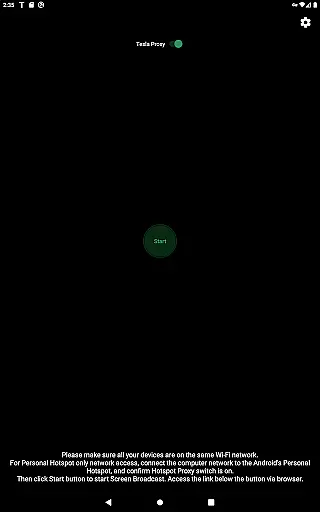
The level of detail provided by TeslaMirror is impressive. By connecting your Tesla to your Android phoneu2019s mobile hotspot, the app mirrors your device screen onto the caru2019s display. This allows for real-time monitoring of various vehicle parameters. For instance, users can observe their driving efficiency or check maintenance alerts, enhancing their overall driving experience.
One of the standout features is the support for different video modes like H.264 and H.265, which are optimized for specific Tesla hardware. This ensures smooth and high-quality video streaming tailored to your vehicleu2019s capabilities. Whether you're using an MCU3 with advanced Ryzen processors or an MCU2 with Intel Atom, TeslaMirror adjusts to deliver the best possible performance.
Ultimately, TeslaMirror empowers Tesla owners with unprecedented access to their vehicle's systems. This not only enhances convenience but also allows for better vehicle management and enjoyment. With its detailed insights and seamless integration, TeslaMirror sets a new standard in vehicle information accessibility.
When it comes to purchasing TeslaMirror, users benefit from clear and straightforward pricing policies. Available on Google Play, TeslaMirror offers a unique 144-hour (6-day) trial period, allowing potential buyers to test the app thoroughly before committing financially. This transparent approach ensures that customers know exactly what they are getting, minimizing the risk of dissatisfaction.
In addition to the trial offer, TeslaMirror provides a hassle-free refund process. If users find the app unsuitable within the trial period, they can request a refund by simply emailing TeslaMirror@hustmobile.com. This process requires either the full order email address or the Google Play order number, making it easy for users to get their money back if needed. Such clarity in refund procedures underscores the appu2019s commitment to customer satisfaction.
Moreover, TeslaMirror clearly outlines its system requirements and limitations upfront. Users are informed about necessary hardware like MCU2/3 compatibility and recommended Wi-Fi settings. This openness helps manage expectations and ensures that customers understand any potential costs related to meeting these requirements, such as upgrading their vehicleu2019s infotainment system.
Overall, TeslaMirror excels in maintaining price transparency, offering users both flexibility and assurance. By providing a robust trial period, clear refund policies, and detailed system requirements, the app fosters trust and confidence among its users. This transparent pricing strategy ultimately enhances the purchasing experience, setting TeslaMirror apart in the Auto & Vehicles category.
User-friendly interface
High-quality streaming
Secure connection
Remote control capability
Free trial period
Limited to Tesla models
Requires parking
No DRM support
Complex setup process
Potential latency issues

Attention! This is the theme for the Car Launcher app
 4.1
4.1
Ferrari inspired analog & digital watch face with quick access and premium style
4.1
Practice the drills within MotoJitsu Master Riding Program Volume 1 & 2!
4.80
OBDII - ELM327 Terminal tool for 96-00 Volvos
4.50
AlfaOBD software for Fiat Group cars native diagnostic
3.70
DMV Test Pro offers all the updated FREE DMV tests online.
4.60
Blink Charging Mobile app makes finding an EV charger an intuitive experience.
3.80
View your car’s service records and find out when maintenance is due.
4.70
Your go-to app for car, truck & SUV parts, DIY tools, and expert repair help.
4.70
Lexus app currently supports 2010 or newer vehicles (2018 or newer for Hawaii).
4.80
Marathon ARCO Rewards members earn rewards & apply the rewards for fuel savings!
4.80
Oil change service & coupons for car maintenance at Valvoline Instant Oil Change
4.70
Find Fast EV Chargers | Charge Your Vehicle at 1,100+ Fast Car Charging Stations
4.60
Find, search, and browse 40,000+ used cars, SUVs, and trucks.
4.50
Get price alerts, vehicle history details and more for cars near you!
4.50
A smarter way to park and reserve your spot ahead of time.
4.40
Control maps, media and messaging, with the Google Assistant while you drive
4.10
The Smarter Way Forward
3.30
DIY Vehicle Wheel Alignment
4.0


User Reviews