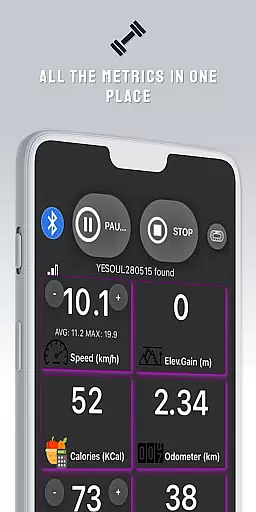
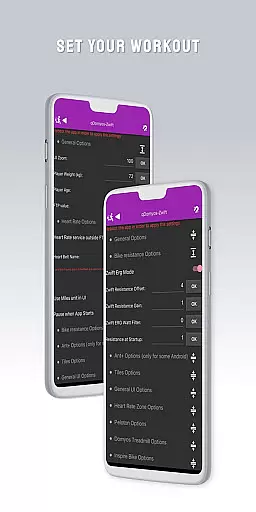
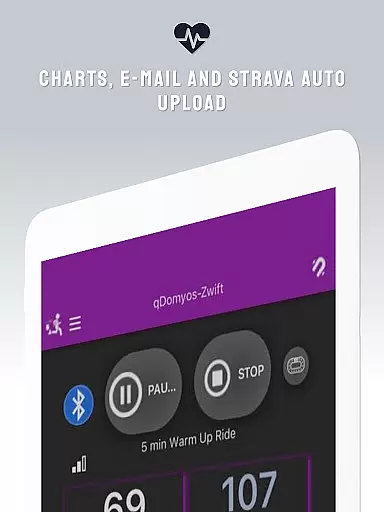
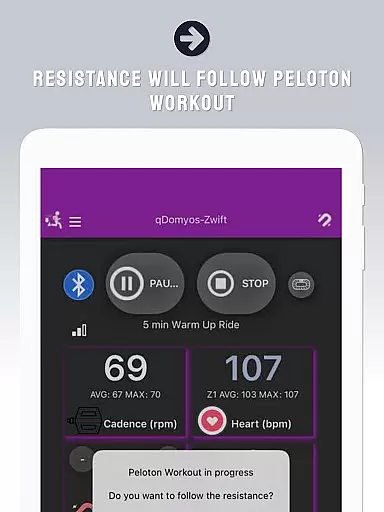
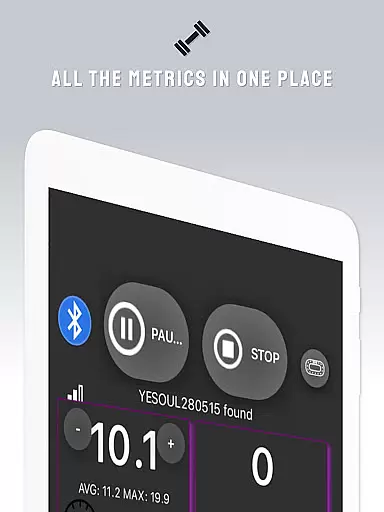
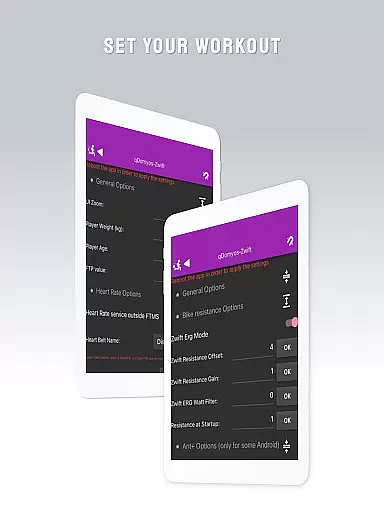
QZ is a versatile connectivity app designed specifically for fitness enthusiasts who want to integrate their exercise equipment with popular platforms like Zwift. The app supports a wide range of devices including Domyos, Echelon, Proform, Flywheel, Yesoul, and Toorx treadmills or bikes, enabling users to breathe new life into their machines by connecting them seamlessly with Zwift. With additional support for Peloton's auto-following workouts and Strava's Autopload feature, QZ ensures that your workout data is always synchronized and accessible.
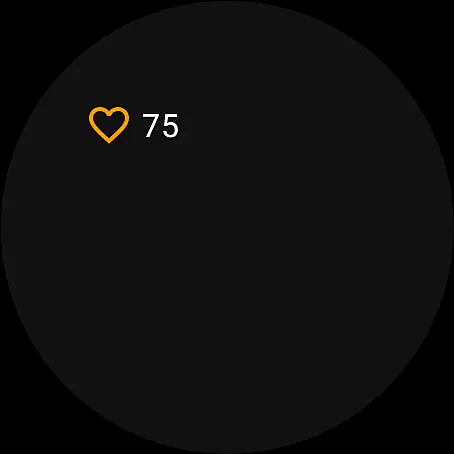
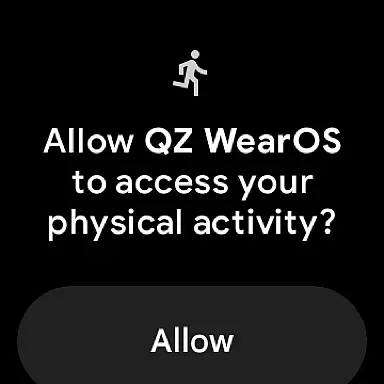
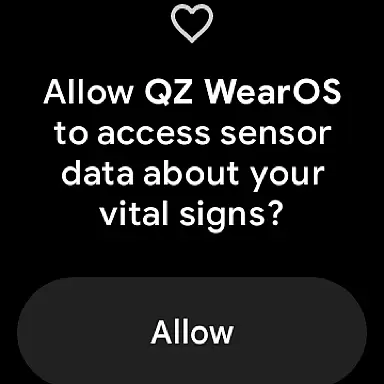
Beyond basic connectivity, QZ also offers advanced compatibility with Wear OS, allowing users to download the companion app on their smartwatches. This integration enables real-time heart rate monitoring directly from the watch and transmits this crucial data back to the main QZ app. Whether you're cycling, running, or using elliptical machines, QZ transforms your existing equipment into smart devices, enhancing your overall fitness experience without requiring expensive upgrades.
One of the standout features of QZ is its extensive compatibility list, which includes all Echelon and Domyos bikes, treadmills, and ellipticals, as well as specialized equipment like Keiser M3i bikes and Sportstech bikes. This broad compatibility ensures that no matter what brand or model of exercise equipment you own, QZ can likely connect it to Zwift or other fitness platforms. Additionally, the app provides an intuitive interface that simplifies the connection process—just link your smartphone to your machine, and Zwift will recognize it instantly.
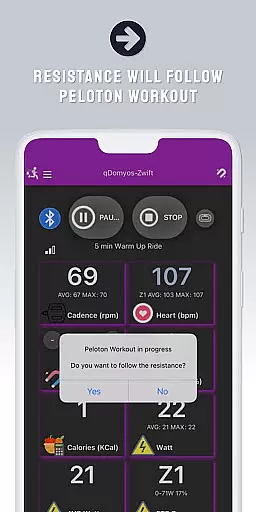
Another notable feature is the automatic resistance adjustment for Peloton users, which allows the app to change resistance levels during workouts dynamically. For those focused on tracking performance metrics, QZ supports Strava Autopload, ensuring that every session is recorded and available for review. Moreover, the inclusion of Wear OS functionality means users can leverage their smartwatches not only for convenience but also for enhanced accuracy in monitoring vital stats such as heart rate, making each workout more effective and personalized.
Companion app integration is essential for users who want a seamless experience between their wearable devices and main applications. QZ (qdomyos-zwift) excels in this area by offering robust connectivity options.
The app allows users to connect their smartphones to treadmills or bikes, enabling Zwift to recognize these devices effortlessly. This ensures that your workout data is accurately reflected in real-time on Zwift, enhancing the virtual fitness experience.
Additionally, QZ supports Wear OS, allowing users to download the companion app on their smartwatches. This feature reads heart rate data from the watch and sends it to the main QZ app, ensuring comprehensive health tracking during workouts.
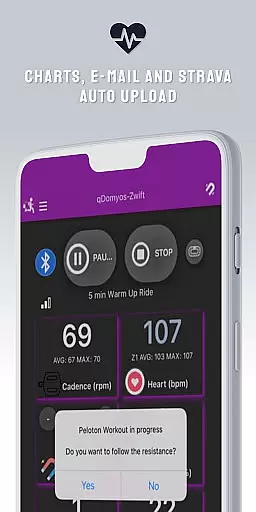
By integrating with Strava's Autopload feature, QZ further extends its functionality, automatically uploading workout data to Strava. This level of integration provides users with a cohesive ecosystem for managing their fitness activities across multiple platforms.
Wear OS and device compatibility are crucial for users looking to maximize the utility of their smartwatches and other wearable tech. QZ (qdomyos-zwift) stands out by supporting a wide range of devices and ensuring smooth operation on Wear OS.
This app is compatible with various exercise equipment brands, including Domyos, Echelon, Proform, Flywheel, Yesoul, and Toorx. Whether you have a treadmill, bike, or elliptical machine, QZ can likely connect to it, breathing new life into your existing equipment.
For those using Wear OS devices, QZ offers an additional app that reads heart rate data directly from the watch and transmits it to the main app. This ensures accurate and continuous monitoring of vital stats during workouts, which is particularly beneficial for serious athletes and fitness enthusiasts.
Moreover, the app's compatibility list is extensive, covering numerous models and brands. This broad support means that whether you own a Keiser M3i bike or a JK Fitness treadmill, QZ has got you covered, providing a versatile solution for all your fitness tracking needs.
User-friendly interface
Wide device compatibility
Real-time heart rate monitoring
Automatic resistance adjustment
Seamless Zwift integration
Limited Proform treadmill support
No iOS version available
Occasional connectivity issues
Requires separate Wear OS app
Premium features may require subscription

Calming & relaxing sounds for sleeping and stress relief. Stay focused all day!
 4.20
4.20
Beautiful, colorful and practical watch face. For Wear OS devices.
5.00
Simple Analog-Digital Watchface For Wear OS 3.0 and Up Smartwatches
4.4
Sleek, highly customizable watch face inspired by Galaxy Watch Circle Dashboard.
4.3
Kia Access makes getting your vehicle information easier than ever
4.60
Nutrition, Macro tracker: Food, fitness & healthy diet tracking for weight loss
4.60
Find EV charging stations
4.30
Stylish, Energizing and Modern Watch Face crafted by Dominus Mathias.
4.50
Daily Weather forecast with 15 weather images for Day & Night plus Big Bold time
4.10
Diet tracker for weight loss - track calories, food and macros. Simple and easy!
4.70
Rose gold watch face with festive lights & customizable features.
4.60
Simple, helpful messaging by Google
4.60
Connect to your Bluelink equipped Hyundai vehicle from your smartphone.
4.50
Fast and smart typing with Emojis, GIFs, and more
4.50
Christmas watch face. For Wear OS devices.
4.30
The ultimate destination for kids ages 3-8 to explore the Marvel Universe!
4.30
Professional weather radar and more
3.90
Stunning modern digital watch face with 7 complications and strong contrast
4.5
Fitness interactive virtual pet super fighter boy watch face
4.1


User Reviews