
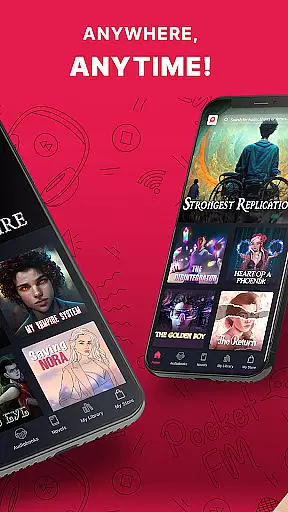

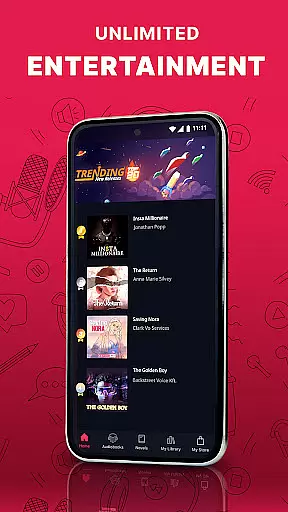
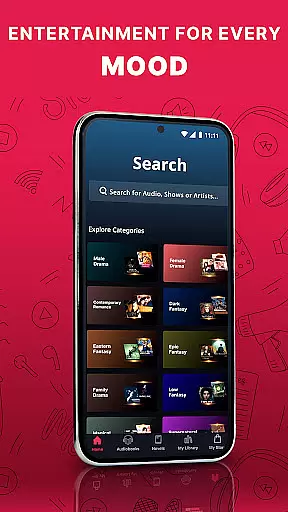

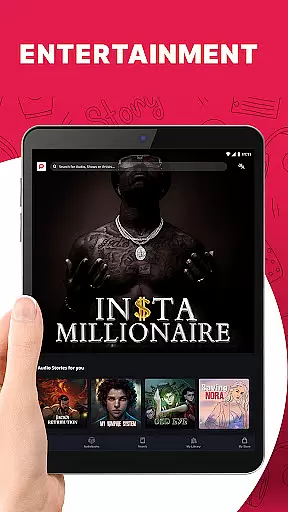
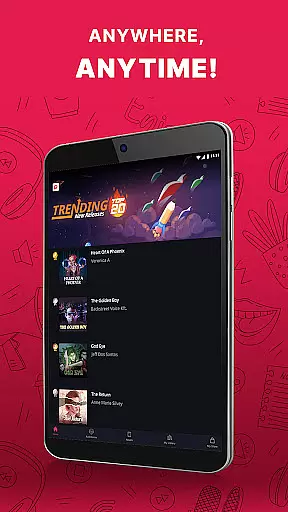
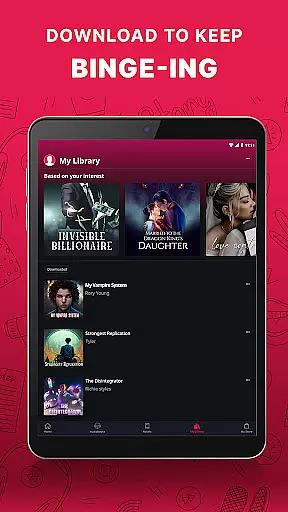
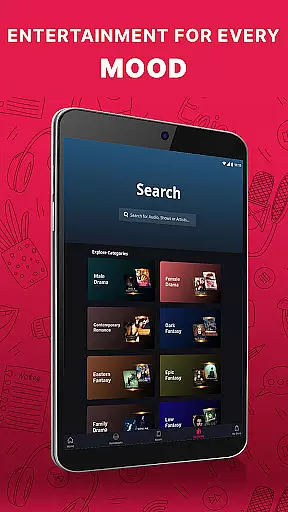
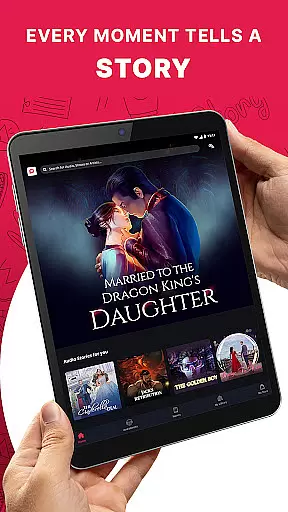
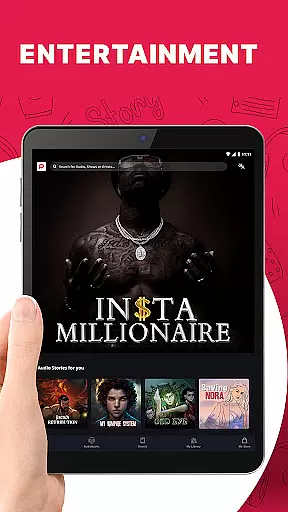
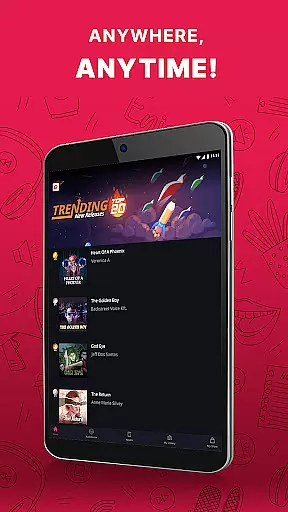
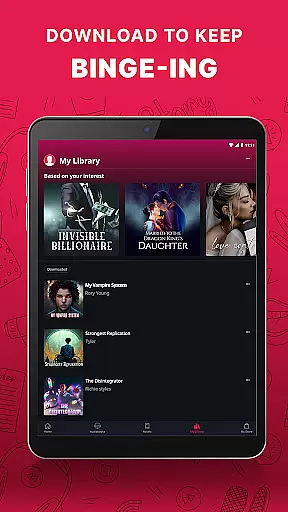
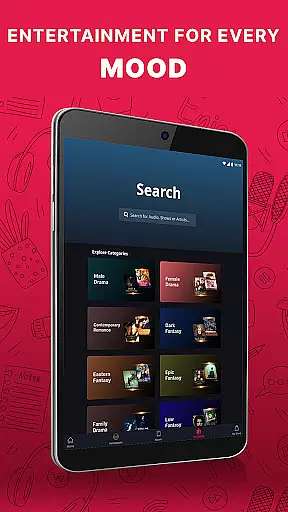
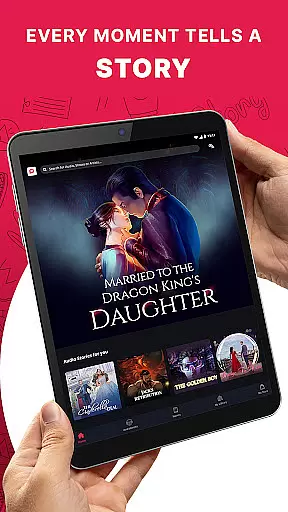
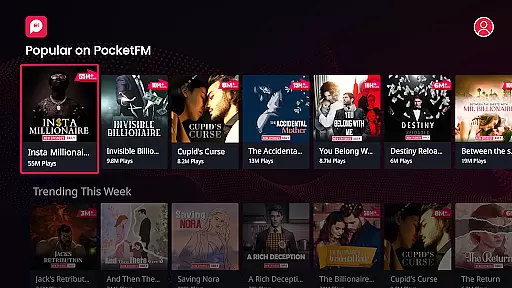
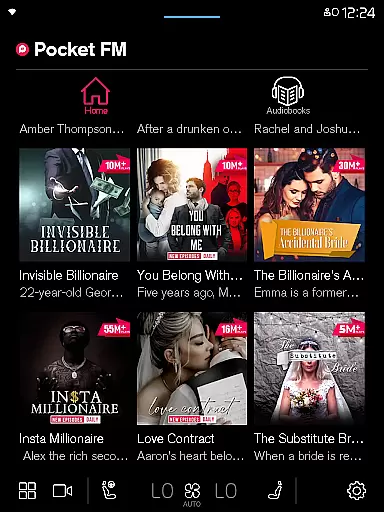



Pocket FM is a pioneering audio entertainment platform that offers an extensive library of audio series across multiple genres and languages. With over 100,000 hours of content, it provides non-stop entertainment for millions of listeners worldwide. The app enriches users with diverse storytelling created by top authors and voice-over artists.
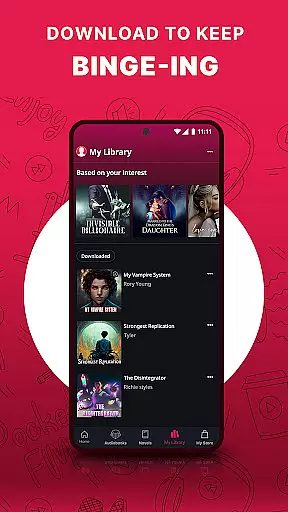
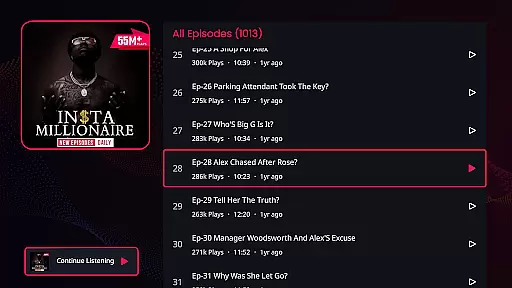
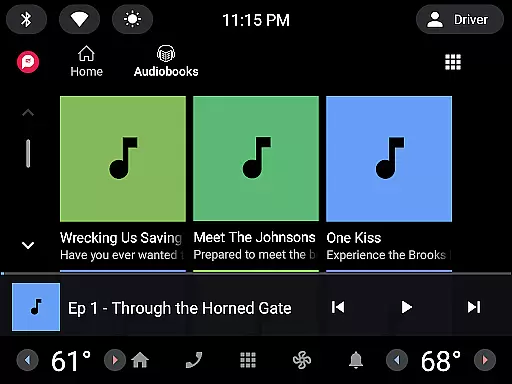
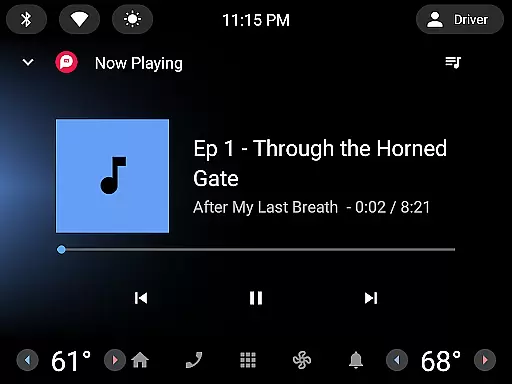
Whether you're commuting, driving, or relaxing at home, Pocket FM delivers a unique listening experience. Its user-friendly interface allows easy browsing and searching of audio series, while the built-in player supports adjustable playback speed and offline listening. Listeners can enjoy their favorite stories anytime, anywhere, on mobile, tablet, desktop, or even wearable devices.
The platform's micropayment model gives users freedom and flexibility. You only pay for the content you want to consume, with no lock-in period or waiting time for new episodes. Premium features like unlimited downloads and ad-free listening enhance the overall experience, making Pocket FM the ultimate destination for audio entertainment.
Pocket FM stands out with its vast content library and innovative features designed for optimal user experience. The app offers over 100,000 hours of binge-worthy content across various genres, ensuring there's something for every listener. Its unique micropayment model allows users to pay only for the specific content they want to consume, providing both flexibility and value.
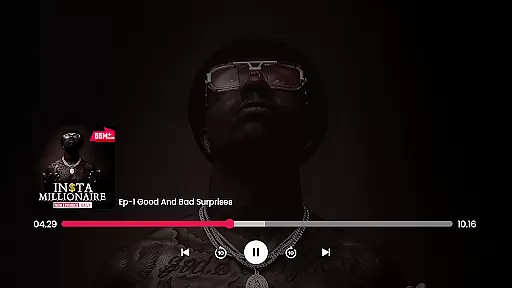
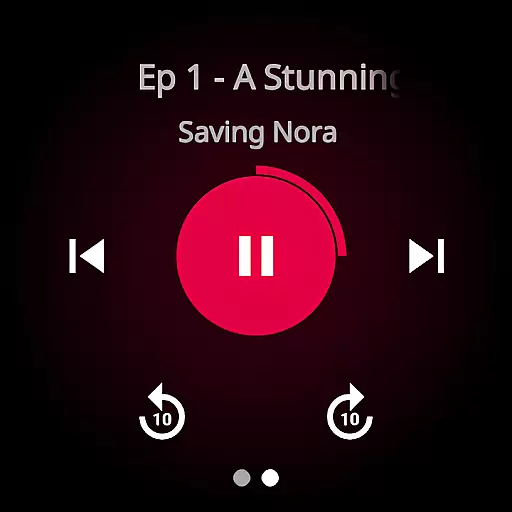
The platform's technical features are equally impressive. The built-in player supports adjustable playback speed and includes quick ten-second skip options between episodes. Advanced functions like sleep timers and offline listening make it perfect for modern lifestyles. Users can download episodes for later listening and enjoy seamless navigation across different devices, including mobile, tablet, desktop, and wearables.
Pocket FM also excels in community engagement and accessibility. The app connects listeners through an active community while offering multilingual support. Its compatibility with various devices, including Chromecast and Wear OS, ensures maximum reach. With regular content updates and premium features like ad-free listening, Pocket FM continues to innovate in the audio entertainment space.
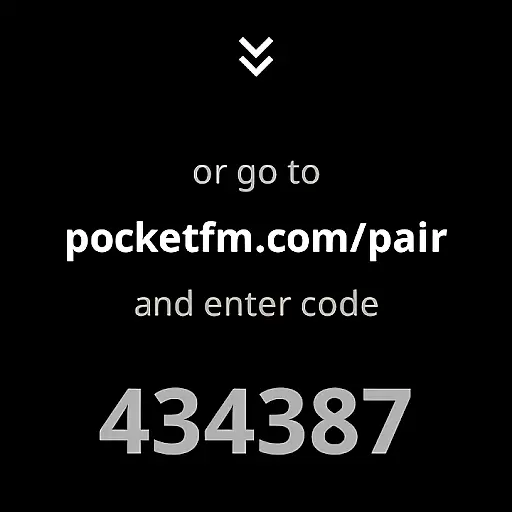
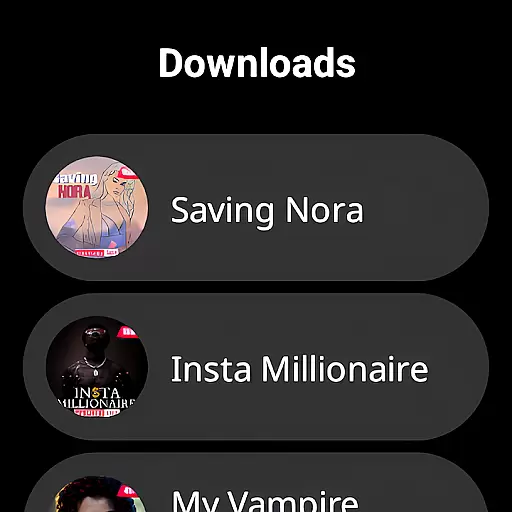
Companion app integration is essential for wearable devices to function seamlessly with smartphones or tablets. Pocket FM excels in this area by ensuring that its Android Wear application works in harmony with its mobile counterpart. This integration allows users to control playback, browse episodes, and manage downloads directly from their wearable device.
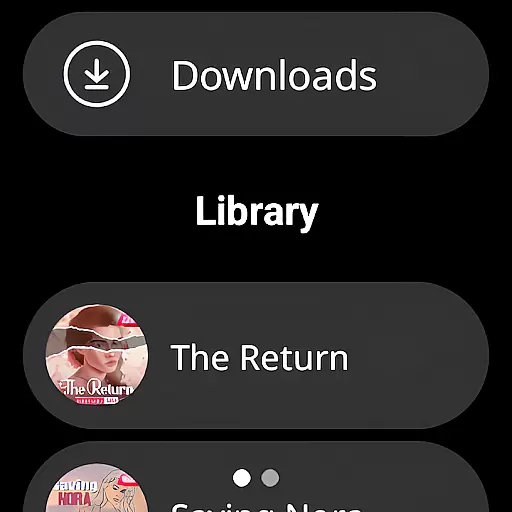
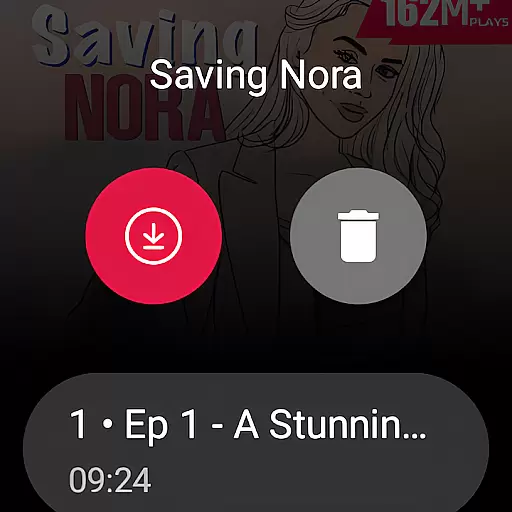
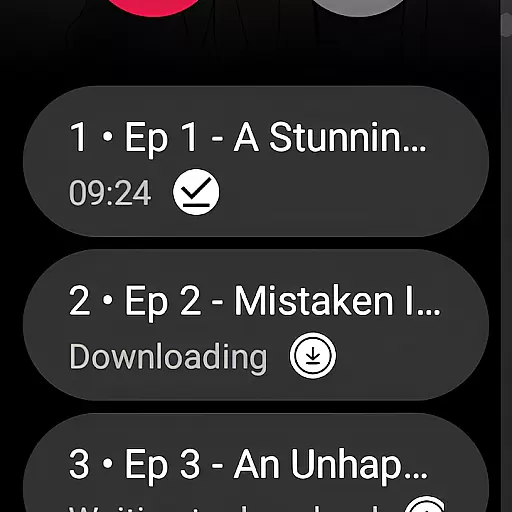
The Pocket FM app achieves this through a well-designed companion app system. When paired, users can enjoy features like episode navigation, play/pause functionality, and even download management right from their smartwatch interface. This creates a unified experience where the transition between devices feels natural and intuitive.
For users, this means they can leave their phones in their pockets while still maintaining full control over their listening experience. Whether you're working out, commuting, or simply prefer using your smartwatch, Pocket FM's companion app integration ensures you never miss a beat of your favorite audio series.
This level of integration demonstrates Pocket FM's commitment to providing a comprehensive audio entertainment solution across multiple devices. By focusing on seamless companion app functionality, they've created an ecosystem where listeners can enjoy their content anytime, anywhere, regardless of which device they're using.
Device compatibility is crucial for any application targeting wearable technology. Pocket FM has been meticulously optimized for Wear OS, ensuring broad compatibility across various smartwatch models. This dedication to compatibility means users can enjoy their favorite audio content regardless of which Wear OS device they own.
The development team has implemented adaptive design principles to accommodate different screen sizes and resolutions. From round to square watch faces, Pocket FM maintains consistent performance and visual quality. The app also takes advantage of Wear OS specific features, enhancing the overall user experience through native functionality.
Furthermore, Pocket FM has ensured its application maintains stable performance across different hardware specifications. Whether running on older models or the latest smartwatches, the app delivers smooth operation without excessive battery consumption or memory usage.
This comprehensive approach to Wear OS compatibility demonstrates Pocket FM's understanding of wearable technology users' needs. By providing a reliable and consistent experience across devices, they've made it easier for listeners to incorporate their favorite audio series into their active lifestyles.
User-friendly interface
Extensive content library
Flexible payment model
Offline listening capability
Cross-device compatibility
Limited free episode access
Requires internet for downloads
Premium features come at cost
Some content region-restricted
Occasional buffering issues

Calming & relaxing sounds for sleeping and stress relief. Stay focused all day!
 4.20
4.20
Embrace the holiday spirit with this magical animated watch face!
4.40
Christmas - Festive - Christmas Village - Winter - Christmas lights
5.00
an Analog Watch Face for winter season with freeze winter background for Wear OS
4.4
Embrace the festive spirit with our Christmas Countdown watchface for Wear OS
4.10
Digital, flexibly customizable watch face. For Wear OS 5.0, API 34+ and later.
5.00
Find EV charging stations
4.30
Reliable phone calls with spam protection, caller ID and more helpful features
4.40
Control your Samsung Smart TVs, appliances, and SmartThings-compatible devices
4.60
Diet tracker for weight loss - track calories, food and macros. Simple and easy!
4.70
WTW M17 is a premium and luxurious hybrid watch face
4.70
MyNISSAN® lets you remotely control your car from your phone.*
4.50
Deck out your Wear OS Watch face with a beautifully decorated pine wreath!
4.50
Digital watch face. For Wear OS devices.
4.40
Premium hybrid watch face with many customizations for Wear OS devices.
4.40
Watch face designed for Thanksgiving Day. 7 Background Styles included.
3.20
Precision analog watch face with 7 complications and style options
4.2
3 Complications. All shadow on/off. 30 Themes color palette...
4.1
Minimalistic design modern digital watch face.
4.5


User Reviews