


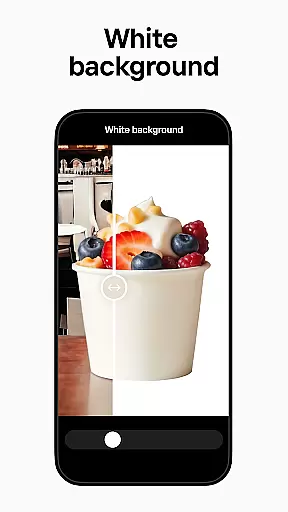
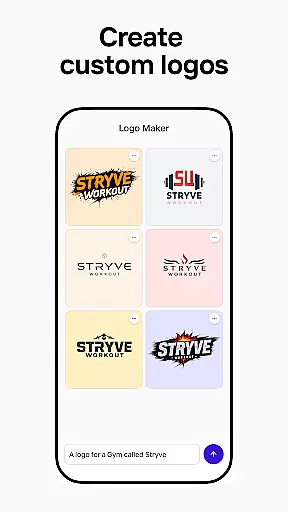
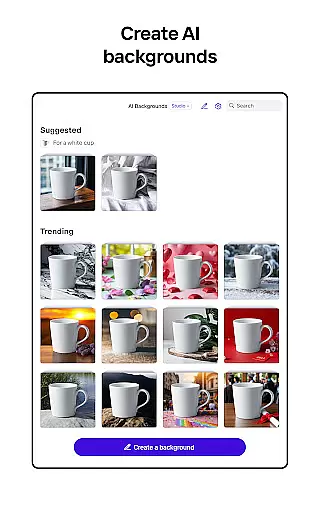
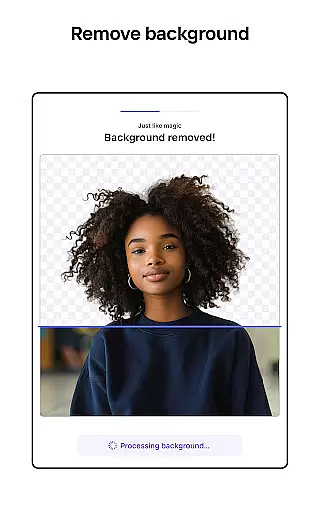

Photoroom AI Photo Editor is a powerful photography app designed to help users create professional-quality images with ease. Using advanced AI technology, the app allows users to remove or replace backgrounds, enhance photos, and design visually appealing content without requiring any prior design experience. Its intuitive interface ensures that anyone can achieve high-quality results, making it ideal for e-commerce sellers, content creators, and social media managers.
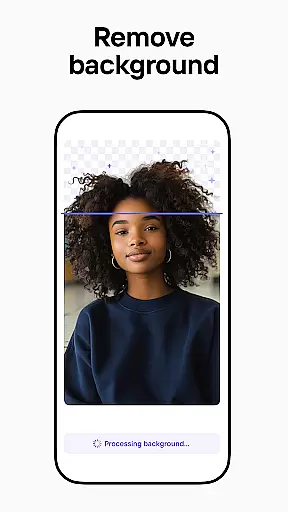
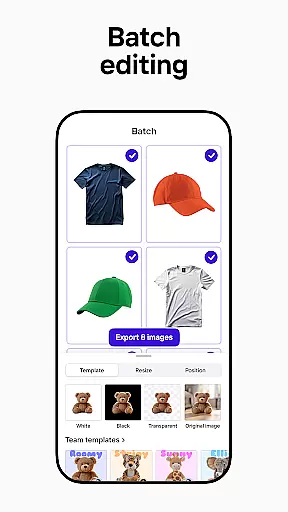
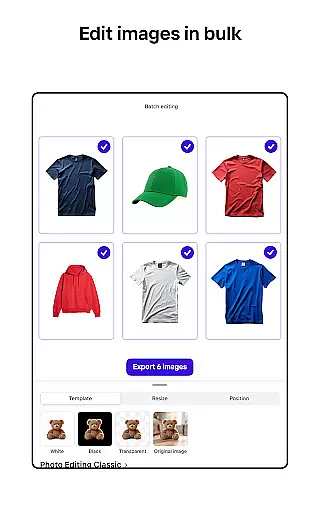
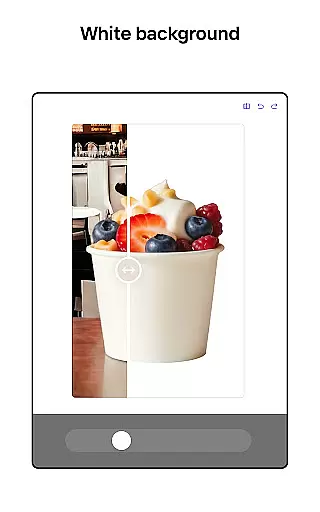
The app's standout feature is its AI-powered background removal tool, which enables users to erase unwanted objects or distractions from their photos effortlessly. Additionally, Photoroom offers batch editing functionality, allowing users to process multiple images simultaneously. This makes it particularly useful for businesses looking to streamline their image editing workflow. Whether you're preparing product photos for an online store or crafting engaging social media posts, Photoroom provides the tools necessary to produce polished, professional visuals.
With support for various platforms such as Instagram, Facebook, and Amazon, Photoroom ensures that your images are optimized for different channels without losing quality. The app also includes collaboration features, enabling teams to work together seamlessly on designs in real-time. Overall, Photoroom empowers users to elevate their brand, boost engagement, and drive sales through stunning visual content.
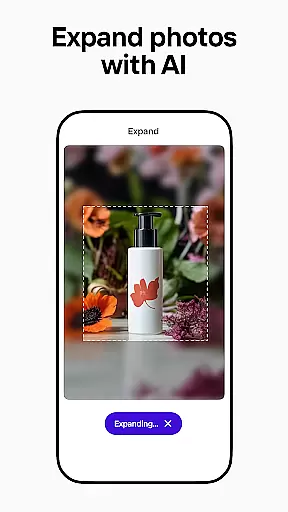
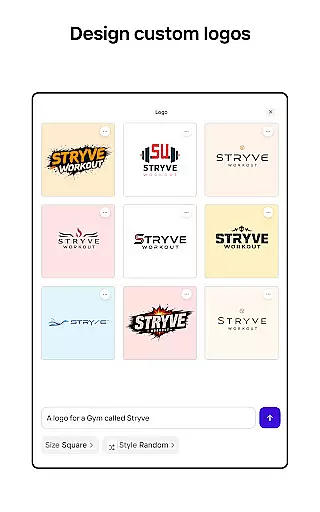
Photoroom AI Photo Editor boasts an impressive array of features tailored to meet the needs of both amateur and professional photographers. One of its most notable capabilities is the AI-powered design tool, which allows users to generate backgrounds, social assets, scenes, and logos simply by describing their ideas. This feature saves significant time and effort, producing professional designs in seconds. Additionally, the app's background removal and replacement function is unparalleled, offering users the ability to enhance product photos with realistic virtual models or staged scenes.
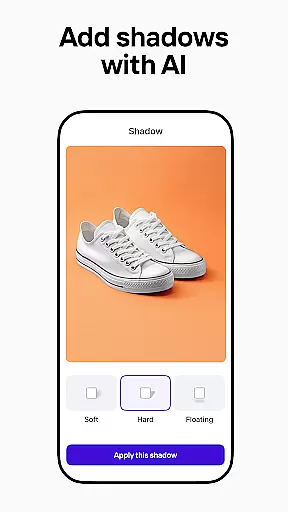
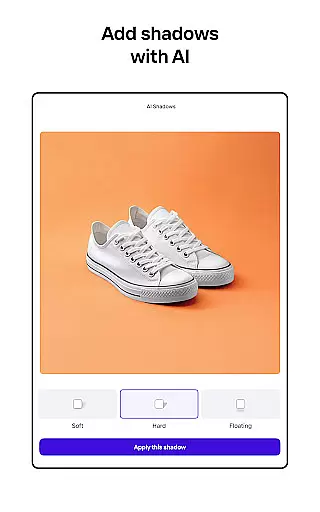
Another key feature is the enhanced photo editing suite, which includes tools for erasing unwanted objects, adjusting lighting and shadows, and improving overall image quality. These tools ensure that every photo meets professional standards while maintaining the desired background. Furthermore, Photoroom supports batch editing, making it easy to apply consistent styles and edits across multiple images—a boon for e-commerce sellers and content creators who handle large volumes of photos.
Photoroom also offers customizable templates for various occasions, helping users create standout content quickly. The app facilitates collaboration by allowing team members to share, comment, and edit designs in real-time, ensuring cohesive branding and efficient teamwork. With these robust features, Photoroom stands out as a comprehensive solution for anyone looking to create, edit, and transform images into stunning visuals that captivate audiences.
Real-time capture and preview functionality is essential for ensuring that every photo taken meets professional standards. With Photoroom AI Photo Editor, users can instantly see the results of their edits as they make them, providing immediate feedback on changes to backgrounds or object removals.
This feature allows photographers and content creators to adjust lighting, shadows, and other elements in real time, ensuring that the final image aligns with their vision. The ability to preview edits without delays enhances workflow efficiency, particularly when working on batch editing tasks for e-commerce platforms or social media.
For those who rely on high-quality visuals, such as online sellers or marketing professionals, this tool ensures that images are polished and ready for use across various digital channels. By offering a seamless preview experience, Photoroom empowers users to create engaging visuals that drive sales and boost brand presence.
The AI Beauty & Enhancement Naturalness feature in Photoroom focuses on refining images while maintaining authenticity. This tool uses advanced algorithms to enhance facial features, skin tones, and overall image quality without creating an artificial appearance, which is crucial for brands aiming for genuine representation.
Users can leverage this function to subtly improve portraits or product photos by adjusting elements like brightness, contrast, and sharpness. The AI ensures that enhancements look natural, preserving the original essence of the photograph while elevating its professional appeal.
This capability is especially beneficial for social media managers and content creators who need to produce visually appealing posts that resonate with audiences. By delivering realistic yet enhanced images, Photoroom helps businesses maintain credibility and engagement, ultimately supporting their marketing goals.
User-friendly interface
Advanced AI tools
Batch editing support
Real-time collaboration
Optimized for multiple platforms
Premium features locked
Subscription-based model
Limited free exports
Occasional lag
Learning curve for new users

Viewfinder, Light meter, Reciprocity failure time, DOF & Bellows Extension
 4.60
4.60
How old age camera Gender Swap App Face Shape Hairstyle App Hair Styler App fun!
4.00
Virtual makeup, hair filters & body tuner—edit from face to full body!
4.20
Pet Camera
3.70
Turn your phone into a professional camera - full DSLR manual photography
4.30
Raw Image Viewer. Gallery with support of raw images (.cr3, .cr2, .nef, .raf).
2.00
Fit multiple photos on one post. Create carousels & scroll layouts for Instagram
4.50
Hair color changer, AI haircut app, fun hair editor and buzz cut filter for all!
3.80
Pro version: AR sun/moon tracker for any date. Tool for photographers & planners
4.90
Find time and duration of different sunlight phases at any location
4.90
Photo prints, cards, & gifts at Walgreens. Easy ordering & fast local pickup !
4.80
A collection of tools and reference tables for DPs, ACs, DITs and Operators.
4.70
Android Native system HD camera app. Never been so simple and faster.
4.70
Unblur, enhance & restore photos with powerful AI photo enhancer tools.
4.60
Effortlessly organize, view and share your photos & videos with Gallery app!
4.40
Photo editor: face & body editor, beauty cam, filters and quality enhancer.
4.00
Remote control of the phone camera from your Wear OS smartwatch
3.70
Long exposure camera with computational photography
2.60
Over 800 film simulation recipes for Fujifilm. Black Friday Offer!
4.1


User Reviews