
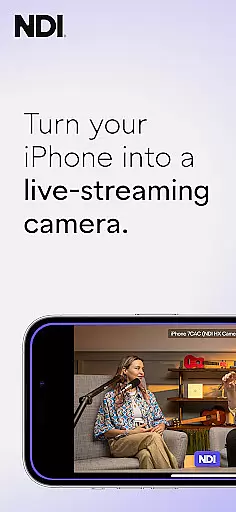
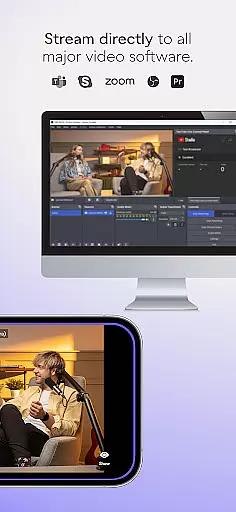
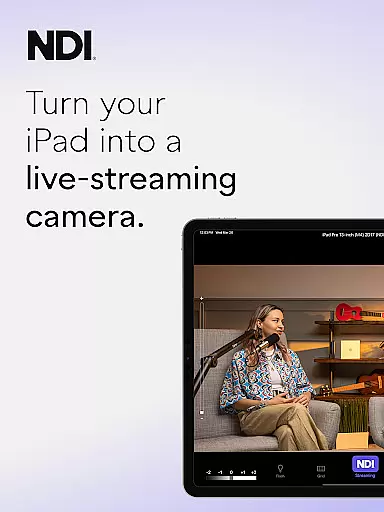
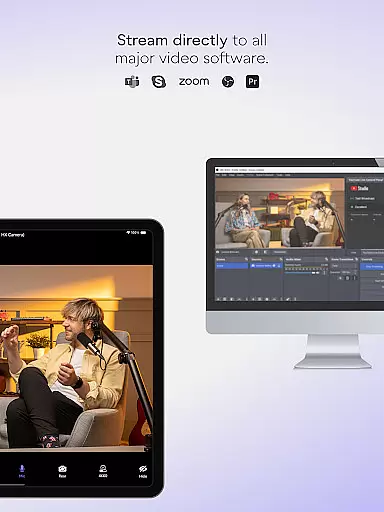
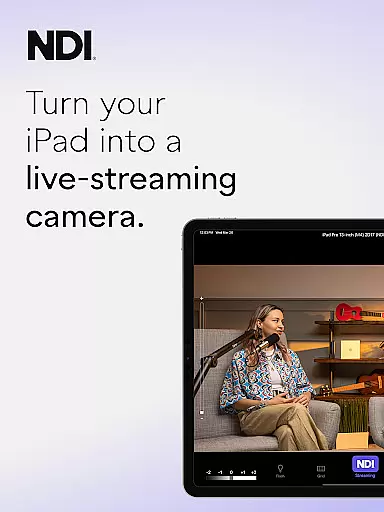
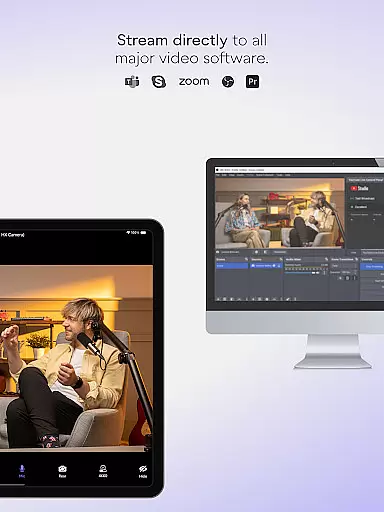
NDI Camera is a professional live-streaming application that transforms your mobile device into a high-quality NDI camera. With its intuitive interface and powerful features, the app allows users to stream low-latency video and audio directly to popular platforms such as MS Teams, Skype, and Zoom. The latest version 1.7 brings a modernized UI, full video height viewfinder, and tally light functionality with multiple modes.
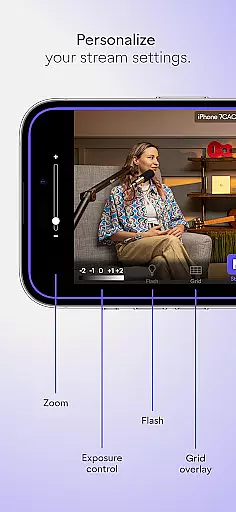
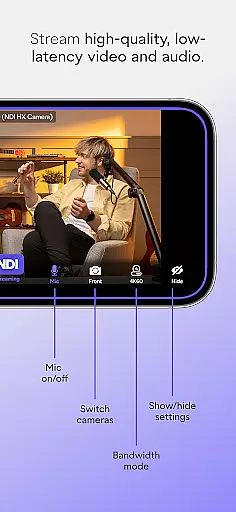
This app is particularly beneficial for professionals in live production environments who need flexible camera angles and additional perspectives. It supports advanced settings like bandwidth mode selection, grid overlay, autofocus, pinchable zoom, and front/rear camera switching. These features make it an essential tool for enhancing live broadcasts, webcasts, and presentations.
Whether you're conducting remote interviews or adding dynamic shots to your live streams, NDI Camera provides the tools needed to elevate your content. Its seamless integration with NDI-supported systems ensures reliable performance, making it a valuable asset for both amateur streamers and seasoned professionals.
NDI Camera offers a comprehensive suite of features designed to enhance live streaming capabilities. One standout feature is the Tally light, which now comes with multiple modes, providing clear visual cues for on-air status. This is complemented by the modernized user interface introduced in version 1.7, ensuring a more intuitive experience for users.
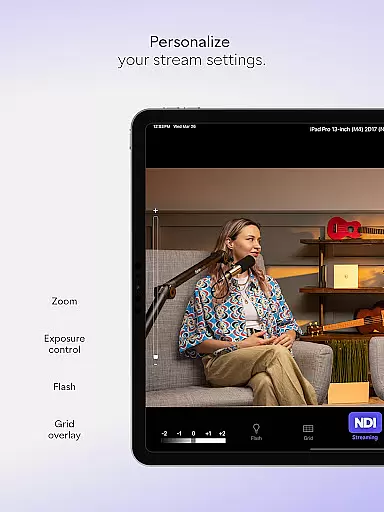
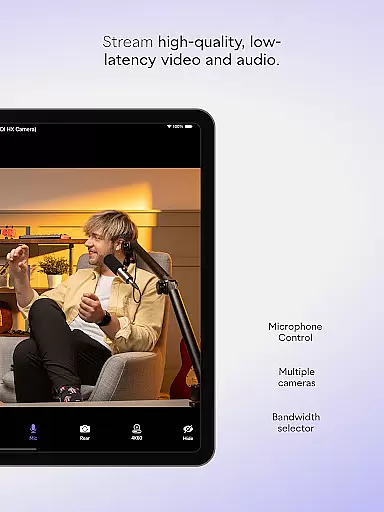
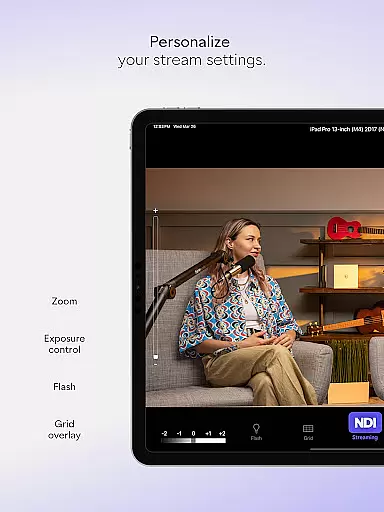
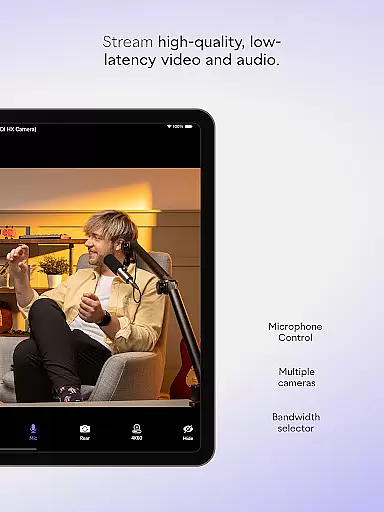
The app includes professional settings that allow fine-tuning of the streaming experience. Users can choose between high, medium, and low bandwidth modes to optimize video quality based on their network conditions. Additional functionalities include an optional grid overlay for precise framing, pinchable zoom for detailed shots, and an on-screen connection meter to monitor streaming stability.
With support for both front and rear cameras, NDI Camera caters to various shooting scenarios. Whether capturing audience reactions or focusing on the main subject, this versatility ensures that users can adapt to different production needs. Overall, these features collectively empower users to deliver polished and professional live streams.
Real-time messaging speed and reliability are crucial for seamless communication in live-streaming applications like NDI Camera. This app ensures that video and audio streams are transmitted with minimal delay, providing users with a smooth experience.
NDI Camera achieves this by utilizing advanced network protocols and optimizing data transmission paths. The app supports NDI 4 or newer, which is designed to deliver low-latency, high-quality video over standard networks, making it ideal for professional environments where timing is critical.
Users benefit from the ability to stream high-quality content without noticeable lag, allowing them to engage more effectively in live broadcasts, webcasts, and presentations. This reliability enhances collaboration and interaction across various platforms such as MS Teams, Skype, and Zoom.
The app's real-time capabilities ensure that every moment of the broadcast is captured and delivered instantly, maintaining the integrity and flow of the event. This feature is essential for professionals who require precise synchronization between multiple sources in their live production systems.
Media sharing support in NDI Camera allows users to effortlessly share video and audio streams across different platforms and devices. This functionality transforms mobile phones into versatile tools for live production, enabling seamless integration with popular communication platforms.
With NDI Camera, users can select between front and rear cameras, apply optional grid overlays, and utilize autofocus features to enhance the quality of shared media. These options provide flexibility and control over how content is captured and presented, catering to both amateur and professional needs.
The app also offers professional settings such as adjustable bandwidth modes, pinchable zoom, and an on-screen connection meter. These features empower users to adapt to varying network conditions and optimize the streaming experience according to their specific requirements.
By downloading NDI Camera, users gain access to a powerful tool that not only facilitates media sharing but also elevates the standard of live broadcasts and presentations. This makes it an invaluable asset for anyone looking to expand their coverage with new camera angles and perspectives.
User-friendly interface
High-quality streaming
Versatile camera options
Professional settings
Seamless platform integration
Requires NDI 4 support
Limited free features
Network dependent
Advanced settings may overwhelm beginners
Occasional connectivity issues

Call Forwarding is easy and simple application to use.
 3.80
3.80
Enjoy secure messaging & calling. Safe Messenger: group chats, calls, messages.
4.20
Messenger for SMS - texting message app, faster, simpler & safer, for you.
4.70
Messenger, an MMS & SMS messages app with Blockers, Driving mode & Private box
4.60
Fun, free app that lets kids video call and message family and close friends.
3.80
Watchgram for Telegram: Experience seamless Telegram messaging on your watch
1.80
FolderSync enables easy sync of files between cloud storage and Android devices.
4.60
Group Chat That’s Fun & Games
4.30
Telegram is a messaging app with a focus on speed and security.
4.00
The ultimate productivity solution for all your email communication needs.
4.40
Get through your inbox faster with the mail app designed to simplify your life.
4.40
HD Video Meeting app is a fast & unlimited video conferencing app across world.
4.30
A customizable phone number in the cloud
4.20
Fast Dialer & Contact Manager with Caller ID and Spam Protection
4.00
SMS Messenger ensures that communication become effortless and accessible.
3.80
This app enables the phone to receive and send FT8 traffic!
3.80
Fast, Simple And Secure Application That Provides SMBv3 Server On Your Device
3.30
A Browser with powerful ad blocker to help focus on what really matters.
3.00
Manage Phone Calls, call history, and contacts easily with Phone Pro.
4.4


User Reviews