
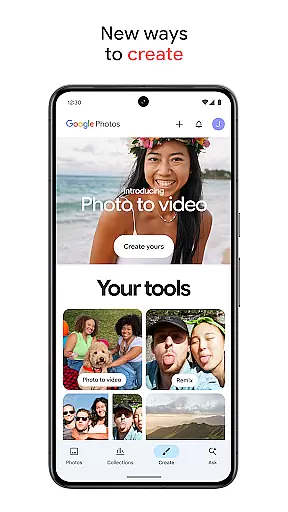
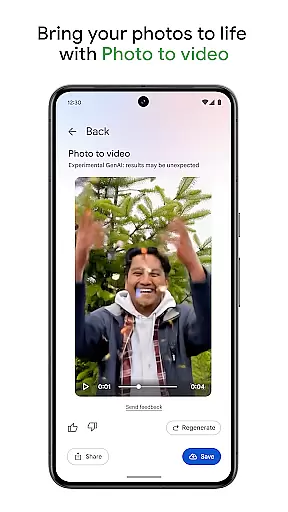
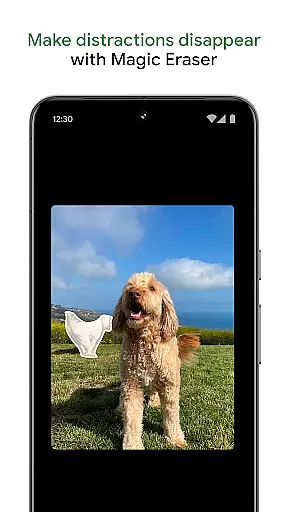
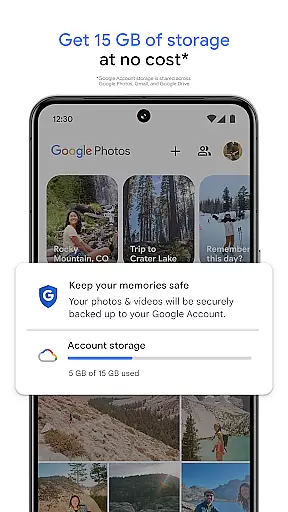
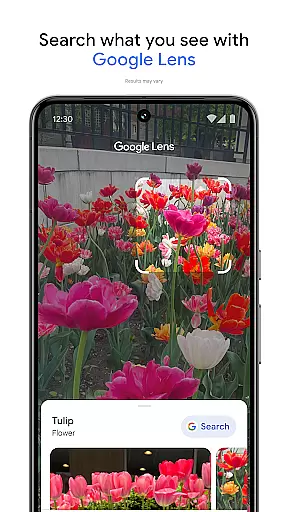
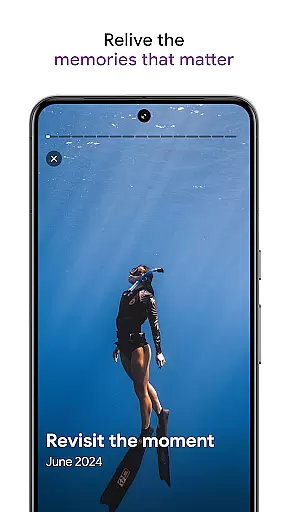
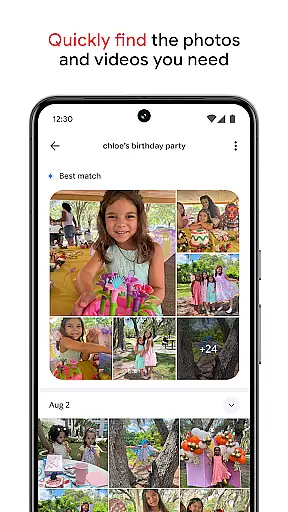
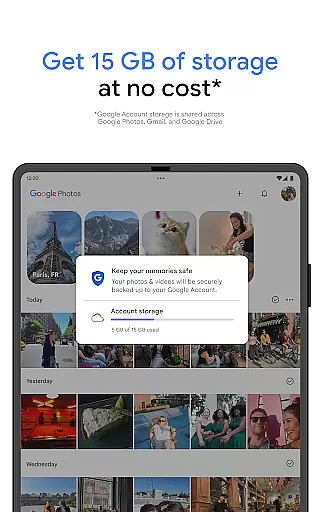
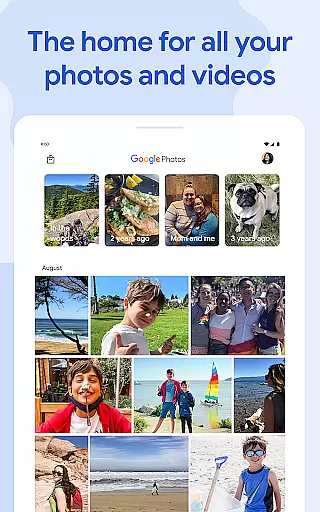
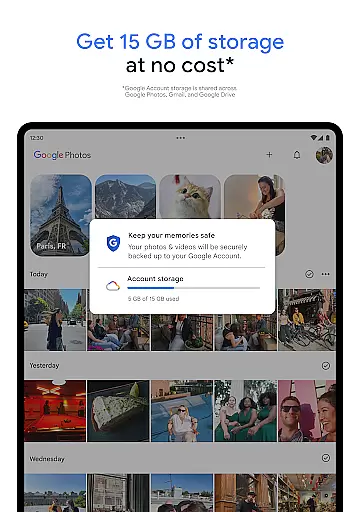
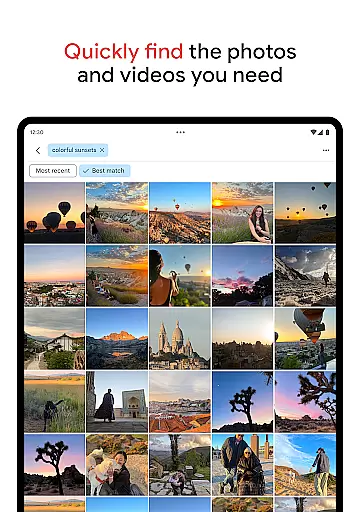
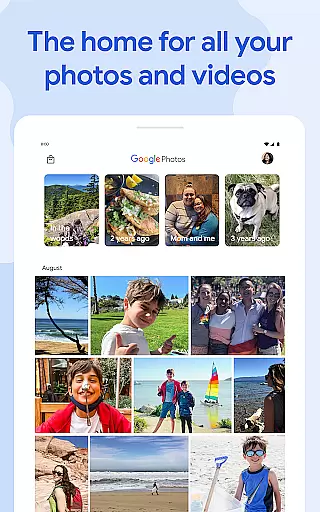
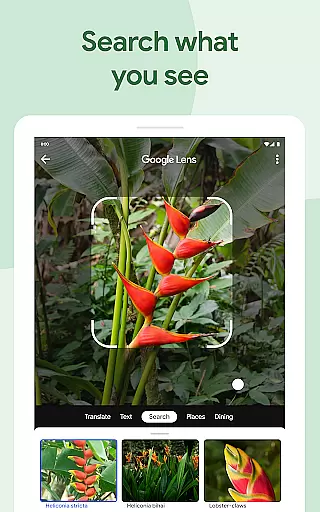
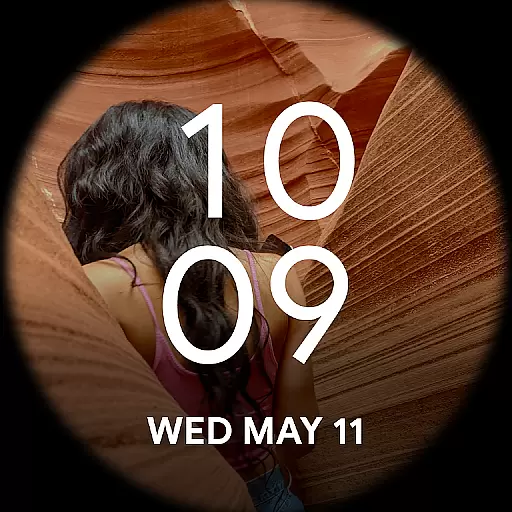
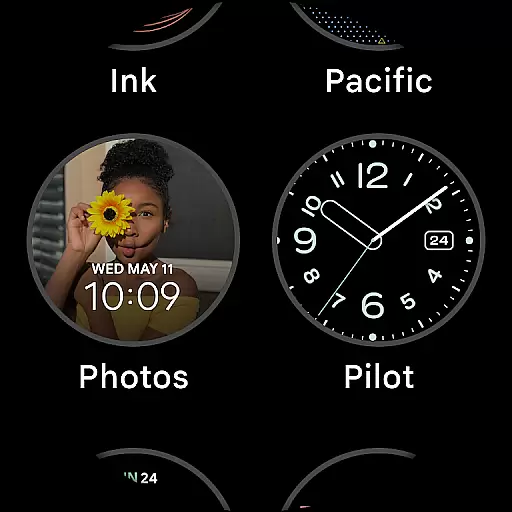
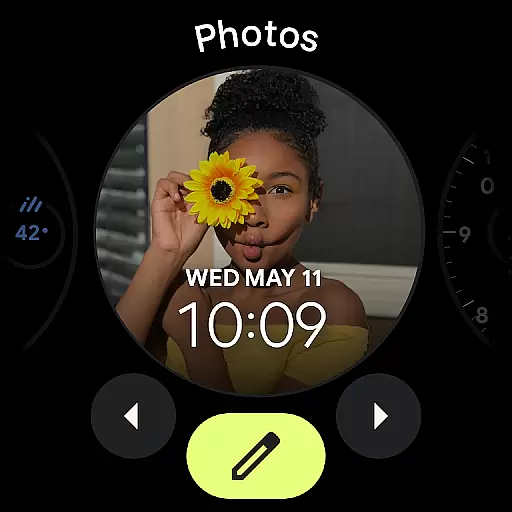
Google Photos is a comprehensive photo and video management application that leverages Google AI to help users back up, edit, organize, and search their memories. The app offers 15 GB of free cloud storage for every Google account, ensuring automatic backup and safety of your files across all devices. With advanced AI-powered tools, users can make complex edits easily, such as removing distractions with Magic Eraser or animating photos into videos.
The application simplifies the organization of media by automatically sorting duplicates and similar photos into Photo Stacks. It also provides smart folders for different types of content like screenshots and documents. Users can relive and share their favorite moments effortlessly, even with those who do not use Google Photos. Additionally, the app ensures top-notch security for all stored content, protecting user data with advanced infrastructure.
One of the standout features of Google Photos is its AI-powered editing tools. These include Magic Eraser for removing unwanted objects, Unblur for fixing blurry images, and Portrait Light for enhancing brightness. The Create feature allows users to transform static images into dynamic content using styles and animations.
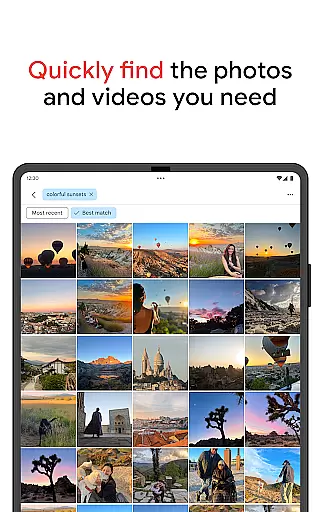
Search functionality is greatly enhanced, allowing users to find specific memories quickly through simple or complex queries. Organization is made easy with automatic grouping of similar photos and intuitive folder structures. Furthermore, users can free up device space by removing backed-up photos from their local storage. For those interested in physical keepsakes, Google Photos offers options to print favorite moments as photo books or wall art.
Companion app integration is essential for users who want a seamless experience between their mobile devices and wearable technology. Google Photos excels in this area by ensuring that all your photos and videos are automatically backed up and accessible across all your devices.
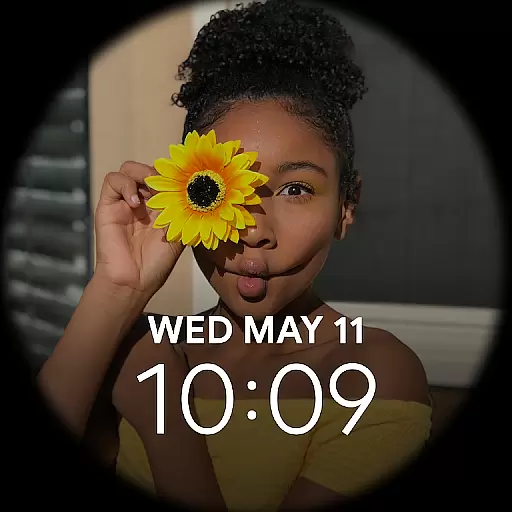
The application leverages Google's robust cloud infrastructure to sync content in real-time, allowing users to access their media library from their Wear OS devices effortlessly. This means you can view, manage, and even share your cherished memories directly from your smartwatch or other Android Wear gadgets.
Furthermore, the app provides notifications and updates on your wearable device, keeping you informed about new uploads, shared albums, or storage limits. This interconnected ecosystem ensures that whether you're on-the-go or at home, your content is always within reach, enhancing both convenience and productivity.
Ensuring broad compatibility with various Wear OS devices is crucial for any app targeting the Android Wear market. Google Photos has been optimized to work seamlessly with a wide range of Wear OS smartwatches and other compatible devices, providing users with a consistent and reliable experience.
The app supports features like voice commands and gesture controls, which are common in many Wear OS devices. This allows users to navigate their photo galleries hands-free, making it easier to find specific images or initiate backups without needing to touch the screen.
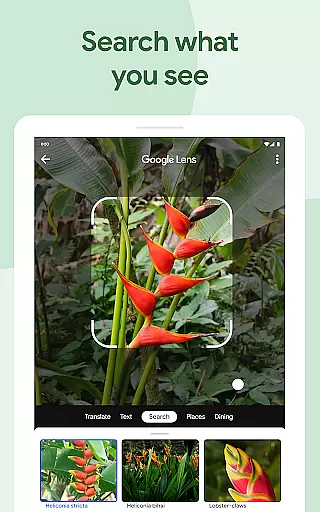
In addition to basic functionality, Google Photos offers advanced features such as AI-powered search capabilities and automatic organization tools tailored for smaller screens. These enhancements ensure that despite the limited display size, users can still enjoy powerful photo management options right from their wrists, maintaining the high standards expected from modern wearable technology.
User-friendly interface
Advanced AI tools
Generous free storage
Strong security measures
Versatile sharing options
Limited free storage
Some features require payment
Dependent on internet connection
Occasional sync issues
Privacy concerns with cloud storage

Animated Watch Face and Customizable with 24 Backgrounds. Perfect for Christmas!
 3.90
3.90
A heartwarming Christmas scene featuring a cute image of Santa and Rudolf
4.5
Simple Analog-Digital Watchface For Wear OS 3.0 and Up Smartwatches
4.2
Sleek, highly customizable watch face inspired by Galaxy Watch Circle Dashboard.
4.3
Fitness interactive virtual pet super fighter boy watch face
4.1
Professional weather radar and more
3.90
Daily Weather forecast with 15 weather images for Day & Night plus Big Bold time
4.10
Spam call blocker and caller ID for automatic call protection!
4.40
Toyota app currently supports 2010 or newer vehicles (2018 or newer for Hawaii).
4.50
A modern hybrid informative watch face for Wear OS designed by BALLOZI
4.80
Highly customizable hybrid watch face for Wear OS, perfect for everyday use.
4.60
Kia Access makes getting your vehicle information easier than ever
4.60
Simple, helpful messaging by Google
4.60
Ideal for surviving in the wasteland left after nuclear fallout
4.50
Elegant animated Christmas tree with multiple customization options
4.20
Let's celebrate Thanksgiving - Wear Os watch face
4.20
Viewer for Wyze/Yi/Eufy/Arlo/ONVIF/RTSP/P2P IP cams w/ adv. features & DIY DVR
4.00
Structured watch face with seven complications and modular UI elements
3.90
Get helpful reminders, take progress photos and find answers to your questions.
3.90


User Reviews