
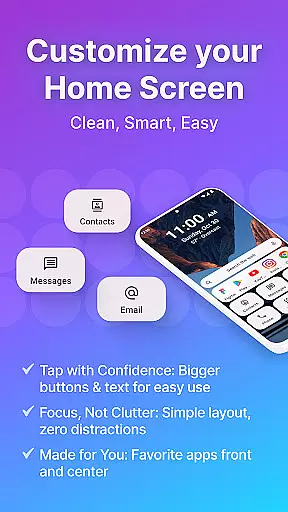
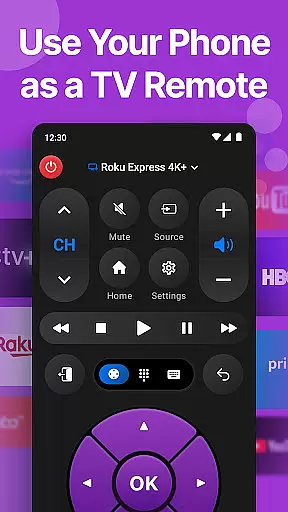
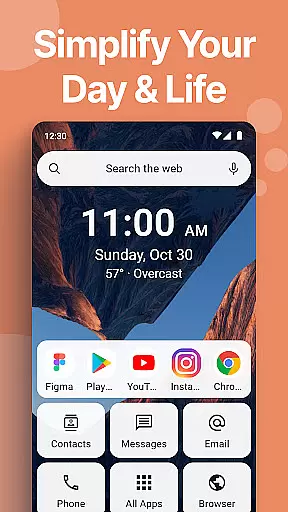
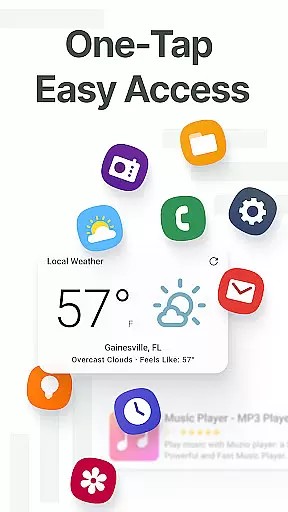
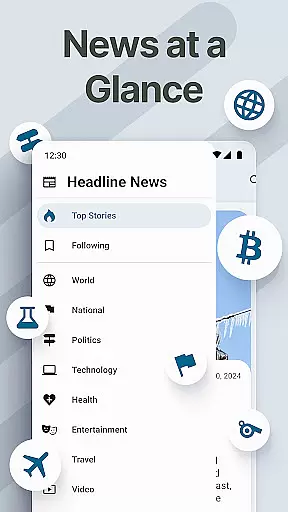
Easy Homescreen is a personalized home screen launcher designed to simplify and declutter your Android device. With its user-friendly interface, the app transforms chaotic screens into organized spaces through oversized buttons, clear text, and smart personalization features. It focuses on accessibility-first design, offering large fonts, essential tools like a universal remote and weather app, and customizable themes that adapt to individual preferences.
The app's minimalist UI reduces digital noise while providing advanced functionalities such as widget support, app hiding, and lockscreen widgets. These features ensure users can organize their apps, conversations, and shortcuts in an intuitive way. Whether you're tech-savvy or prefer simplicity, Easy Homescreen caters to all ages by prioritizing comfort and control—making every tap feel confident and calm.
By emphasizing frequently used tools and hiding unnecessary ones, Easy Homescreen creates a personalized experience that adapts to each user’s needs. This makes it ideal for those seeking both productivity and ease of use without compromising style or functionality.
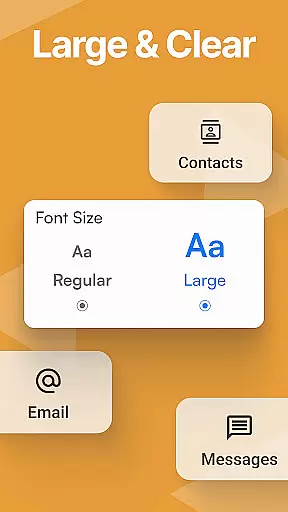
Easy Homescreen stands out with its robust feature set tailored for customization and accessibility. One of its core strengths is the ability to personalize fonts, themes, and app icons, allowing users to express their unique style while maintaining usability. The inclusion of large buttons and text ensures that even those with visual impairments can navigate effortlessly, enhancing overall accessibility.
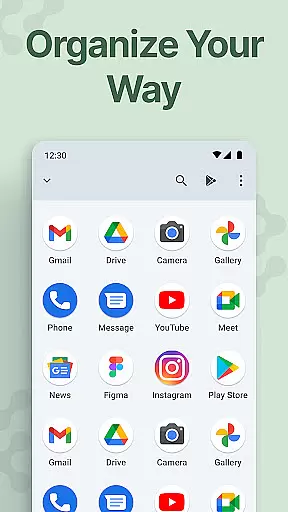
Another notable feature is the built-in organizer, which helps declutter your home screen by grouping frequently used apps and hiding less essential ones. This not only streamlines navigation but also reduces cognitive load, making daily interactions more efficient. Additionally, the app supports various widgets—including homescreen, top, and lockscreen widgets—that keep important information always visible yet non-intrusive.
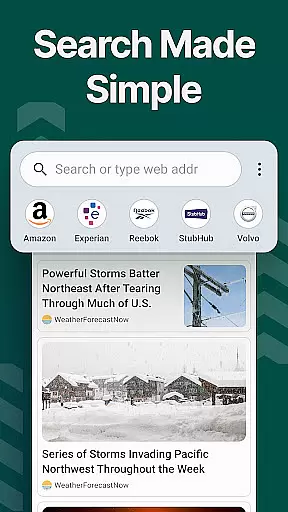
For added convenience, Easy Homescreen includes an optional custom keyboard with larger keys, perfect for users who prioritize typing ease. Furthermore, the app integrates seamlessly with search functionalities powered by Yahoo, ensuring quick access to relevant content. These innovative features collectively create a balanced ecosystem where simplicity meets powerful customization options.
Customization is at the heart of Easy Homescreen, offering users a wide array of options to tailor their smartphone experience. This app provides extensive personalization features including custom fonts, themes, and app icon options, allowing users to express their unique style.
The ability to customize fonts and themes ensures that your phone not only functions according to your needs but also reflects your personality. Whether you prefer bold, playful designs or lean towards a more professional aesthetic, Easy Homescreen adapts seamlessly to match your vibe.
Moreover, the app simplifies navigation by organizing your most-used apps and tools front and center, hiding the rest for a decluttered interface. This personalized approach means every tap on your home screen brings you closer to what matters most to you.
Ultimately, the vast customization options available in Easy Homescreen empower users to create an intuitive and visually appealing environment. By prioritizing user-centric design, it transforms the Android experience into something joyful and made for real life.
Theme compatibility is a crucial aspect of Easy Homescreen, ensuring that all visual modifications integrate smoothly with the device's existing system. The launcher supports various themes, which means users can switch between different looks without encountering glitches or inconsistencies.
This seamless integration extends to widgets and lockscreen widgets as well, maintaining a cohesive appearance across the entire device interface. Users can enjoy helpful tools like homescreen widgets always visible yet never intrusive, enhancing both aesthetics and functionality.
Furthermore, Easy Homescreenu2019s commitment to accessibility-first design complements its theme compatibility. Large fonts and buttons are incorporated into every theme option, making sure that beauty does not compromise usability.
By focusing on comprehensive theme compatibility, Easy Homescreen delivers a polished and unified user experience. This dedication ensures that whether you're tech-savvy or seeking simplicity, your device remains both beautiful and easy-to-use.
User-friendly interface
Highly customizable themes
Accessible design for all ages
Efficient app organization
Minimalist and calming UI
Limited iOS compatibility
Occasional performance lags
Advanced features may overwhelm beginners
Requires frequent updates
Privacy concerns with Accessibility API

Customizable Glass widgets. Over 360+ stunning widgets and more!
 4.70
4.70
A retro cartoon style watch face and a punch right in the face of the copyright
4.60
A launcher for Samsung Good Lock and Good Guardians modules without ads
4.70
Try creating your own keyboard with "Keyboard theme for android" app now!
4.50
Run multiple accounts of the same app on a single device
4.10
Choose your keyboard with RGB colors effect, themes, fonts, emojis.
4.60
Enjoy a variety of amazing live wallpapers and colorful EDGE lighting borders!
4.80
Customize phone with anime themes, 3D icons, aesthetic widgets & wallpapers
4.80
Create stunning widgets with Widget 2026: Aesthetic Widgets for Android!
4.60
A Colorful and Minimal icon pack in an Outline Style - Over 13,600 icons!
4.70
Add cute Shimeji pets to screen, interact with them and relax with cute motions
4.60
Want to make your phone more special than ever?
4.60
Handcrafted pixel art icons, widgets & wallpapers
4.60
Turn text & photos into stunning AI videos, art, and creative visual stories.
4.50
AI-powered Copilot. Personalized keyboard with gifs, stickers & themes
4.40
More than 3000+ themes and 9000+ wallpapers for everybody!
4.10 3.50
3.50
Adorable pets roam and play right on your phone screen!
3.30
Prank your friends with realistic broken screen and cracked HD effects!
4.1


User Reviews