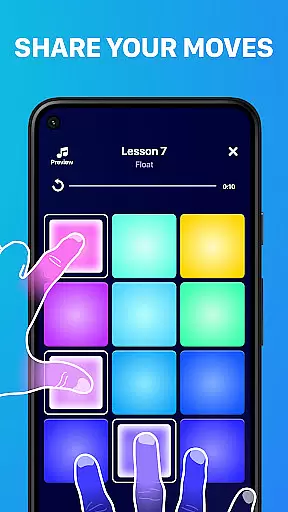
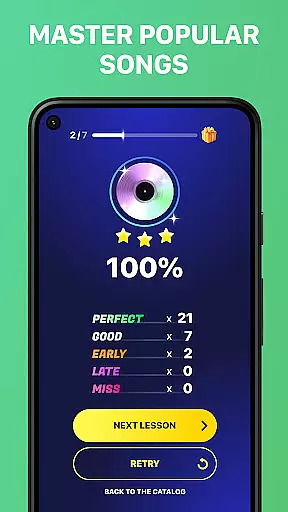
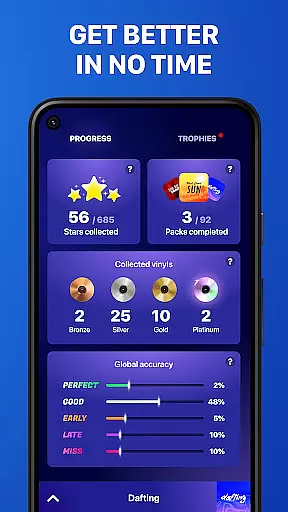
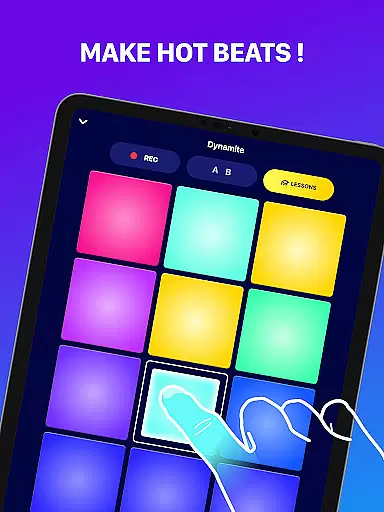
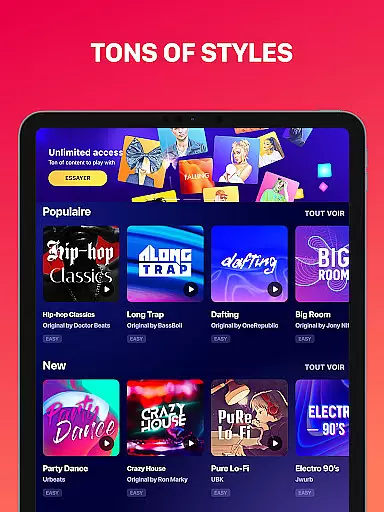
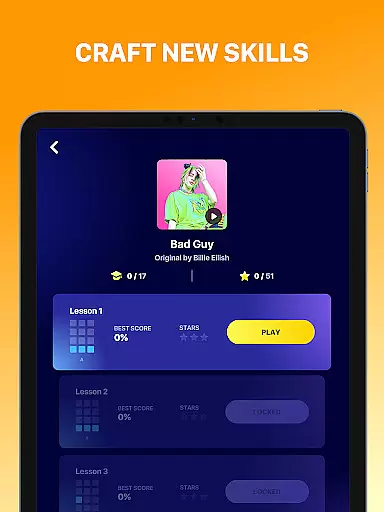
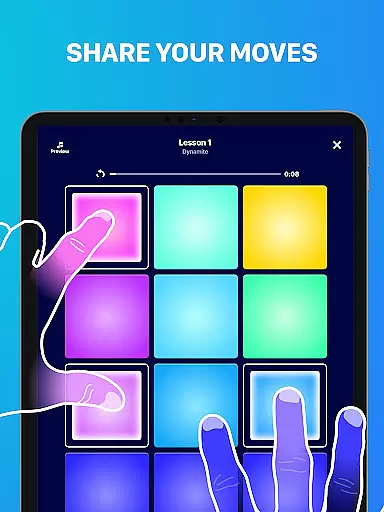
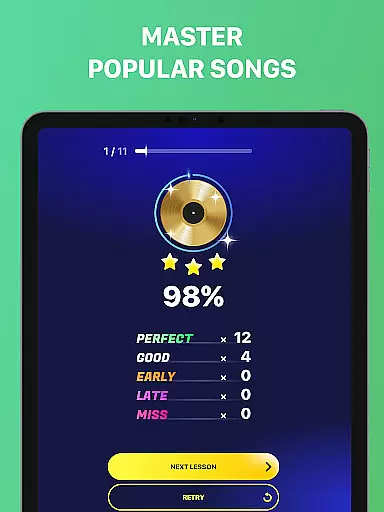
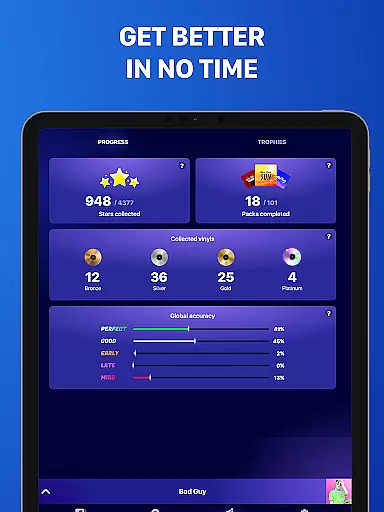
Beat Maker Pro is a powerful music creation tool that allows users to produce professional-quality beats and melodies right from their mobile devices. Designed for both aspiring and experienced music producers, this app provides an intuitive platform to create music across various genres including dubstep, trap, EDM, and hip-hop.
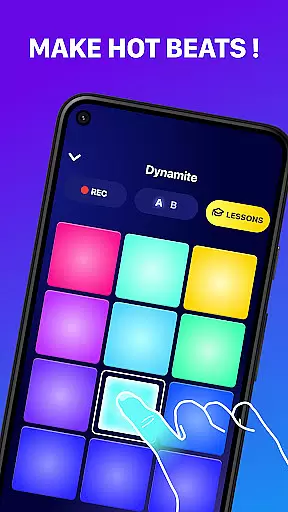
The app features a 24-pad drum machine interface that enables users to craft intricate rhythms and experiment with different sounds. Whether you're looking to learn the basics of beat-making or seeking to refine your skills as a music producer, Beat Maker Pro offers comprehensive lessons and tools to support your creative journey.
Ideal for DJs, musicians, and hobbyists alike, this application transforms your device into a portable music studio, empowering you to remix songs, record compositions, and develop unique musical ideas on the go.
Beat Maker Pro stands out with its versatile feature set designed to cater to diverse music production needs. The app's centerpiece is its 24-pad drum machine, which provides an extensive range of high-quality samples and loops across multiple genres. Users can mix and match these elements to create complex musical arrangements.
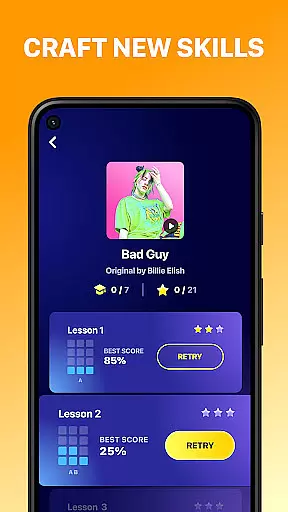
One of the app's key strengths is its user-friendly interface, which makes music production accessible to creators of all skill levels. The built-in recording functionality allows users to capture their compositions while the comprehensive tutorial system helps beginners grasp fundamental beat-making concepts.
Additional notable features include real-time effects processing, tempo synchronization, and the ability to export finished tracks. These professional-grade tools, combined with regular content updates, ensure that users have everything they need to produce industry-standard music directly from their mobile devices.
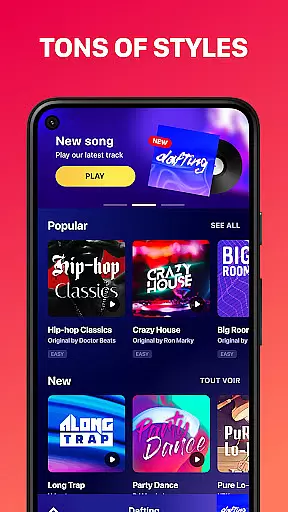
Beat Maker Pro offers an extensive music library that caters to a wide array of genres including dubstep, trap, EDM, and hip-hop. This vast collection ensures that users have access to a diverse set of sounds and loops, which is crucial for creating unique and engaging beats.
The app guarantees the authenticity of its music library by ensuring all samples and loops are properly licensed. This commitment to copyright compliance provides peace of mind to users, allowing them to focus on their creative process without worrying about legal issues.
With Beat Maker Pro, musicians and DJs can rely on the quality and legality of the content they use in their compositions. The assurance of using original and licensed material enhances the overall value of the creations, making it a trustworthy tool for both amateur and professional music producers.
Audio quality is paramount when producing music, and Beat Maker Pro excels in delivering pristine sound output. The app supports various audio quality settings, enabling users to choose the best option according to their needs and equipment capabilities.
Whether you're crafting high-fidelity studio tracks or preparing quick demos on the go, Beat Maker Pro's flexible audio settings adapt to your workflow. This versatility ensures that the final output always meets professional standards, regardless of the project's scope or intended use.
Furthermore, the app's advanced audio processing features enhance the listening experience by preserving the nuances of each beat and loop. As a result, creators can deliver their music with confidence, knowing that listeners will experience every detail as intended.
User-friendly interface
Extensive sound library
Real-time effects processing
Comprehensive tutorial system
Professional-grade tools
Limited advanced features
Occasional performance issues
In-app purchases required
Steep learning curve
Interface could be improved

The Cubase remote control app
 3.60
3.60
Time Trainer: accurate metronome w tools to help you develop your internal time!
4.20
Bass Booster & Volume Equalizer Pro improves your music and video sound quality
4.60
Record, Mix & Master with all n-Track effects, 64-bit audio and Stem Separation.
4.70
The alternative folder based music player.
4.20
Voice recorder - Audio recorder. Best recorder for recording
4.90
Make songs with AI! Any genre, custom lyric, song generator for music creation!
4.80
Play KORG’s revolutionary touch-based instrument on a variety of devices.
4.40
Customize Your Favorite Songs and Videos with booster.
4.70
Tune in to the greatest hits on UK Radio | The home of Capital, Smooth & Heart.
4.90
Responsive piano with great sounds, graphics, and songs
4.80
Ultimate Sonos Controller
4.70
The best music and audio player, with beautiful UI, music search and equalizer.
4.60
Save hundreds of dollars for a physical strobe tuner and instead use this app.
4.50
Visualize the guitar fretboard, master scales & play through changes like a pro!
4.50
Help you quickly get started with Shokz headphones
4.40
Time Guru will strengthen your internal sense of musical time via random muting.
4.30
The official Sonos app
4.10
The iconic iOS metronome app is now on Android.
3.70


User Reviews