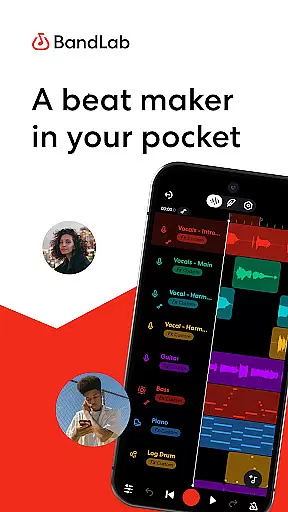
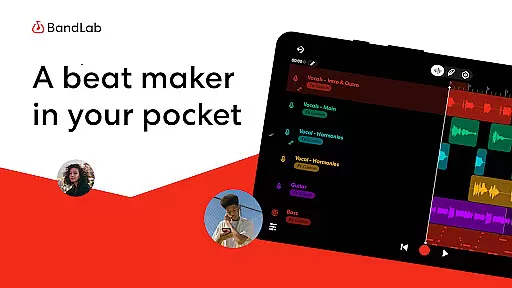
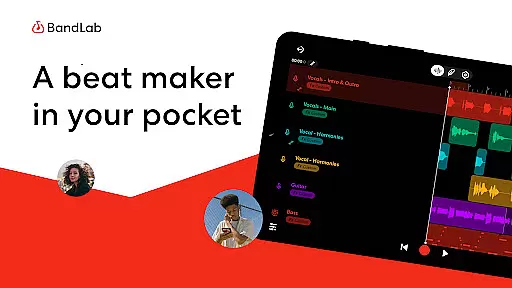
BandLab is a comprehensive music production studio that empowers users to create, mix, and share their music directly from their mobile devices. This free digital audio workstation (DAW) offers an extensive suite of professional-grade tools including a massive royalty-free sample library, advanced MIDI instruments, and AI-powered stem separation features.
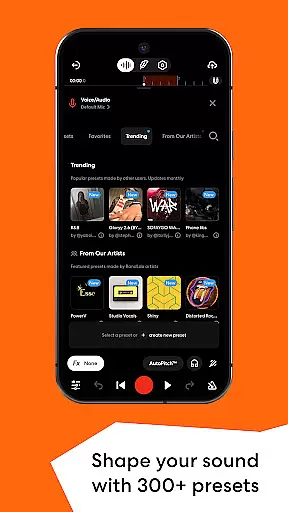
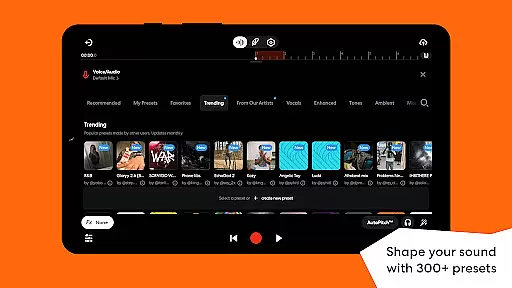
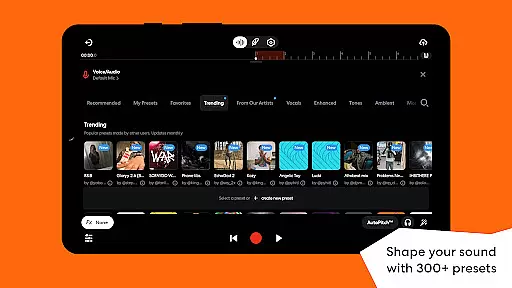
The app's intuitive interface makes it accessible for both beginners and experienced musicians. Users can craft beats using the built-in drum machine, experiment with 300+ audio presets, and utilize the innovative SongStarter feature to overcome creative blocks. With cloud storage integration and cross-device syncing capabilities, BandLab ensures seamless music creation across multiple platforms.
Whether you're producing your first track or preparing for a global release, BandLab provides all necessary tools for complete music production workflow - from initial idea generation to final distribution on popular streaming platforms while keeping 100% of your earnings.
BandLab distinguishes itself through its extensive collection of cutting-edge music production features. The app's 385+ Virtual MIDI Instruments offer unparalleled sound customization options, while the professional-grade mastering tools provide industry-standard audio processing capabilities.
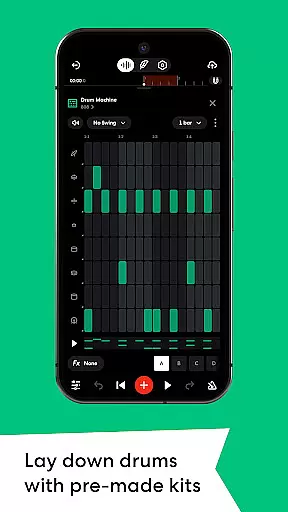
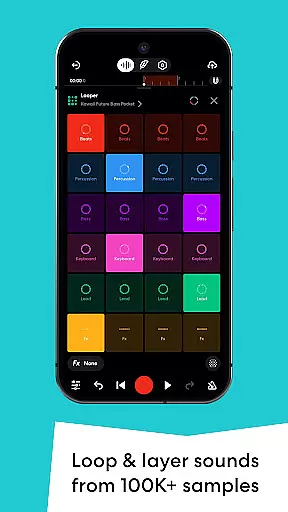
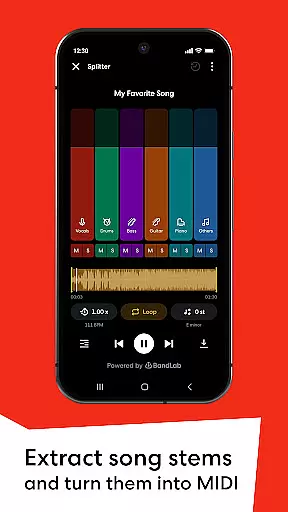
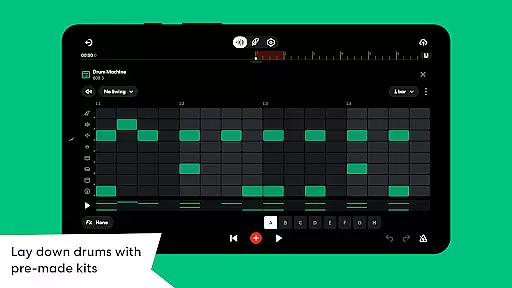
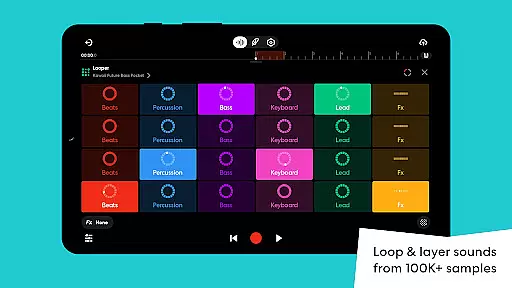
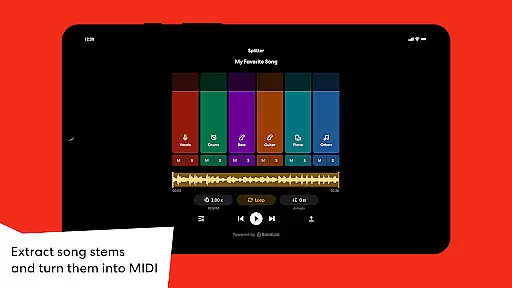
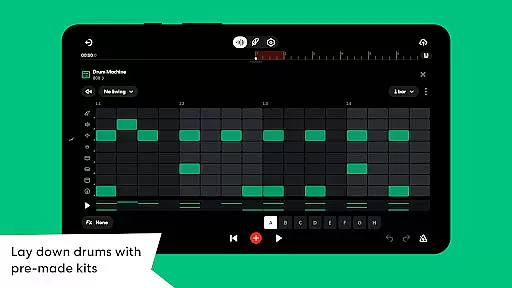
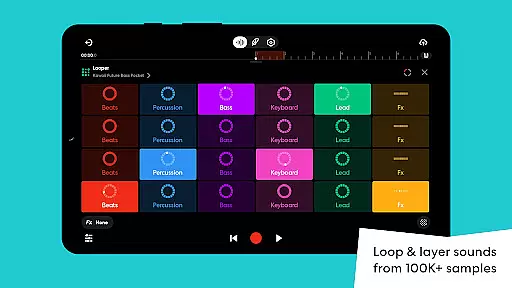
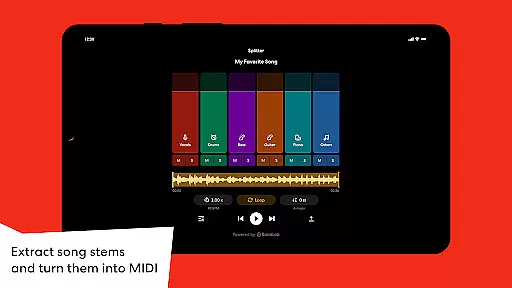
One of the standout features is the AI-powered stem separation tool, allowing users to split songs into individual instrument tracks. This functionality enables creative remixing possibilities and practice opportunities. The integrated Drum Machine and Looper tools provide intuitive interfaces for creating complex rhythms and building tracks effortlessly.
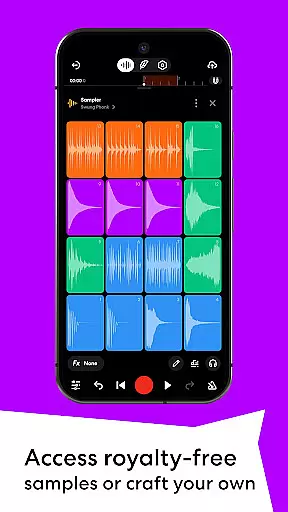
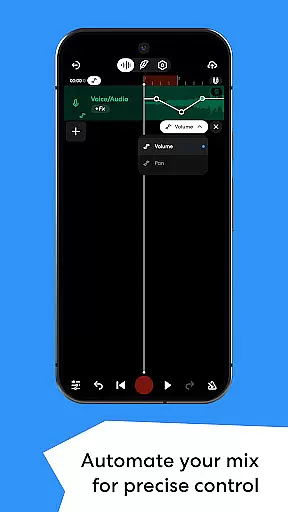
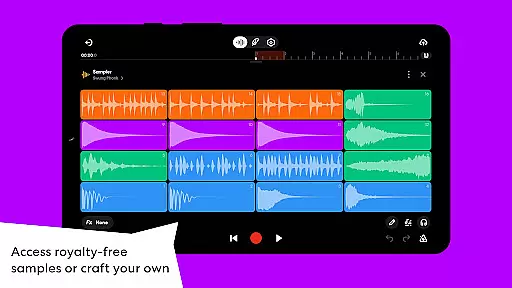
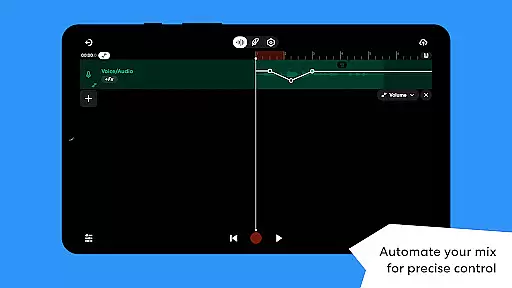
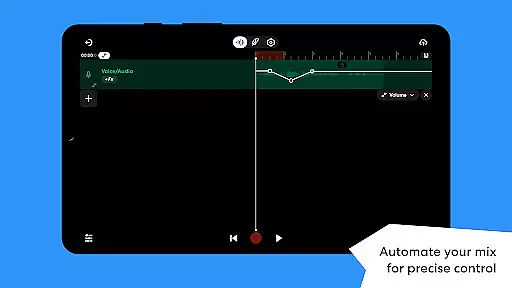
Additional notable features include automated mixing parameters control, 100K+ royalty-free samples, and the innovative SongStarter AI beat generator that helps overcome creative blocks by suggesting unique compositions across 11 genres. These features collectively make BandLab a powerful solution for modern music creators seeking professional results from their mobile devices.
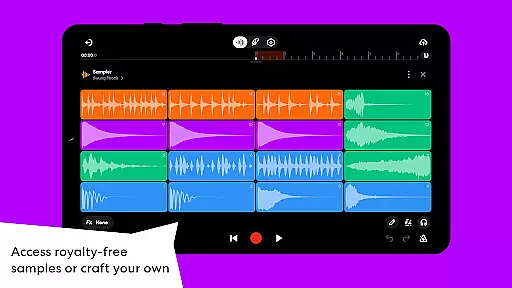
BandLab offers an extensive music library that includes over 100,000 royalty-free samples and 385+ Virtual MIDI instruments. This vast collection ensures that creators have access to a wide variety of sounds and instruments without worrying about copyright infringement. The availability of such a comprehensive library empowers users to experiment with different genres and styles.
The app's dedication to copyright authenticity is evident through its partnership with industry professionals to provide high-quality, legal content. Users can craft their music using audio presets, drum machines, and loops while being assured of the legality and authenticity of each element. This feature not only enhances creativity but also protects users from potential legal issues related to unauthorized use of copyrighted material.
Moreover, BandLab's integration of features like SongStarter and AI-powered tools adds another layer of originality to the music creation process. These innovative solutions allow musicians to generate unique compositions across various genres, ensuring that their work remains distinctive and free from copyright concerns. Such resources are invaluable for both amateur beatmakers and professional artists seeking fresh inspiration.
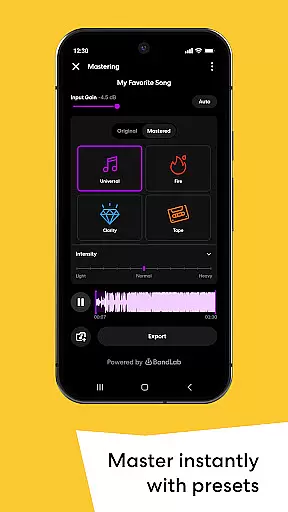
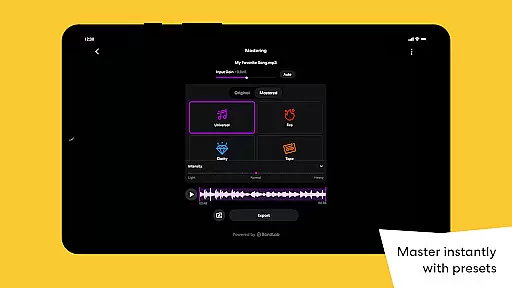
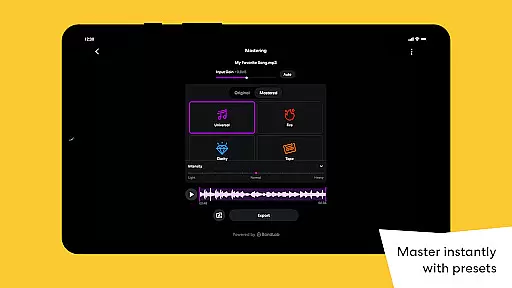
BandLab places a strong emphasis on audio quality, offering users multiple options to refine their sound. With features like Automation and Mastering, musicians can exercise precise control over volume, panning, and effects parameters within their mixes. This level of detail allows for dynamic tracks with smooth transitions, elevating the overall listening experience.
The inclusion of mastering presets designed by multi-Platinum and Grammy-winning engineers ensures that final outputs meet industry standards. By simply tapping through the appu2019s interface, artists can apply these expert-crafted settings to give their tracks a polished finish suitable for streaming platforms. This democratizes access to high-end production techniques previously available only in professional studios.
Additionally, BandLab supports easy export or sharing directly to social media and streaming services without compromising audio fidelity. Whether exporting locally or distributing globally via integrated distribution channels, creators retain full control over how their music reaches audiences worldwide. This seamless transition from production to publication underscores BandLabu2019s commitment to delivering top-tier audio quality at every stage of the creative journey.
User-friendly interface
Extensive free features
Cross-device compatibility
Professional-grade tools
Vibrant creator community
Mobile interface limitations
Occasional sync issues
Advanced features complexity
Internet connection required
Ads in free version

Over 100 million tracks available for high quality streaming and download
 4.60
4.60
Full-featured, High-Quality Groovebox Workstation, perfect for Live Performance!
4.80
DJ Music Mixer Pro is a real DJ controllers and DJ Music Studio to remix DJ.
4.40
Walkout Song DJ is the most intuitive app to manage your sports music.
4.70
Powerful 10-Band equalizer pro with sound booster improves Android audio quality
4.30
Master Salsa Rhythm quickly and with a lot of fun!
4.30
Full featured mp3 and audio player with Chromecast and Android Auto support.
4.40
Travel To The Music Universe
3.40
Listen to offline music and sounds from all categories
4.70
Listen to live FM radio stations, sports, music and news on global radios online
4.70
Unleash your creativity! Turn simple prompts into full fledged songs.
4.70
The best music and audio player, with beautiful UI, music search and equalizer.
4.60
Recording studio w/ 10k beats, pro vocal FX and a network of 20M rappers & fans!
4.60
Fun & Easy Voice Changer – Record, Edit & Add Hilarious Effects!
4.50
Help you quickly get started with Shokz headphones
4.40
Your HD audio recorder on the go for music, meetings, ambience, animal sounds…
4.30
The ultimate media player for Android devices
3.90
Simple mp3 and mp4 player with advanced features.
3.40
Music Streaming suite for Ampache, Nextcloud Music and compatible backends.
4.3


User Reviews