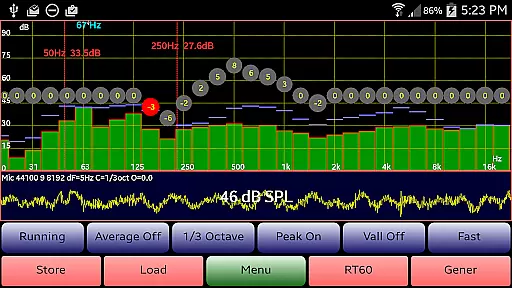
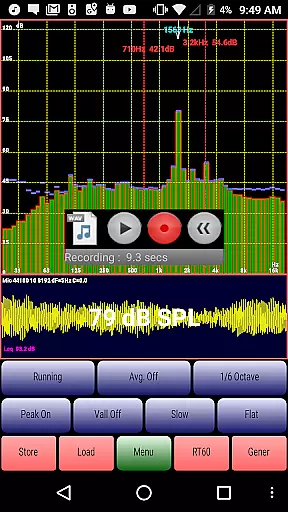
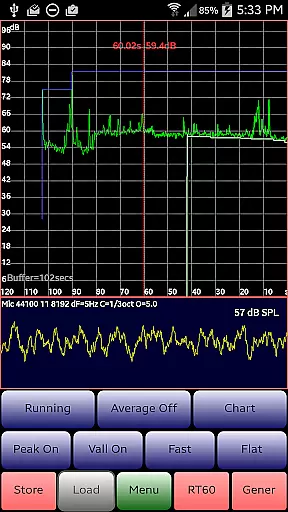
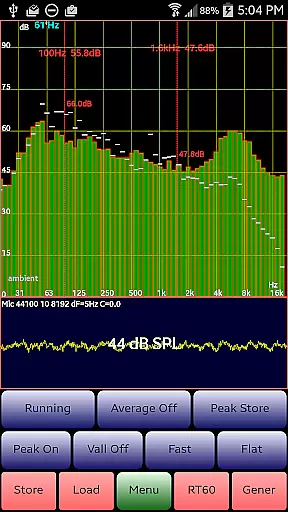
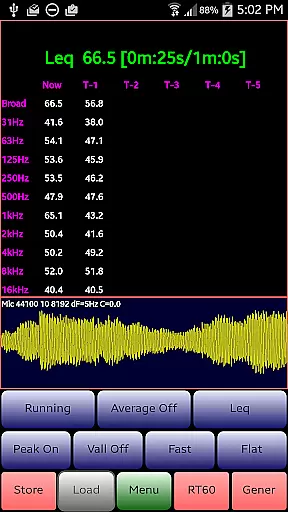
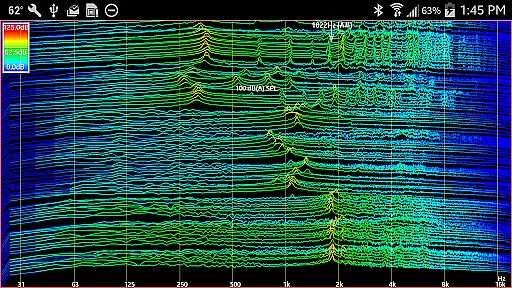
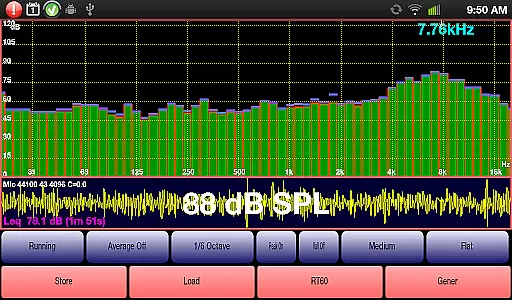
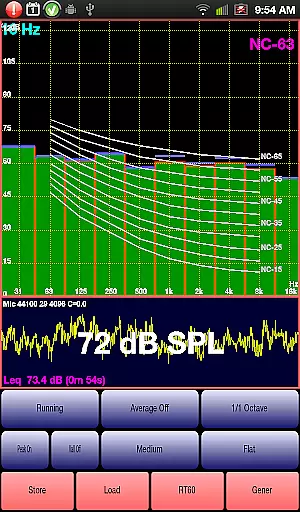
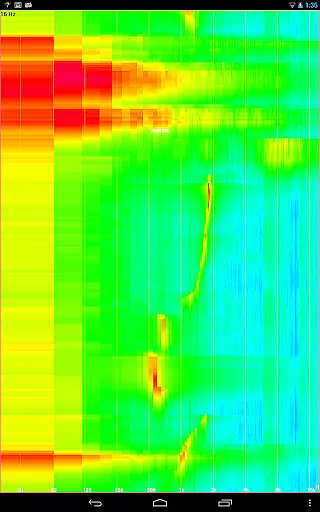
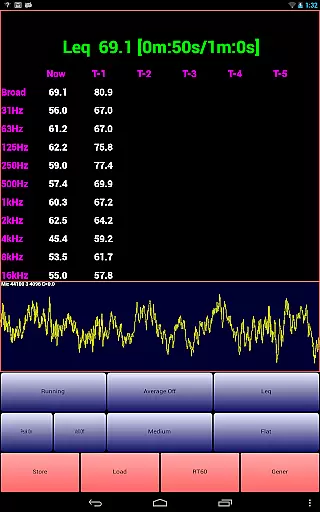
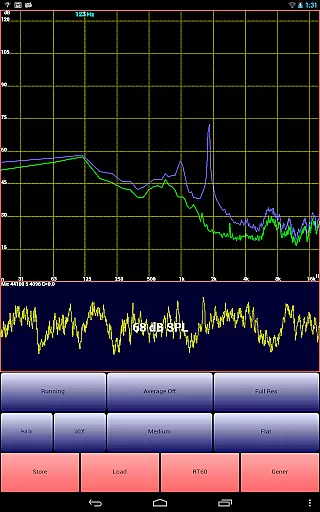
AudioTool is a comprehensive audio measurement and analysis application designed for audio engineers, acousticians, and enthusiasts. The app features an SPL (Sound Pressure Level) meter with RT60, Leq, Sone, Spectrum Analyzer, Spectrogram, Chart Recorder, Signal Generator, Polarity Checker, and Mic calibration functionalities.
This versatile tool supports multiple octave RTA modes (1/1, 1/3, 1/6 & 1/12), various filters (Impulse, Fast, Medium & Slow), and different weighting options (Flat & A/C Weighting). It also includes advanced capabilities like exclusive ISO 1/3 Octave Calibration, which corrects for your phone's microphone response, making it suitable for professional use in gig measurements, home theater setups, acoustics testing, and automotive environments.
With its extensive feature set and precise measurement tools, AudioTool offers significant value to users who require accurate and reliable audio analysis on their mobile devices. Whether you're conducting detailed acoustic evaluations or simply need a robust SPL meter, this app provides the necessary tools to get the job done efficiently.
AudioTool stands out due to its rich array of features tailored for detailed audio analysis. One of its key strengths is the support for multiple RTA modes including 1/1, 1/3, 1/6, and 1/12 octave bands, allowing users to perform highly granular frequency analysis. This capability is further enhanced by the inclusion of various filter types such as Impulse, Fast, Medium, and Slow filters, providing flexibility in how data is processed and displayed.
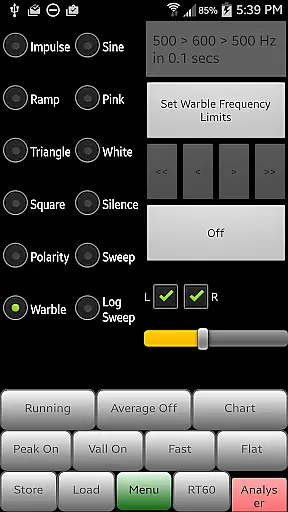
The app also excels in signal generation, offering White/Pink Noise, Sine, Square, Triangle, Sweep, Log Sweep, Warble, Ramp, and Impulse signals. These options are crucial for testing and calibrating audio equipment. Additionally, the loudspeaker polarity checker helps ensure that speakers are wired correctly, displaying 'Pol +++' if in phase and 'Pol ---' if out of phase.
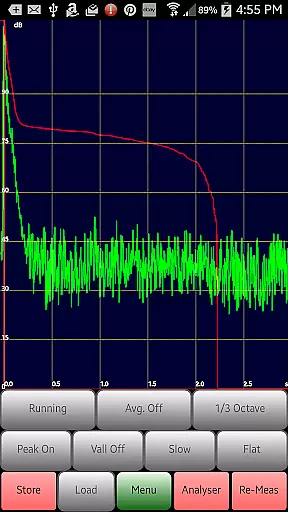
Another notable feature is the exclusive ISO 1/3 Octave Calibration, which allows users to correct for their phone’s microphone response. This ensures more accurate readings across different devices. With functionalities like the Chart Recorder for tracking SPL over time and the RT60 function for measuring reverberation, AudioTool delivers a complete package for anyone involved in audio engineering or acoustics.
AudioTool offers a comprehensive suite of audio measurement and analysis tools, which can be considered as a rich music library in the context of audio engineering. The application provides various signal generation options including White and Pink Noise, Sine, Square, Triangle, and Ramp waves, catering to a wide array of audio testing needs.
The inclusion of multiple octave RTA modes (1/1, 1/3, 1/6, and 1/12) ensures that users have access to industry-standard measurements. This diversity in functionality represents a vast 'music library' tailored for sound engineers and audio enthusiasts who require precise control over sound parameters.
Regarding copyright authenticity, AudioTool's features are designed with professional use in mind. The app respects intellectual property rights by offering original and innovative functionalities without infringing on existing patents or proprietary technologies, making it a reliable tool for legitimate audio analysis work.
Users benefit from this extensive feature set as they can perform accurate room acoustics evaluations, loudspeaker polarity checks, and more, all within a single application. This makes AudioTool an invaluable resource for professionals seeking a portable solution for their audio measurement requirements.
When it comes to audio quality options, AudioTool excels by providing advanced settings such as ISO 1/3 Octave Calibration, which allows users to correct for their phone's microphone response. This calibration capability ensures that the audio measurements taken with the app are as accurate as possible, reflecting true sound levels and frequencies.
The app also supports popular external microphones like the Dayton Audio iMM-6 and MicW i436, enabling Save/Restore of calibration files. This compatibility enhances the overall audio quality by allowing users to utilize higher-quality external hardware while maintaining consistent calibration profiles.
AudioTool further improves audio quality through its sophisticated signal processing capabilities. Features such as Averaging, Flat & A/C Weighting, and Film Industry X Curve adjustments provide users with the means to fine-tune their measurements according to specific standards or personal preferences.
Ultimately, these audio quality options empower users to conduct professional-grade audio assessments across different environments, from home theaters to concert halls. By delivering precise and customizable audio measurement tools, AudioTool stands out as an essential application for anyone serious about achieving high-fidelity sound reproduction.
User-friendly interface
Comprehensive feature set
Highly customizable settings
Professional-grade accuracy
Active community support
Complex for beginners
Requires calibration for best results
Some features may drain battery
Interface can feel cluttered
Dependent on device hardware quality

Over 100 million tracks available for high quality streaming and download
 4.60
4.60
Pay Once, no monthly payment
4.60
DJ Music Mixer - DJ Remix: remix songs, make beat music & record mix of DJ.
4.40
Bass Booster Pro takes auto-equalizing to the next level!
4.30
Learn to play the piano using falling notes!
3.80
Listen radio AM / FM Stations. Live AM / FM Radio App Station. Radio Com.
4.70
Music, News & Sports Radio Tuner App. Tune in Live FM & AM Radio Stations.
4.80
A complete sound package for the sound engineer or enthusiast
4.60
Sing, record, and create music together — enhanced by smart voice tools.
4.00
Responsive piano with great sounds, graphics, and songs
4.80
Walkout Song DJ is the most intuitive app to manage your sports music.
4.70
A synth that really lets you shape your sounds!
4.50
Enhance the sound quality of your devices, listen to what you want
4.50
10-Band Audio Equalizer, Sound / Bass Booster for Spotify Users & Music Players
4.40
Learn and play 2M+ music tabs & chords on guitar, ukulele, bass, and more
4.30
VB-AUDIO Software / VBAN-Receptor allows listening to any VBAN Streams
4.10
Turn your Android phone into a professional audio analyser with up to 120 bands.
4.00
Background pads for your band
3.80
Control your MIDI USB or Bluetooth devices in app and avoid some trampling
3.30


User Reviews