
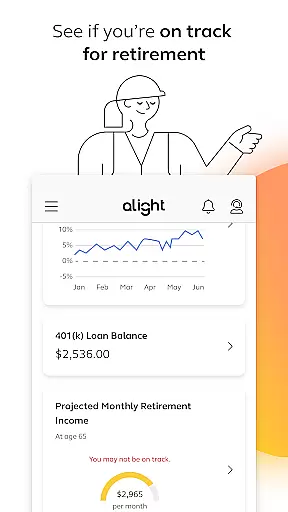
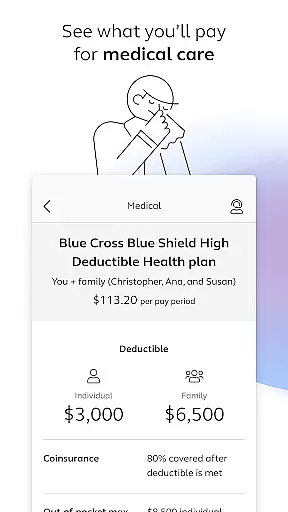
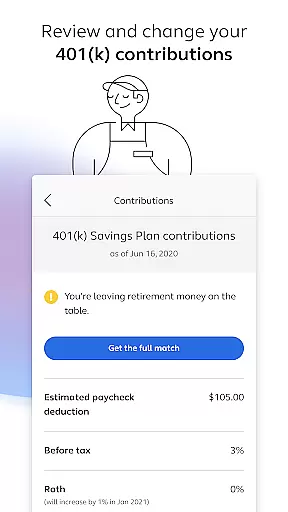

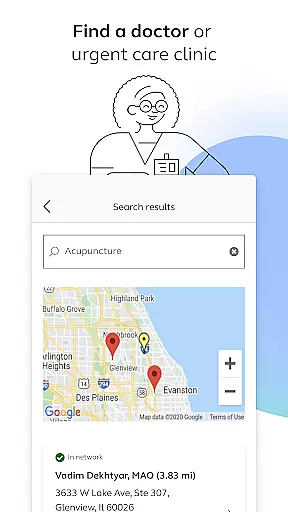
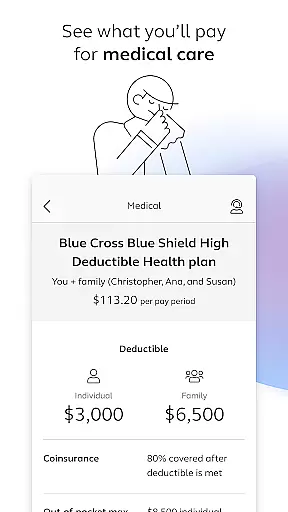
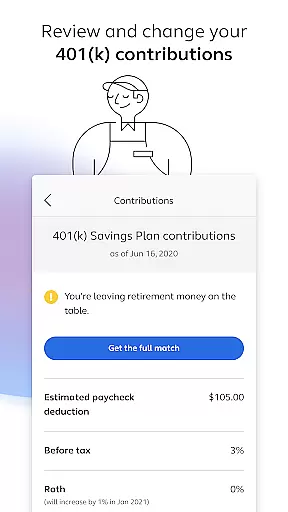
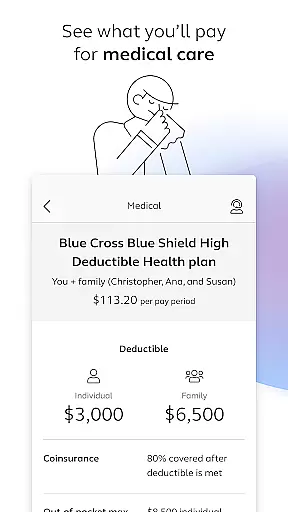
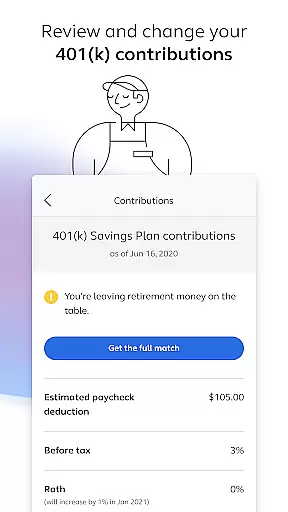
Alight Mobile is a comprehensive business application designed to provide employees with seamless access to their employer-sponsored benefits. The app serves as a one-stop solution for managing health, retirement, and payroll information, ensuring users can conveniently access personal benefits data anytime, anywhere. With its intuitive interface, the app allows users to perform essential tasks such as enrolling in benefits programs, reviewing medical plans, and adjusting 401(k) contributions.
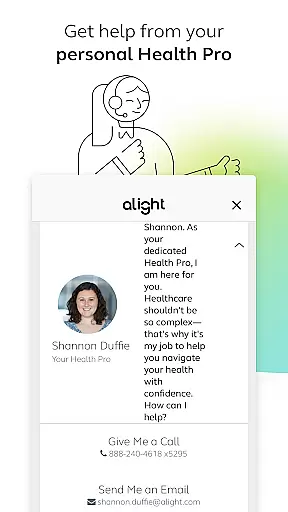
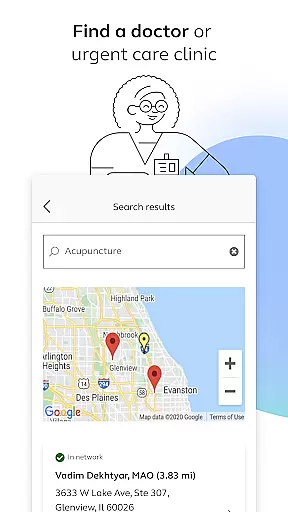
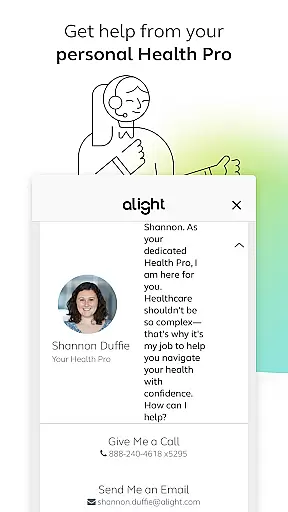
A key strength of Alight Mobile lies in its versatility and integration capabilities. Users can locate healthcare providers, access digital copies of insurance cards, and consult with dedicated Health Pros for personalized assistance. Additionally, the app offers tools to assess retirement readiness and review time-off balances, empowering employees to make informed decisions about their financial and professional well-being. This functionality makes it particularly valuable for organizations seeking to enhance employee engagement and satisfaction through accessible, user-friendly benefits management.
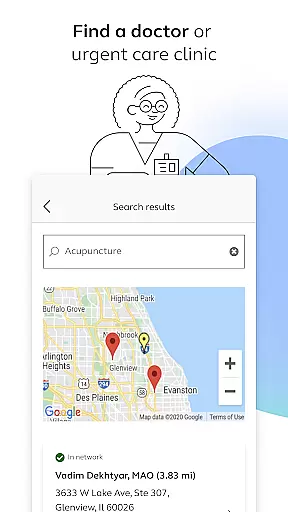
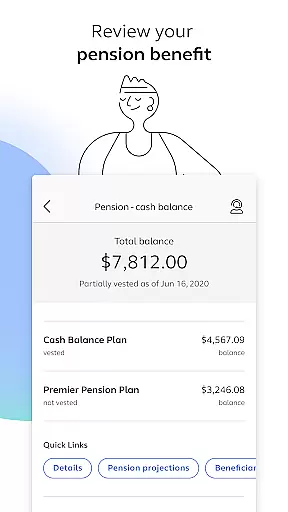
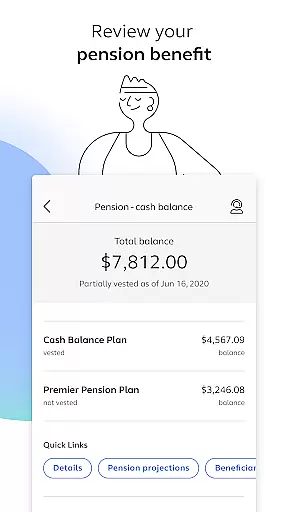
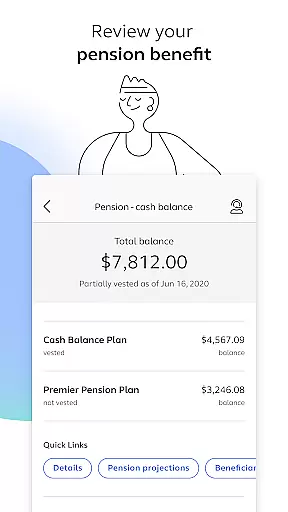
Alight Mobile stands out with its robust feature set tailored to meet the diverse needs of modern employees. One of its core functionalities is the ability to search for doctors or urgent care clinics, streamlining access to healthcare services. The app also supports enrollment in critical benefits programs, enabling users to manage their health plans, track spending, and modify contribution elections for retirement accounts like 401(k)s. These features are complemented by tools that allow users to review pension details and evaluate their progress toward retirement goals.
Another notable aspect of Alight Mobile is its focus on convenience and support. Users can save digital copies of insurance cards directly within the app, eliminating the need for physical documents. Furthermore, the inclusion of personalized assistance from Health Pros ensures that users receive expert guidance when navigating complex benefit options. By consolidating various resources into a single platform, the app simplifies the benefits management process while fostering greater transparency and accessibility for all users.
In today's fast-paced business environment, the ability to collaborate effectively is crucial for success. Alight Mobile recognizes this need and offers robust collaborative work features tailored for employees and benefit participants of companies partnering with Alight Solutions.
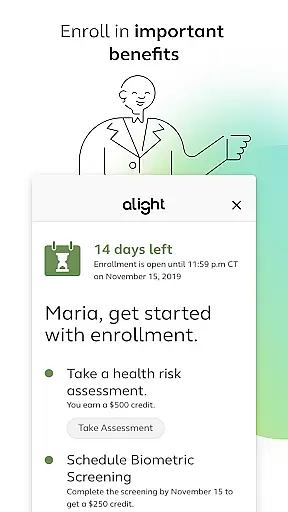
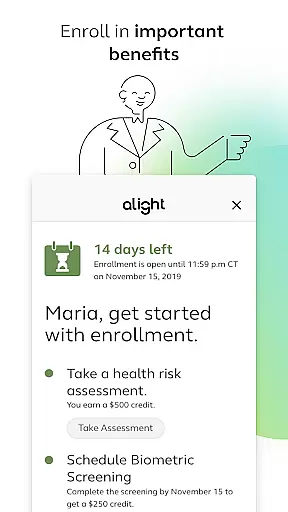
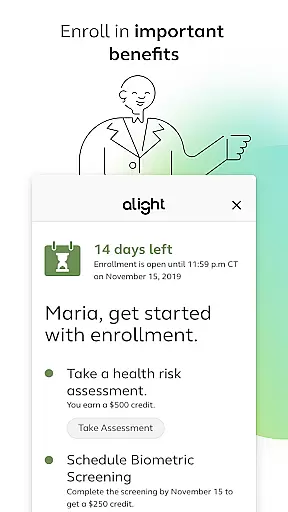
Through the app, users can access a suite of tools designed to enhance workplace synergy. Whether it's enrolling in important benefits, reviewing medical plans, or making changes to 401(k) contribution elections, these tasks can be performed seamlessly on-the-go. This ensures that all team members are aligned and informed about their benefits and financial planning.
The real value lies in the empowerment of employees to manage their benefits independently. With functionalities like accessing insurance cards, finding healthcare providers, and consulting with personal Health Pros, Alight Mobile fosters an ecosystem where collaboration extends beyond mere communication. It enables employees to take charge of their health and wealth management collaboratively with their employers.
Ultimately, by integrating various HR and benefit programs into one accessible platform, Alight Mobile not only simplifies administrative processes but also enhances team cohesion and productivity. This positions businesses to better support their workforce while driving organizational success through improved collaboration.
Effective task management is essential for maintaining productivity and ensuring that critical activities do not fall through the cracks. Alight Mobile excels in providing comprehensive task management solutions that cater specifically to the needs of modern businesses and their employees.
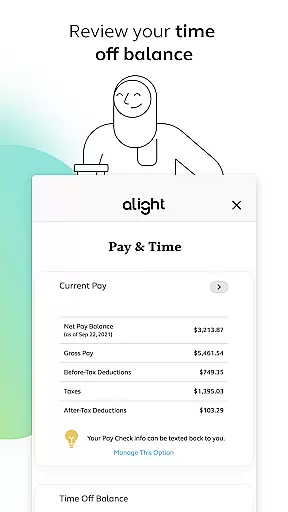
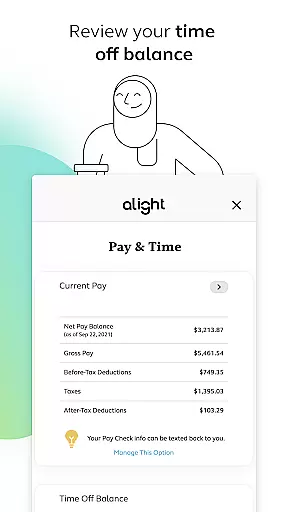
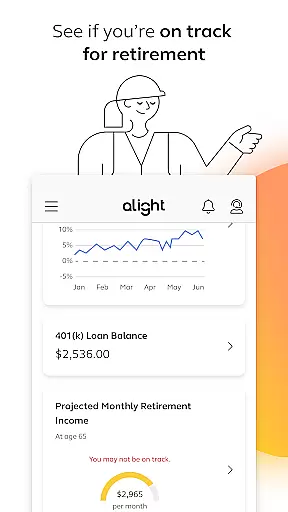
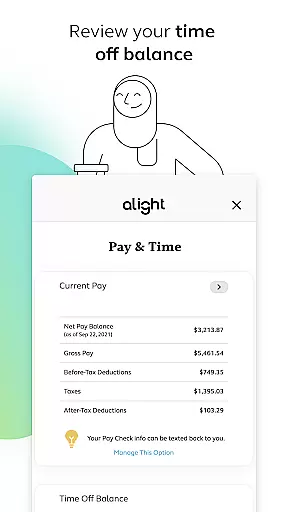
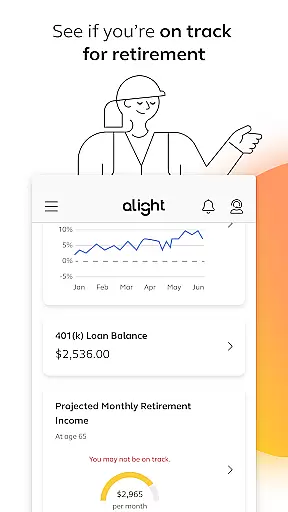
Users of Alight Mobile have the capability to oversee multiple aspects of their employment benefits directly from their mobile devices. The app allows individuals to review time off balances, explore diverse benefit resources, and check if they are on track for retirement. These features collectively contribute to efficient personal and professional task oversight.
Moreover, the convenience of performing such tasks anytime and anywhere cannot be overstated. By enabling users to make necessary adjustments to their benefits and plans without being tied down to a desktop computer, Alight Mobile significantly boosts task efficiency. Employees can focus more on their core responsibilities while managing ancillary yet vital duties effortlessly.
By consolidating these functionalities within a single application, Alight Mobile ensures that both employers and employees experience streamlined operations. This leads to enhanced focus on strategic initiatives rather than getting bogged down by administrative minutiae, thereby elevating overall business performance through superior task management.
User-friendly interface
Comprehensive benefits management
Personalized Health Pro support
Retirement planning tools
Integrated resource access
Limited to partnered employers
Feature availability varies
Requires login credentials
No offline functionality
Potential privacy concerns

Formerly Facebook Ads Manager. Manage and create ads on the go.
 4.20
4.20
TurboScan turns your phone into a full-featured PDF document scanner.
4.80
The MyWalmart App is available for all associates in stores.
4.70
Drive and earn extra money
4.50
Grow your business and connect with more people with Meta Business Suite.
4.60
Master crypto trading with real-time simulations and exciting challenges!
4.50
Job search app that finds jobs for you! Takes the work out of looking for a job!
4.90
Collaborate seamlessly with Google Chat, part of Google Workspace
4.50
Smarter career moves start here. AI job alerts, insights & the right tools.
4.20
Start earning fast. Apply Today.
4.80
BuildCalc - the easiest AND the most advanced construction calculator app.
4.80
Permission Guard is a security app that helps you manage app permissions.
4.80
Your employer must have UKG Ready software configured for Mobile.
4.60
Earn money with the driver & delivery partner app for Uber, UberEats & Postmates
4.60
ADP Mobile Solutions is an employee self service app
4.50
Deliver and earn money
4.30
VSD Viewer - Visio Drawings Viewer for Android Preview VSD, VDX, VSDX drawings
4.10
Simple, Fast & Lightweight
3.90
All document reader, pdf viewer app, read docs & excel files
3.80


User Reviews