
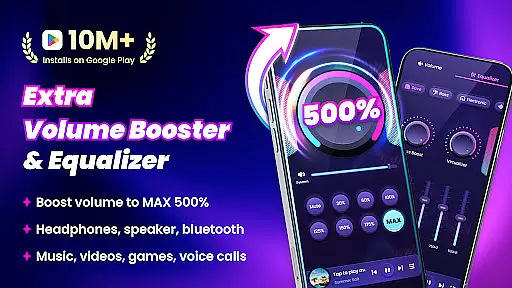
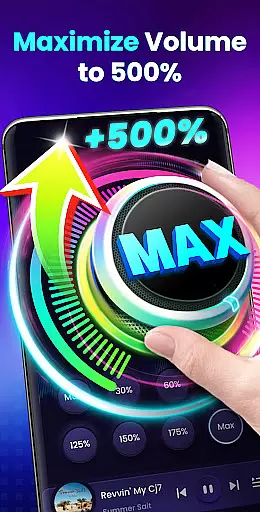
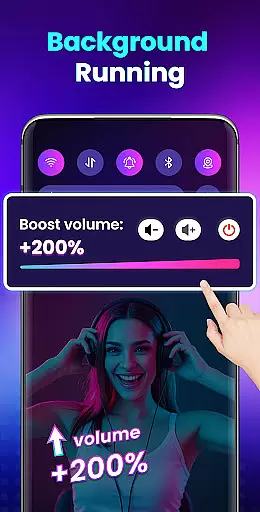

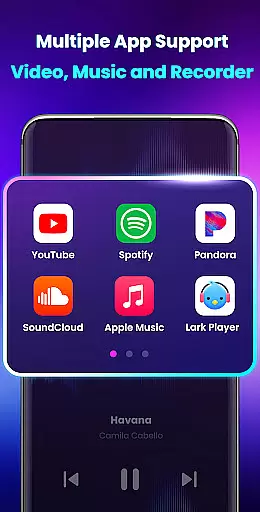
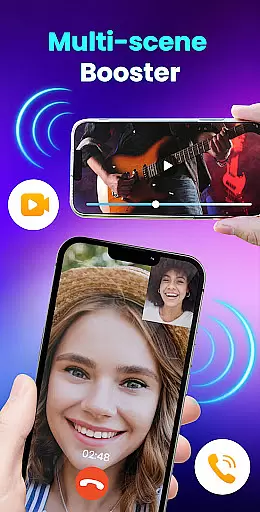
Volume Booster - Sound Booster is a powerful audio enhancement application designed for Android users who desire louder sound output from their devices. This app allows users to amplify system volume up to 200%, surpassing the default maximum limit, making it ideal for music playback, video streaming, gaming, and more.
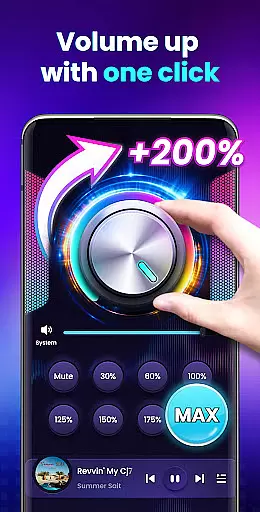
The application not only boosts overall device volume including alarms, ringtones, and media but also maintains sound quality without distortion. With its intuitive interface, users can easily adjust volume levels with one touch and enjoy additional features like stereo surround sound effects and music spectrum visualization that enhances the auditory experience.
Whether you're at home or on-the-go, Volume Booster - Sound Booster transforms your smartphone into a portable speaker system, ensuring an immersive audio experience in various scenarios such as parties or outdoor activities where louder sound is preferred.
Volume Booster - Sound Booster stands out with its comprehensive set of features tailored to enhance user experience. The app provides extensive control over different types of device volumes, including music, videos, games, alarms, and ringtones, allowing users to customize their audio settings according to specific needs.
One notable feature is the ability to boost external speaker, headphone, and Bluetooth audio outputs without compromising sound clarity. Additionally, the built-in music player offers advanced controls such as displaying album covers, song titles, artist information, and playback management functionalities like play/pause and track skipping.
For convenience, the app supports background operation and lock screen controls, enabling uninterrupted use while multitasking or when the screen is off. Quick access widgets and notification bar controls further streamline volume adjustments and booster activation, providing a seamless user experience.
Volume Booster - Sound Booster offers a unique approach to enhancing your audio experience by allowing users to amplify their device's volume up to 200%. While it doesn't provide a traditional music library, its ability to boost the sound of music tracks, videos, and games ensures an extensive range of audio content can be enjoyed at higher volumes. This feature effectively expands the user's audible reach without the need for additional content acquisition.
The app's commitment to high-quality audio enhancement means that even with increased volume, the integrity of the original sound remains uncompromised. Users can enjoy louder playback whether they're listening to music, audiobooks, or watching videos, ensuring that all forms of media benefit from this powerful amplifier. The clarity and richness of sound are preserved, providing an immersive experience across various types of audio content.
Moreover, Volume Booster - Sound Booster supports external speakers, headphones, and Bluetooth devices, making it versatile for different listening preferences. Regardless of how you choose to consume your audio, the app guarantees that each note and beat is delivered with precision and depth. This adaptability ensures that users can enjoy an enriched auditory experience on their terms, with any type of audio output device they prefer.
One of the standout features of Volume Booster - Sound Booster is its ability to enhance audio quality without compromising the sound's integrity. By boosting the volume up to 200%, users can experience richer and more dynamic soundscapes when engaging with various forms of media. Whether you're listening to music, audiobooks, or enjoying video content, the app ensures that every auditory detail is amplified while maintaining the original quality.
In addition to volume amplification, the app provides stereo surround sound effects and a music spectrum that changes with the melody. These features contribute to a more immersive audio experience, allowing users to feel as if they are in the middle of the action or concert. The result is an enhanced sense of presence and engagement with the content being consumed, elevating everyday listening experiences into something more captivating.
Furthermore, the built-in music player controls offer additional convenience for managing your audio experience. With support for displaying music cover art, song titles, and artist information, along with play/pause functionality and track skipping, users have comprehensive control over their playback. This combination of advanced audio processing and user-friendly interface design ensures that Volume Booster - Sound Booster not only increases volume but also enriches the overall quality of the audio journey.
User-friendly interface
Comprehensive volume control
High-quality sound amplification
Supports background operation
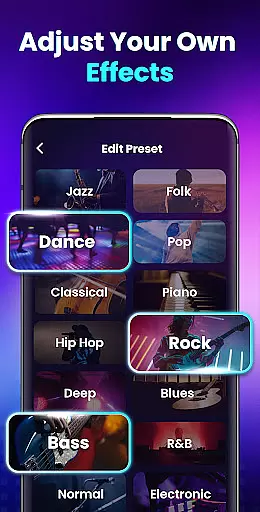
Customizable sound modes
Potential hearing damage risk
Device compatibility issues
Battery consumption concern
Limited iOS availability
No advanced equalizer

Full-featured, High-Quality Groovebox Workstation, perfect for Live Performance!
 4.80
4.80
Gorgeous UI, Powerful music Search and Equalizer, the great choice for you!
4.70
Your song collections with lyrics and chords on Android smartphones and tablets.
4.80
Learn to play the piano using falling notes!
3.80
Learn and play 2M+ music tabs & chords on guitar, ukulele, bass, and more
4.30
Help you quickly get started with Shokz headphones
4.40
Let your Android device with the sound effects you want
4.50
Manage your Sonos system directly from your home-screen!
4.40
Full featured mp3 and audio player with Chromecast and Android Auto support.
4.40
Recording studio w/ 10k beats, pro vocal FX and a network of 20M rappers & fans!
4.60
Save hundreds of dollars for a physical strobe tuner and instead use this app.
4.50
DJ Music Mixer - DJ Remix: remix songs, make beat music & record mix of DJ.
4.40
The Music Journey in Your Hands
4.30
No wifi music app. Mp3 offline. Tuner radio, young radio music. Music downloader
4.20
Sheet music reader, piano & music note player. Play music score & learn to read.
3.90
Offline Tunes, Unlimited Vibes
3.90
MilkDrop for Android TV
3.00
The Minimalistic Premium Music Player. Handmade with passion for music
2.20
Remove ads permanently from Music Visualizer
4.3


User Reviews