
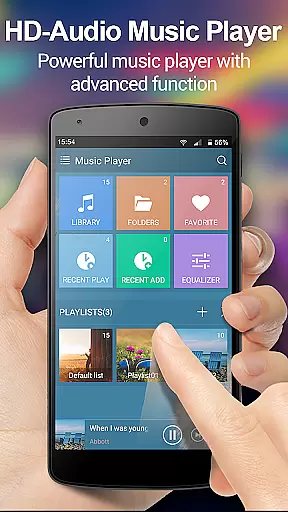
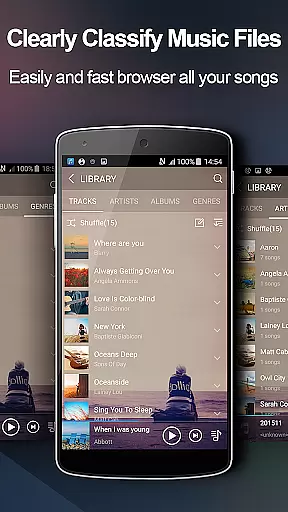
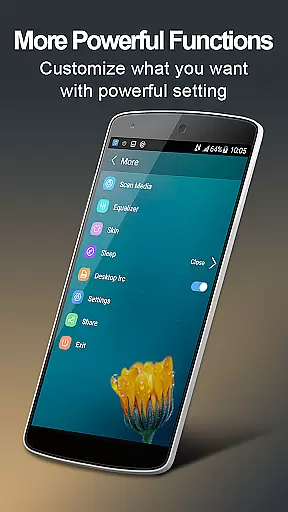
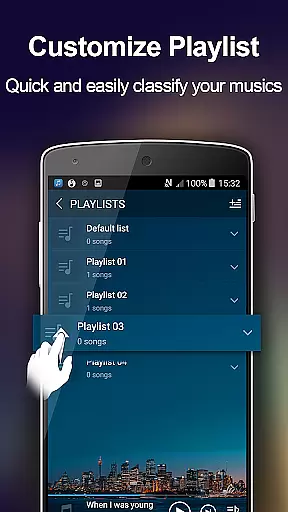
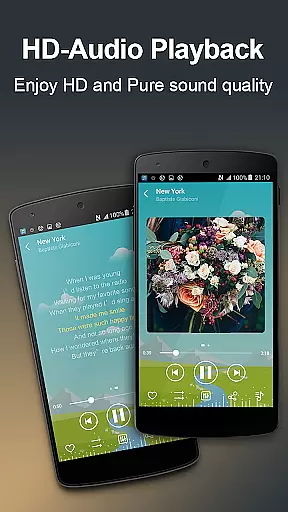
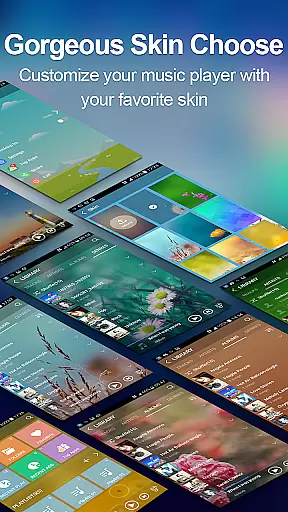
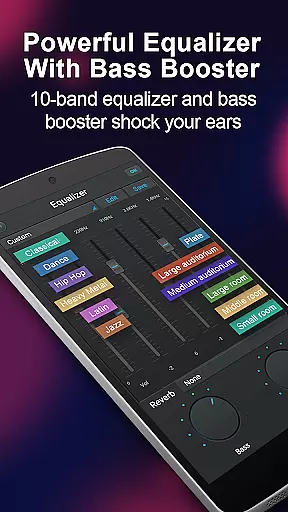
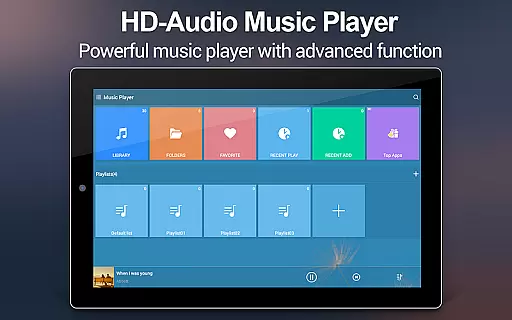
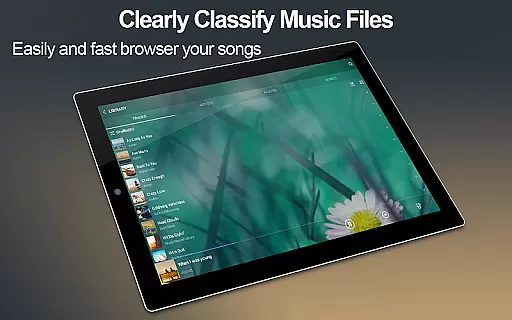
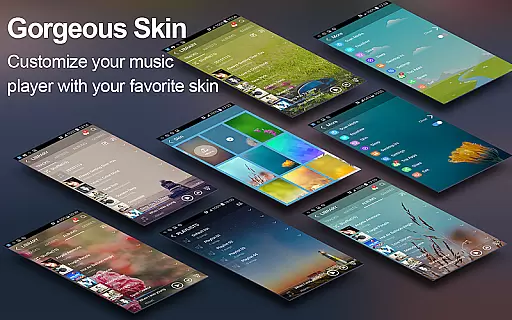
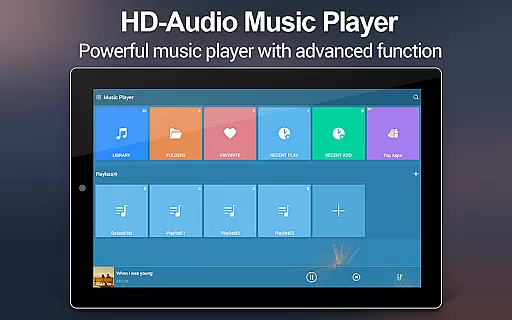
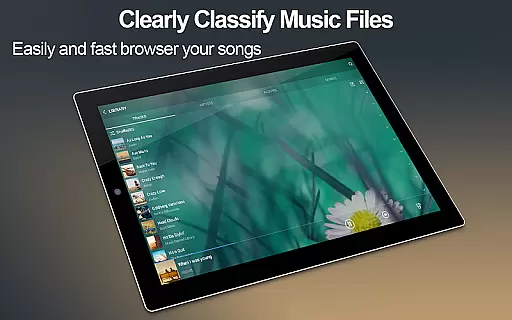
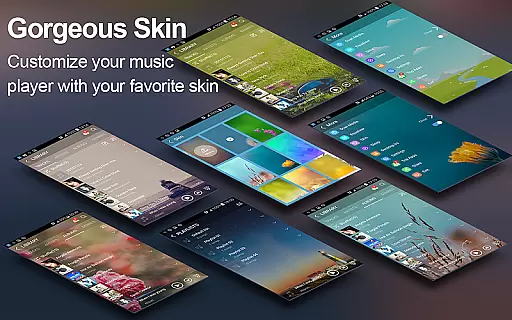
Music Player + is a feature-rich audio management app designed for Android users who demand both style and functionality. This app not only allows you to browse and play music by albums, artists, genres, playlists, and folders but also offers an advanced equalizer that enhances your listening experience. With support for all audio file formats and customizable background skins, it provides a personalized interface that makes managing your music library intuitive and visually appealing.
The app includes practical features like automatic lyric matching, desktop widgets, and headset controls, ensuring seamless music playback whether you're at home or on the go. Its powerful search function helps you quickly locate any track, while the unique 'Shake It' feature adds a fun element by letting you change songs with a simple phone shake. Music Player + is perfect for audiophiles looking to elevate their music experience without intrusive ads.
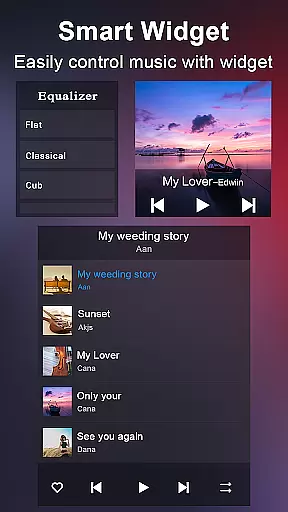
One of the standout aspects of Music Player + is its comprehensive organizational tools. You can sort your music library by albums, artists, genres, playlists, folders, and even album artists, giving you complete control over how you access your files. The inclusion of three desktop widgets in various sizes (4x1, 2x2, 4x1) ensures that essential controls are always within reach directly from your home screen.
The app's five-band equalizer and eight preset tone options allow you to fine-tune audio output according to your preferences. Additionally, the 'Shake It' feature offers a novel way to navigate tracks, while the notification status displays album artwork and playback controls. With over 20 customizable background skins, including the option to use personal photos, Music Player + lets you tailor the appearance to match your style, making every interaction a delightful experience.
When evaluating a music player application, the size and authenticity of its music library are crucial factors. Music Player + offers an extensive collection that allows users to manage their audio files with ease. The app supports all major music and audio file formats, ensuring no song is left behind.
The application's strength lies in its ability to quickly search and categorize music by albums, artists, genres, playlists, folders, and album artists. This meticulous organization not only enhances user accessibility but also guarantees that each track's metadata is accurate and properly attributed.
Furthermore, Music Player + provides automatic lyric scanning and matching, which enriches the listening experience while confirming the legitimacy of the content. With over 20 background skins available, users can personalize their interface without compromising on the quality or authenticity of their music library.
Audio quality is paramount for any music enthusiast, and Music Player + excels in delivering pristine sound through advanced features. The app includes a powerful five-band equalizer with eight types of preset music tones, allowing users to customize their listening experience according to personal preferences.
In addition to presets, manual adjustments can be made to the equalizer settings, providing complete control over how each song sounds. This level of customization ensures that every note played through Music Player + meets high standards of audio fidelity.
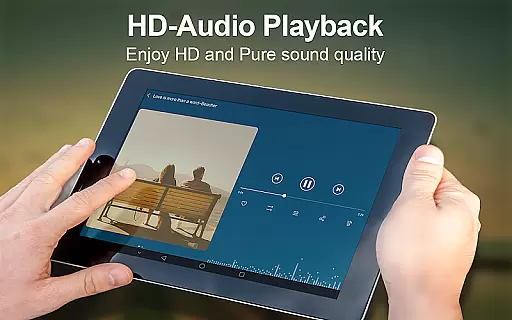
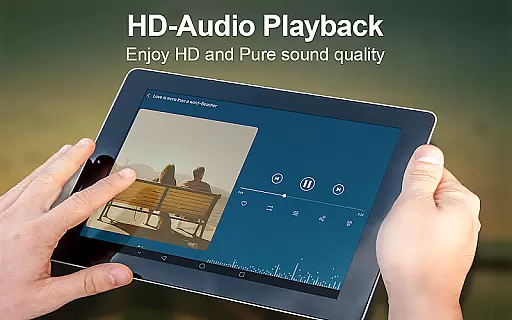
Moreover, the unique 'SHAKE IT' feature adds an interactive element by enabling track changes with a simple shake of the device. Coupled with support for high-quality playback and customizable backgrounds, Music Player + elevates both the auditory and visual aspects of enjoying digital music collections.
User-friendly interface
Advanced equalizer settings
Customizable backgrounds
Automatic lyric matching
Comprehensive file support
Limited iOS availability
Occasional bugs reported
No cloud integration
Heavy on system resources
Complex for beginners

Simply convert wav to mp3. Clear. Reliable. Safe.
 4.5
4.5
Formerly known as Spotistats! View your top tracks, artists, albums and more!
4.40
Time Trainer: accurate metronome w tools to help you develop your internal time!
4.20
DJ Music Mixer - DJ Remix: remix songs, make beat music & record mix of DJ.
4.40
Listen to live FM radio stations, sports, music and news on global radios online
4.70
More downloads than any other metronome. Includes drum machine & tempo trainer.
4.80
Learn and play 2M+ music tabs & chords on guitar, ukulele, bass, and more
4.30
Customize Your Favorite Songs and Videos with booster.
4.70
Melody Beat: Great for travel, workouts, offline vibes, play your tunes anytime.
4.10
Most Advanced AI Song Generator and Music Creator. Rap, Pop, Rock, Gospel & more
4.70
The best music and audio player, with beautiful UI, music search and equalizer.
4.60
Play KORG’s revolutionary touch-based instrument on a variety of devices.
4.40
Advanced 10-Band Audio Graphic Equalizer Sound Booster Pro
4.30
Network/Cloud Streaming, Visualization, Graphic Equalizer and Sound Effects.
4.20
No wifi music app. Mp3 offline. Tuner radio, young radio music. Music downloader
4.20
The official Sonos app
4.10
Permanently backup Now Playing. Maps, filters & listening stats.
4.00
Powerful beat maker & DJ mixer to remix tracks, make music, & perform DJ mix
3.70
Simple mp3 and mp4 player with advanced features.
3.40


User Reviews