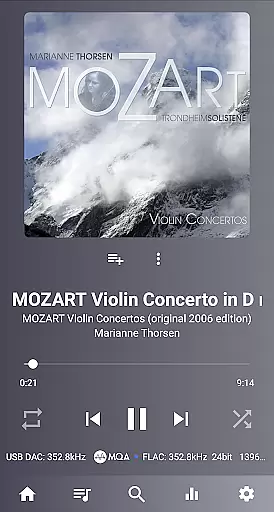
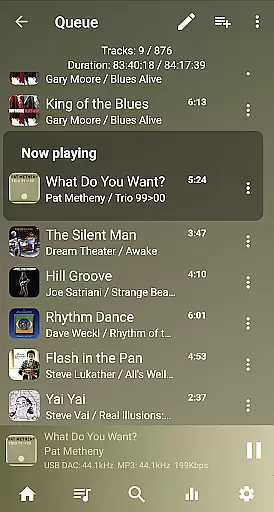
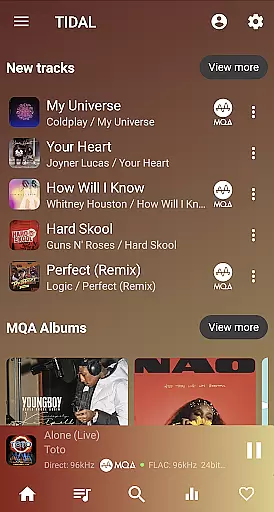
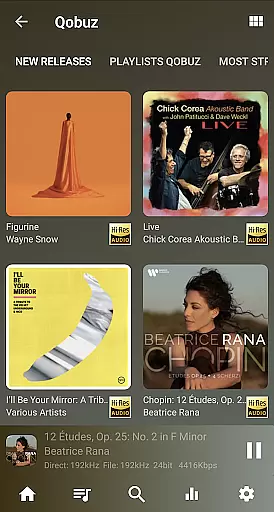
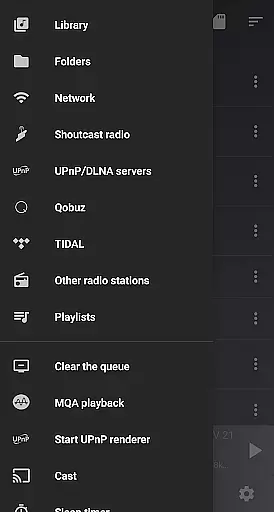
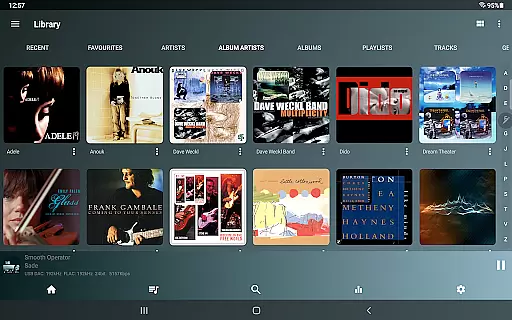
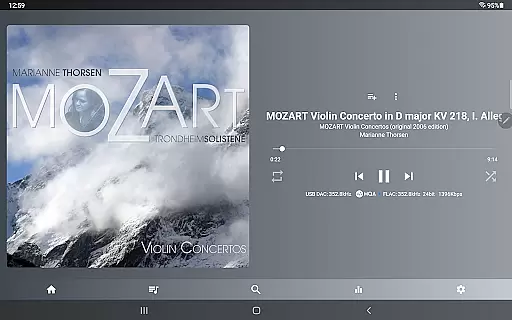
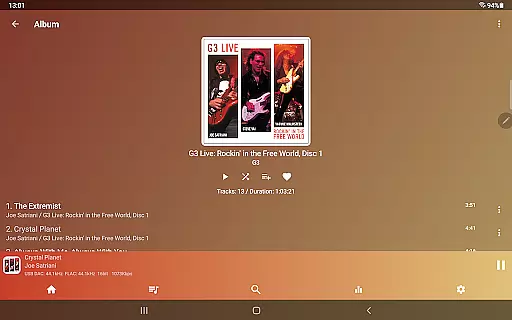
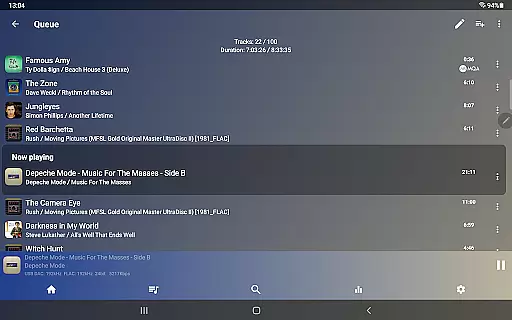
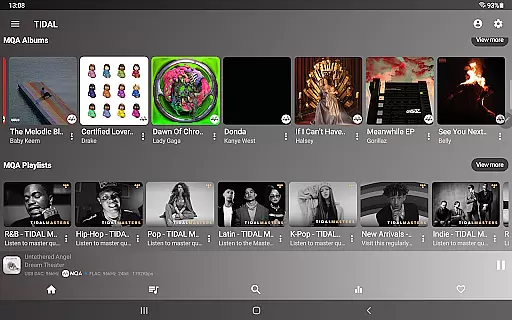
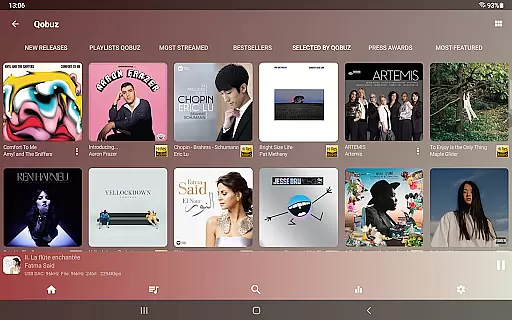
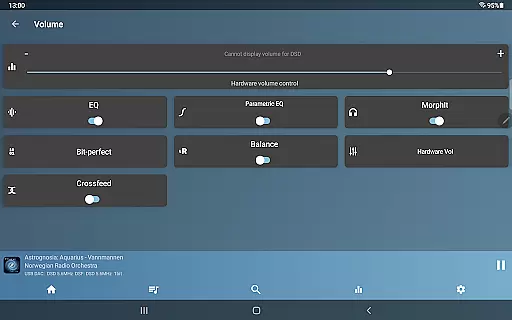
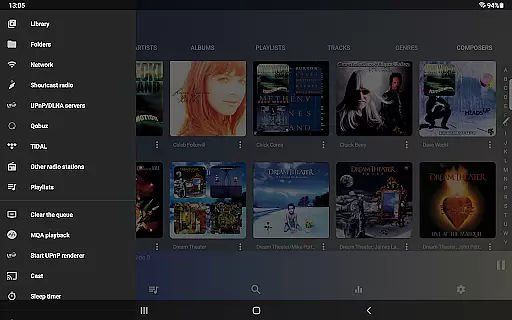
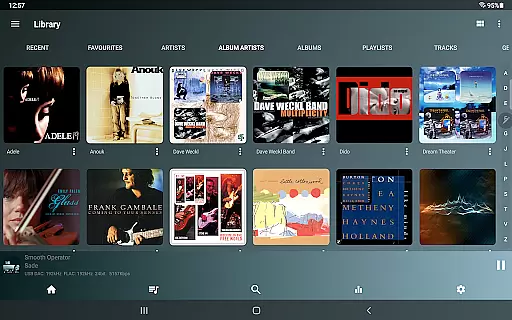
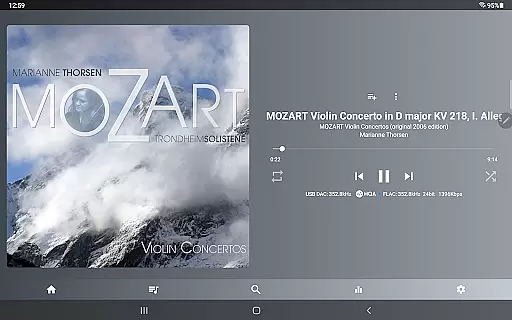
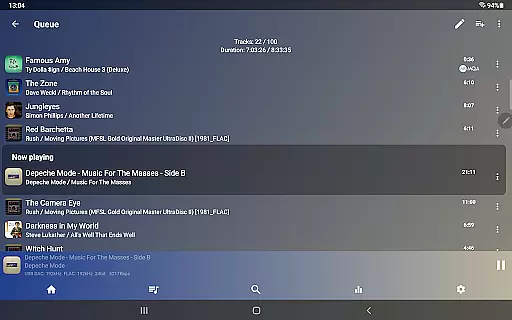
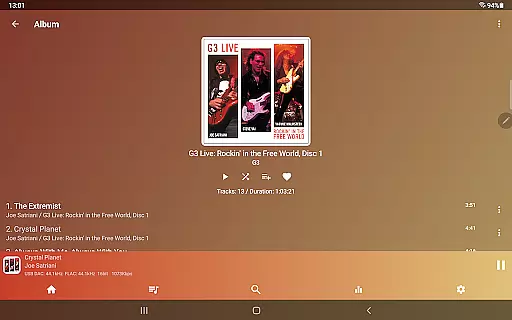
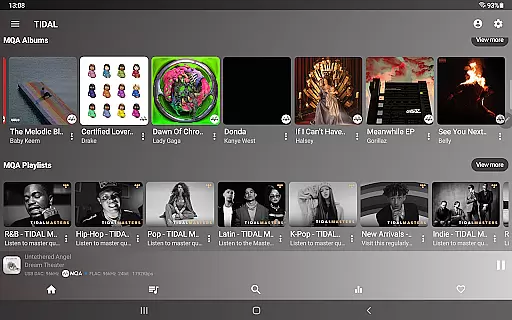
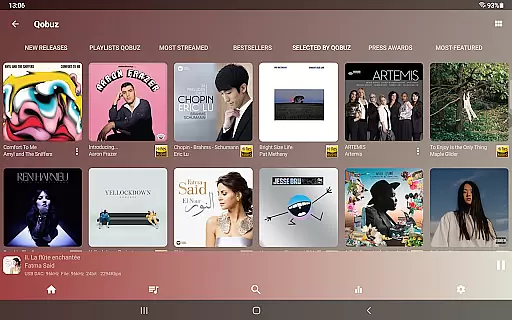
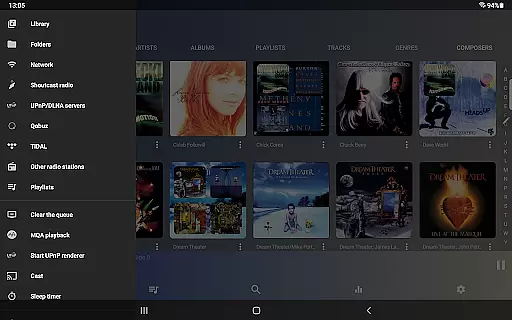
USB Audio Player PRO is a premier media player tailored for audiophiles, supporting USB audio DACs and HiRes audio chips found in modern smartphones. It plays files up to any resolution and sample rate supported by the DAC, including formats like wav, flac, mp3, m4a, SACD ISO, MQA, and DSD. This app bypasses Android's audio limitations, offering superior sound quality through custom-developed drivers for USB DACs, internal HiRes chips, or standard Android drivers.
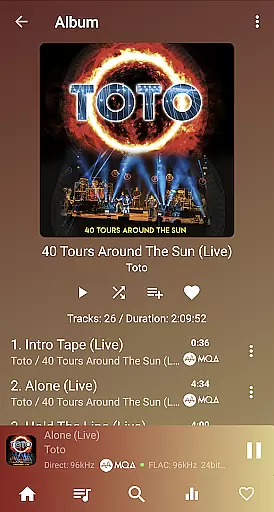
A standout feature is its ability to capture and play audio from other apps via an optional Feature Pack, allowing playback of services like Deezer and Apple Music using UAPP’s high-quality sound engine. On Android 8+ devices, it can modify Bluetooth properties of BT DACs, adjusting codecs and sample rates based on the source. Whether you're streaming from TIDAL, Qobuz, or Shoutcast, this app ensures gapless, bit-perfect playback with advanced functionalities like tone controls, equalizers, and upsampling.
This app is ideal for users seeking high-fidelity audio experiences, whether playing local files or streaming content. Its comprehensive feature set makes it one of the highest-quality media players available, perfect for those who demand the best in audio performance.
USB Audio Player PRO boasts an extensive array of features that cater to audiophiles and music enthusiasts alike. The app supports a wide range of audio file formats, including but not limited to wav, flac, mp3, m4a, MQA, DSD, and SACD ISO. It is compatible with nearly all USB audio DACs and can natively play audio up to 32-bit/768kHz, completely bypassing Android's audio system limitations. This ensures pristine audio playback without resampling, which is particularly beneficial for users with high-end audio equipment.
One of the key highlights is its support for HiRes audio chips found in many flagship phones, enabling 24-bit audio playback without compromising quality. The app also offers free MQA decoding and rendering on select LG models and includes advanced features like DoP, native DSD, and DSD-to-PCM conversion. Additionally, users can enjoy Toneboosters MorphIt Mobile for headphone simulation, true folder playback, and network playback options such as SambaV1/V2, FTP, and WebDAV.
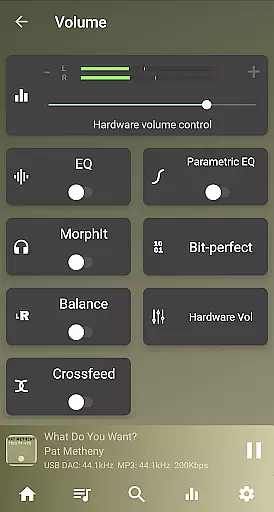
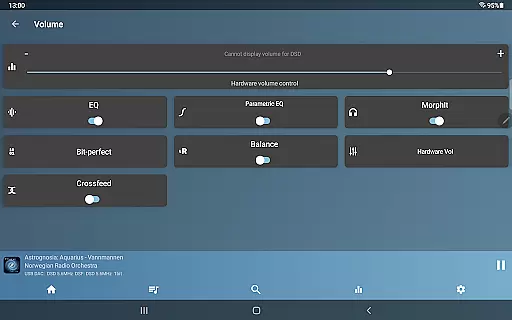
Other notable features include gapless playback, bit-perfect playback, synchronized lyrics display, sample rate conversion, a 10-band equalizer, software and hardware volume control, upsampling, Last.fm scrobbling, and Android Auto support. In-app purchases unlock further functionalities like advanced parametric EQ, MorphIt headphones simulator, MQA Core decoder, and a Feature Pack that enhances UPnP capabilities and system audio capture. These robust features collectively deliver an unparalleled audio experience.
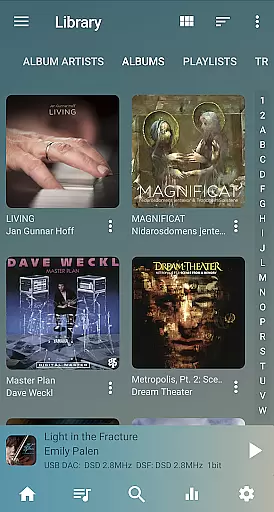
USB Audio Player PRO offers an extensive music library that supports a wide range of audio formats beyond the standard Android offerings. This includes but is not limited to wav, flac, mp3, m4a, and even high-resolution formats like MQA and DSD.
The app ensures copyright authenticity by providing users with the ability to play files directly from their storage without any unauthorized modifications or distributions. It respects user-owned content and enhances the playback with its superior sound engine.
With support for HiRes audio chips found in many modern smartphones, the app allows audiophiles to enjoy their legally-acquired music collection in the best possible quality. The app's dedication to high-quality playback reinforces its stance on copyright compliance.
One of the standout features of USB Audio Player PRO is its commitment to delivering top-notch audio quality options. It bypasses typical Android audio limitations, allowing playback at up to 32-bit/768kHz or any other rate/resolution supported by your USB DAC.
In addition to supporting high sample rates, the app also provides various enhancements such as DoP, native DSD playback, and DSD-to-PCM conversion. These features ensure that no matter what type of audio file you have, it will be played back accurately and with precision.
For those seeking further refinement, in-app purchases can unlock advanced parametric EQ settings, headphone simulations, and MQA Core decoding. Such options allow users to tailor their listening experience according to their personal preferences while maintaining exceptional sound fidelity.
High-quality audio playback
Wide format compatibility
Advanced customization options
Supports HiRes audio chips
No root required
Paid in-app purchases
Complex setup for beginners
Limited device compatibility
Feature Pack may not work universally
Requires technical knowledge

Over 100 million tracks available for high quality streaming and download
 4.60
4.60
Full-featured, High-Quality Groovebox Workstation, perfect for Live Performance!
4.80
Gorgeous UI, Powerful music Search and Equalizer, the great choice for you!
4.70
Enhance the sound quality of your devices, listen to what you want
4.50
Guzheng Master supports many playing techniques as an acoustic Guzheng
4.50
The alternative folder based music player.
4.20
Unleash your creativity! Turn simple prompts into full fledged songs.
4.70
Play your hearts out on TouchTunes jukeboxes & connect with fellow music lovers.
4.80
The iconic iOS metronome app is now on Android.
3.70
Walkout Song DJ is the most intuitive app to manage your sports music.
4.70
Offline Music Player&MP3 Player with themes, equalizer, lyrics, music play mode
4.60
A complete sound package for the sound engineer or enthusiast
4.60
Play KORG’s revolutionary touch-based instrument on a variety of devices.
4.40
Enjoy singing any song, no matter how high or low it is
4.30
No wifi music app. Mp3 offline. Tuner radio, young radio music. Music downloader
4.20
The original SP-1200 experience on your iPad
4.20
Versatile MP3 recorder with auto-backup to Dropbox and Google Drive
4.10
Sheet music reader, piano & music note player. Play music score & learn to read.
3.90
Background pads for your band
3.80


User Reviews