
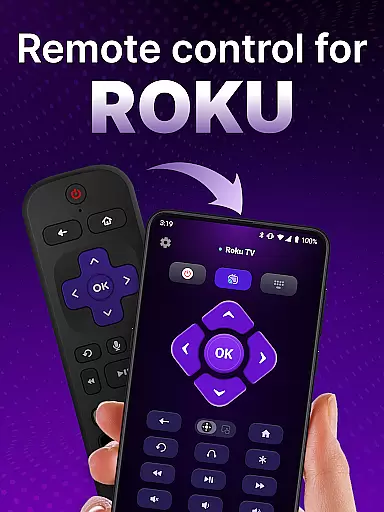
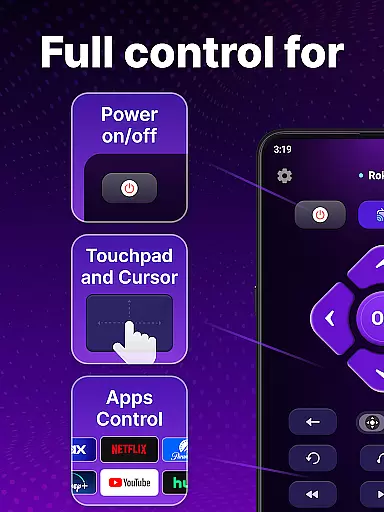
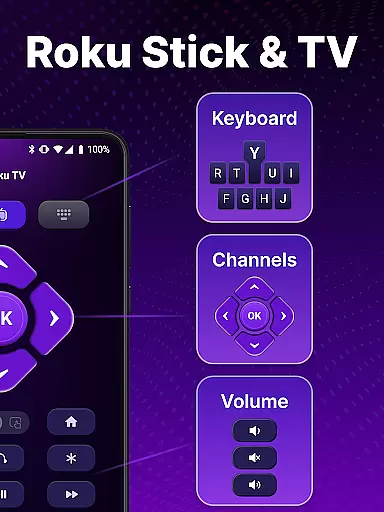
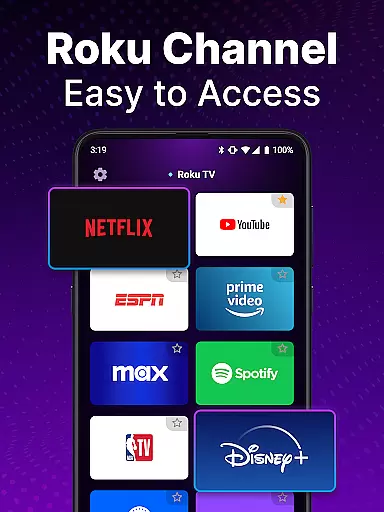
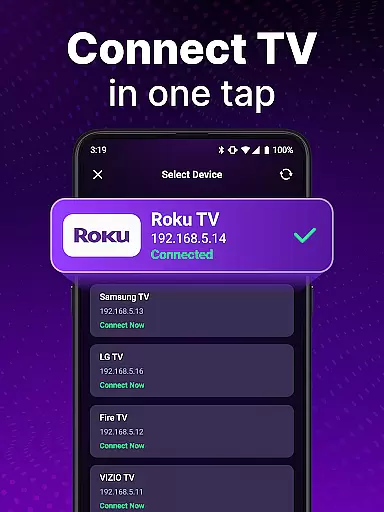
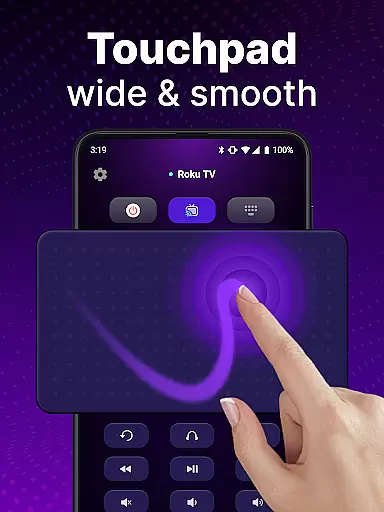
TV Remote control for Roku TV is a universal remote app that allows users to conveniently manage their Roku TV devices directly from their smartphones. The app connects to the same Wi-Fi network as your Roku TV, enabling you to perform essential functions such as turning the TV on and off, adjusting volume, browsing content, launching channels, and more. With its intuitive interface and advanced features like voice control and keyboard input, this app provides a seamless alternative to traditional physical remotes.
In addition to basic controls, the app offers enhanced functionalities including automatic device detection, smooth touchpad navigation, and hands-free voice search. These features make it easier than ever to find and stream your favorite shows without the need for multiple remote controls. Whether you're at home or entertaining guests, this universal remote app enhances your Roku TV experience by providing a reliable and portable solution for all your entertainment needs.
The TV Remote control for Roku TV app boasts an array of impressive features designed to simplify your interaction with Roku TV devices. One standout feature is automatic detection, which identifies Roku TVs on the same Wi-Fi network, ensuring quick setup and hassle-free connectivity. This eliminates the frustration of manually searching for compatible devices and streamlines the initial connection process.
Another key aspect is rapid Roku remote control functionality. Users can instantly access their Roku TV through intuitive touchpad controls that support smooth scrolling and swiping actions. Additionally, the app supports voice commands, allowing users to turn the TV on/off, adjust settings, and search for content hands-free. The inclusion of keyboard input further enhances usability by enabling swift text entry for efficient searches. Overall, these comprehensive features collectively deliver a superior user experience compared to standard physical remotes.
For a remote control app like this one designed for Roku TV, core function accuracy and effectiveness are paramount to ensuring a seamless user experience. This universal remote app delivers on these fronts by providing precise control over your Roku TV directly from your smartphone.
The app allows users to perform essential functions such as turning the TV on or off, adjusting the volume, and launching channels with responsive touch controls. Its automatic detection feature swiftly identifies Roku TV devices on the same Wi-Fi network, streamlining the setup process and ensuring that users can connect and control their devices without unnecessary delays or complications.
Moreover, the inclusion of voice control and keyboard input capabilities enhances the app's effectiveness. Users can quickly search for their favorite shows using voice commands or text input, which is especially useful when navigating through an extensive library of content. These features collectively ensure that the app not only mirrors the capabilities of a physical remote but also enhances the overall interaction with Roku TV.
By offering reliable and intuitive control options, this app significantly improves the convenience and efficiency of managing your entertainment system, affirming its value as a tool that accurately and effectively serves its intended purpose.
A remote control app must boast an interface that is both simple and intuitive to meet the needs of all users, and this universal remote app for Roku TV fulfills that requirement admirably. The design emphasizes ease of use, ensuring that even those who are less tech-savvy can navigate and control their Roku TV with minimal effort.
Upon opening the app, users are greeted with a clean layout that mimics the familiar controls of a traditional remote. The touchpad facilitates smooth scrolling and swiping gestures, making navigation feel natural and effortless. This simplicity reduces the learning curve typically associated with adopting new technology.
In addition to the straightforward control layout, the app incorporates helpful features like voice input and keyboard functionality without cluttering the interface. Users can easily switch between different modes of control depending on their preference or the task at hand, whether it be browsing channels or searching for specific content.
Overall, the app's commitment to maintaining an uncluttered and instinctive user interface ensures that controlling your Roku TV becomes a hassle-free experience, enhancing user satisfaction and demonstrating the importance of simplicity and intuitiveness in tool-based applications.
User-friendly interface
Voice command support
Automatic device detection
Swift text input
Enhanced portability
Requires stable Wi-Fi
Limited official support
Potential connection issues
No physical buttons
Dependent on smartphone

PDF Reader - Document Viewer: Read, Manage & Organize Your Documents
 3.10
3.10
App that Recover your pictures, videos or files after you delete them.
4.20
VESC Tool can monitor and configure VESC-compatible devices over BLE and Wifi
4.20
MS-DOS in your pocket. Play old DOS games anywhere you are ;)
4.10
Excellent scientific calculator with symbolic algebra, integrals, derivatives
4.80
The Ultimate Bluetooth Keyboard & Mouse. Securely control your PC, Mac, and more
4.50
Mirror your screen to Fire TV - Super fast and simple
4.40
A simple app to back up and restore SMS & MMS messages and call logs.
4.10
Remote Play with FSR upscaling, low latency & full controller support
4.80
Support Fossify apps with a warm thank you!
5.00
The ultimate tool for network analysis, wifi scanning and problem detection.
4.90
HD Video player and downloader for all formats, fast & smooth 4K video playback.
4.60
Mirror your screen to Chromecast and Android TV - Super fast and simple
4.60
Fluid navigation gestures for all of us!
4.30
Quickly & easily calculate the spacing of handrail balusters
4.20
An open-source APK explorer for Android!
4.10
Automate everything from settings to photos, SMS to speech. ADC2 prize winner.
4.10
Introducing Smart Printer, your ultimate destination for printing solutions!
4.00
Download any file easily and quickly with Downloader
4.3


User Reviews