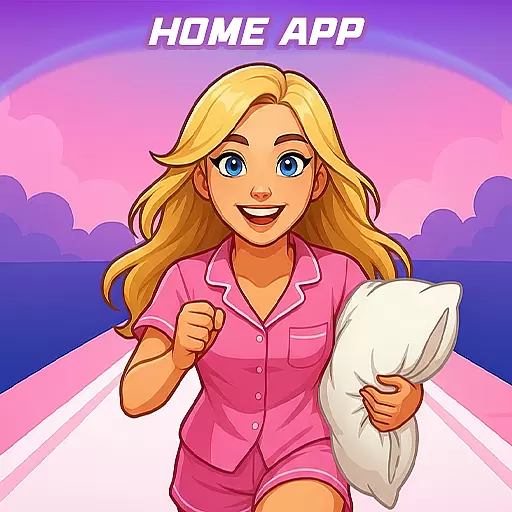
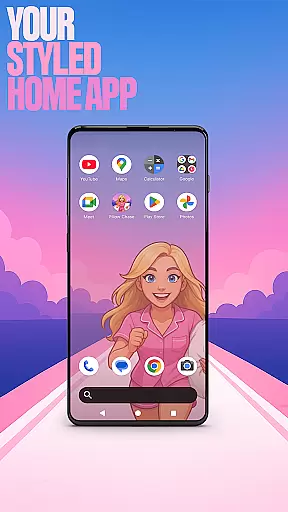

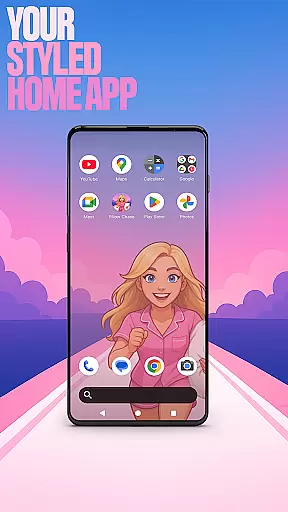

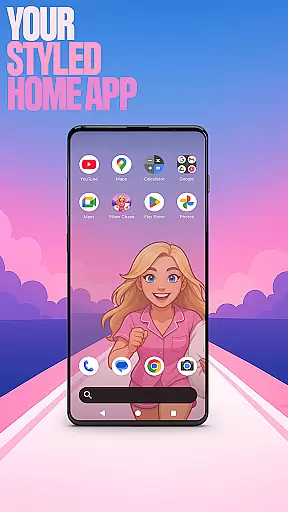

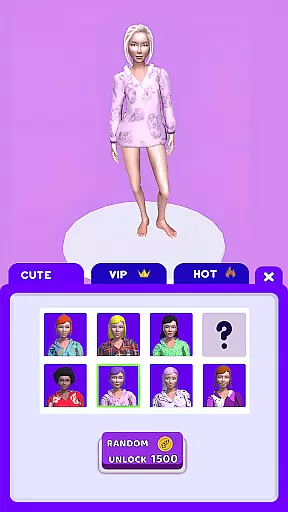
Pillow Chase Home App is a launcher app that allows users to create a personalized home screen experience. With this app, you can fully customize the layout of your home screen, organize apps into folders, and select from various color options. The app offers a fresh style that keeps your device exciting to use every day.
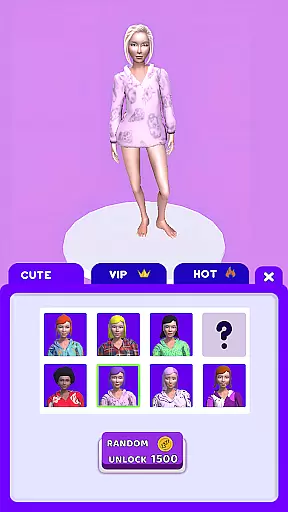
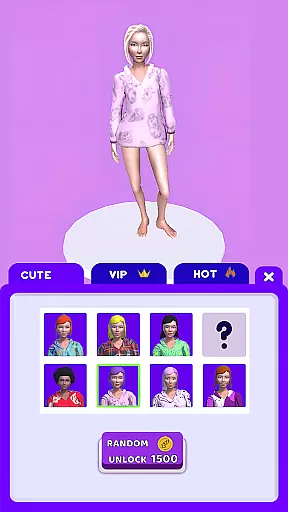
One of the key features is the ability to set Pillow Chase Home App as your default launcher through the 'Default home app' setting. This makes it your primary interface for daily use, while still allowing you to switch back to your previous launcher whenever needed. Additionally, the app includes a fun game called Pillow Chase, where you run, dodge obstacles, and collect pillows, providing entertainment during quick breaks.
This app is perfect for those who want to add a personal touch to their devices while enjoying a playful gaming experience. The combination of customization options and built-in entertainment creates a unique and engaging user experience.
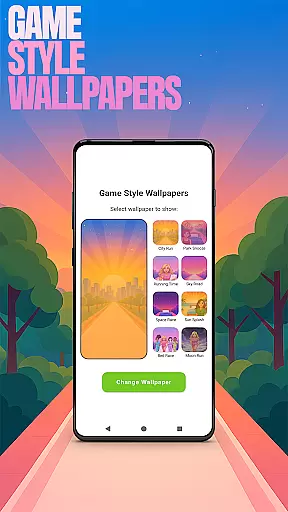
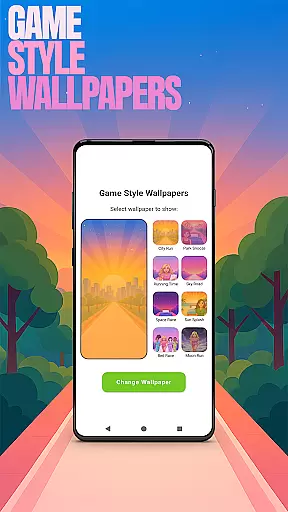
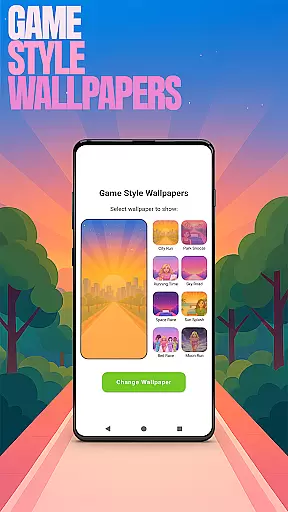
Pillow Chase Home App offers a variety of features that enhance the personalization and functionality of your device's home screen. One standout feature is the Game Style Wallpapers, which lets you apply wallpapers inspired by the Pillow Chase game. You can access this by long-pressing on the home screen and selecting 'Game Style Wallpapers.'
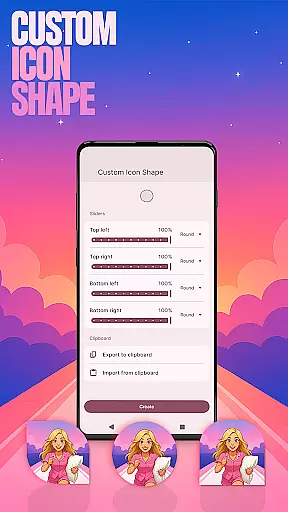
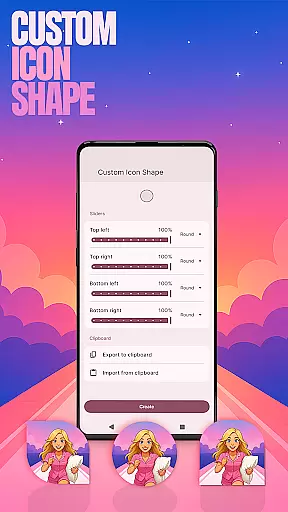
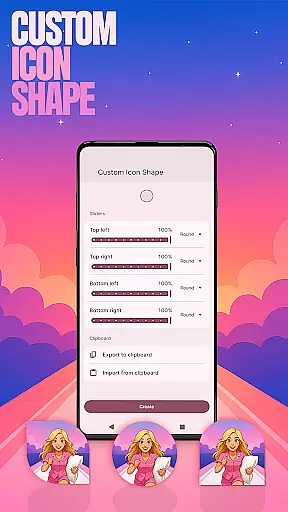
Another notable feature is Custom Icon Shape, allowing you to personalize the look of your app icons. This can be accessed similarly by long-pressing on the home screen and choosing 'Custom Icon Shape.' For added convenience, Custom Gestures enable you to open apps, settings, or the app drawer with simple swipes or taps. These gestures are configured under 'Home settings' in the pop-up menu.
The app also provides options to hide private apps, ensuring they remain invisible while still being accessible. This feature is found under 'Home settings' -> 'App drawer' -> 'Hidden apps.' Lastly, Accent Color customization lets you adjust the color scheme of your home app, either using presets or creating your own style. This ensures your device reflects your personal taste and preferences.
Customization is at the heart of Pillow Chase Home App, offering users a wide array of options to personalize their home screens. This app allows for complete control over the layout, enabling users to arrange and design their digital space in a way that truly reflects their personality and preferences.
The level of customization extends to creating unique folders, selecting from a spectrum of colors, and even choosing custom icon shapes. These features collectively ensure that every element on the home screen can be tailored to the user's liking, providing not just functionality but also a canvas for self-expression.
By integrating game-style wallpapers inspired by the Pillow Chase game, users can add a playful touch to their devices. The ability to customize gestures adds another layer of personalization, allowing quick access to frequently used apps or settings through intuitive swipes or taps.
Pillow Chase Home App excels in theme compatibility, ensuring that all visual modifications and customizations maintain coherence across the user's device. Whether opting for preset themes or crafting a unique look, users can rest assured that their choices will harmonize with the overall aesthetic of their home screen.
This compatibility extends to accent colors, where users can either select from available presets or create their own color schemes. Such flexibility ensures that personal touches do not disrupt the visual flow but rather enhance the thematic consistency of the device.
Moreover, the app provides seamless integration with existing system settings, meaning that switching back to a previous launcher won't affect the carefully curated layout. This thoughtful design guarantees that personalization does not come at the cost of usability or visual appeal.
Highly customizable
Unique game integration
User-friendly interface
Variety of color options
Convenient gesture controls
May change existing layout
Limited to Android devices
Requires manual setup
Some features are hidden
Not suitable for iOS

Vertically oriented rectangular icons
 4.70
4.70
Prank your friends with realistic broken screen and cracked HD effects!
4.3
Try creating your own keyboard with "Keyboard theme for android" app now!
4.50
More than 3000+ themes and 9000+ wallpapers for everybody!
4.10
Transfer your live wallpapers from Windows to Android using Wallpaper Engine!
4.00 4.50
4.50
Choose your keyboard with RGB colors effect, themes, fonts, emojis.
4.60
300+ Stunning and well-designed widgets inspired by NOTHING.
4.70
400+ Beautifully crafted widgets inspired by NOTHING.
4.70
Shimeji adds cute animated characters to your screen, lively and fun.
4.70
Glass style colourful icons with a One UI look and feel
4.60
Ultra realistic high quality analog watch face for Wear OS.
4.60
Make your phone look simple & luxury, like iDevice
4.60
Aesthetic Widgets, HD Wallpapers, Themes in Mico Widget for Home and Lock Screen
4.50
200+ Material Inspired Widgets
4.50
AI-powered Copilot. Personalized keyboard with gifs, stickers & themes
4.40
Transform your device in a game console
4.40
Romantic Kiss Stickers App. Start romantic messaging now!
4.30
Your go to Weather App & Home Screen. Get your weather at a swipe of a finger!
3.80


User Reviews