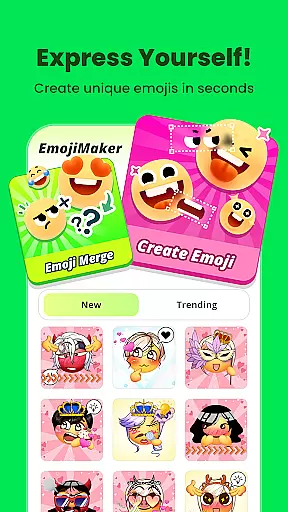
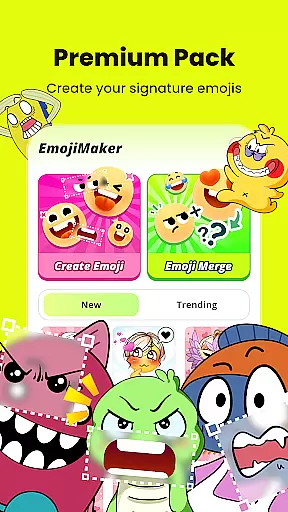
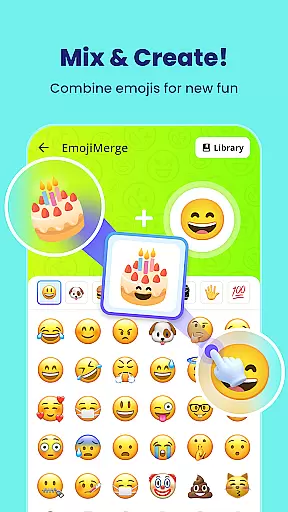
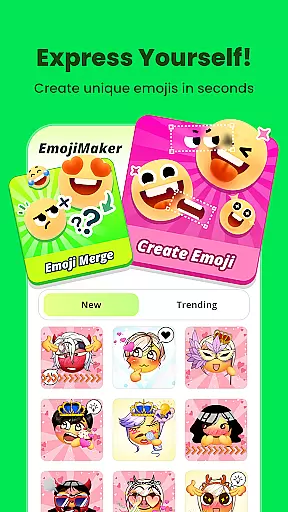
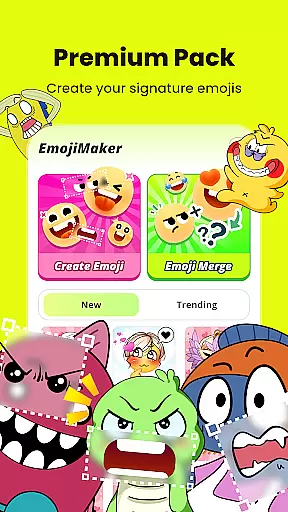
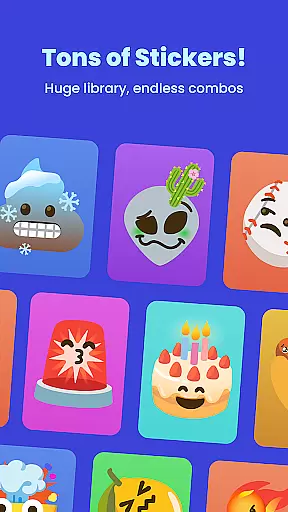
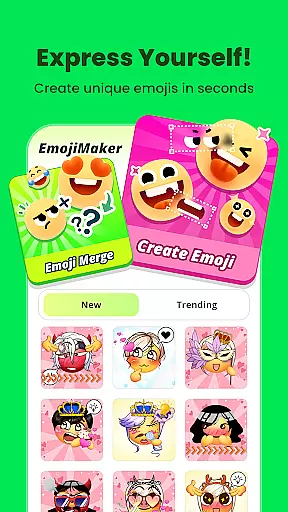
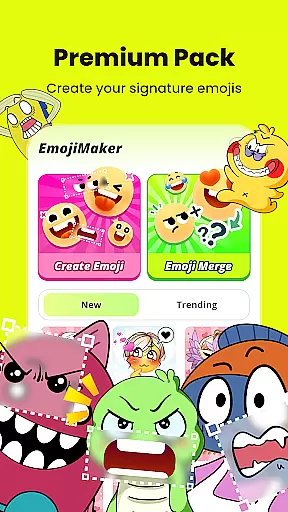
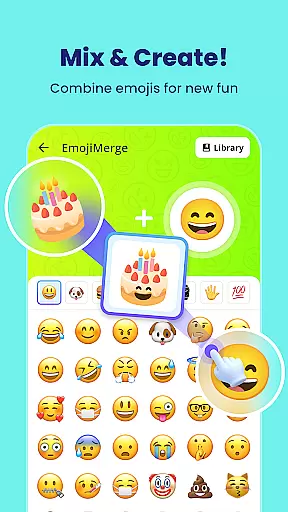
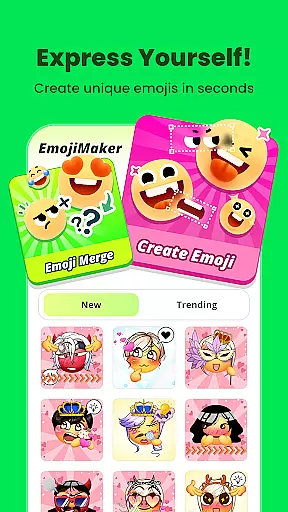
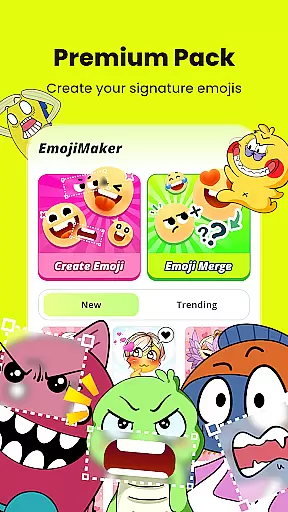
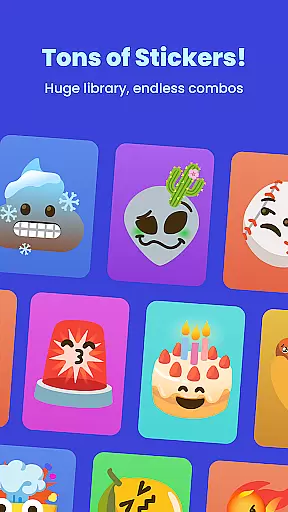
Gemoji is a creative emoji maker app that allows users to design personalized emojis and stickers. With an extensive library of components, the app enables customization of facial features, accessories, and colors, catering to various moods and occasions.
The app's intuitive interface makes it easy for anyone to create unique emojis for messaging apps or social media. Whether you're crafting custom emojis for birthdays, holidays, or just everyday chats, Gemoji offers a fun way to express individuality through digital communication.
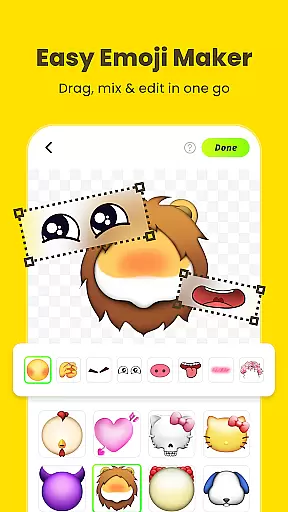
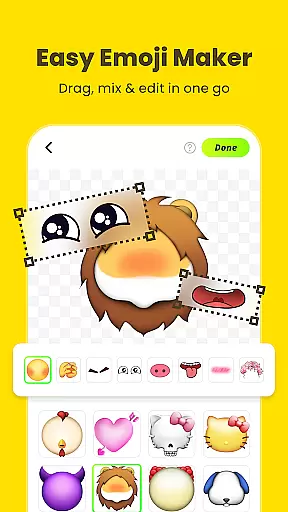
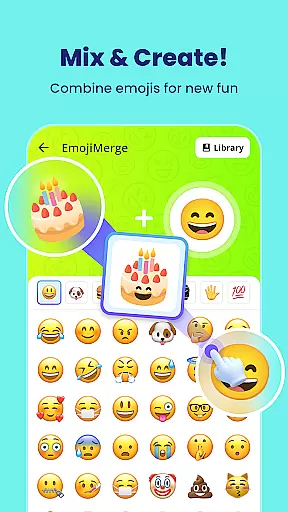
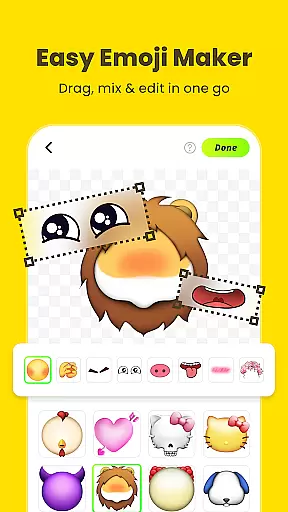
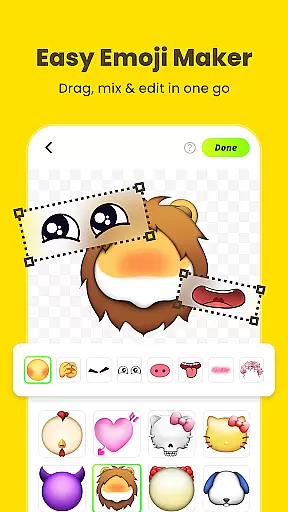
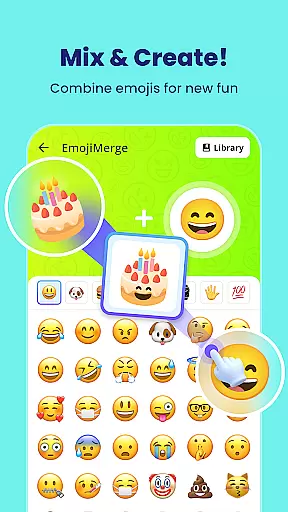
Gemoji stands out with its vast array of customization options. Users can mix and match different elements such as eyes, mouths, and accessories to create emojis that suit their personal style or current mood.
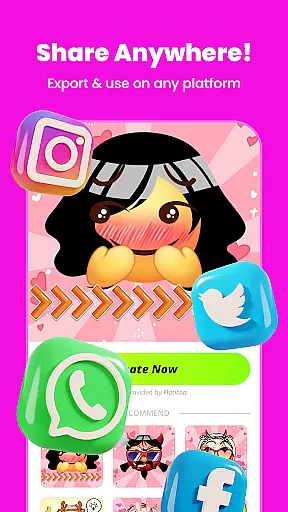
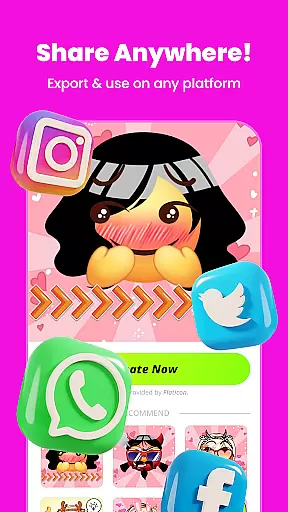
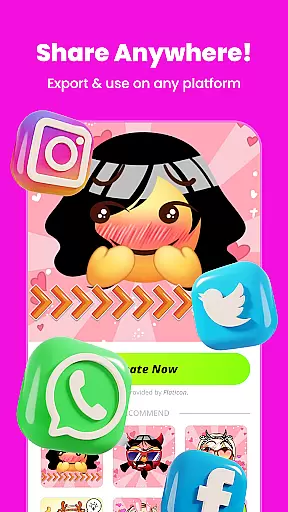
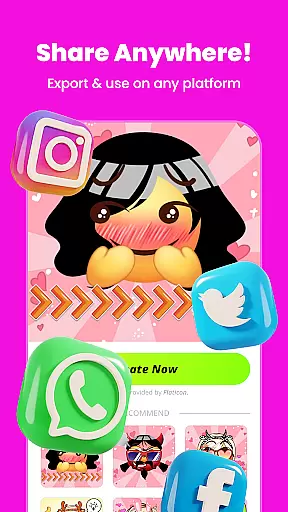
In addition to its customization capabilities, Gemoji provides real-time previews, allowing creators to see their changes instantly. The app also supports transforming your emojis into stickers, which can be shared directly within messaging apps, enhancing personal communication with uniquely crafted images.
Customization is at the heart of Gemoji, allowing users to express their unique style and creativity through emojis. With a vast array of components including eyes, mouths, accessories, and more, users can mix and match to create truly personalized emojis.
The app provides an extensive selection of colors and design elements, ensuring that your emojis can be tailored for any mood, season, or special occasion. Whether you're crafting cute characters, quirky faces, or unique stickers, Gemoji's customization options empower you to make each emoji distinctly yours.
By offering pre-made templates alongside blank canvases, Gemoji caters to both beginners and advanced creators. This flexibility ensures that anyone can dive into emoji creation, regardless of their skill level, making it a versatile tool for unleashing personal expression.
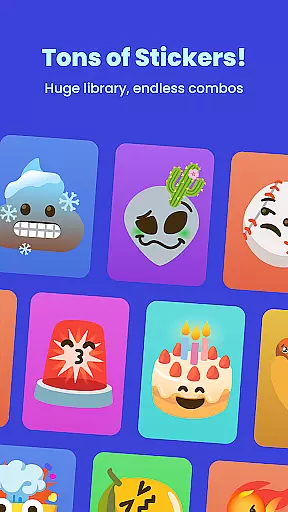
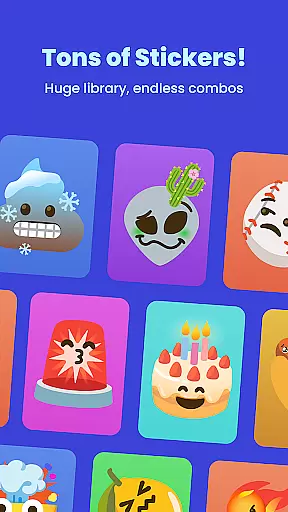
Gemoji excels in theme compatibility, providing users with professionally designed emoji elements that blend seamlessly to create standout emojis. The app's rich library includes various themes, from playful expressions to seasonal motifs, ensuring that your creations remain fresh and relevant.
With frequent updates introducing new components and seasonal themes, Gemoji keeps its content dynamic and engaging. Users can explore different combinations of effects and styles, knowing that their emojis will maintain visual consistency across messaging platforms.
This commitment to compatibility extends beyond just aesthetics; Gemoji ensures that your custom emojis integrate smoothly into messages, social media posts, and other digital communications. By prioritizing both form and function, Gemoji guarantees that every creation not only looks great but also performs reliably wherever itu2019s shared.
User-friendly interface
Vibrant color options
Real-time customization
Wide variety of components
Frequent content updates
Limited free features
Occasional bugs
Ads between sessions
Premium content costly
Learning curve for new users

Sparkle your screen with Glitter Wallpapers For Girls and Cute Backgrounds!
 4.80
4.80
Bring adorable pets to life on your screen. Playful, interactive and full of fun
4.60
Shimeji adds cute animated characters to your screen, lively and fun.
4.70
Customizable screen pets that play, climb, and keep you company.
4.50
Unique Fonts, typefaces and stylish text. Fonts for Instagram, Whatsapp & others
4.20
Icons made of colorful linear lines
4.60
One 8 icons glass color version
4.80
Emoji Maker app - Design custom emojis and effortlessly blend them with Mixer
3.80
Customize phone with anime themes, 3D icons, aesthetic widgets & wallpapers
4.80
Unique Android Launcher
4.60
Zip lock screen with magic wallpaper to decorate your phone with fun zipper lock
4.60
Stylish Pink Cute Hippo keyboard with 10000+ customized keyboard themes!
4.60
Handcrafted pixel art icons, widgets & wallpapers
4.60
Ultra realistic gold analog watch face with lots of customization options.
4.50
Transform your phone with Launcher iOS 26 - Smooth & elegant iOS experience
4.50
The definitive Icon pack maker and editor
4.30
Romantic Kiss Stickers App. Start romantic messaging now!
4.30 3.50
3.50
Adorable pets roam and play right on your phone screen!
3.30


User Reviews