
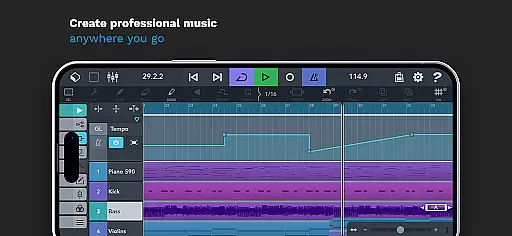
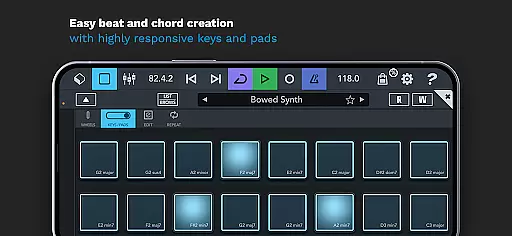
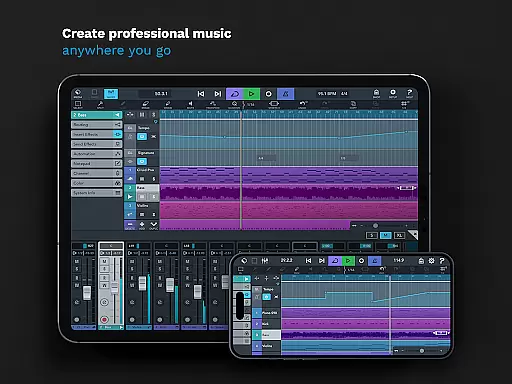
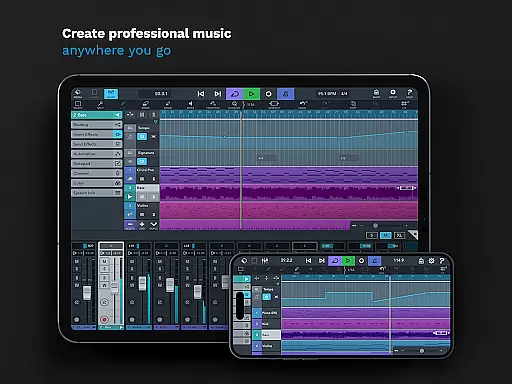
Cubasis 3 is a multi-award winning mobile DAW and full music production studio that allows users to quickly capture musical ideas and turn them into professional-sounding songs. The app offers an intuitive interface for recording, mixing, editing audio, and creating beats & loops directly on Android devices or Chromebooks.
With its powerful 32-bit floating-point audio engine and support for high-quality 24-bit/48 kHz audio resolution, Cubasis 3 stands out as one of the most complete audio and MIDI Digital Audio Workstations (DAWs) available today. It includes features such as real-time time-stretching, pitch-shifting, virtual instruments, a studio-grade mixer with effects, and compatibility with external gear, making it ideal for both amateur musicians and seasoned professionals.
Whether you're sketching song ideas or producing full tracks, Cubasis 3 provides all the tools necessary to create music at a professional level right from your smartphone or tablet. Its comprehensive feature set supports complex compositions and ensures seamless integration into any musician's workflow.
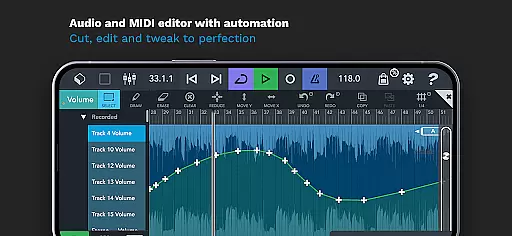
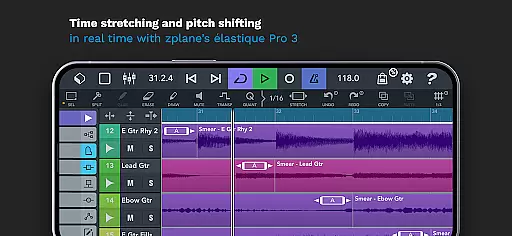
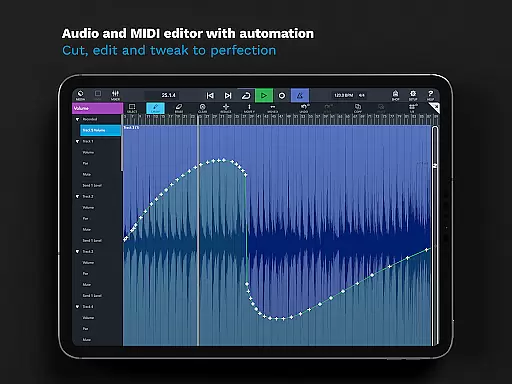
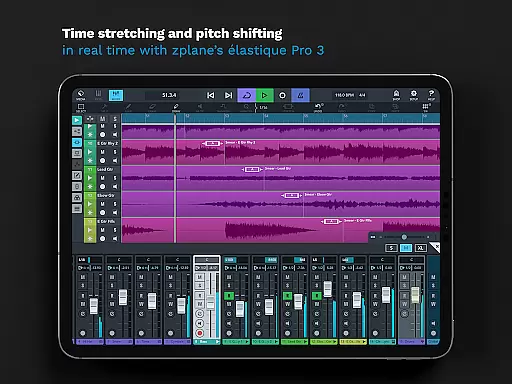
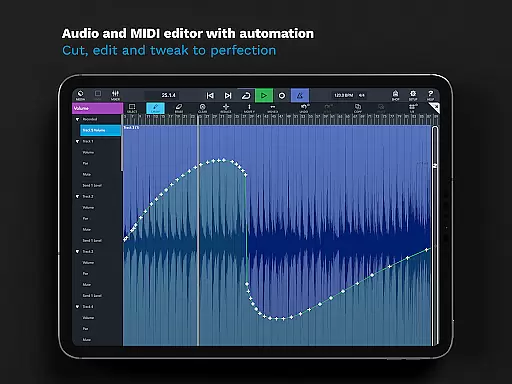
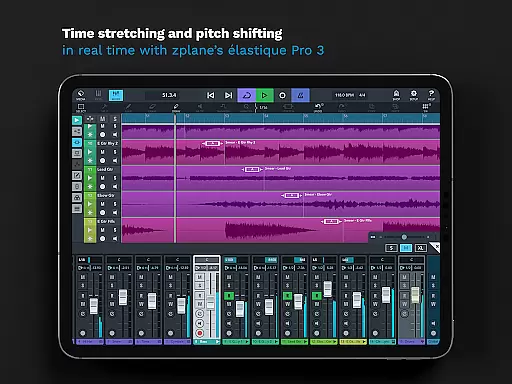
Cubasis 3 boasts an extensive array of features designed to cater to every aspect of music production. Users can take advantage of unlimited audio and MIDI tracks, along with advanced editing capabilities like automation, MIDI CC support, and track duplication. The inclusion of zplane’s élastique 3 technology enables real-time time-stretching and pitch-shifting, ensuring top-notch audio manipulation.
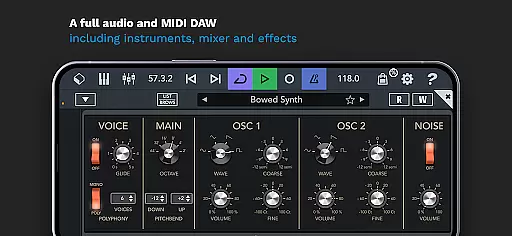
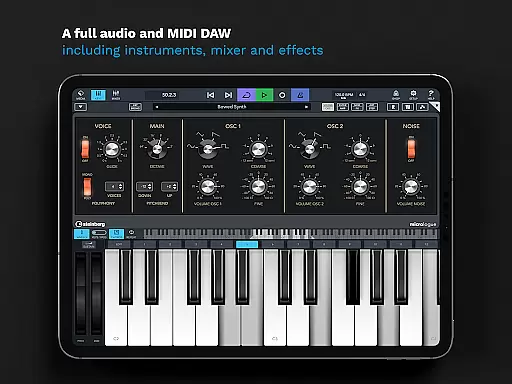
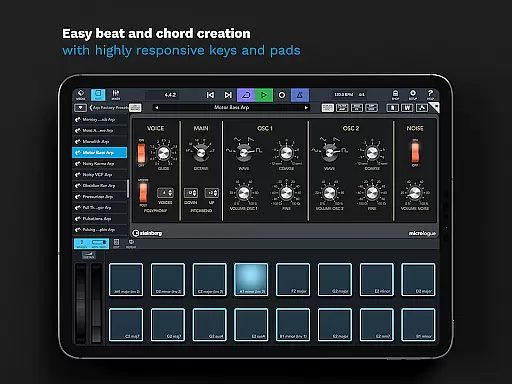
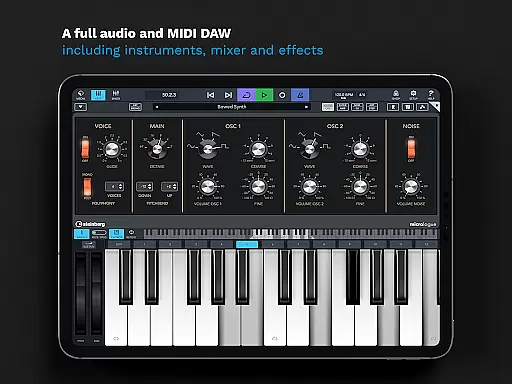
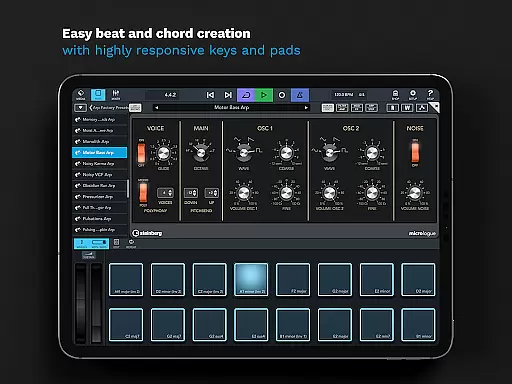
The app also comes equipped with a variety of built-in instruments and effects. These include the Micrologue virtual analog synthesizer, MicroSonic virtual instrument sounds, and MiniSampler for custom instrument creation. Additionally, the mixer offers studio-grade channel strips per track and supports sidechain functionality, providing users with exceptional control over their mixes.
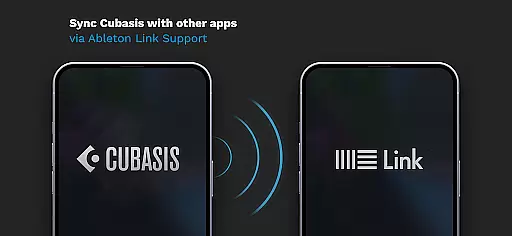
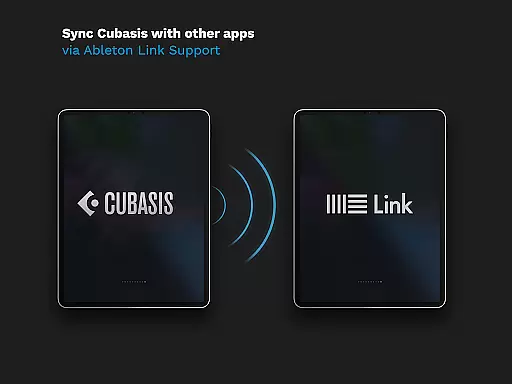
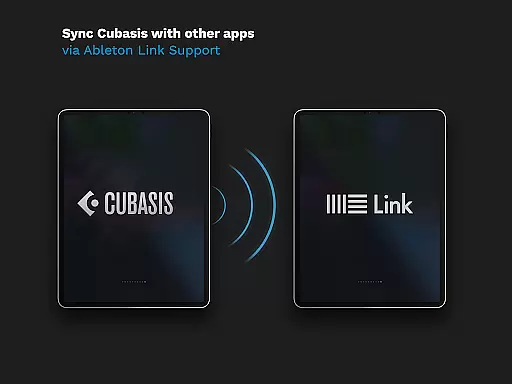
For those seeking even more flexibility, Cubasis 3 integrates seamlessly with external hardware and third-party apps. With support for protocols like MIDI Learn, Mackie Control (MCU), HUI, and Ableton Link, users can expand their creative possibilities beyond the confines of the app itself. This versatility makes Cubasis 3 not just a DAW but a central hub for all music-making activities.
Cubasis 3 offers an extensive music library that caters to a wide range of musical genres and styles. With over 120 virtual instrument sounds, including acoustic piano and various drum kits, users have a vast array of options for creating unique compositions. The inclusion of Micrologue, a virtual analog synthesizer with 126 presets, further expands the creative possibilities available within the app.
Copyright authenticity is taken seriously in Cubasis 3, ensuring that all the sounds and instruments provided are legally licensed for use. This means musicians can focus on their creative process without worrying about potential legal issues related to the use of unlicensed samples or instruments. The peace of mind that comes with using fully authorized content allows artists to share and monetize their work confidently.
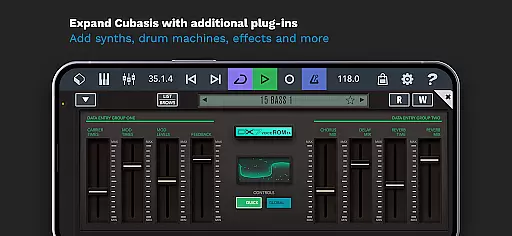
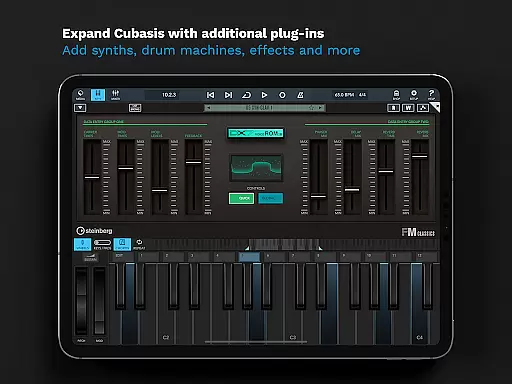
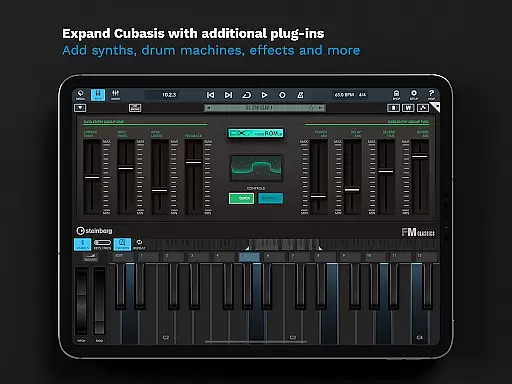
The app also supports third-party plugins and instruments, allowing users to expand their sonic palette even further. By integrating external gear and third-party apps, Cubasis 3 provides a flexible environment where musicians can incorporate their preferred tools into their workflow. This level of compatibility enhances the overall value of the music library by enabling endless customization.
Audio quality is paramount in Cubasis 3, which boasts a 32-bit floating-point audio engine capable of handling high-resolution audio files. Users can work with audio I/O resolutions of up to 24-bit/48 kHz, ensuring pristine sound quality throughout the production process. This professional-grade audio performance enables creators to produce tracks that meet industry standards and sound exceptional on any playback system.
In addition to its robust audio engine, Cubasis 3 features real-time time-stretching and pitch-shifting powered by zplane's u00e9lastique 3 technology. These advanced capabilities allow producers to manipulate audio with precision while maintaining excellent sound integrity. Whether adjusting tempo or altering pitch, these tools provide the flexibility needed to achieve the desired musical outcome without compromising on quality.
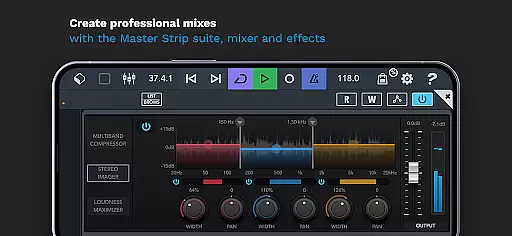
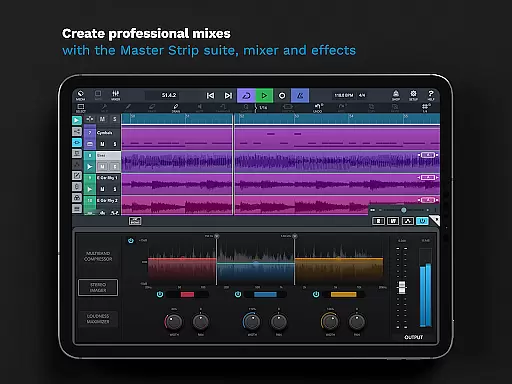
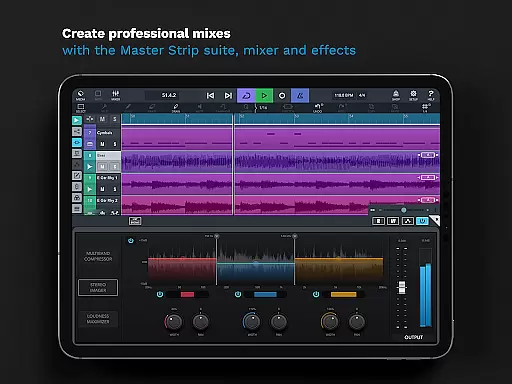
Furthermore, the app includes a comprehensive suite of effects and processing tools designed to enhance audio quality. With eight insert and eight send effects available per track, as well as sidechain support and a Master Strip plug-in suite, users have everything they need to craft polished, radio-ready mixes. The ability to automate parameters and utilize MIDI Learn functionality adds another layer of control, empowering producers to fine-tune every aspect of their audio projects.
Intuitive Interface
Professional Sound Quality
Extensive Feature Set
Real-Time Audio Manipulation
Versatile Hardware Integration
Limited Hardware Support
High System Requirements
Complex for Beginners
Additional In-App Purchases
Subscription Model

Simply convert wav to mp3. Clear. Reliable. Safe.
 4.3
4.3
Formerly known as Spotistats! View your top tracks, artists, albums and more!
4.40
Taal player that lets you sing any Indian & Western song with Tabla & Tanpura
4.60
Enhance the sound quality of your devices, listen to what you want
4.50
Save hundreds of dollars for a physical strobe tuner and instead use this app.
4.50
Your song collections with lyrics and chords on Android smartphones and tablets.
4.80
Visualize the guitar fretboard, master scales & play through changes like a pro!
4.50
USB audio recording and playback finally possible on Android 3.1 or higher!
3.90
One-tap booster for max volume - enjoy powerful sound with this audio booster
4.50
AI Music Maker: Generate And Compose AI Tunes & AI Songs & AI Music & AI Melody!
4.60
Guzheng Master supports many playing techniques as an acoustic Guzheng
4.50
Manage your Sonos system directly from your home-screen!
4.40
Full featured mp3 and audio player with Chromecast and Android Auto support.
4.40
The Music Journey in Your Hands
4.30
Learn and play 2M+ music tabs & chords on guitar, ukulele, bass, and more
4.30
Powerful 10-Band equalizer pro with sound booster improves Android audio quality
4.30
Smart piano keyboard, Classical to Pop, Real-time multiplayer connection!
4.20
Slow music down without changing pitch.
3.70
Make music anywhere. Turn your device into an instrument.
4.3


User Reviews