

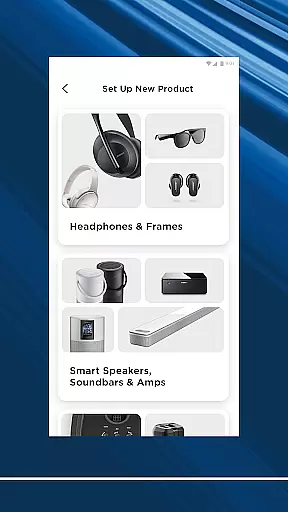
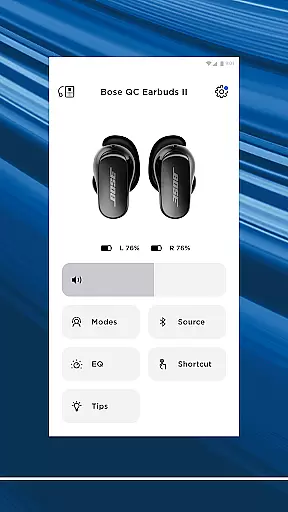
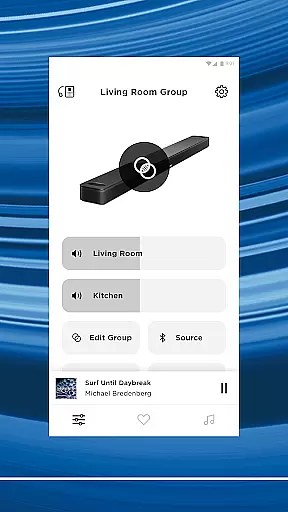
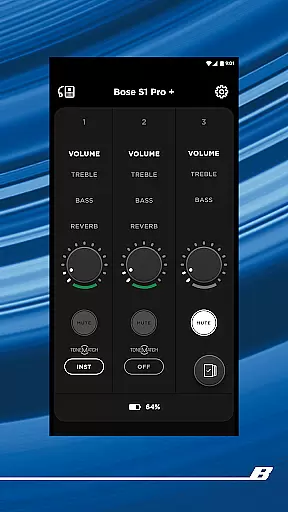

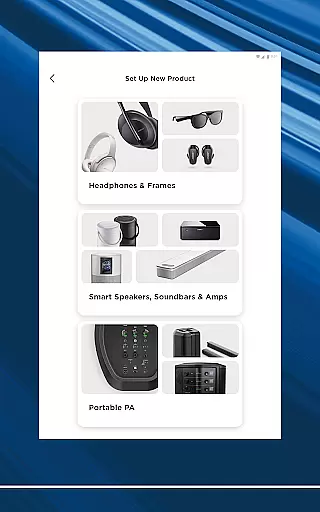
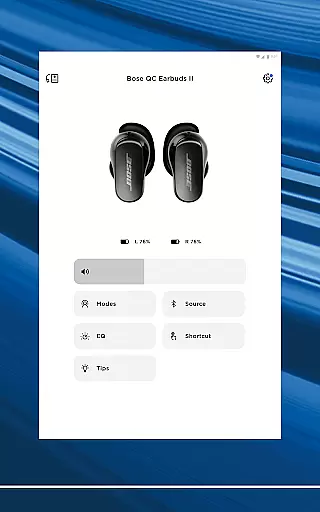
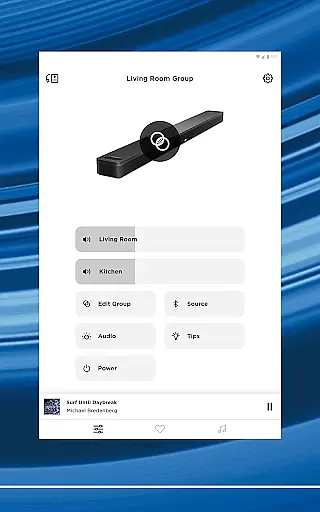
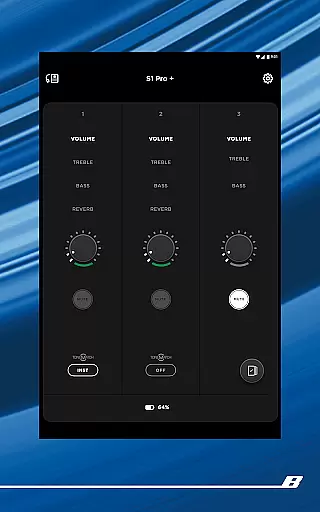

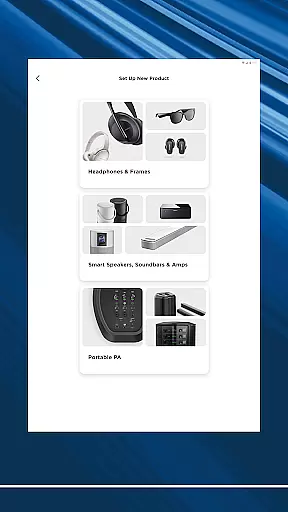
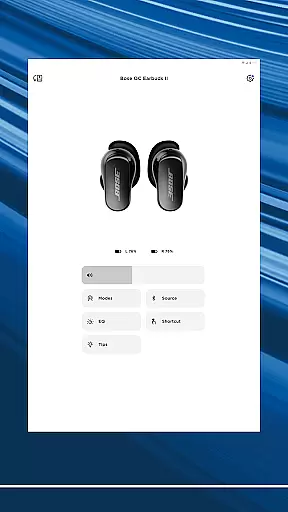
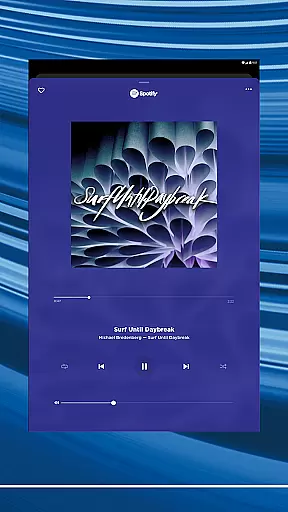
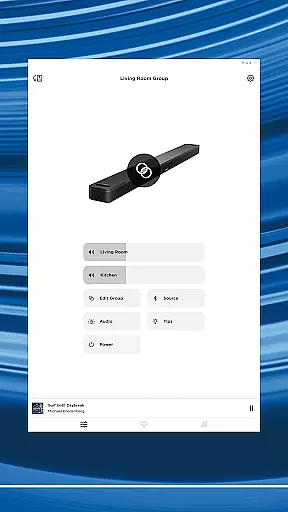
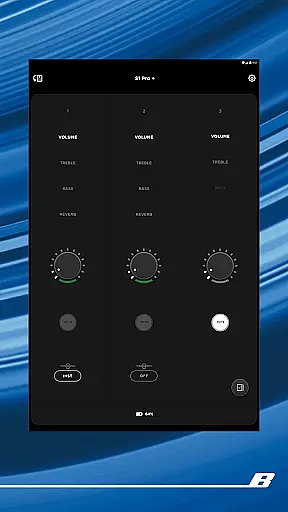
The Bose app is your ultimate control center for all Bose products, allowing seamless management of speakers, soundbars, headphones, and more from a single interface. Designed to enhance your audio experience, the app provides intuitive controls for noise cancellation, EQ settings, and product customization.
Whether you're setting up new devices or controlling existing ones, the Bose app offers effortless navigation and personalized features. Enjoy synchronized music across your home or create distinct audio zones - all with just a few taps. With support for major streaming services and one-touch presets, it ensures you have instant access to your favorite content.
This application is particularly beneficial for users who own multiple Bose products, as it unifies control while delivering an immersive listening experience through advanced features like ActiveSense technology and Immersive Audio.
The Bose app stands out with its comprehensive feature set tailored for audiophiles. One of its key strengths is the ability to personalize listening experiences through adjustable noise cancellation modes. Users can toggle between Quiet Mode for full noise blocking or Aware Mode to stay connected with their surroundings.
Advanced customization options include EQ balancing, on-product shortcut programming, and immersive audio settings for supported devices. The app also enables multi-room audio setups, allowing users to stream synchronized music throughout their home or play different tracks in each room.
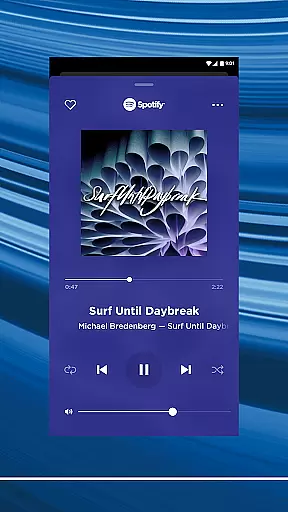
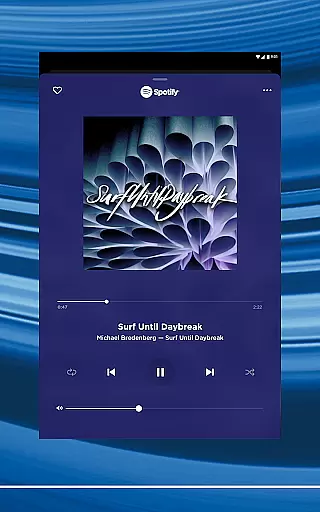
Integration with popular music services like Spotify, Pandora, and Amazon Music creates a unified streaming hub. The one-touch preset functionality lets users save favorite stations or playlists for instant recall, while ActiveSense technology automatically adjusts ambient sound levels for optimal comfort.
The Bose app provides access to an extensive music library through partnerships with leading streaming services like Spotify, Pandora, Amazon Music, SiriusXM, iHeartRadio, and TuneIn. This vast selection ensures users have a wide variety of music genres and playlists at their fingertips.
Each music service integrated into the app is fully licensed, guaranteeing that all content is authentic and respects copyright laws. Users can enjoy their favorite tracks knowing they are accessing legitimate music streams.
Bose's collaboration with these renowned platforms not only enhances the listening experience but also supports artists by ensuring they are compensated for their work. This commitment to copyright authenticity reinforces Bose's dedication to quality and ethical practices.
With the Bose app, you can seamlessly browse and play music from different services, all within a single interface. This consolidation of music libraries offers unparalleled convenience without compromising on legal standards or content richness.
Audio quality is paramount in the Bose app, offering users multiple options to tailor their listening experience. Whether using high-end headphones or portable speakers, the app allows customization of EQ settings to match personal preferences and audio equipment capabilities.
For audiophiles, the Bose app includes advanced features such as Immersive Audio from the Ultra line. This technology elevates soundscapes, providing a richer and more engaging auditory experience that captures every detail of the original recording.
In addition to customizable EQ settings, the app supports various audio formats, ensuring compatibility across devices while maintaining optimal sound quality. Users can switch between standard and high-definition audio streams based on their connectivity and device performance.
By prioritizing superior audio quality options, Bose ensures that every listener enjoys an unparalleled soundscape that remains true to the artist's intent, regardless of the playback device or environment.
Seamless device integration
Advanced noise cancellation
Multi-room audio support
Customizable EQ settings
One-touch music presets
Limited third-party compatibility
Occasional connectivity issues
Requires account creation
Some features are device-specific
Android version limitations

Pay Once, no monthly payment
 4.60
4.60
Enhance the sound quality of your devices, listen to what you want
4.50
The ultimate media player for Android devices
3.90
Guzheng Master supports many playing techniques as an acoustic Guzheng
4.50
Recording studio w/ 10k beats, pro vocal FX and a network of 20M rappers & fans!
4.60
A sleek, no-frills player designed for true music lovers.
4.20
The Minimalistic Premium Music Player. Handmade with passion for music
2.20
Turn your Android phone into a professional audio analyser with up to 120 bands.
4.00
Play KORG’s revolutionary touch-based instrument on a variety of devices.
4.40
More downloads than any other metronome. Includes drum machine & tempo trainer.
4.80
Over 100 million tracks available for high quality streaming and download
4.60
The best music and audio player, with beautiful UI, music search and equalizer.
4.60
Bass Booster & Volume Equalizer Pro improves your music and video sound quality
4.60
Reverse your voice & songs instantly! Fun singing challenge with cool effects.
4.60
Fun & Easy Voice Changer – Record, Edit & Add Hilarious Effects!
4.50
DJ Music Mixer - DJ Remix: remix songs, make beat music & record mix of DJ.
4.40
Ringtone Maker is free app create ringtone from music files or your recording.
4.40
Master Salsa Rhythm quickly and with a lot of fun!
4.30
Simple mp3 and mp4 player with advanced features.
3.40


User Reviews