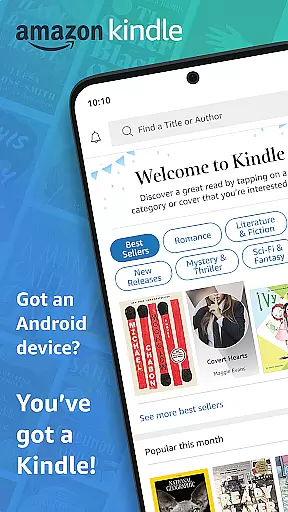
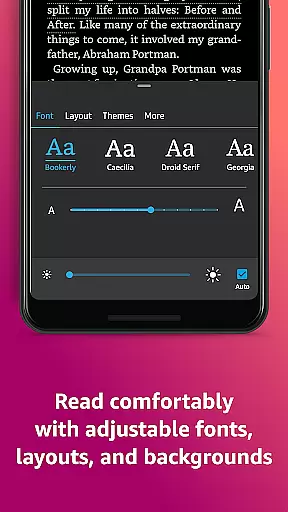
Amazon Kindle is the quintessential reading companion for book lovers, offering access to millions of books, magazines, comics, and audiobooks. With its user-friendly interface, it allows readers to customize their reading experience with adjustable text settings, background colors, and brightness controls. The app also provides unique features like X-Ray, Page Flip, and real-time translations, making it more than just an e-reader.
This versatile app caters to diverse reading preferences, from novels to academic texts, and syncs across devices, ensuring a seamless transition between your phone, tablet, or Kindle device. Whether you're commuting or relaxing at home, Kindle's vast library and innovative features make it the perfect tool for avid readers who want to carry an entire library in their pocket.
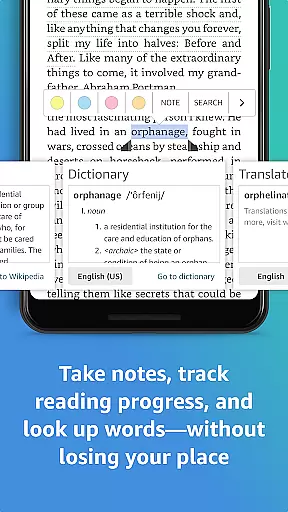
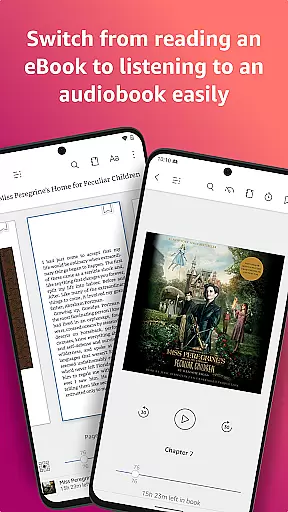
Kindle stands out with its comprehensive set of reading tools designed to enhance comprehension and engagement. Readers can look up definitions, translations, and Wikipedia entries with a simple tap, while X-Ray lets users explore character relationships and key themes without losing their place. The app also offers flexible reading options, including customizable fonts, text-to-speech functionality, and Audible narration integration.
One of Kindle's most notable features is its cross-device syncing capability. This ensures that whether you're reading on your phone during lunch or switching to your tablet at night, your progress, bookmarks, and notes are always up-to-date. Additionally, Kindle Unlimited and Prime members enjoy exclusive access to a vast selection of titles, making it a cost-effective solution for voracious readers.
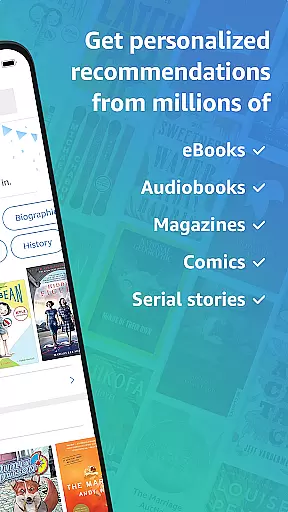
When it comes to digital reading, the size and authenticity of an e-book library are crucial factors for avid readers. The Amazon Kindle app boasts an extensive collection of millions of books, including bestsellers, magazines, newspapers, comics, and manga. This vast library ensures that users have access to a diverse range of reading materials across various genres, from romance to science fiction, children's literature to self-help guides.
Moreover, the credibility of the content within the Kindle app is guaranteed through stringent copyright measures. Every book, magazine, or comic available in the Kindle store is verified for copyright authenticity. This means readers can trust that they are accessing legitimate publications, whether they are enjoying free samples or purchasing full titles. Such assurance not only protects intellectual property but also enhances the overall user experience by providing reliable and high-quality content.
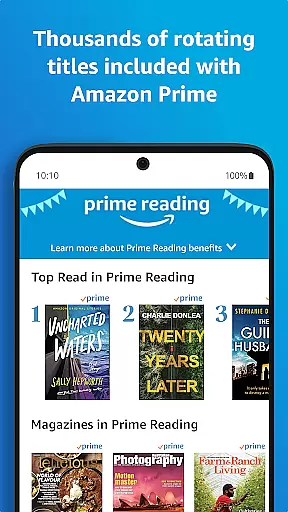
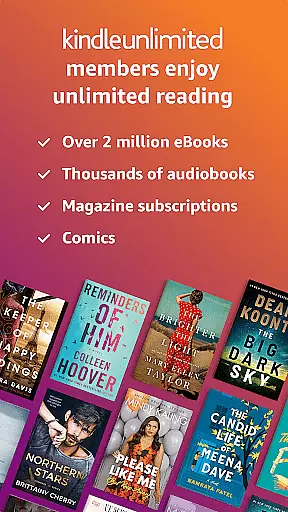
The app further enriches its library with features like Kindle Unlimited and Amazon Prime Reading, offering subscribers unlimited access to over a million titles, thousands of audiobooks, and current magazines. These subscription services expand the breadth of the library even further, ensuring that there is always something new and exciting to explore. With these offerings, the Kindle app solidifies its position as a leader in the realm of digital reading platforms.
For a seamless reading experience, format compatibility plays a pivotal role in determining how versatile an e-reading platform can be. The Amazon Kindle app excels in this area by supporting a wide array of formats, making it easy for users to import and read their personal e-book collections. Whether your files are in Kindle's native AZW format, popular standards like PDF and EPUB, or other common formats such as MOBI and TXT, the Kindle app ensures that you can enjoy your books without worrying about conversion hassles.
In addition to supporting multiple file types, the Kindle app provides robust tools for managing and optimizing these formats. Users can customize their reading experience by adjusting text size, font type, margins, and orientation (portrait or landscape). This flexibility allows readers to tailor the presentation of their texts according to their preferences, regardless of the original file format. Furthermore, advanced features like Page Flip enable readers to skim through pages effortlessly, while zoom functionality lets them focus on high-definition color images found in certain e-books, magazines, comics, and manga.
Another significant advantage of the Kindle app's format compatibility is its ability to sync reading progress across devices. When you switch from reading on your phone to a tablet or another device, the app automatically updates where you left offu2014along with any bookmarks, highlights, or notes. This cross-device synchronization ensures continuity and convenience, allowing users to transition smoothly between different devices without losing their place or personalized settings. By prioritizing format compatibility, the Kindle app delivers a truly flexible and integrated reading experience.
User-friendly interface
Extensive library
Customizable reading settings
Cross-device syncing
Integrated dictionary and X-Ray
Occasional syncing issues
Limited offline functionality
Subscription costs
No EPUB support
Ads in free version

Essential Technical Rescue Field Operations Guide 6, the Industry Standard Guide
 4.20
4.20
This is the pro version King James bible Offline that we have
4.70
Improve your vocabulary and grammar with the 15 biggest Oxford Dictionaries.
4.30
Bible Study App with Audio Book, Verse of the Day, and Devotionals.
4.80
Liturgy of the Hours totally off-line
4.80
Full text, sheet music, and recordings of the print edition
4.60
America's best dictionary and thesaurus - with premium content and no ads
3.40
Identify birds of North America by call or picture | Bird Identification
4.20
A highly sophisticated app for all of your mobile reading—any format, any time
4.50
Flora of Virginia Project (www.floraofvirginia.org)
5.00
The Bible Audio Guide
4.80
Bible, Catechism, Study, Saints, Mass Readings, Rosary, Prayer, Bible in a Year
4.80
Audiobook player with cross-device progress sync, playlists, and widget support.
4.80
Universal Zoom, learn about sizes & distances of the universe and microcosmos
4.80
Learn Thai with 195,000+ entries, crisp Thai sounds, big text; works offline.
4.80
Read books PDF, EPUB, WORD, KINDLE, MOBI! Your ebook reader among reading apps.
4.80
Read aloud texts, audiobooks, PDFs or any eBook with text to speech AI audio
4.60
Read the romance stories on the go. Take my breath away, The Spoiled Girl
4.30
University of North Carolina Herbarium presents the flora of TN, AL, & MS.
4.5


User Reviews