
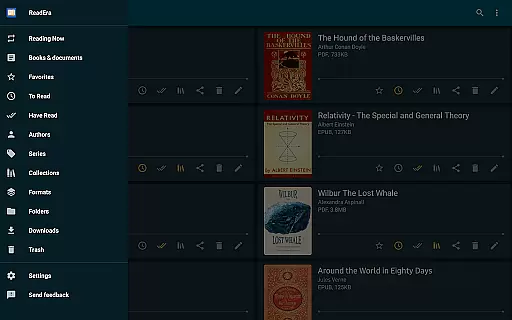
ReadEra is a versatile eBook reader app that supports an extensive range of formats including PDF, EPUB, Microsoft Word, Kindle, DJVU, FB2, TXT, ODT, and CHM. This application allows users to read books offline without any cost or advertisements, ensuring an uninterrupted reading experience. With its powerful book management system, ReadEra automatically detects and organizes your library, making it easy to navigate through folders, authors, and series.
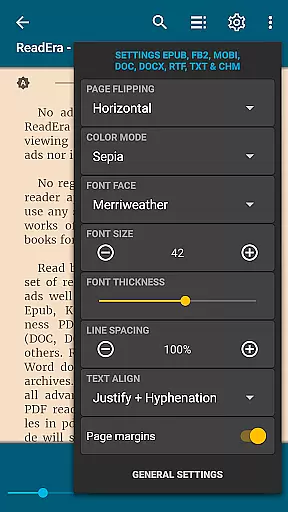
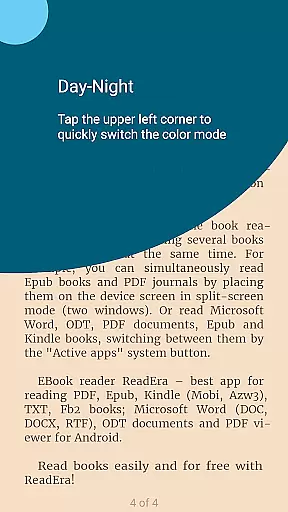
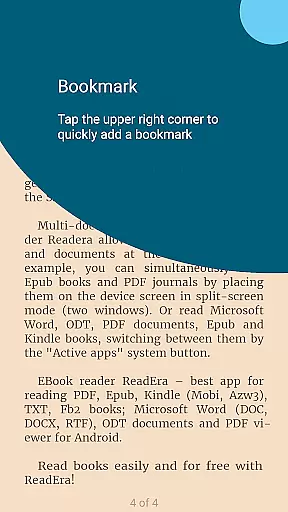
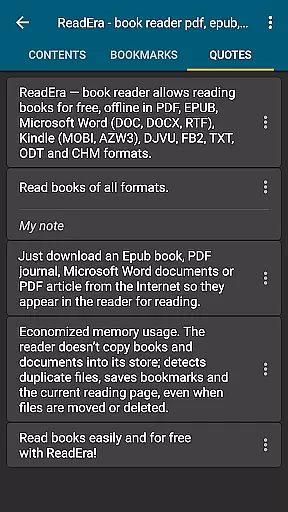
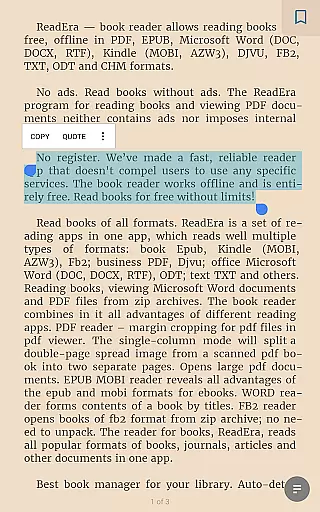
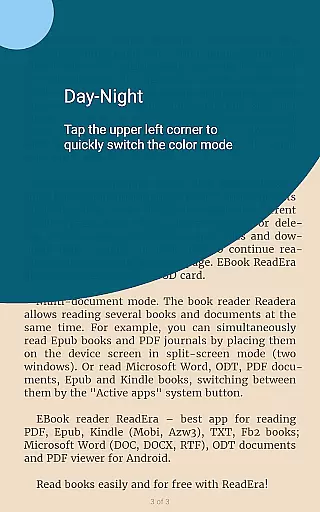
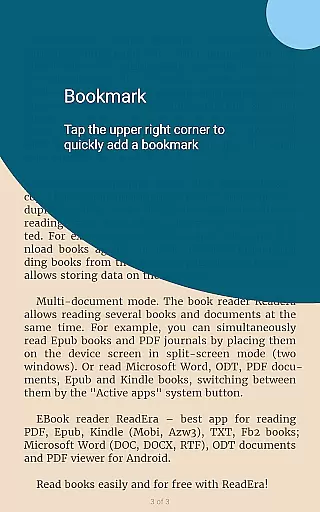
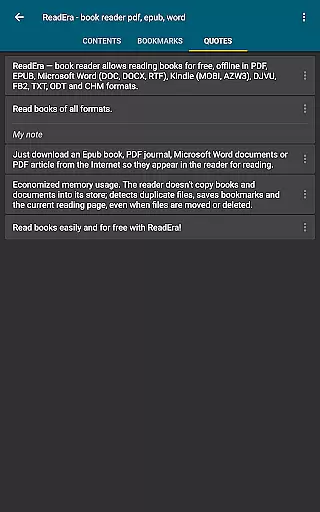
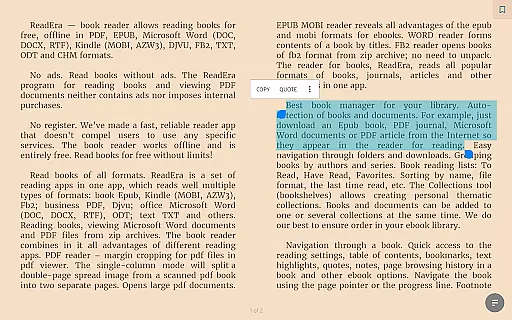
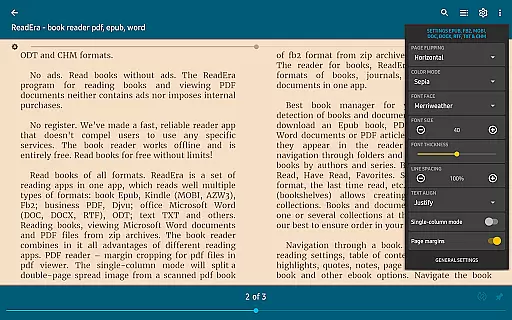
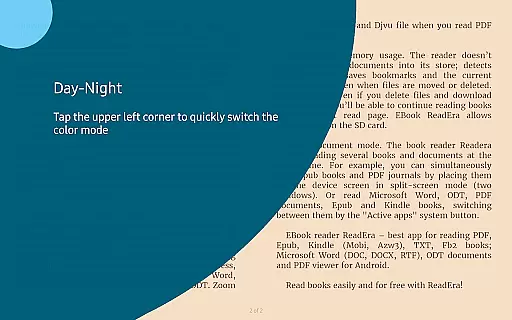
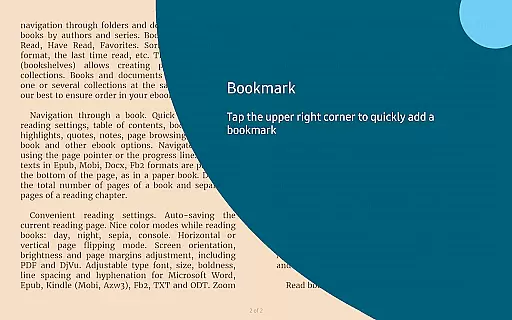
The app offers convenient reading settings such as day, night, sepia, and console modes, along with adjustable fonts, sizes, and page orientations. It also features multi-document mode, enabling users to read several books simultaneously in split-screen format. Whether you're accessing a PDF journal or an EPUB novel, ReadEra provides quick access to essential functions like bookmarks, highlights, and notes, enhancing the overall reading experience.
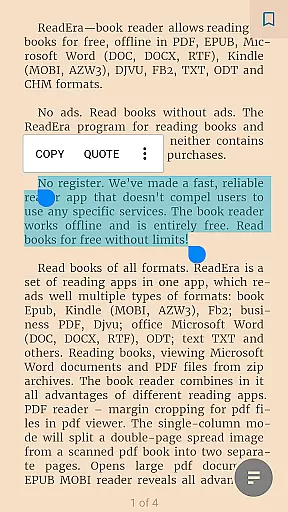
ReadEra stands out with its comprehensive format support, accommodating everything from popular eBook formats like EPUB and MOBI to document types such as PDF and DOCX. The app's advanced PDF reader includes margin cropping and single-column modes for scanned books, while the EPUB and MOBI readers optimize the digital reading experience. Its WORD reader intelligently generates book contents based on titles, streamlining navigation.
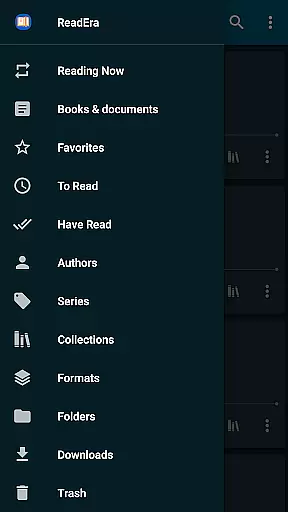
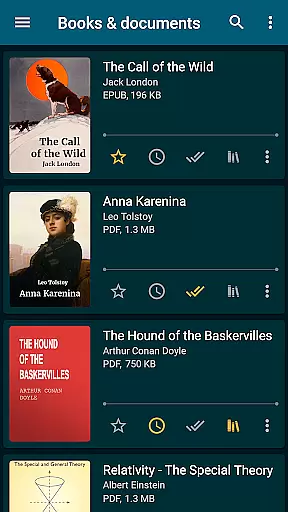
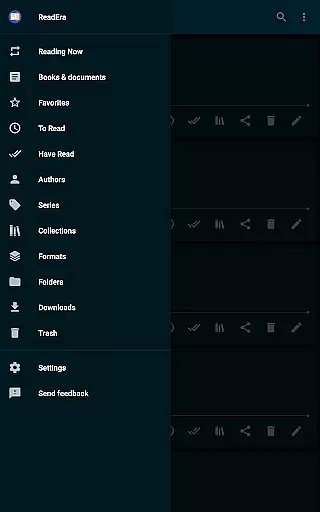
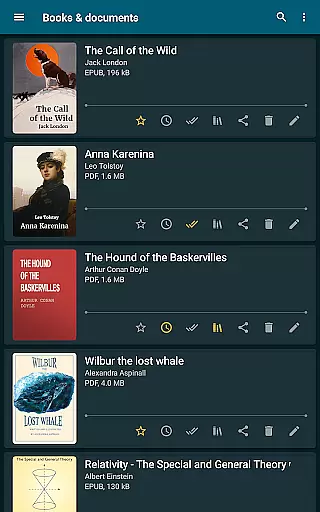
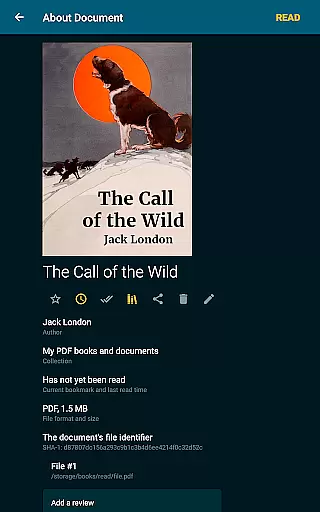
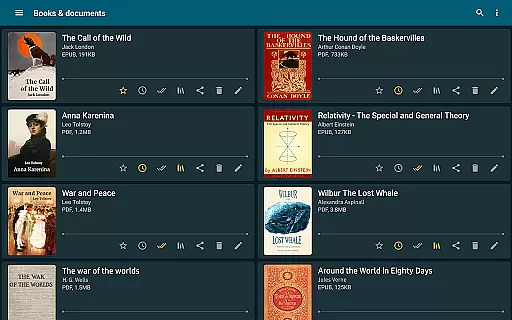
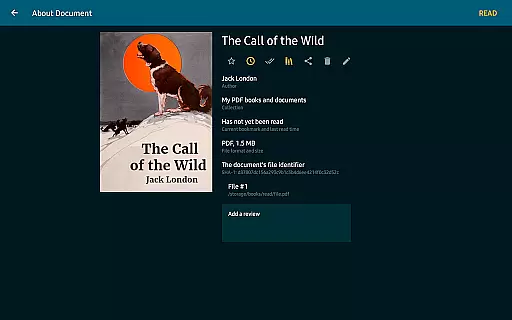
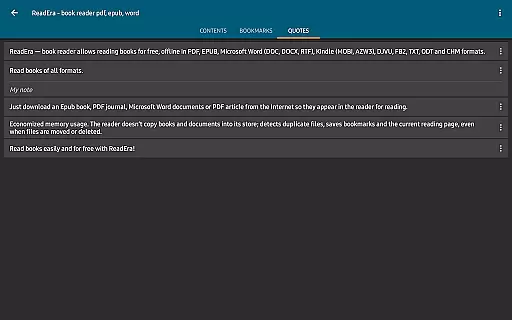
One of ReadEra's key strengths is its superior book management capabilities. The app auto-detects books and documents, organizing them into customizable collections and reading lists. Users can group books by authors, series, or create thematic collections. Additionally, ReadEra ensures efficient memory usage by detecting duplicate files and saving reading progress even when files are moved or deleted, allowing seamless continuation of your reading journey.
ReadEra offers an extensive e-book library that supports multiple formats including PDF, EPUB, Microsoft Word, Kindle, DJVU, FB2, TXT, ODT, and CHM. This wide-ranging compatibility ensures users can access a vast collection of books and documents without restrictions.
The application guarantees the authenticity of its content by supporting legitimate file types and ensuring all materials are free from copyright infringement. Users can confidently download and read books knowing they are accessing verified and legal copies.
With ReadEra, there is no need for additional purchases or subscriptions. The app provides free and unrestricted access to its entire library, making it an invaluable tool for avid readers and professionals alike.
Moreover, the app's ability to manage and organize downloaded materials into collections allows users to maintain a personalized and orderly digital library, enhancing their reading experience.
One of ReadEra's standout features is its exceptional format compatibility. The app supports an array of document types such as PDF, EPUB, Microsoft Word (DOC, DOCX, RTF), Kindle (MOBI, AZW3), DJVU, FB2, TXT, ODT, and CHM, making it a versatile tool for various reading needs.
This broad format support ensures that users can open and read almost any document type they encounter, whether it's a professional PDF report, an educational EPUB book, or a business-related Microsoft Word file.
Additionally, ReadEra enhances user convenience by allowing direct reading from zip archives, eliminating the need for prior extraction. This feature saves time and storage space, streamlining the reading process.
By providing adjustable reading settings for different formats, such as font size, boldness, line spacing, and hyphenation, ReadEra ensures an optimal and customized reading experience across all supported formats.
User-friendly interface
Multi-format support
Offline functionality
No ads or in-app purchases
Advanced customization options
Limited cloud integration
No built-in store for new books
Occasional performance lags
Complex settings for beginners
Interface not highly modernized

A guide for the Court of Atonement spiritual healing process.
 4.2
4.2
Crowd-sourced listing of businesses with anti-gun signs, and pro-2a alternatives
4.60
Read the KJV Bible with Strong’s offline: reading plans, audio Bibles, and more.
4.70
The favorite Christmas story comes to life!
4.80
Bible Study App with Audio Book, Verse of the Day, and Devotionals.
4.80
Prime novels await! Fantasy & Romance on JoyRead. Immersive reads!
4.20
Read popular romance books and web novels on the fantastic ebook reader
3.50
Provides location information of vehicle Shift Interlock releases.
4.30
The Apostolic Lutheran Church hymnal
4.3
Learn Thai with 195,000+ entries, crisp Thai sounds, big text; works offline.
4.80
The dynamic dictionary/reference app for piano chords and scales!
4.80
A lightweight reader for comics and mangas files (.cbr, .cbz, .cbt, .pdf, ...)
4.80
Find, discuss, and organize your world of books and shows.
4.60
Werewolf novels & romance stories in audiobooks for book lovers! Werewolf storie
4.60
Unlock unlimited access to bestselling ebooks, novels, stories, and audiobooks
4.60
Cute bedtime story for kids
4.30
Improve your vocabulary and grammar with the 15 biggest Oxford Dictionaries.
4.30
KJV Bible works offline with Audio, Hebrew & Greek lexicon (concordance) & more!
4.20
Sea tide predictions for all coastal U.S. locations.
4.4


User Reviews