
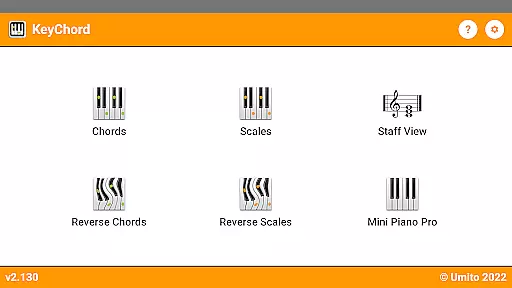
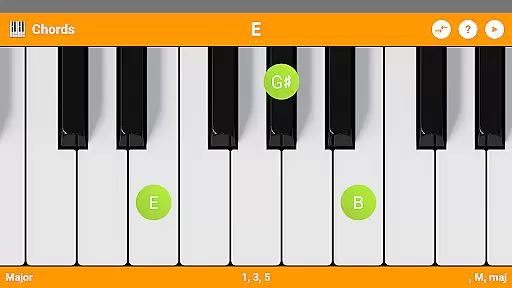
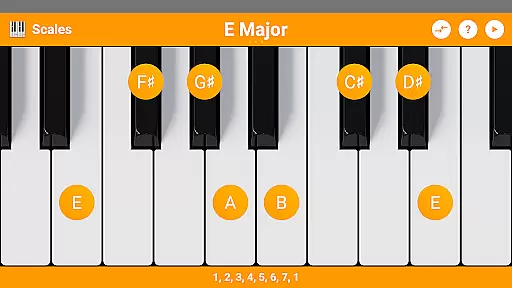
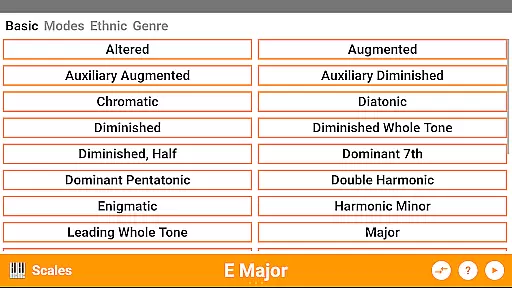
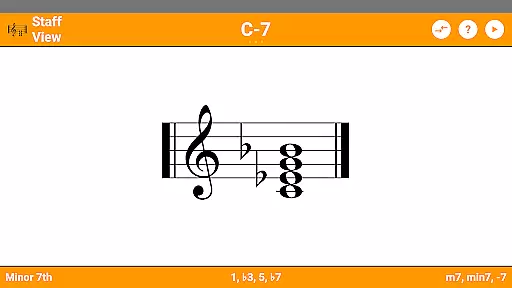
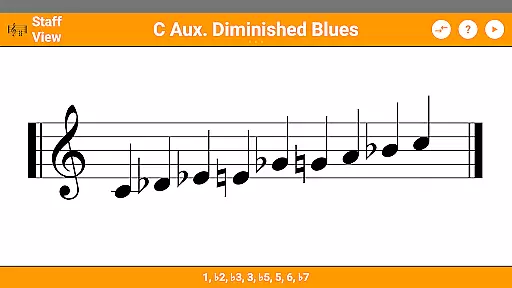
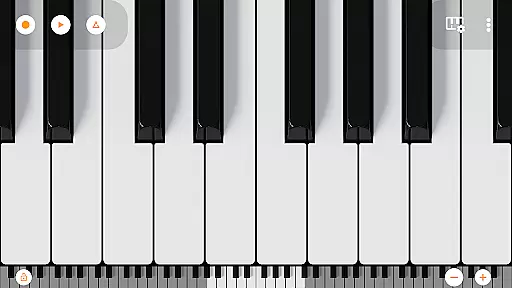
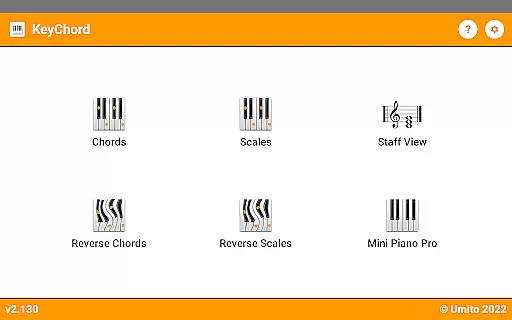
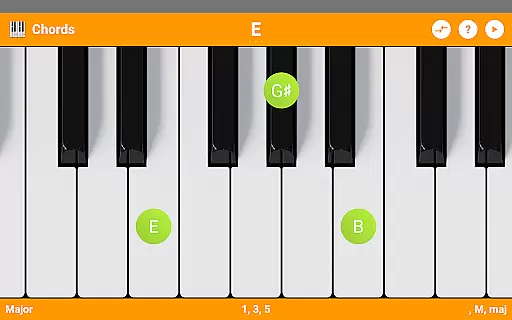
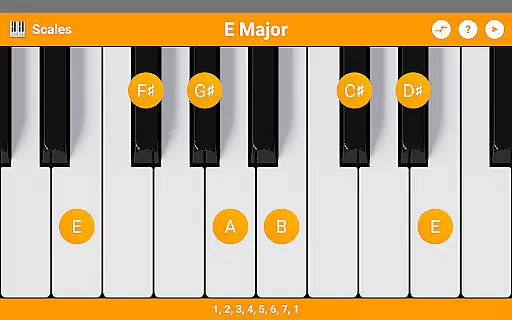
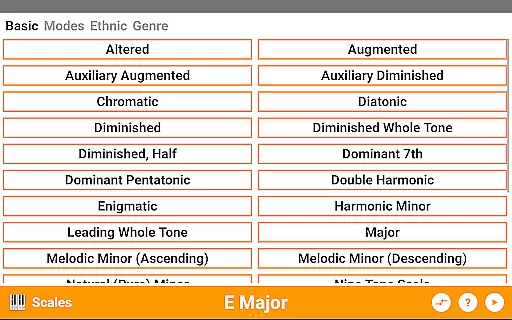
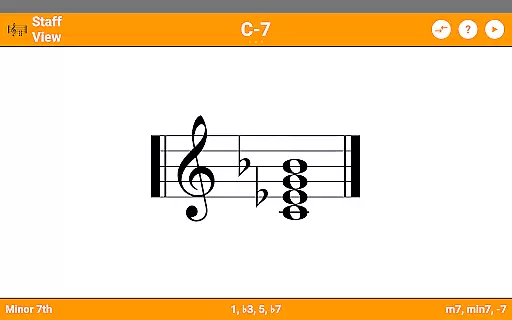
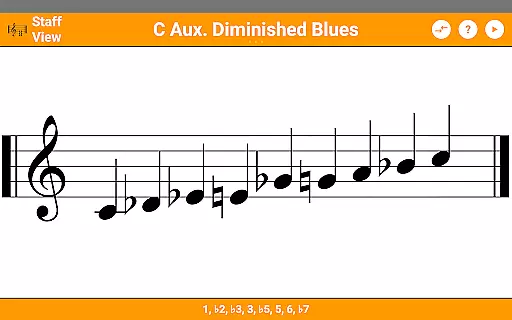
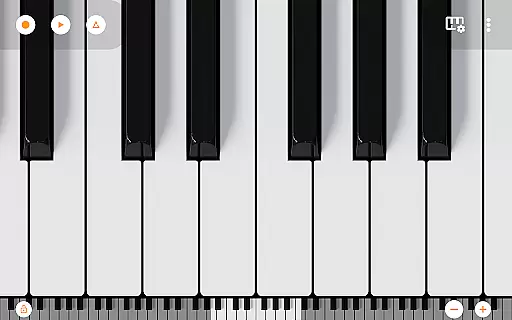
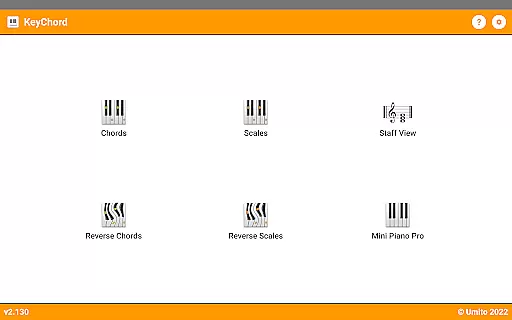
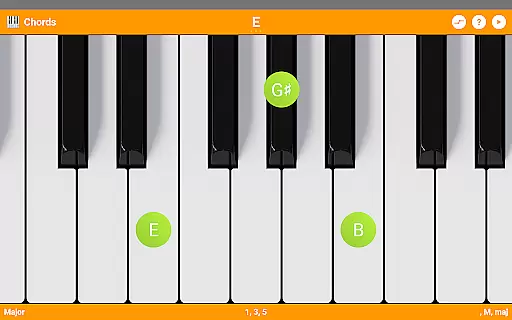
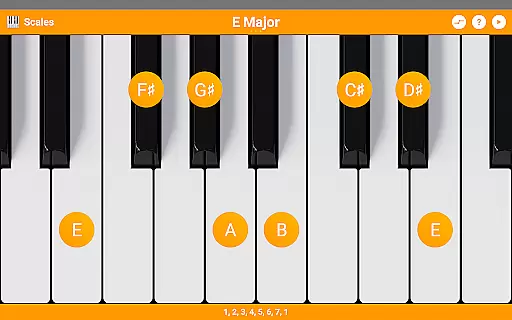
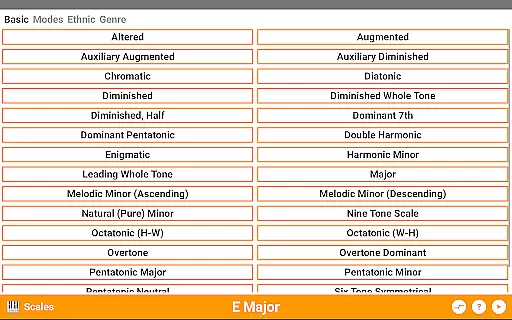
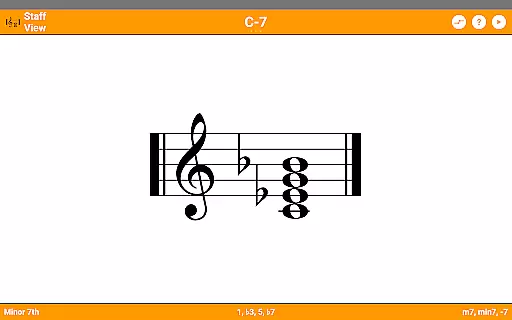
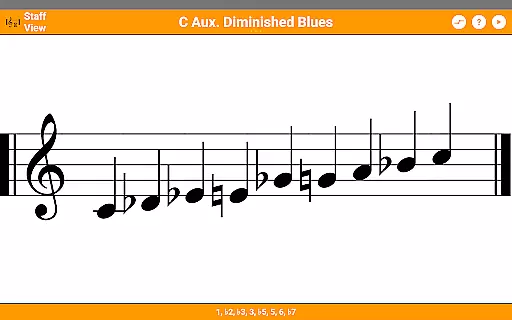
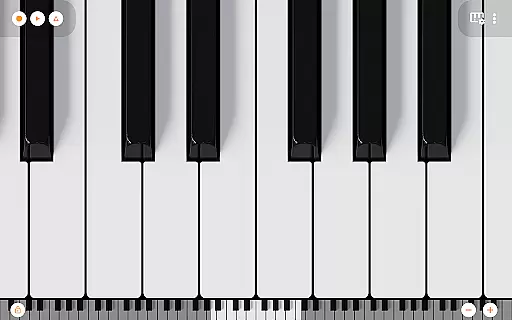
KeyChord is an innovative reference app designed for musicians and piano enthusiasts. This dynamic dictionary allows users to explore all scales and chords through an intuitive virtual keyboard interface. The app features a built-in 88-key multitouch piano, offering 128 different sounds from Mini Piano Pro, making it an essential tool for music composition and learning.
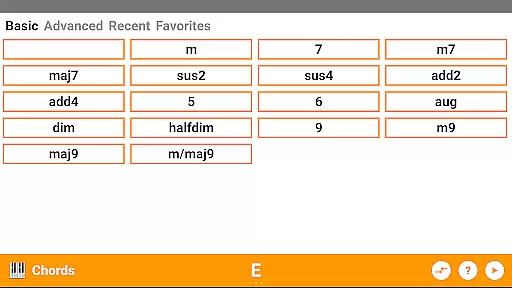
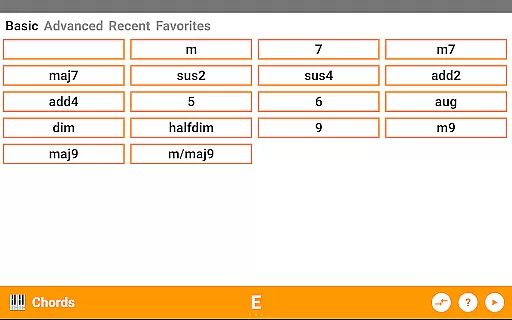
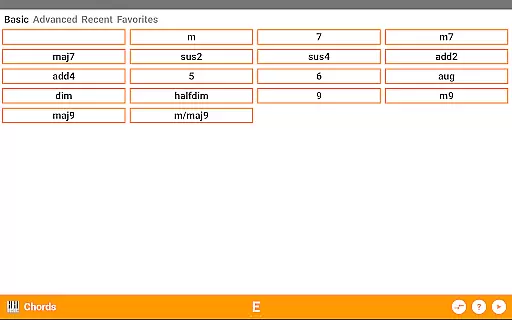
With over 50 chord types and 100 scale types, KeyChord provides comprehensive musical resources. Users can perform reverse lookups, view staff notations, and save favorite chords. The app's dark mode support and detailed audio playback enhance the user experience. Whether you're a beginner or professional musician, KeyChord offers valuable tools for musical exploration and creativity.
KeyChord stands out with its advanced features tailored for music professionals. The app's virtual keyboard enables dynamic interaction with chords and scales, allowing users to create roots, inversions, and complex musical structures through simple taps and long presses. Its intelligent system understands chord mechanics, enabling selection anywhere on the keyboard.
The reverse lookup feature for both chords and scales revolutionizes music learning. Users can identify unknown chords by selecting notes, even with missing elements. With full audio playback across all modes, musicians can hear every chord and scale. Additional features include MIDI recording capabilities, customizable sound options, and integration with Mini Piano Pro for expanded functionality.
KeyChord offers an extensive virtual library of musical knowledge, featuring over 50 chord types and 100 scale types. This vast collection ensures that musicians of all levels have access to a comprehensive reference for their practice and performance needs.
The app's content is carefully curated and verified, ensuring the accuracy and authenticity of each chord and scale. By providing reliable information, KeyChord establishes itself as a trustworthy resource in the music education space.
Users benefit from having a dependable tool that supports their musical journey. Whether you're a beginner learning basic chords or an advanced musician exploring complex scales, KeyChord's extensive library provides the necessary resources for growth and exploration.
This digital reference eliminates the need for multiple physical books or sheet music, consolidating essential music theory knowledge into a single, easily accessible platform.
KeyChord demonstrates exceptional format compatibility by integrating various features that cater to different learning styles. The app supports standard music notation, interval names, and staff view, making it adaptable to individual preferences and educational needs.
The inclusion of a multi-touch piano with 128 different sounds showcases the app's versatility in handling different sound formats. This feature allows users to experiment with various tones and timbres while practicing their scales and chords.
Musicians can record their compositions as MIDI files and even set them as ringtones, demonstrating the app's capability to handle different file formats and use cases. This functionality extends the app's utility beyond just a reference tool.
By supporting multiple interaction methods including touch, long-press, and reverse lookup, KeyChord proves its commitment to accessibility and user-friendly interface design across different usage formats.
User-friendly interface
Comprehensive music database
High-quality audio playback
Dynamic chord creation
Reverse lookup functionality
Steep learning curve
Occasional performance lag
Limited free content
Complex interface
Requires musical knowledge

"Five Dr. Seuss titles in one omBook!"
 4.60
4.60
Bible, Catechism, Study, Saints, Mass Readings, Rosary, Prayer, Bible in a Year
4.80
Offline dictionary for learning Cantonese as a second language
4.90
The ultimate military vehicle identification (Equipment ID) guide.
4.40
Learn Thai with 195,000+ entries, crisp Thai sounds, big text; works offline.
4.80
Daily Prayer, personalized Bible Study, AI-guided Insights, and Spiritual Growth
4.80
Daily rosary and gospel reflections for catholic
4.90
Premium reader for ePub, PDF, and more. TTS and translation. Great on any screen
3.50
Learn to tie more than 200 knots in 3D!
4.90
Track your Star Wars book collection across Canon & Legends
4.80
A lightweight reader for comics and mangas files (.cbr, .cbz, .cbt, .pdf, ...)
4.80
Crowd-sourced listing of businesses with anti-gun signs, and pro-2a alternatives
4.60
Find, discuss, and organize your world of books and shows.
4.60
7 Languages, Google, Wiki, Vocabulary.com, Cambridge & Urban Dictionary!
4.50
Zerobooks Light Novel Reader by GOLDENAGATO
4.20
WebNovel - Read Solo Leveling novel and comic
4.10
A companion for prayer, with Azan alarm, Quibla direction, and Holy Quran book
4.10
Guide for dōTERRA® Products
3.60
Novels, audiobooks, ebooks & fanfiction. Read anytime, anywhere!
3.40


User Reviews