
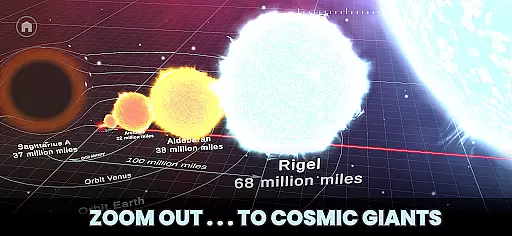
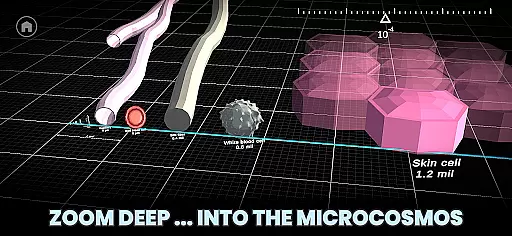


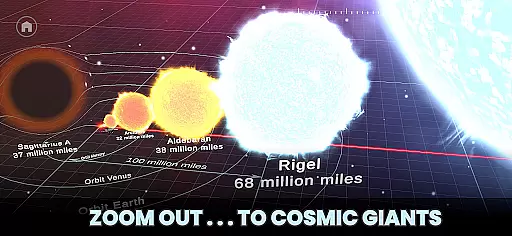
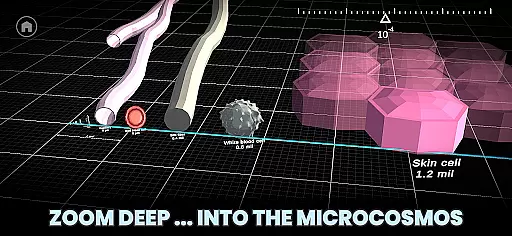


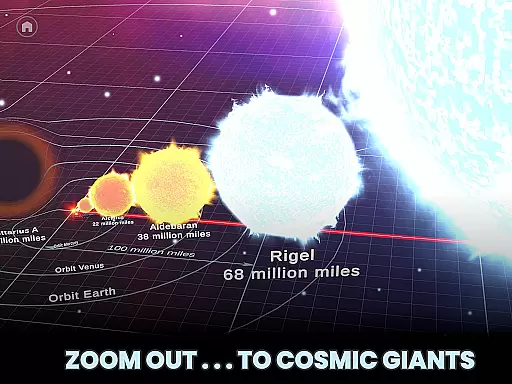
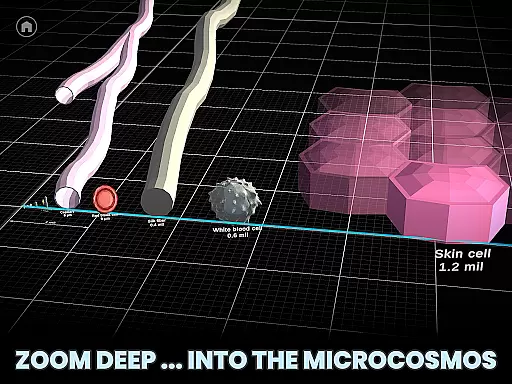


Univerzoom 3D is an interactive educational app that allows users to explore the vastness of the universe and microscopic worlds alike. With its intuitive swipe controls, users can zoom from the edge of the visible universe down to the scale of atoms. This Books & Reference app offers a unique perspective on celestial bodies, everyday objects, and everything in between, making it perfect for curious minds of all ages.
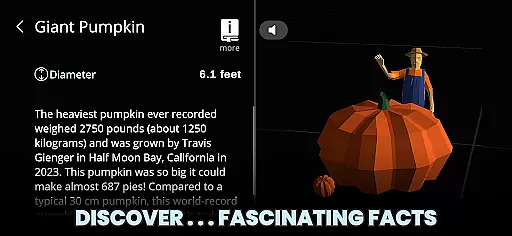
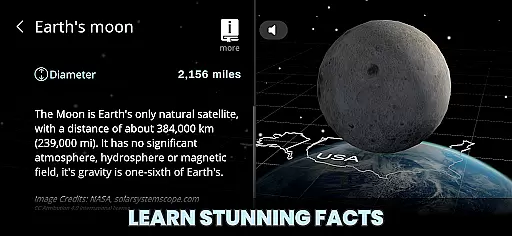
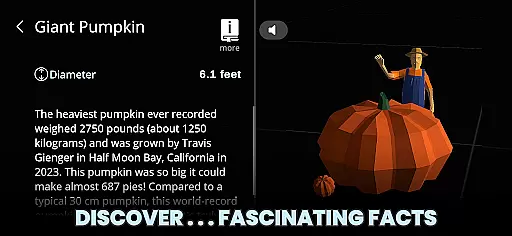
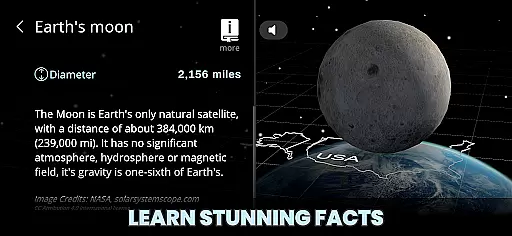
The app's core functionality lies in its seamless 3D zooming capability, which lets you compare sizes across an incredible range of scales. Whether you're comparing planets to rockets or examining how the Sun stacks up against other stars, Univerzoom 3D provides fascinating facts and insights at your fingertips. Its Text-to-Speech feature also reads out interesting details about selected objects, enhancing accessibility and engagement.
For students, educators, or anyone with a passion for science, Univerzoom 3D serves as both an educational tool and a source of wonder. By bridging macrocosmic and microcosmic views, it helps users develop a deeper understanding of relative sizes and distances in our universe, fostering curiosity and learning through exploration.
Univerzoom 3D stands out with its comprehensive set of features designed to make cosmic and microscopic exploration accessible and engaging. The app's universal zoom function enables users to navigate billions of light years or delve into atomic dimensions effortlessly using simple gestures. This interactive experience caters to users of all ages, from children to adults, ensuring ease of use without compromising depth.
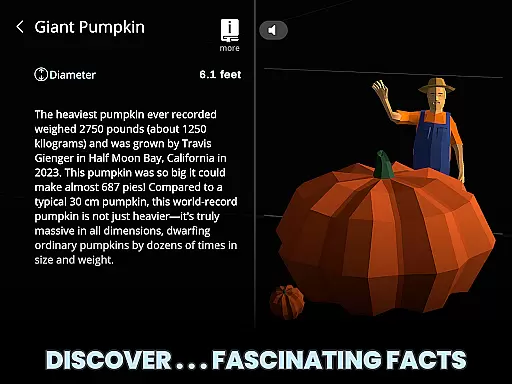
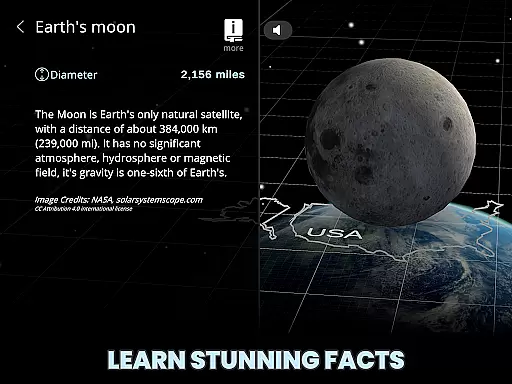
One of the app's key highlights is its 3D visualization technology, which brings objects—from the smallest particles to the largest celestial bodies—to life. Users can explore detailed models of planets, stars, rockets, telescopes, animals, and everyday items, comparing their sizes in real-time. Each object comes with fascinating facts, enriching the learning process while maintaining user interest.
Additionally, Univerzoom 3D incorporates a Text-to-Speech feature that reads aloud information about selected objects, making it more inclusive for diverse learners. For those seeking further knowledge, trusted external sources are integrated within the app, providing additional resources for deeper dives into scientific topics. These features collectively create an immersive educational environment where discovery meets convenience.
Univerzoom 3D offers a vast virtual library that spans the scale of the entire universe, providing users with an extensive collection of 3D models and facts about objects from the cosmos to the microcosmos. This digital compendium ensures that learners of all ages have access to a rich repository of knowledge.
The app meticulously sources its content, ensuring that each fact and figure is derived from credible scientific data. This commitment to accuracy guarantees the authenticity of the information provided, akin to maintaining proper copyright practices in an e-book library.
Users benefit from this expansive and verified collection by being able to compare celestial bodies, microscopic organisms, and man-made objects, thus gaining a true sense of scale and perspective on the universe's components.
This dedication to a comprehensive and authoritative library empowers students, educators, and curious minds to explore the universe with confidence in the reliability of the information at their fingertips.
Univerzoom 3D ensures seamless compatibility across various devices, allowing users to interact with the universe's scale regardless of their chosen platform. The app supports gestures for zooming and panning, making it accessible and user-friendly on touch-enabled devices.
Whether you're using a smartphone, tablet, or any other smart device, Univerzoom 3D provides an adaptable interface that maintains functionality and ease of use. This cross-format support enables family members, from kids to grandparents, to engage with the cosmos without technological barriers.
The inclusion of Text-to-Speech further enhances format compatibility by catering to auditory learners and those who prefer spoken content over traditional reading. This feature extends the app's reach, accommodating different learning styles and preferences.
By prioritizing format compatibility, Univerzoom 3D facilitates an educational journey through the universe that is not limited by hardware constraints, offering everyone the opportunity to learn and be amazed by the wonders of the cosmos.
User-friendly interface
Interactive 3D models
Wide range of scales
Educational content
Text-to-Speech support
Limited offline functionality
Occasional performance lags
Premium content requires subscription
Heavy data usage
Interface may overwhelm beginners

A guide for the Court of Atonement spiritual healing process.
 4.1
4.1
Sea tide predictions for all coastal U.S. locations.
4.0
The ultimate military vehicle identification (Equipment ID) guide.
4.40
Pretty Moon information App with Complications and Tile
4.30
Discover Stars and Planets: Live Map Shows Current Constellations in Full Detail
4.70
Full text, sheet music, and recordings of the print edition
4.60
Read books PDF, EPUB, WORD, KINDLE, MOBI! Your ebook reader among reading apps.
4.80
Identify birds of North America by call or picture | Bird Identification
4.20
The Apostolic Lutheran Church hymnal
4.0
Audiobook player with cross-device progress sync, playlists, and widget support.
4.80
Plan of Life that Saint Josemaría recommended
4.80
Enjoy daily devotionals, Bible verses, audio courses, and more.
4.80
Find, discuss, and organize your world of books and shows.
4.60
The Original & Authentic Crystals, Gemstones, Rocks & Minerals Encyclopedia.
4.60
Build family tree & discover DNA, family history heritage, origins and ancestors
4.60
Bilingual dictionary with English translations of Modern Standard Arabic words.
4.30
WebNovel - Read Solo Leveling novel and comic
4.10
A companion for prayer, with Azan alarm, Quibla direction, and Holy Quran book
4.10
“There was one last piece of cake. My little sister said ‘Me too!’”
4.00


User Reviews