
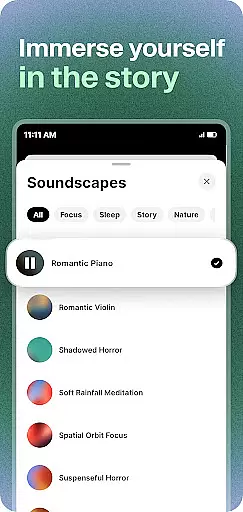
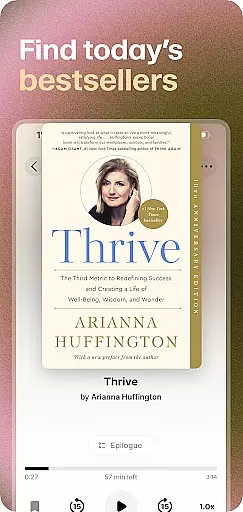
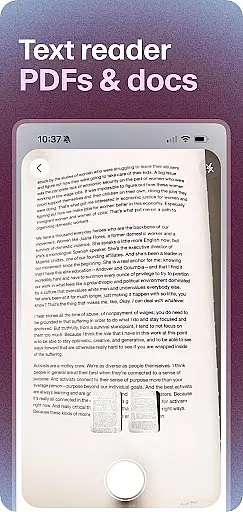
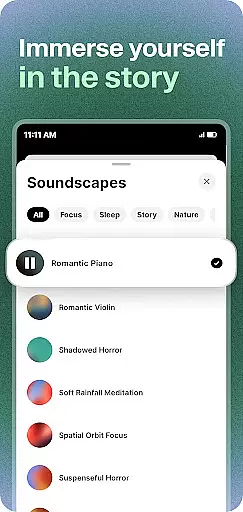
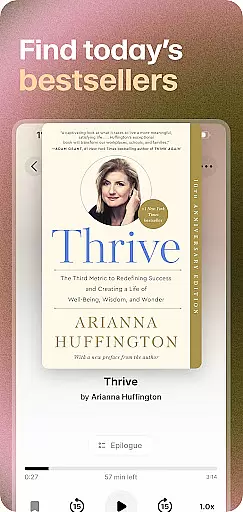
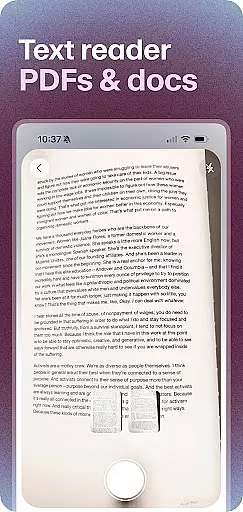
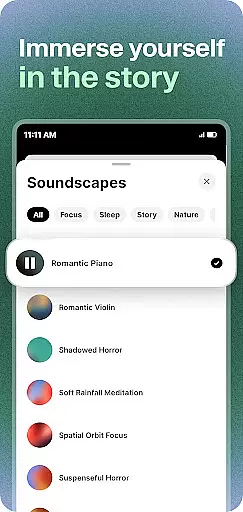
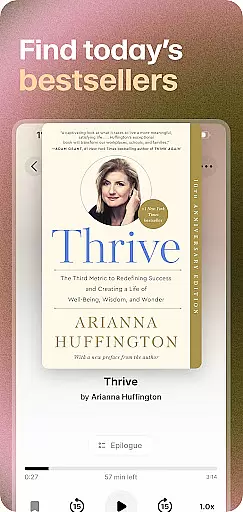
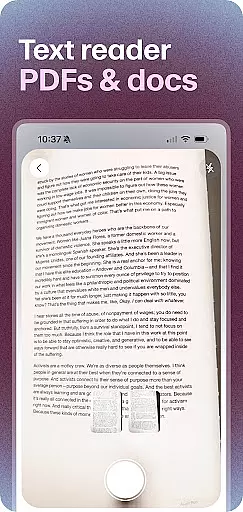
ElevenReader is an advanced AI-powered text-to-speech reader app that transforms any text into natural, lifelike voice narration. With support for over 32 languages, it caters to a global audience and offers users the ability to listen to books, PDFs, documents, news articles, and blogs in stunning audio quality. Whether you're commuting, working out, studying, or relaxing at bedtime, ElevenReader serves as your personal reading companion.
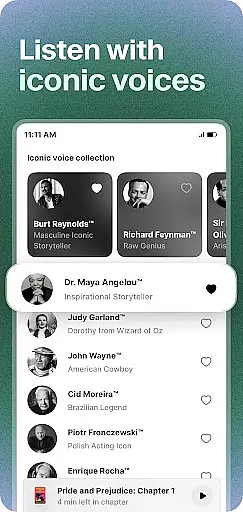
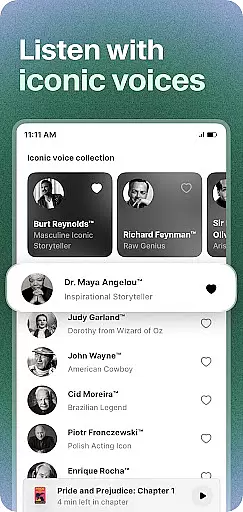
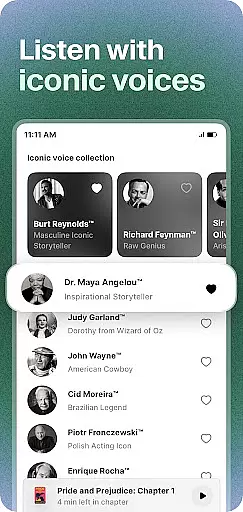
The app stands out with its cutting-edge TTS technology developed by ElevenLabs, providing realistic and expressive voices that bring written content to life. Users can upload various document formats, paste text, open web links, or import files directly. It also features iconic voices of legendary figures, making the listening experience even more engaging and magical.
ElevenReader is especially valuable for individuals with dyslexia, ADHD, blindness, or other learning needs, thanks to its text highlighting feature. The app allows personalized playback settings, including adjustable speeds from 0.25x to 3x, sleep timers, bookmarks, notes, and sharing options. This makes it not only versatile but also customizable to fit individual preferences and requirements.
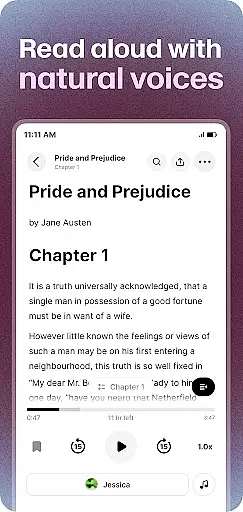
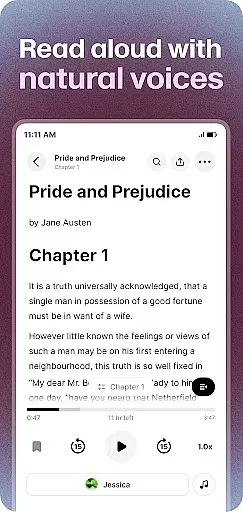
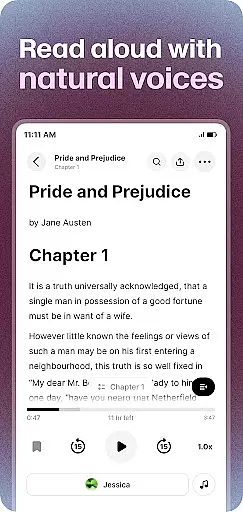
ElevenReader boasts a range of powerful features designed to enhance the reading experience. One standout capability is its ability to read aloud PDFs, eBooks, and study notes with impressive clarity and human-like intonation. This functionality is perfect for students, professionals, and avid readers who want to absorb information while multitasking or relaxing.
In addition to handling documents, ElevenReader excels at turning news articles, blogs, and newsletters into podcast-like audio experiences. Users can queue up their favorite sources and create engaging playlists, ensuring they stay informed without needing to sit down and read. The app also includes hundreds of free classic books, allowing users to explore timeless literature such as 'The Great Gatsby,' 'Pride and Prejudice,' and 'War and Peace' through captivating narration.
Customization is another key aspect of ElevenReader's appeal. Users can control pronunciations via a personal TTS dictionary, highlight text for better focus, and adjust playback speeds according to their comfort level. Sleep timers offer convenience during bedtime listening sessions, while bookmarking and note-taking features ensure important sections are never lost. These thoughtful touches make ElevenReader a comprehensive tool for elevating every reading moment.
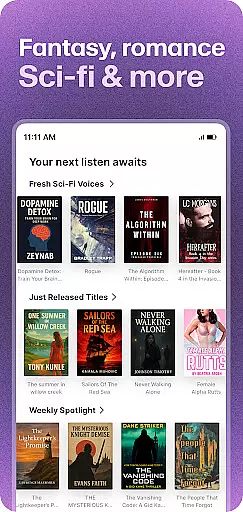
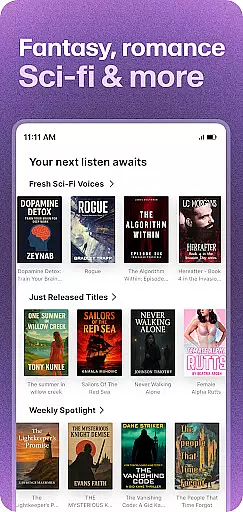
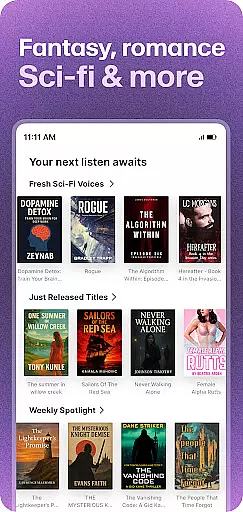
ElevenReader offers an extensive e-book library that includes hundreds of free classic books, making it a valuable resource for book lovers. The app provides access to renowned titles such as 'The Great Gatsby' by F. Scott Fitzgerald and 'Pride and Prejudice' by Jane Austen, ensuring users can explore a wide range of literary works.
Copyright authenticity is a crucial aspect of ElevenReader's service. By partnering with legitimate sources and authors, the app ensures that all provided content respects intellectual property rights. This commitment not only supports indie authors but also allows users to enjoy classics in fresh voices without legal concerns.
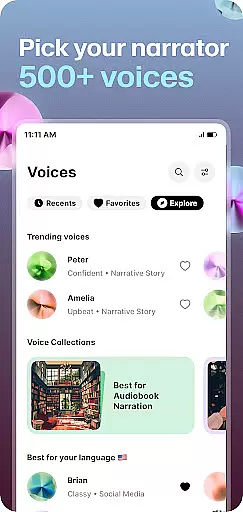
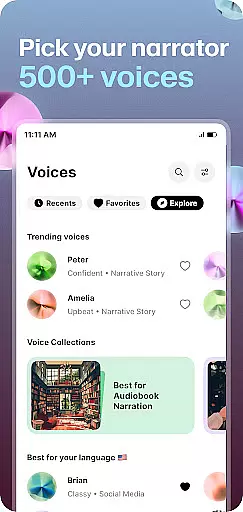
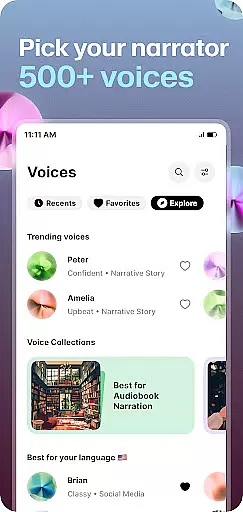
The inclusion of iconic voices for audiobook narration adds another layer of richness to the library. Users can experience books read by legendary figures like Burt Reynolds and Maya Angelou, enhancing the storytelling with natural, inspiring performances. This feature elevates every reading moment, transforming how users engage with written content.
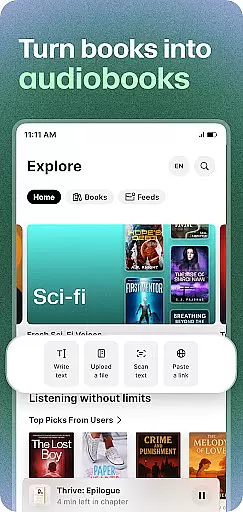
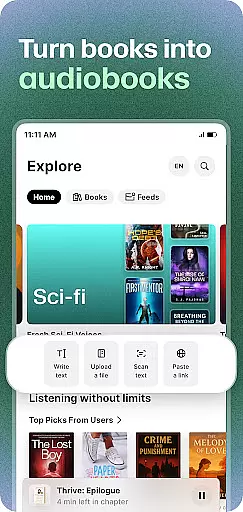
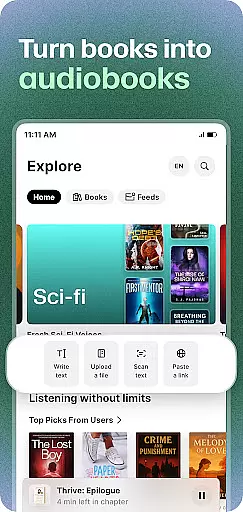
ElevenReader excels in format compatibility, allowing users to upload various document types including PDFs, docs, and web links. This flexibility ensures that whether you're studying reports or reading news articles, the app can handle your text-to-speech needs seamlessly across different formats.
The ability to paste text directly into the app further expands its usability. Users can quickly convert any copied text into rich audiobooks, providing instant access to personalized audio content. This feature is particularly beneficial for those who need immediate voice narration for study notes or work-related documents.
With support for 32+ languages, ElevenReader caters to a global audience, offering diverse linguistic options for text conversion. Whether you're looking to listen to tech news or cultural commentary, the app makes it easy to transform written content into engaging audio playlists. This multilingual capability enhances accessibility and user engagement worldwide.
User-friendly interface
High-quality voice output
Wide language support
Customizable playback options
Accessible for learning needs
Premium features require subscription
Limited free content availability
Occasional voice inconsistencies
Large file uploads may take time
Advanced settings can be complex

The Bible Audio Guide
 4.80
4.80
Track your Star Wars book collection across Canon & Legends
4.80
7 Languages, Google, Wiki, Vocabulary.com, Cambridge & Urban Dictionary!
4.50
Read the KJV Bible with Strong’s offline: reading plans, audio Bibles, and more.
4.70
Improve your vocabulary and grammar with the 15 biggest Oxford Dictionaries.
4.30
Bible Spiritual Companion
4.40
Unlock more features in Lithium and show your support. Expand for details.
4.00
Fast loot guide for ARC Raiders. Simple tips, stats, maps, and item details.
4.2
A highly sophisticated app for all of your mobile reading—any format, any time
4.50
Translate into 100+ languages with the world’s most accurate AI translator.
4.70
"Do you like green eggs and ham?"
4.70
"Five Dr. Seuss titles in one omBook!"
4.60
The Original & Authentic Crystals, Gemstones, Rocks & Minerals Encyclopedia.
4.60
Read the Quran in Arabic alongside its translation, with color coded Tajweed.
4.50
Learn Electricians' Handbook PRO complete guide beginners to advance.
4.40
Mirror Bible - eye-opening paraphrase translation of the NT by Francois du Toit
4.30
A companion for prayer, with Azan alarm, Quibla direction, and Holy Quran book
4.10
A story reading app: Read stories, novels and books, or write your own.
3.90
Guide for dōTERRA® Products
3.60


User Reviews