
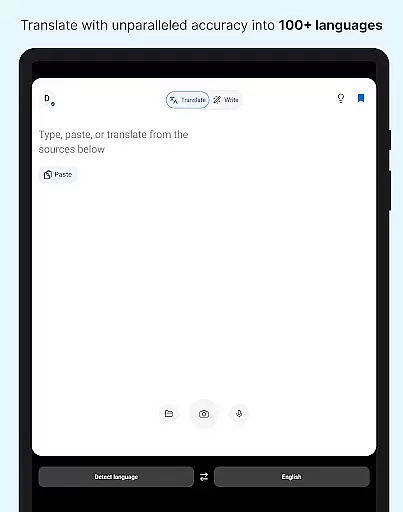
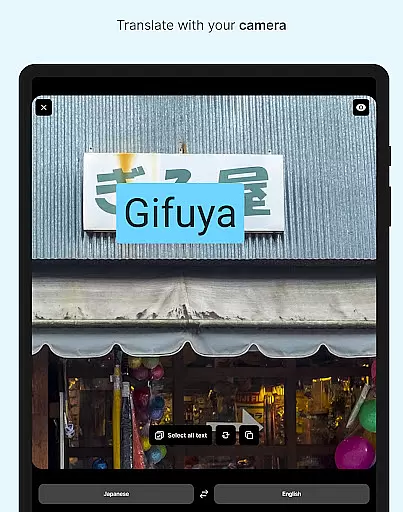
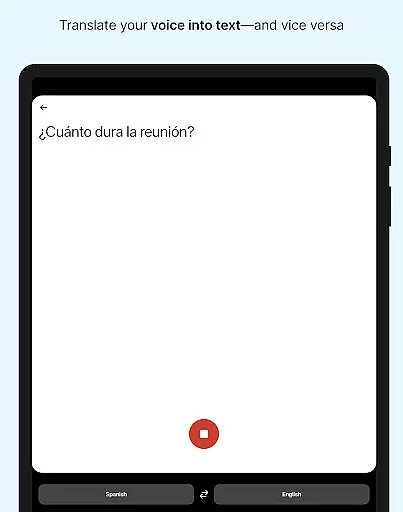
DeepL Translate is a powerful translation tool designed to break language barriers with innovative features. The app offers camera and photo translation, dictation, text-to-speech, and file translation capabilities. Users can benefit from quick detection, alternative translations, transliteration, and even a customizable glossary with a paid plan. With support for numerous languages, including formal and informal tone options, DeepL Translate caters to both casual users and professionals.
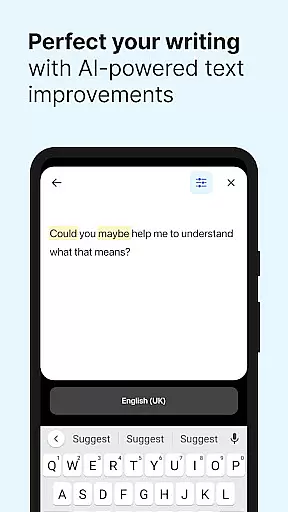
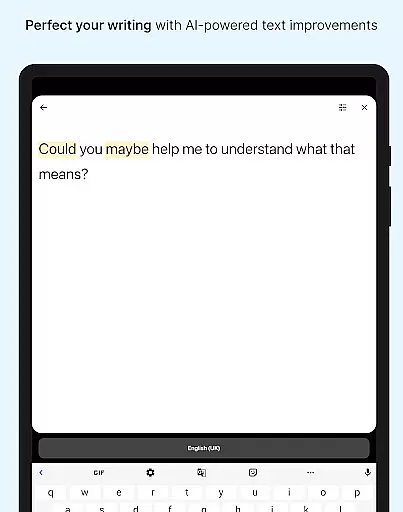
The application's intuitive interface allows seamless navigation through its rich feature set. Whether you're translating on-the-go with the camera or reviewing past translations in the history section, DeepL ensures an effortless experience. Its intelligent writing suggestions, known as DeepL Write, further enhance productivity by helping create clear and impactful texts.
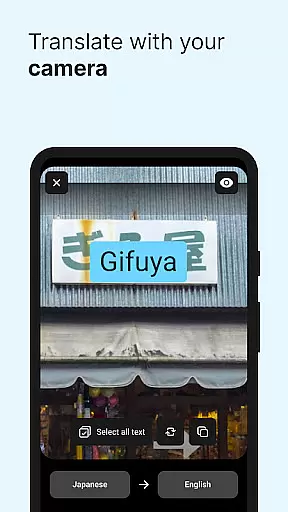
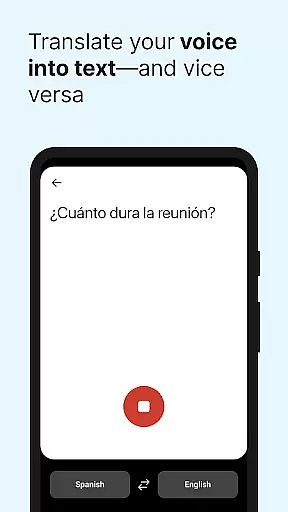
DeepL Translate stands out with its diverse translation methods. The camera and photo translation features allow instant text conversion from images, while dictation handles spoken language with precision. Text-to-speech functionality provides audible translations, making it versatile for different user needs.
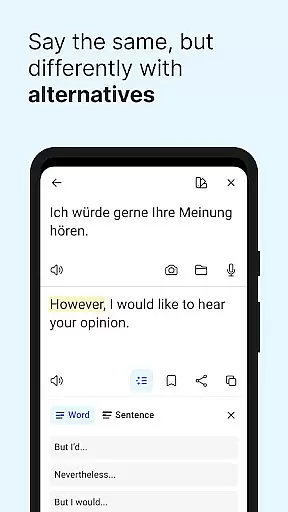
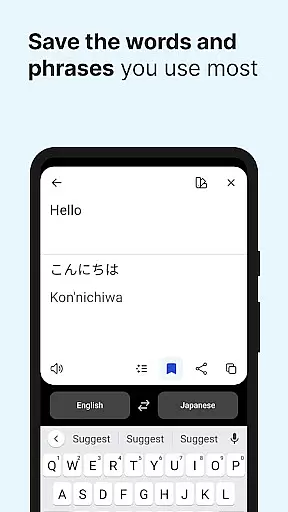
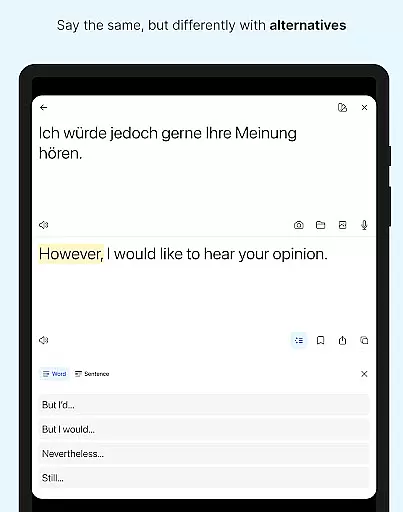
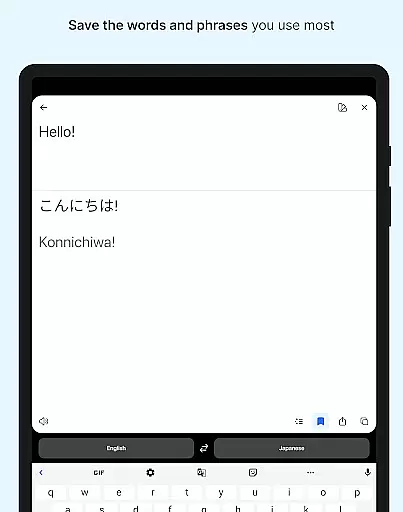
File translation enables processing documents directly, maintaining formatting integrity. The app's quick detection starts translations as you type, offering immediate results. Users can explore alternative translations for nuanced understanding and save frequently used phrases in favorites. Additionally, the history feature simplifies managing past translations, ensuring easy access to previous work.
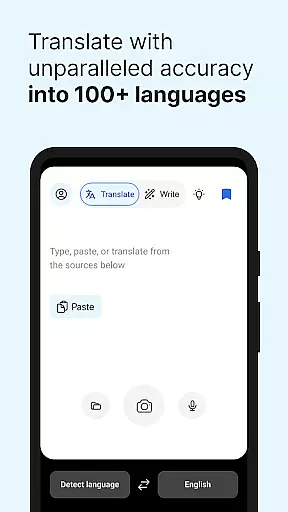
DeepL Translate offers an extensive range of language support, acting as a virtual library with over 100 languages and dialects available for translation. This vast linguistic database ensures that users from various regions can access translations in their native or required language.
The app's commitment to copyright authenticity is evident through its specialized features like Glossary, which allows organizations to define and use key terms specific to their industry. This feature not only respects the integrity of professional jargon but also tailors translations to fit organizational needs, available with a paid plan.
By providing high-quality, context-aware translations, DeepL maintains the original meaning and tone of the text, ensuring accurate and authentic content conversion across different languages. This dedication to precision makes it a reliable tool for users who require faithful translations for official or professional communication.
Moreover, DeepL Translate's integration with DeepL Write enhances its reference value by offering intelligent writing suggestions, helping users craft clear, error-free texts. This combination of translation and writing assistance solidifies the app's position as a comprehensive resource for language professionals and learners alike.
DeepL Translate excels in format compatibility by enabling users to translate text from multiple sources including camera images, uploaded photos, spoken dictation, and various file types. This versatility ensures that no matter the input method, users can expect seamless translation experiences tailored to their needs.
The app supports real-time translation through its Quick detection feature, allowing instant translation as users type. This dynamic capability extends to alternative translations, where single words and short phrases are provided with different options, enhancing the flexibility and adaptability of translated content.
With functionalities such as Transliteration, DeepL Translate addresses non-Latin languages by converting them into the Latin alphabet, thus broadening its accessibility and usability for global audiences. This thoughtful approach to language presentation underscores the app's user-centric design.
Additionally, the inclusion of features like Text to speech and Favorites demonstrates DeepL's commitment to creating an inclusive environment where users can save, review, and audibly replay translations. Such comprehensive format support positions DeepL Translate as an indispensable tool for modern, multilingual communication.
User-friendly interface
Wide language support
Accurate translations
Quick detection feature
Free core features
Paid plan required
Limited offline use
Feature disparity
Occasional bugs
Ads in free version

Bilingual dictionary with English translations of Modern Standard Arabic words.
 4.30
4.30
“I am the Lorax. I speak for the trees.”
4.80
The Psalms for singing
4.2
Offline dictionary for learning Cantonese as a second language
4.90
7 Languages, Google, Wiki, Vocabulary.com, Cambridge & Urban Dictionary!
4.50
Werewolf novels & romance stories in audiobooks for book lovers! Werewolf storie
4.60
Read books PDF, EPUB, WORD, KINDLE, MOBI! Your ebook reader among reading apps.
4.80
Read the Quran in Arabic alongside its translation, with color coded Tajweed.
4.50
Liturgy of the Hours and Mass for every day of every year. No Internet needed!
5.00
Bible, Catechism, Study, Saints, Mass Readings, Rosary, Prayer, Bible in a Year
4.80
King James Bible read offline, AI Priest, Bible Quiz, Guiding Prayers & Plans
4.80
Manage collectibles, survey and treasure maps in Elder Scrolls Online.
4.40
Learn Electricians' Handbook PRO complete guide beginners to advance.
4.40
Holy Bible with verses and audio for studying and prayer
4.30
Essential Technical Rescue Field Operations Guide 6, the Industry Standard Guide
4.20
"BIG A, little a. What begins with A?"
4.10
America's best dictionary and thesaurus - with premium content and no ads
3.40
A guide for the Court of Atonement spiritual healing process.
4.5
University of North Carolina Herbarium presents the flora of TN, AL, & MS.
4.1


User Reviews