
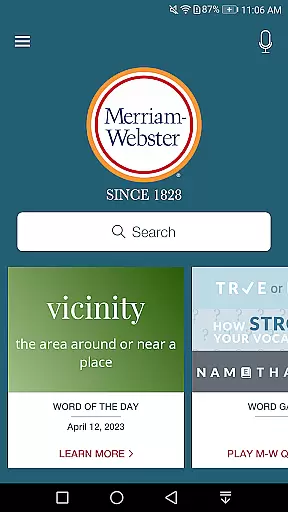
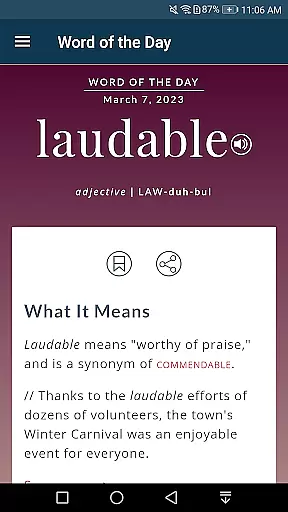
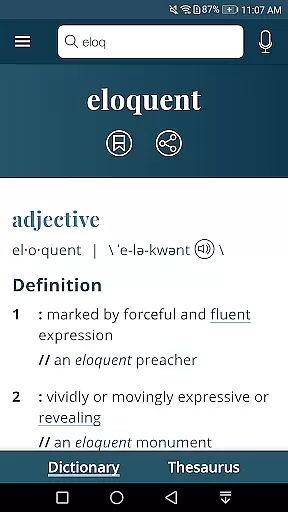
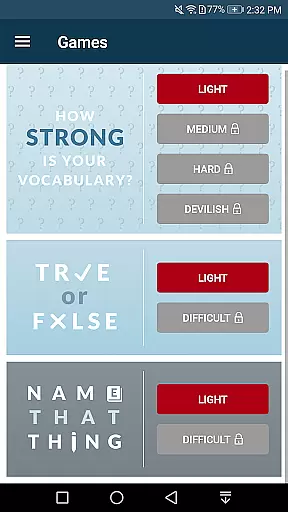
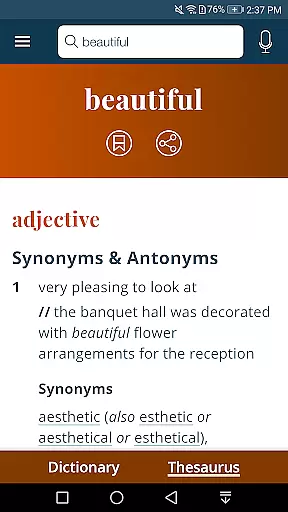
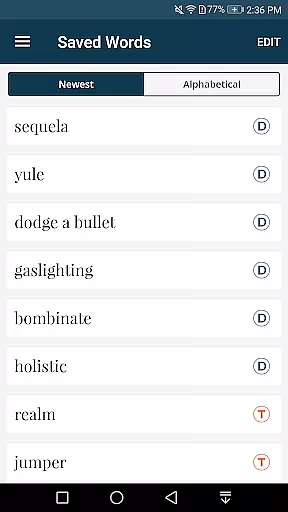
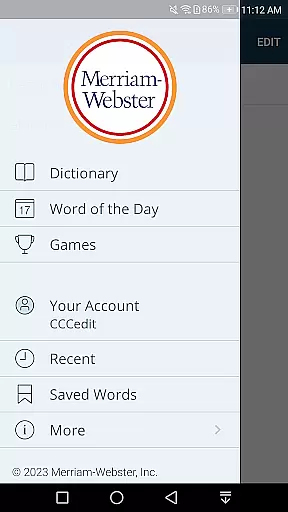
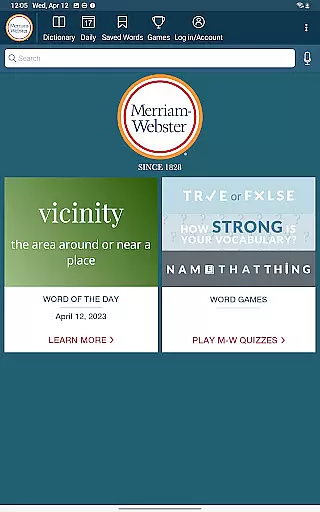
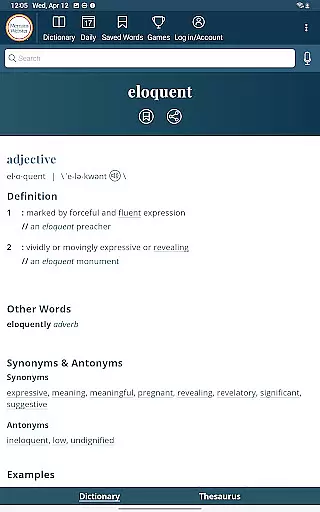
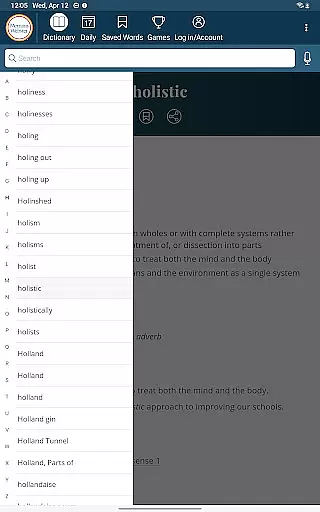
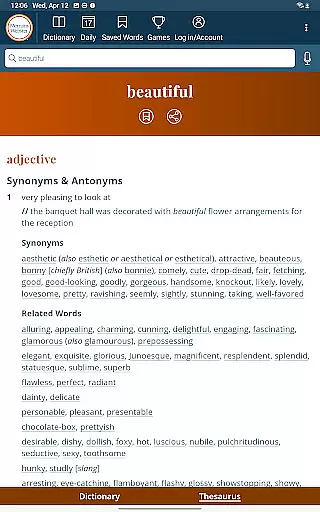
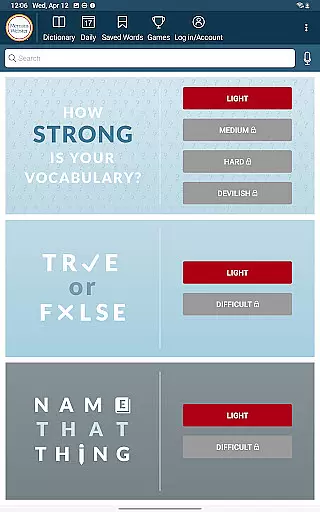
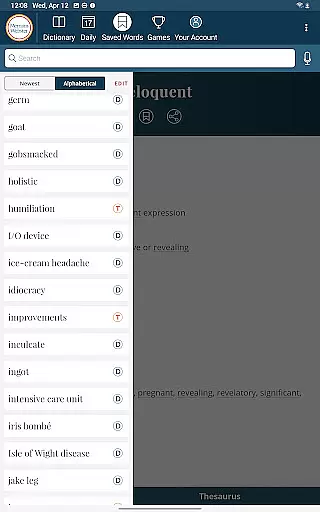
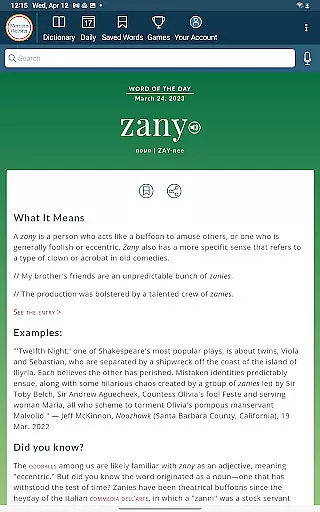
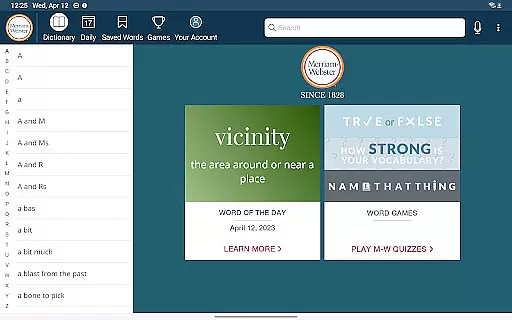
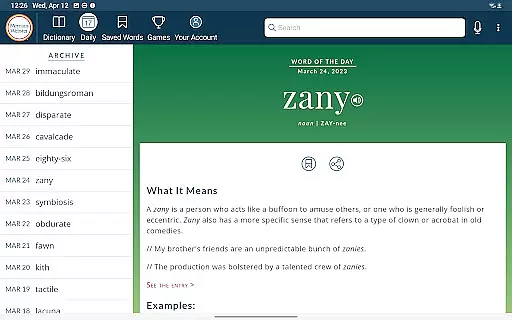
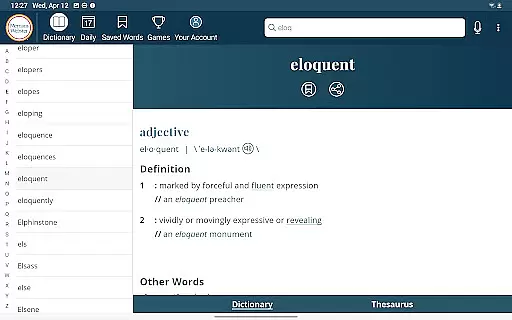
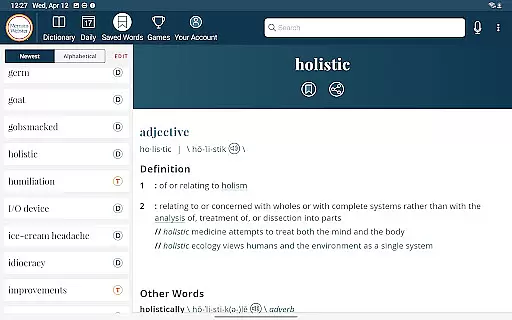
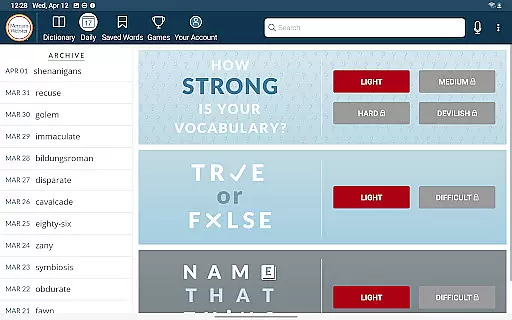
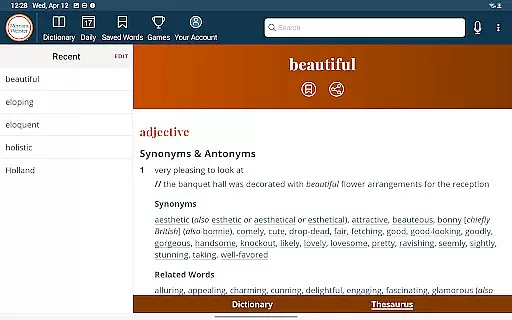
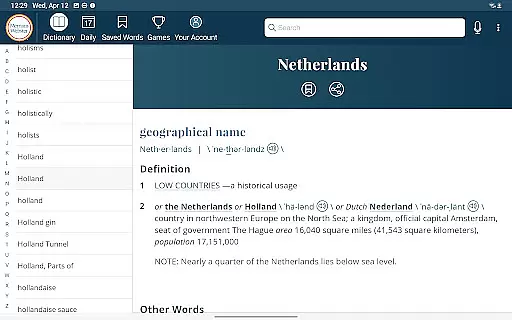
Dictionary is a premier Android app for English language reference, education, and vocabulary building. It provides America's most useful and respected dictionary, optimized for Android devices with continuous updates of new words and meanings. The app offers an integrated thesaurus with over 200,000 word choices and examples, vocabulary-building quizzes, voice search, Word of the Day, example sentences, audio pronunciations by real English speakers, favorite words tracking, and premium content including graphical illustrations.
This app is ideal for English learners, educators, and anyone looking to enhance their vocabulary. With offline access to definitions and synonyms, Dictionary ensures users have essential language tools at their fingertips even without an internet connection. Its comprehensive features make it a valuable resource for both casual reference and serious language study.
Dictionary stands out with its robust set of features designed to enrich vocabulary and improve language skills. The integrated thesaurus offers more than 200,000 word choices along with usage examples, making it easier to find the right word. Vocabulary-building quizzes provide a fun and engaging way to learn new words or test existing knowledge.
Voice search functionality allows users to look up words without spelling them, while the Word of the Day feature helps expand vocabulary daily. Audio pronunciations are voiced by real English speakers, ensuring accurate pronunciation guidance. Users can also track their favorite words and sync them across devices, enhancing personalized learning experiences. Premium content such as graphical illustrations adds depth to understanding complex terms.
When it comes to digital dictionaries, the size of the e-book library and the authenticity of copyrights are crucial factors. Dictionary by Merriam-Webster offers an extensive collection that is continuously updated with the newest words and meanings, ensuring users have access to the most current language references.
The app provides over 1000 graphical illustrations and more than 15,000 additional entries covering people and places as premium content. This vast repository ensures that users have a comprehensive resource for English language reference, education, and vocabulary building at their fingertips.
Copyright authenticity is equally important, and Merriam-Webster has a respected reputation in the industry. Users can trust that the content they are accessing is legitimate and has been curated with proper authorization, giving peace of mind while studying or referencing material.
User-friendly interface
Comprehensive vocabulary
Offline functionality
Regular updates
Educational games
Premium subscription required
Limited free features
Internet needed for full access
Occasional bugs
Heavy on storage

"Five Dr. Seuss titles in one omBook!"
 4.60
4.60
“I am the Lorax. I speak for the trees.”
4.80
CleverBook Pro makes the popular guide for the game even better!
4.00
This is the pro version King James bible Offline that we have
4.70
University of North Carolina Herbarium presents the flora of TN, AL, & MS.
4.4
The favorite Christmas story comes to life!
4.80
Bible Spiritual Companion
4.40
“It is fun to have fun, but you have to know how!”
4.40
F9 Cookbook Mobile App
4.60
Offline dictionary for learning Cantonese as a second language
4.90
Bible, Catechism, Study, Saints, Mass Readings, Rosary, Prayer, Bible in a Year
4.80
Audiobook player with cross-device progress sync, playlists, and widget support.
4.80
Personalized Chat with Bible
4.80
King James Bible read offline, AI Priest, Bible Quiz, Guiding Prayers & Plans
4.80
Enjoy daily devotionals, Bible verses, audio courses, and more.
4.80
Contains the 365 daily readings and everything other thing needed for catholics
4.70
Daily Devotional Widgets & Hourly Verses. Listen to Bible & Watch Holy Stories
4.70
Shop over 13 million new and used books at up to 80% off list price
4.20
Zerobooks Light Novel Reader by GOLDENAGATO
4.20


User Reviews