
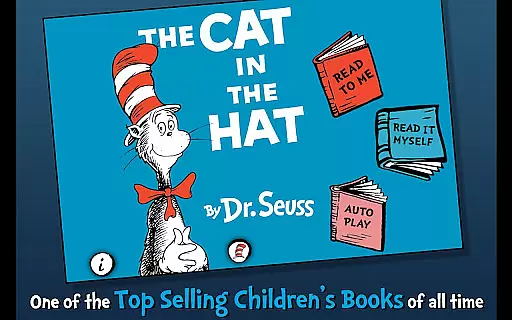
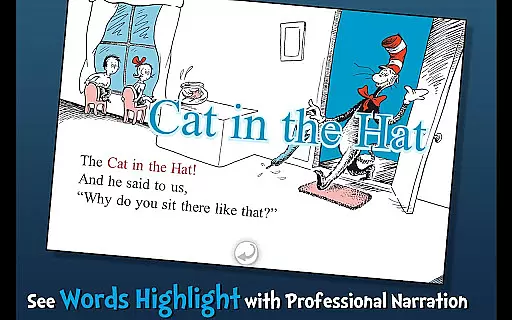
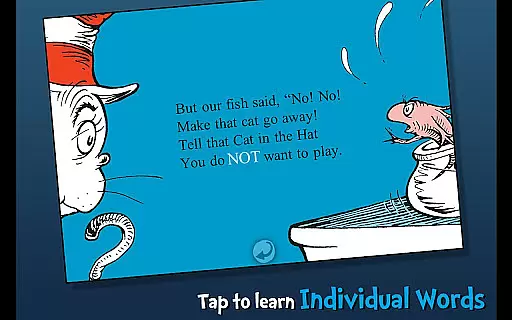
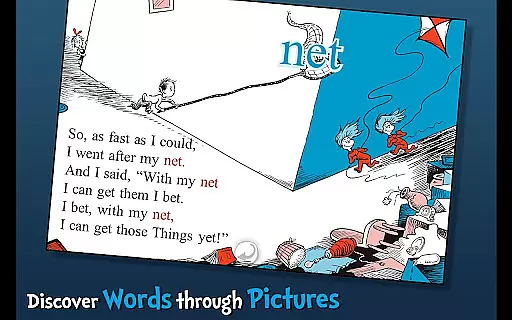
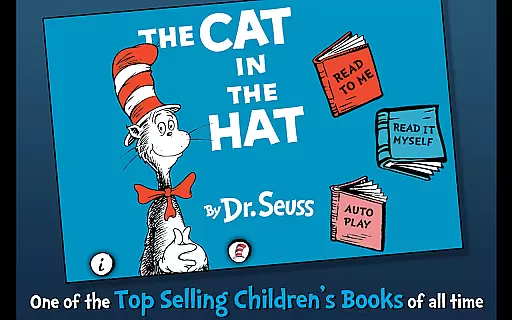
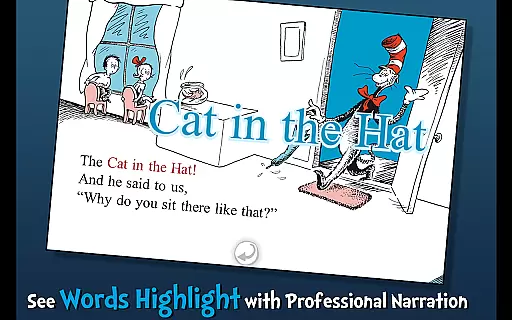
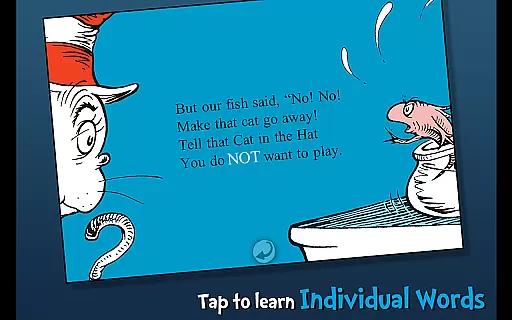
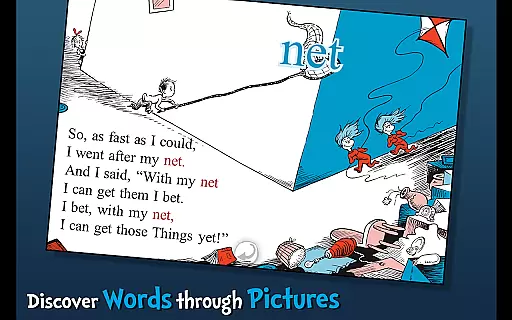
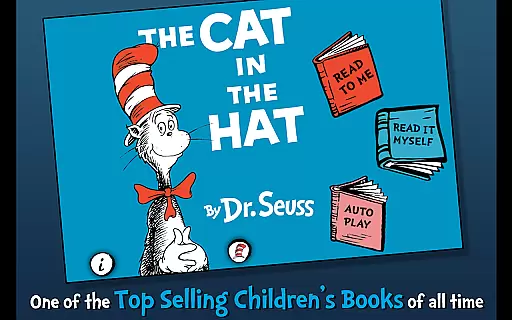
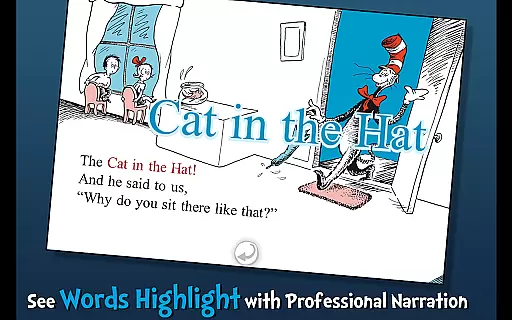
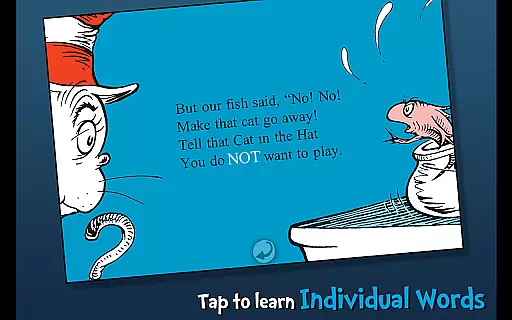
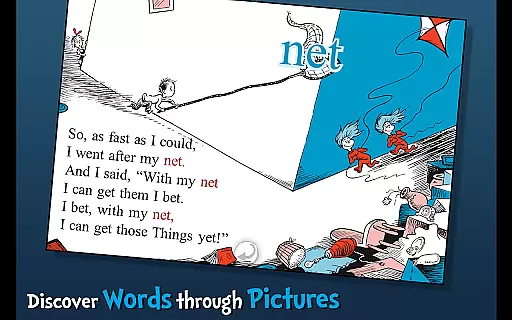
The Cat in the Hat - Dr. Seuss is an interactive book app designed to engage young readers and promote literacy skills. This app brings Dr. Seuss's classic story to life through highlighted narration, tappable words, and interactive illustrations.
Children can follow along with three different reading modes, learn new vocabulary by tapping on words, and interact with objects that respond with audio cues. Perfect for ages 3-6, this app provides an educational and entertaining reading experience that captures the playful spirit of the beloved children's book.
This interactive book app offers a range of features that enhance the reading experience for young learners. With highlighted narration, children can improve their literacy skills by following along as the text is read aloud.
The app includes three fun ways to read, allowing users to choose between read-to-me, read-it-myself, and autoplay modes. Vocabulary building is encouraged through tappable words that provide pronunciation and definitions. Additionally, interactive elements let kids tap objects to hear their names, creating an engaging and educational journey through the whimsical world of The Cat in the Hat.
When evaluating an e-book app like The Cat in the Hat, the size and authenticity of its library are crucial factors. This particular app offers a single yet significant title from the renowned Dr. Seuss collection, ensuring that users have access to high-quality, educational content.
The app provides not just the story but enriches the reading experience with interactive features such as highlighted narration and vocabulary learning, which are essential for literacy development in children aged 3-6. These features confirm the app's commitment to delivering authentic and beneficial educational material.
Moreover, being an officially licensed Dr. Seuss app, it guarantees the legitimacy of the content provided. Users can trust that they are engaging with genuine material that respects copyright laws, thus enhancing the overall value and reliability of the app.
For digital reading apps, format compatibility ensures that content displays correctly across various devices. The Cat in the Hat app excels in this area by providing a seamless reading experience on Android platforms, adapting its format to suit different screen sizes and resolutions.
This compatibility allows young readers to enjoy the book's illustrations and interactive elements without technical hindrances, regardless of whether they are using a smartphone or tablet. Such flexibility significantly enhances user engagement and satisfaction.
Additionally, the app supports multiple reading modes, catering to different preferences and needs. Whether following along with highlighted narration or exploring tappable words and objects, children can interact with the story in ways that best suit their learning styles, making it an invaluable tool for both education and entertainment.
Interactive illustrations
Vocabulary learning
Highlighted narration
Multiple reading modes
Engaging content
Limited to one story
No offline access
Few customization options
Simple graphics
Short reading time

"BIG A, little a. What begins with A?"
 4.10
4.10
Master AKC Rally signs with in-depth hints, diagrams, and expert guidance.
4.50
Offline translator from english to spanish, and from spanish to english.
4.50
A wonderful reader for good time spend.
4.20
Battle Royale Chapter 5 Season 2 HD Wallpapers Emotes Skins and BattlePass
3.00
WebNovel - Read Solo Leveling novel and comic
4.10
Liturgy of the Hours totally off-line
4.80
Daily Devotional Widgets & Hourly Verses. Listen to Bible & Watch Holy Stories
4.70
Daily Bible app: King James Version with verses and audio for studying&prayer
4.40
"When tweetle beetles fight, it's called a tweetle beetle battle."
4.90
What’s that bird? Just answer 5 questions, snap a photo, or record its song!
4.90
Daily rosary and gospel reflections for catholic
4.90
“I am the Lorax. I speak for the trees.”
4.80
Personalized Chat with Bible
4.80
A lightweight reader for comics and mangas files (.cbr, .cbz, .cbt, .pdf, ...)
4.80
World's most comprehensive dictionary app: 13 languages, all online or offline!
4.80
Read unlimited novels, audiobooks, stories & Unlock ebooks, fanfiction and more!
4.70
Werewolf novels & romance stories in audiobooks for book lovers! Werewolf storie
4.60
Holy Bible with verses and audio for studying and prayer
4.30


User Reviews