
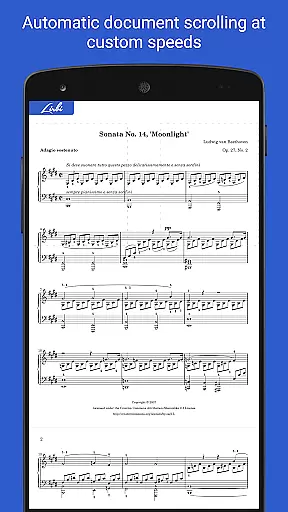
Librera PRO is a versatile reading application designed for book enthusiasts who require support for multiple document formats. This app supports PDF, EPUB, MOBI, DjVu, and many more, making it an all-in-one solution for digital reading. Its user-friendly interface offers RSVP reading and a unique Musician's mode for hands-free auto-scrolling, enhancing the overall reading experience.
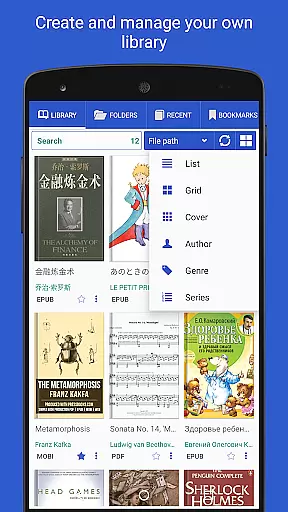
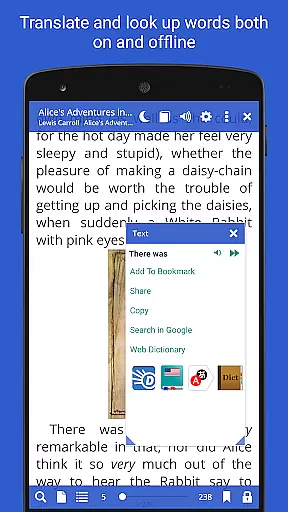
The app allows users to create personalized libraries by scanning specified folders and organizing books with detailed tags and progress tracking. With features like vertical-scroll lock, configurable Day and Night modes, and integration with online translators and offline dictionaries, Librera PRO ensures a customizable and convenient reading session on both Android smartphones and tablets.
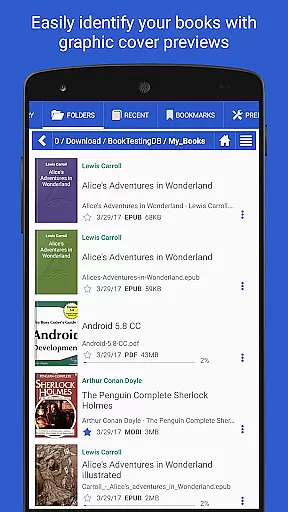
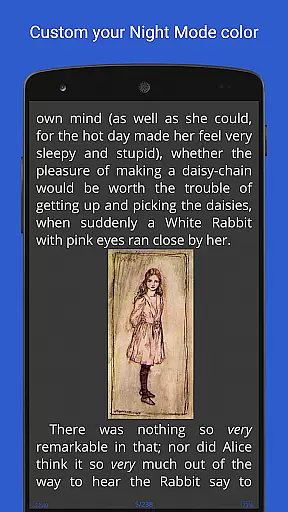
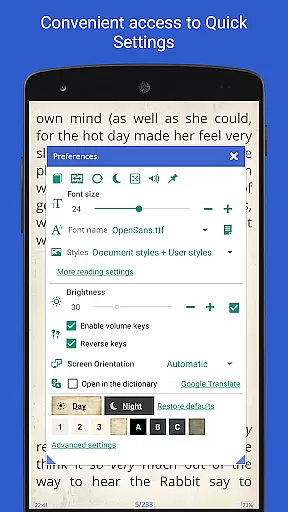
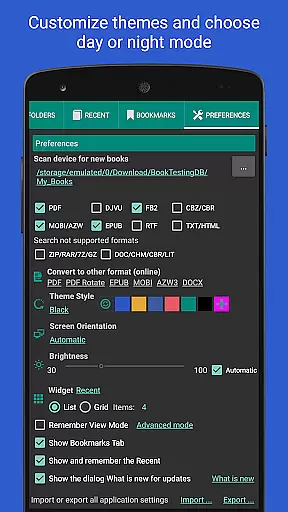
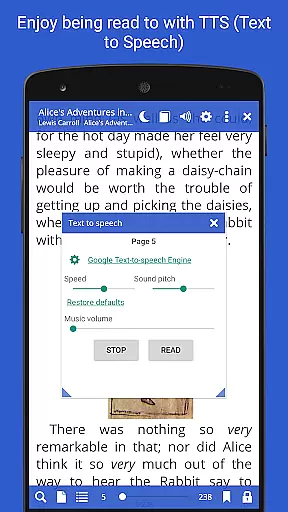
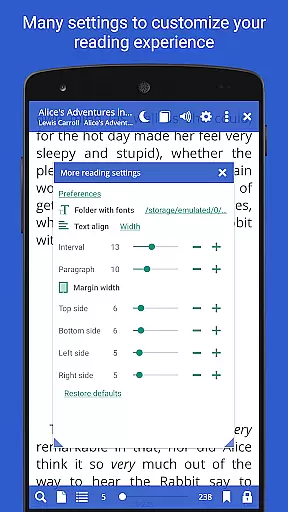
Librera PRO stands out with its comprehensive feature set tailored for avid readers. The app provides powerful document discovery options, including auto-scanning of user-specified folders and an in-app file explorer for easy navigation. Users can enjoy extensive customization with individually configurable Day and Night modes, custom CSS support, and adjustable reading rules for Text-To-Speech (TTS) functionality.
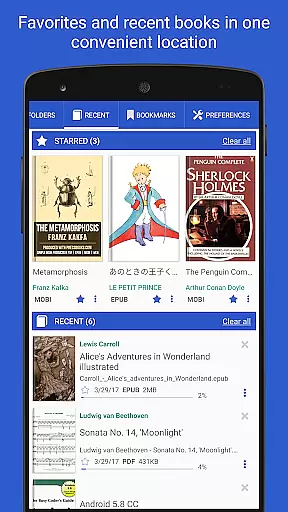
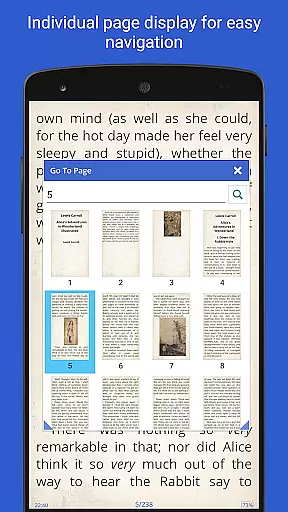
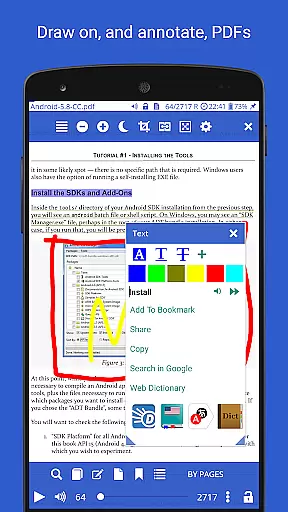
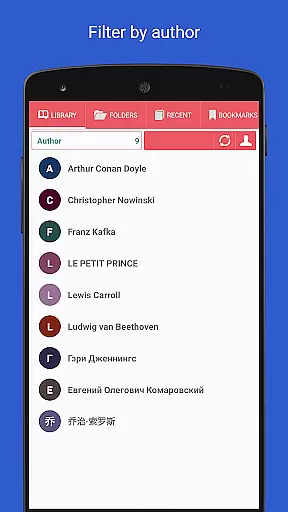
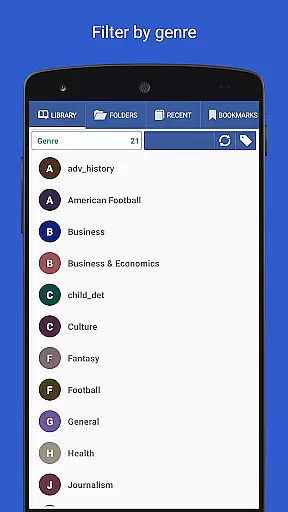
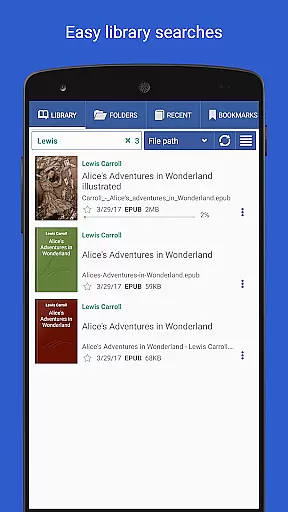
Additional highlights include bookmark and annotation support, single-page view for dual-paged documents, and syncing of reading progress across devices. Whether it's sorting your library with various filters or utilizing the advanced search capabilities for multiple documents, Librera PRO delivers a seamless and enriched reading experience that supports right-to-left languages and offers online document format conversion.
Librera PRO offers an extensive e-book library that supports a wide array of document formats, making it a versatile tool for avid readers and professionals alike. The app's compatibility with numerous formats such as PDF, EPUB, MOBI, and more ensures that users have access to a vast collection of reading materials without format restrictions.
The application emphasizes copyright authenticity by enabling users to import and manage their legally acquired e-books efficiently. With features like auto-scan for user-specified folders and integration with online catalogs (OPDS), Librera PRO simplifies the process of organizing and accessing copyrighted materials from various sources while respecting intellectual property rights.
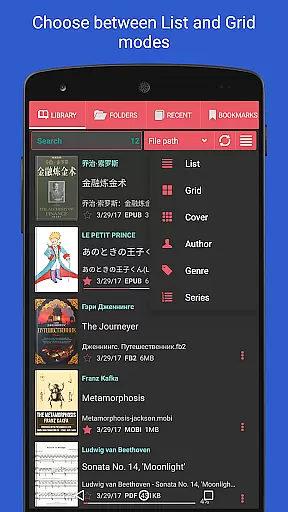
Additionally, Librera PRO enhances the reading experience by providing options-rich lists and configurable settings that allow readers to tailor their library views according to personal preferences. This attention to detail not only enriches the user's interaction with their digital book collection but also reinforces the importance of maintaining a legitimate and well-organized e-book repository.
One of Librera PRO's standout features is its exceptional format compatibility, which allows seamless reading across different file types including PDF, EPUB, DjVu, and many others. This comprehensive support ensures that no matter the source or type of document, users can enjoy uninterrupted access to their content within a single application.
The app goes beyond basic format support by offering advanced functionalities tailored to specific formats. For instance, it provides text reflow and annotation capabilities for PDF documents, enhancing readability and interaction with the text. Such specialized features make Librera PRO an indispensable tool for scholars, professionals, and everyday readers who require flexible and adaptive reading experiences.
Moreover, Librera PRO facilitates easy conversion between formats through its online document format conversion feature. Users can transform their files into more convenient formats without leaving the app, streamlining their workflow and ensuring that all their documents are accessible in the most suitable format for their needs.
User-friendly interface
Wide format support
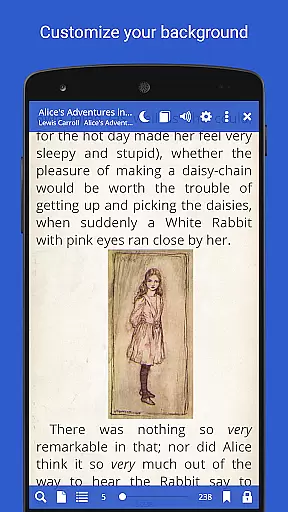
Customizable reading modes
Advanced library organization
Cross-device syncing
Paid PRO version
Complex for beginners
Occasional bugs
Heavy on resources
Limited iOS availability

“I am the Lorax. I speak for the trees.”
 4.80
4.80
Flora of Virginia Project (www.floraofvirginia.org)
5.00
Powerful Bible study tools linked to every verse in an easy-to-use Bible reader!
4.60
Bible, Catechism, Study, Saints, Mass Readings, Rosary, Prayer, Bible in a Year
4.80
CleverBook Pro makes the popular guide for the game even better!
4.00
Offline dictionary for learning Cantonese as a second language
4.90
University of North Carolina Herbarium presents the flora of TN, AL, & MS.
4.0
King James Bible read offline, AI Priest, Bible Quiz, Guiding Prayers & Plans
4.80
Daily thoughts, meditations, and prayers for living a sober life in recovery.
4.90
What’s that bird? Just answer 5 questions, snap a photo, or record its song!
4.90
A lightweight reader for comics and mangas files (.cbr, .cbz, .cbt, .pdf, ...)
4.80
Crowd-sourced listing of businesses with anti-gun signs, and pro-2a alternatives
4.60
The Original & Authentic Crystals, Gemstones, Rocks & Minerals Encyclopedia.
4.60
Unlock unlimited access to bestselling ebooks, novels, stories, and audiobooks
4.60
Bible Spiritual Companion
4.40
“It is fun to have fun, but you have to know how!”
4.40
Daily Bible app: King James Version with verses and audio for studying&prayer
4.40
Essential Technical Rescue Field Operations Guide 6, the Industry Standard Guide
4.20
Read Trending Romance Stories
4.00


User Reviews