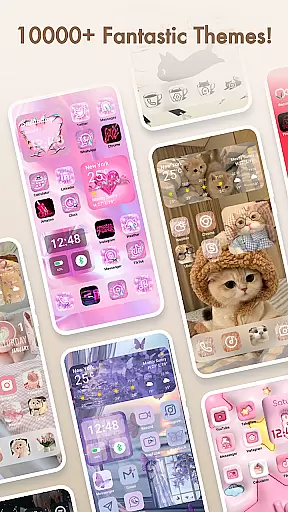
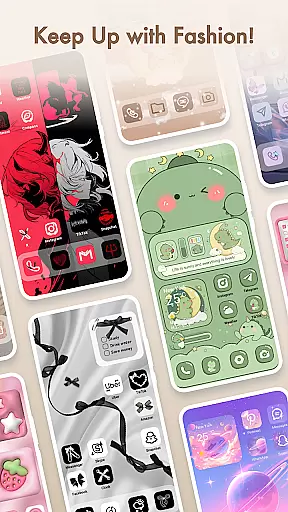
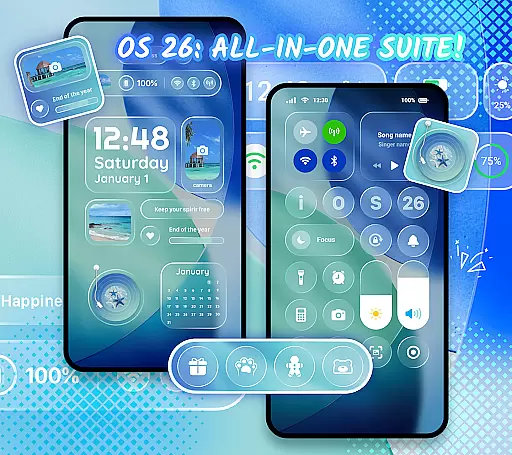
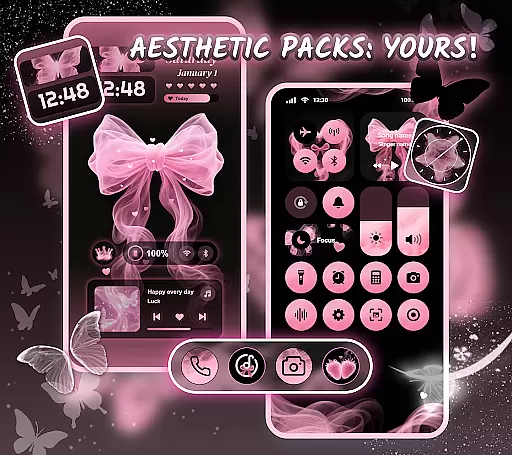
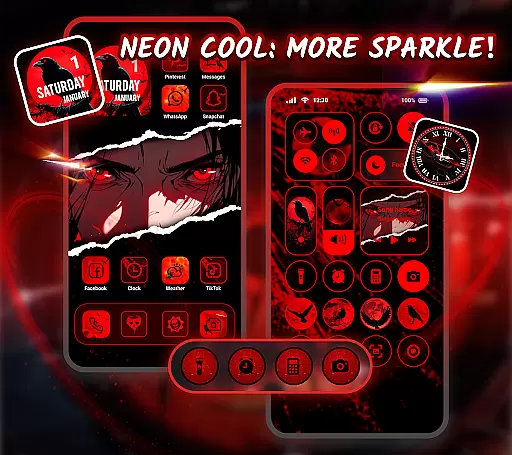
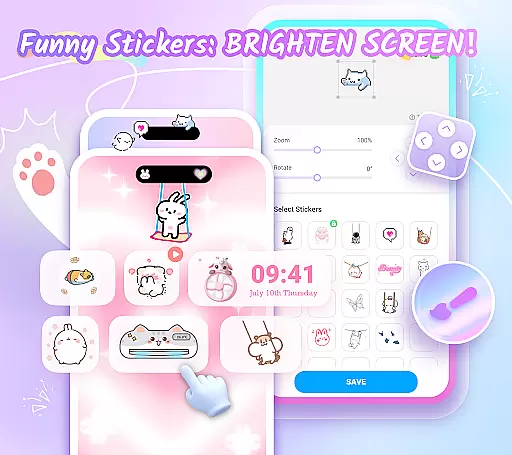
Themepack - App Icons, Widgets is a comprehensive personalization app for Android users who want to design their own home screen. With over 10,000 functional widgets, icons, and wallpapers, the app offers extensive customization options that allow users to express their unique style. Whether you are looking to change your device's aesthetics or enhance its functionality, Themepack provides the tools necessary to create a personalized smartphone experience.
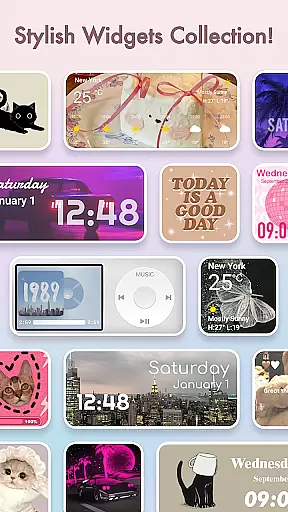
The app includes stylish and custom widgets such as battery indicators, dynamic image effects, calendar, clock, weather, and control panel widgets. These widgets not only serve practical purposes but also add an element of surprise and delight to the traditional home screen appearance. Additionally, users can unleash their creativity by customizing widgets with personal images from their gallery.
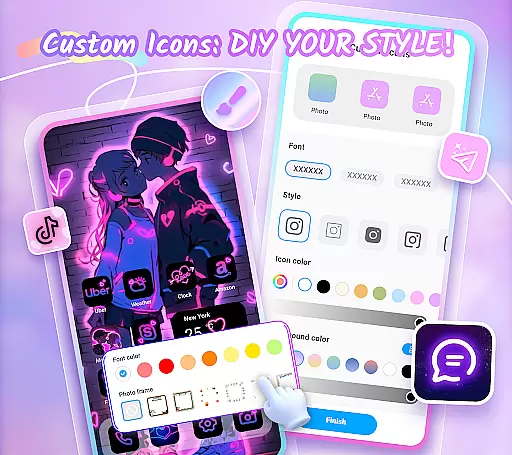
For those interested in deeper customization, Themepack allows DIY icon creation. Users can choose from various icon styles, fonts, colors, transparency levels, and background colors to craft distinctive icons that match their desired applications. This level of personalization ensures that each user's device truly reflects their individuality while offering a visually appealing interface.
Themepack stands out with its rich feature set designed to cater to every aspect of home screen customization. The app offers a wide array of aesthetic backgrounds, K-pop wallpapers, anime themes, neon designs, sports motifs, and festival themes. These visual elements enable users to transform their home screens into stunning displays that require minimal effort for maximum impact.
One of the key features is the ability to customize widgets and icons extensively. Users can modify existing widgets or create new ones using personal photos, giving them complete control over how information is displayed on their home screens. Furthermore, the DIY icon functionality allows users to rename apps with cool fonts and tailor icon appearances through various style options, ensuring a cohesive look across all app icons.
Themepack also emphasizes ease of use and convenience. With one-click replacement options and fast update speeds, users can quickly apply changes without hassle. The app's intuitive interface guides users through selecting and applying themes, making it accessible even for those new to home screen customization. This combination of powerful customization tools and user-friendly design makes Themepack an ideal choice for anyone looking to personalize their Android device.
Themepack offers an extensive range of customization options that allow users to personalize their Android home screens like never before. With over 10,000 functional widgets, icons, and wallpapers, the app provides a comprehensive suite for those looking to express their unique style.
The app includes various widget categories such as battery indicators, dynamic image effects, calendars, clocks, weather updates, and control panels. These widgets not only serve practical purposes but also add an element of surprise by transforming the traditional appearance of device screens.
Users can further customize their experience by selecting images from their gallery to create personalized widgets. This feature empowers individuals to showcase their creativity and tailor their device's aesthetics according to their preferences.
Theme compatibility is at the heart of Themepack's design philosophy, ensuring that all elements within the app work seamlessly together. Whether you're looking for aesthetic backgrounds or specific themes like K-pop, anime, neon, sports, or festival-related designs, Themepack has it all.
The app allows for one-click additions of these visually appealing themes, making it effortless for users to revamp their home screens without spending too much time on the process. The ease of use combined with regular updates ensures that your device remains trendy and fresh.
Moreover, each theme is crafted by top designers who infuse meaning into every detail, be it circles or rectangles. This attention to detail guarantees that whether you choose minimalist or elaborate designs, they will integrate smoothly with other customizations available in Themepack.
Extensive Customization
User-Friendly Interface
Regular Updates
Variety of Themes
DIY Icon Creation
Requires Permissions
Some Features May Be Complex
Limited to Android
Premium Content Available
Occasional Bugs

Customizable flower power digital watch face for Wear OS watches.
 4.00
4.00
Transform your phone with Launcher iOS 26 - Smooth & elegant iOS experience
4.50
Ultimate widget creator. Design custom widgets for a truly unique home screen!
3.90 4.10
4.10 4.50
4.50
Yandex Browser — stylish and secure, with voice search and data compression
4.40
Customize phone with anime themes, 3D icons, aesthetic widgets & wallpapers
4.80
Amazing letter fonts in your messages and social statuses
4.70
Transform your phone with stylish zipper lock themes and 4D live wallpaper
4.10
Only for Wear OS devices!
4.90
Nothing Icon pack with more than 3750+ highly crafted icons.
4.70
Want to make your phone more special than ever?
4.60
Ultimate Gallery Lock App - Hide Pictures, Videos and Lock Apps Instantly!
4.60
Icons made of colorful linear lines
4.60
Art & Emoji Keyboard with Cool Fonts, Cute Themes and Custom Designs.
4.40
Themes - Widget & Wallpaper: Customize home screen, icon changer w unique themes
4.30
Wear Os Watch Face - Seasonal - Animated Snow Effect - 9 Animals
4.20
Crystal-clear, square icon provides a sleek and sophisticated visual upgrade
4.00
Create unique, fun emojis with Funny Emoji Maker! Unlimited creativity!
4.00


User Reviews