
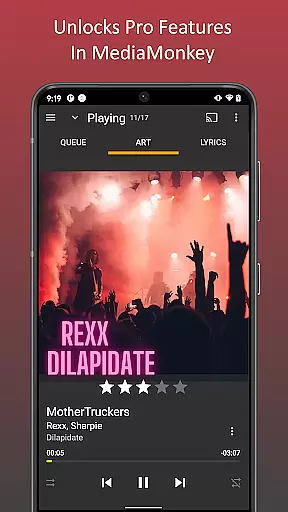
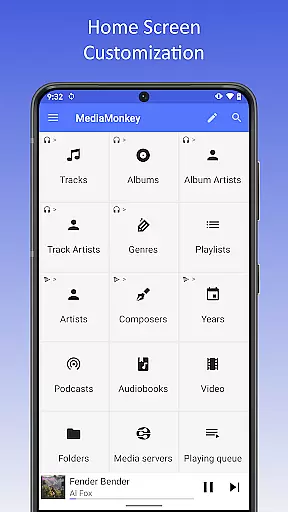
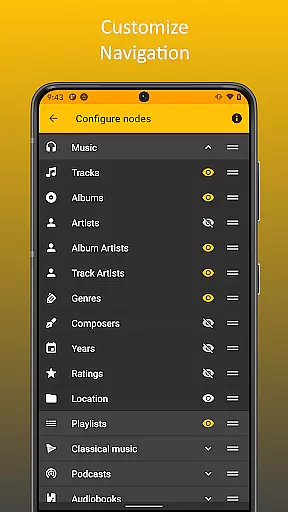
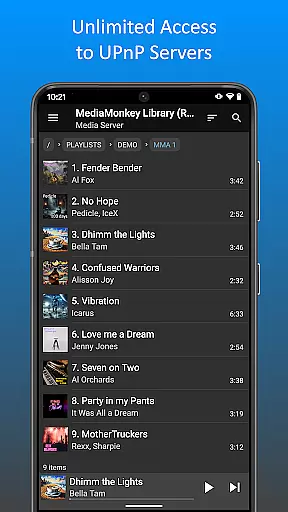
MediaMonkey Pro is a premium music management application designed for serious music collectors who require advanced features and seamless synchronization capabilities. This app serves as an unlock key for the free version of MediaMonkey, providing users access to exclusive functionalities such as Wi-Fi Sync, UPnP/DLNA support, folder browsing, and a configurable home screen.
The app's core strength lies in its ability to wirelessly synchronize a device's music library with a Windows PC, including metadata such as ratings, play history, and volume levels. Additionally, it allows users to stream or download content from UPnP/DLNA servers, making it an ideal solution for managing extensive music collections across multiple devices.
MediaMonkey Pro offers several distinguishing features that cater to audiophiles and music enthusiasts. One of its standout capabilities is Wi-Fi Sync, which enables wireless synchronization of music libraries between mobile devices and Windows PCs. This feature ensures that all user data, including play counts and ratings, remains consistent across devices without the need for manual transfers.
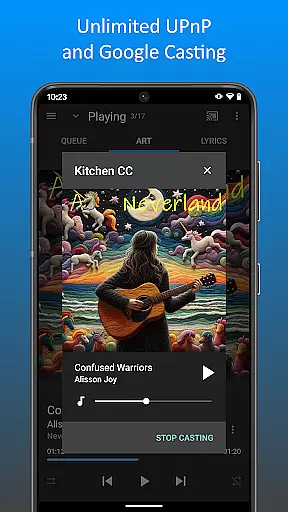
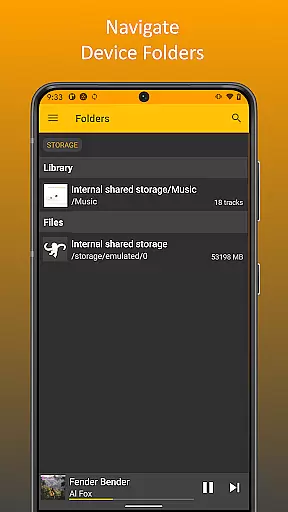
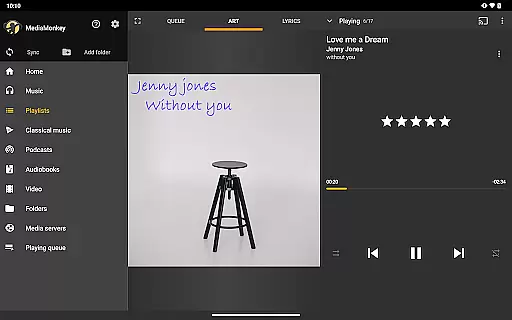
Another notable feature is the app's support for UPnP/DLNA, allowing users to stream or download multimedia content from compatible servers. Folder browsing adds another layer of convenience by enabling navigation through the physical file hierarchy on a device. Furthermore, the configurable home screen empowers users to personalize their experience by choosing which content appears front and center. These features collectively enhance usability while maintaining a high degree of customization.
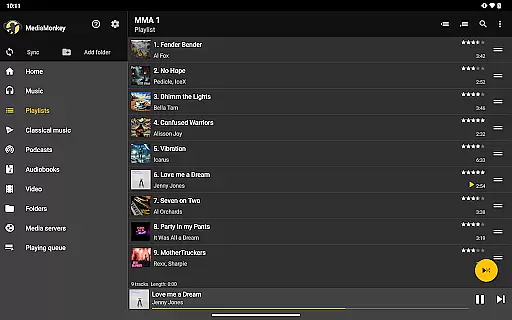
MediaMonkey Pro offers an extensive music library that caters to serious music collectors who value both quantity and quality. The application allows users to manage large collections with ease, ensuring that all tracks are well-organized and easily accessible.
The app places a strong emphasis on copyright authenticity, providing users with peace of mind knowing that their music library is composed of legally acquired content. This feature is crucial for users who want to ensure compliance with legal standards while enjoying a vast array of music.
By unlocking extras such as Wi-Fi Sync and UPnP/DLNA support, MediaMonkey Pro enhances the music listening experience by allowing seamless integration with other devices and systems. These features enable users to expand their library without worrying about compatibility or copyright infringement issues.
One of the standout features of MediaMonkey Pro is its superior audio quality options. The app supports high-fidelity audio formats, catering to audiophiles who demand the best sound quality from their music collection. This ensures that every track sounds as close to the original recording as possible.
In addition to supporting various high-quality audio formats, MediaMonkey Pro also provides users with advanced playback settings. These include customizable equalizer presets and volume leveling options, which allow for a tailored listening experience that can be adjusted according to personal preferences or specific audio equipment capabilities.
Furthermore, the ability to wirelessly sync your device's library with a Windows PC via Wi-Fi Sync ensures that these high-quality audio files are always up-to-date across all platforms. This synchronization feature maintains the integrity of the audio files, ensuring consistent quality regardless of where or how they are played.
Advanced sync options
UPnP/DLNA support
Customizable interface
Seamless integration
Ideal for large libraries
Requires free version
Windows-only sync
Premium cost
Complex setup
Limited mobile features

The Music Journey in Your Hands
 4.30
4.30
10-Band Audio Equalizer, Sound / Bass Booster for Spotify Users & Music Players
4.40
Remove ads permanently from Music Visualizer
4.5
DJ Music Mixer - DJ Remix: remix songs, make beat music & record mix of DJ.
4.40
Permanently backup Now Playing. Maps, filters & listening stats.
4.00
Visualize the guitar fretboard, master scales & play through changes like a pro!
4.50
The best music and audio player, with beautiful UI, music search and equalizer.
4.60
Super Sound Editor, Song Maker & Mixer, Vocal Remover, Voice Recorder & Changer!
4.60
One-tap booster for max volume - enjoy powerful sound with this audio booster
4.50
Play your hearts out on TouchTunes jukeboxes & connect with fellow music lovers.
4.80
Simple & Intuitive Metronome
4.70
SqueezePlayer turns your Android phone or tablet into a SqueezeBox on its own!
4.60
Taal player that lets you sing any Indian & Western song with Tabla & Tanpura
4.60
Bass Booster & Volume Equalizer Pro improves your music and video sound quality
4.60
Time Guru will strengthen your internal sense of musical time via random muting.
4.30
Enjoy singing any song, no matter how high or low it is
4.30
No wifi music app. Mp3 offline. Tuner radio, young radio music. Music downloader
4.20
Simple mp3 and mp4 player with advanced features.
3.40
The Minimalistic Premium Music Player. Handmade with passion for music
2.20


User Reviews