
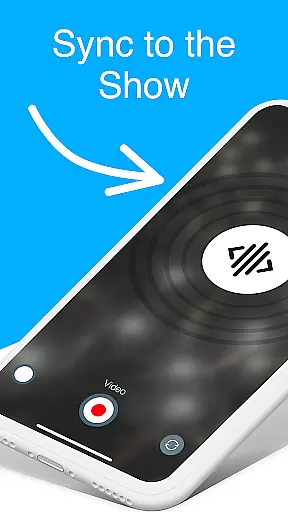

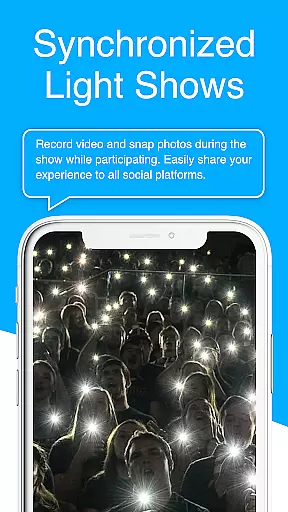
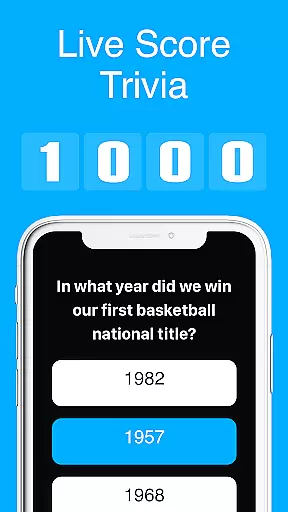
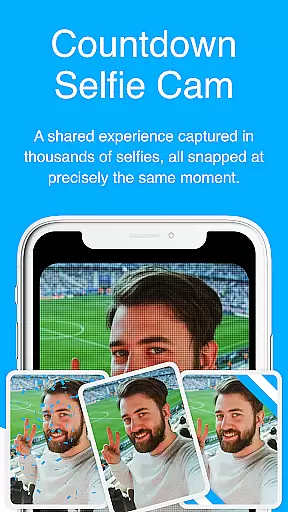
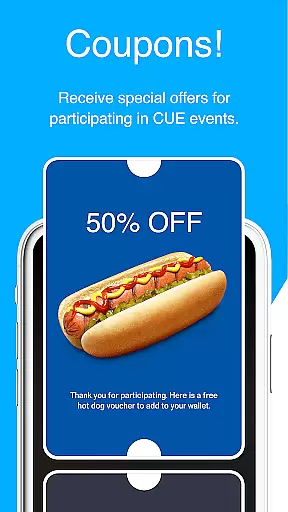
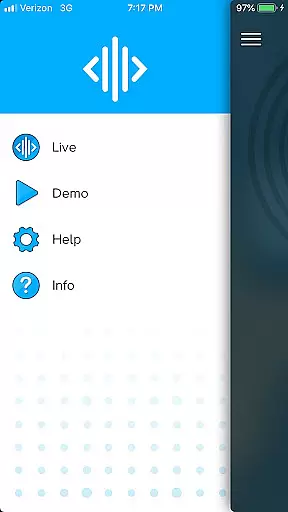
CUE Live is an innovative application designed to enhance event experiences through the use of inaudible, ultrasonic sound waves. This technology facilitates the transmission of data and synchronization of devices at events enabled with CUE technology. Attendees can activate their smartphones to participate actively in the event, making it an interactive experience for both live and remote audiences.
One of the standout features of CUE Live is its ability to transform a passive audience into active participants. By simply activating their phones, users can influence the visual and auditory atmosphere of the event, effectively becoming co-creators of the show. Whether you're attending in person or tuning in from home, CUE Live bridges the gap between performers and the audience, creating a unified and immersive experience.
The app's potential applications are vast, ranging from concerts and conferences to virtual meetups. It allows event organizers to engage their audience like never before, offering them the chance to influence the event's dynamics in real-time. This not only enhances user engagement but also significantly boosts the overall value and memorability of the event.
CUE Live stands out due to its unique utilization of ultrasonic sound waves for data transmission and device synchronization. This cutting-edge technology ensures seamless interaction between the event and its attendees without any perceivable delay or interference. The app supports various modes such as UPN and DJ Mode, which can elevate the event experience by allowing more personalized and dynamic interactions.
Another remarkable feature is the live demo capability, where users can witness the app's power firsthand. With just a click of a button, users can trigger different colors and visual effects on the event's website, showcasing the potential of CUE Live in creating an interactive environment. This feature not only serves as a demonstration of the app's capabilities but also acts as an engaging tool for users to understand its functionality better.
Furthermore, CUE Live offers versatility in its application. From enhancing live performances to enabling interactive sessions in virtual conferences, the app provides a comprehensive solution for modern event management. Its ability to synchronize numerous devices simultaneously makes it an invaluable tool for large-scale events aiming to deliver a cohesive and engaging experience to their audience.
Task creation and detail customization are essential features for event management applications like CUE Live. This functionality allows users to set up specific tasks related to the event, ensuring that every aspect of the event is covered.
CUE Live leverages ultrasonic sound waves to synchronize devices at events enabled with CUE technology. Users can create tasks that activate attendee's phones, making them part of the show. The app provides options to customize these tasks with various details such as timing, effects, and triggers.
By using this feature, event organizers can enhance audience engagement by allowing them to trigger different colors and visual effects through their smartphones. This not only creates an interactive environment but also ensures that all participants have a personalized experience tailored to the event's theme.
The ability to meticulously plan and execute tasks adds significant value for both event organizers and attendees. It streamlines operations behind the scenes while delivering a seamless and captivating experience on the front end, making each event memorable and unique.
Reminder settings in event applications play a crucial role in keeping both organizers and attendees informed and punctual. For an app like CUE Live, which synchronizes devices at CUE-enabled events, reminders ensure that no key moment is missed.
CUE Live uses inaudible ultrasonic sound waves to relay data and synchronize devices during live events. The reminder settings within the app allow users to receive timely notifications about upcoming segments or changes in the schedule. This keeps everyone aligned and engaged throughout the event duration.
Users can customize reminder settings according to their preferences, choosing how far in advance they wish to be notified. Whether itu2019s switching UPN modes or activating DJ mode, these reminders help elevate the overall event experience by maintaining smooth transitions between different phases.
Ultimately, having robust reminder settings enhances user satisfaction by providing timely updates and ensuring active participation. It helps maintain the flow of the event, contributing to its success and leaving a lasting impression on all participants.
User Engagement
Innovative Technology
Real-Time Interaction
Versatile Application
Enhanced Event Experience
Requires CUE Enabled Events
Limited Use Cases
Dependent on Ultrasonic Waves
Potential Connectivity Issues
Event Specific Functionality

Manage all your events, leads, ticketing, payments and check-ins.
 4.30
4.30
PheedLoop Go! is the mobile event app for events powered by PheedLoop.
4.40
Listen Full Quran MP3 Offline - Qibla Compass, Salah Timing & 99 Names of Allah
4.60
Track birthdays, habits & goals. Unlimited countdowns and count-ups
4.20
Meet people over dinner
4.40
Introducing the official Magic: The Gathering app for mobile.
4.20
Freebie Games for Epic Games, Steam, Amazon, Rockstar etc.
4.40
Find Live Event Ticket Deals to Sports, Concerts, Festivals, & Comedy For Less!
4.80
Buy tickets for any event!
3.90
TodayTix is the easiest way to get tickets to the best shows in your city.
4.90
Beautiful invitation cards + easy RSVP tracking for any event. Design Invites.
4.80
Plan your wedding for free on the go: vendors, budget, website and checklists!
4.80
Discover events, experiences, and things to do near you - Anytime, Anywhere!
4.70
The official app for Sched events! View your event schedule here.
4.20
The Official App
3.70
RAISE-365 makes fundraising easy and fun!
3.20
Create Birthday Cards in Birthday Invitation Maker and Birthday Card Creator App
3.00
TV Garden is a video player to play your own TV streams from around the world!
4.2
The Official Football Ticketing App for Fans in Qatar
4.4


User Reviews